
Free 
Arrma Firma 35mm ESC Fan Grill Cover Guard Screen
MakerWorld
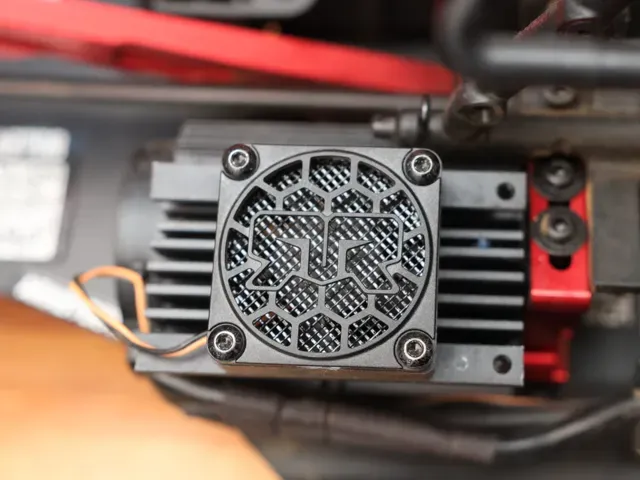
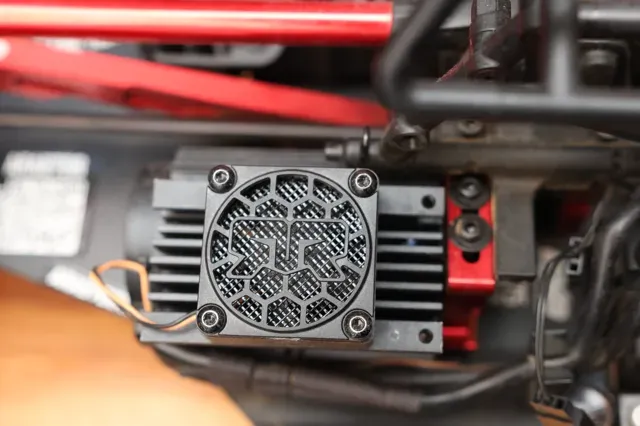
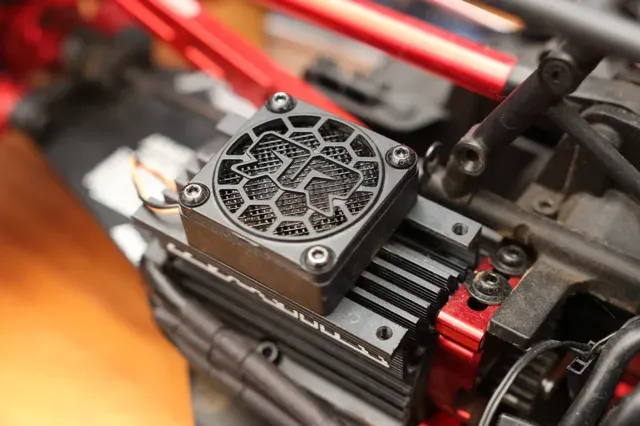
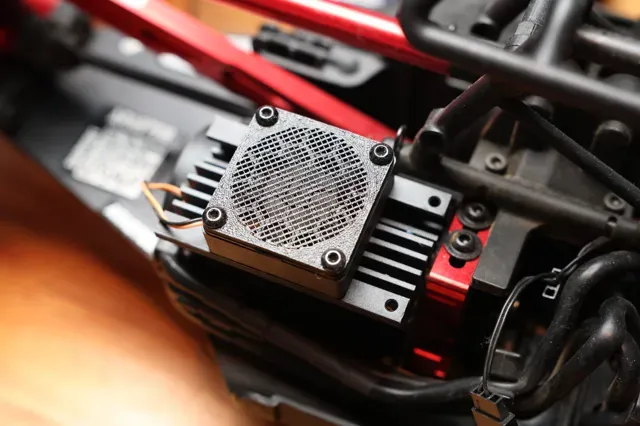
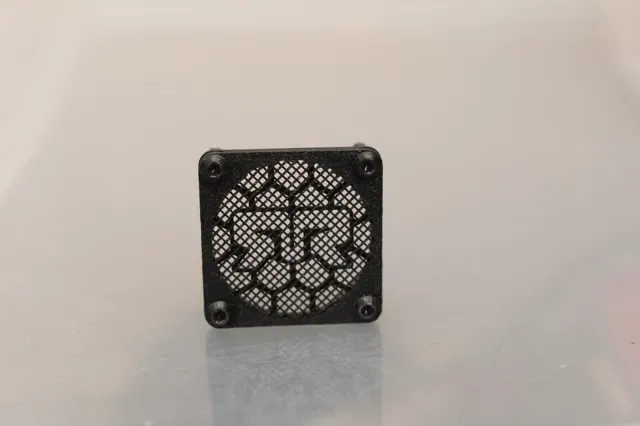
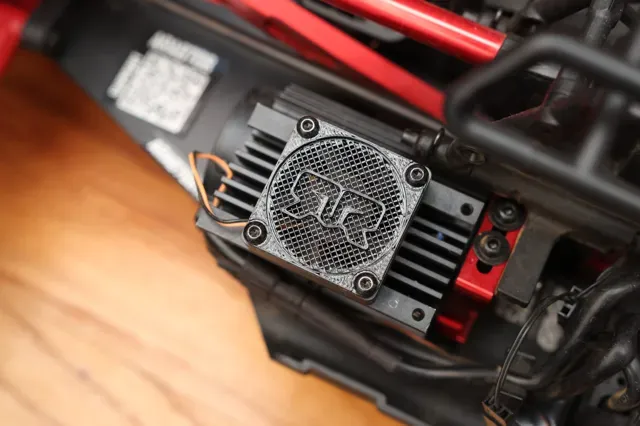
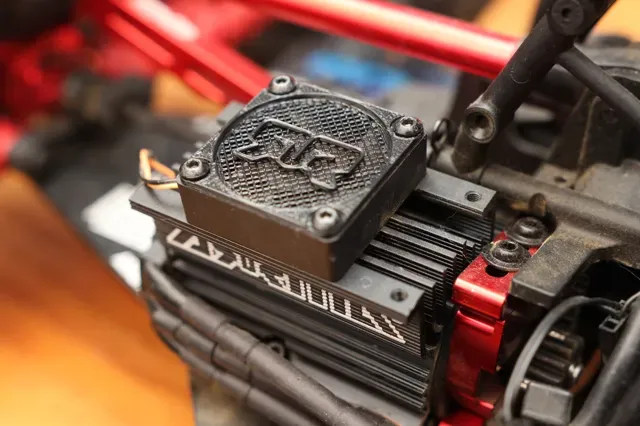
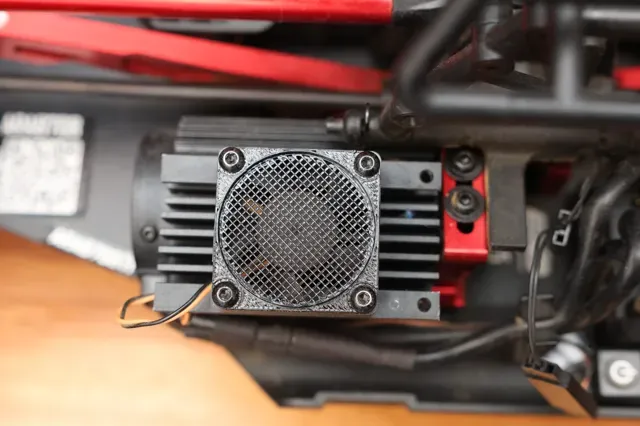
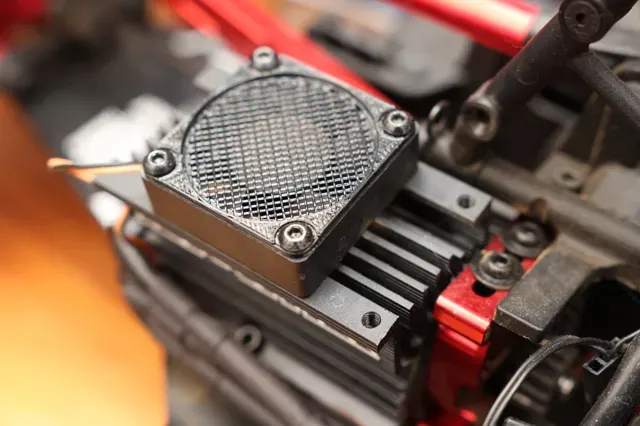
Fan grill custom-made for Arrma's 35mm Motor Fan. Prevents pebbles from impacting your fan blades. Quick and easy printing (less than 5 minutes!).
Goes well with the 35mm ESC Fan Grill: https://makerworld.com/en/models/1043047
You have four options to choose from: Under, Over, Replacement, & Replacement (No Logo)
Under
Low-profile grill installs under the stock Arrma grill. Preserves the look of the stock grill the best.
Over
Low-Profile grill installs over the stock Arrma grill. Better protection, but more difficult to see the Arrma logo of the stock grill
Replacement
This version replaces the stock Arrma grill. Good solution when the stock grill is lost or damaged. Note: It's okay to ignore the floating regions warning.
Replacement (No Logo)
This version replaces the stock Arrma grill but doesn't have a logo. Good solution when the stock grill is lost or damaged or if you just want to keep it simple.
Adjusting the Mesh Density
If you find the mesh is too dense and impeding too much airflow, you can lower the impedance by decreasing the mesh/screen density by adjusting the "Sparse infill density" of the "Mesh" object. This will obviously give you less protection from smaller debris, but that's the trade-off. To do this in Bambu studio:
- Switch to Objects view - Click on the object named, “Mesh.” - In the Frequent or Strength tab, you can change the “Sparse infill density” to whatever you like. I selected 30% by default, but you can go lower to 15% (or even higher if you like). - Re-slice and you'll see the new mesh in the preview page
Under
Replacement Note: It's okay to ignore the floating regions warning. The logo is sitting on top of the mesh grill part so it looks to be floating to the slicer. But it's okay because it will print on top of the mesh part, which is a separate object that is directly underneath the logo.
Over
Replacement (No Logo)
Names are used only to indicate the source of a result. Polyzon is not affiliated with the listed sites.