
Free 
Universal Magnet Insertion Tool (2 color NO AMS)
MakerWorld
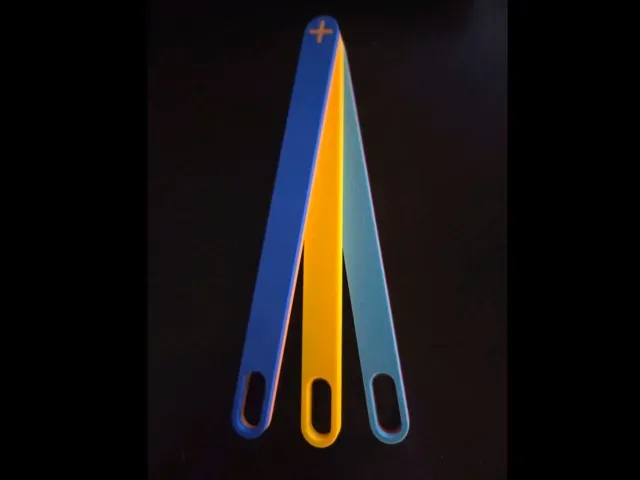
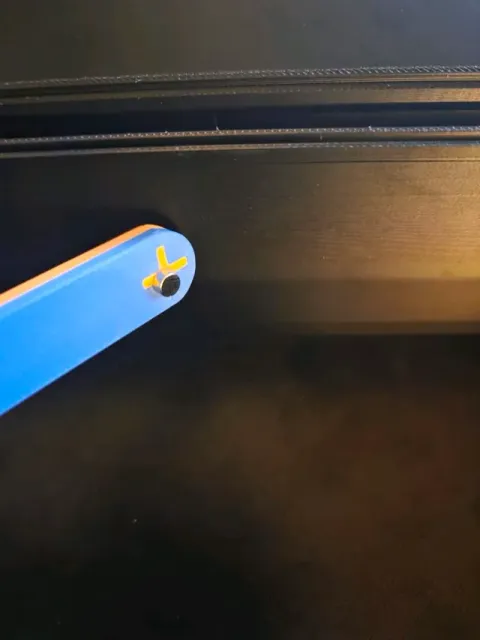
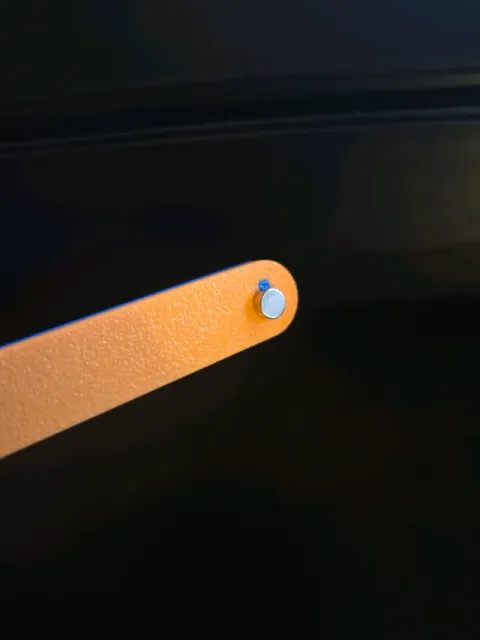

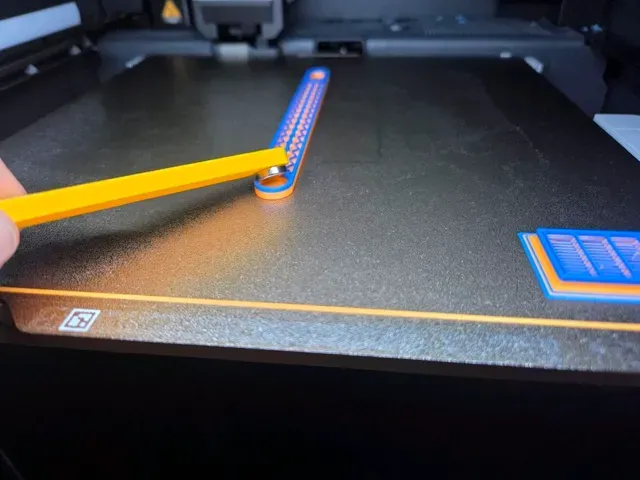
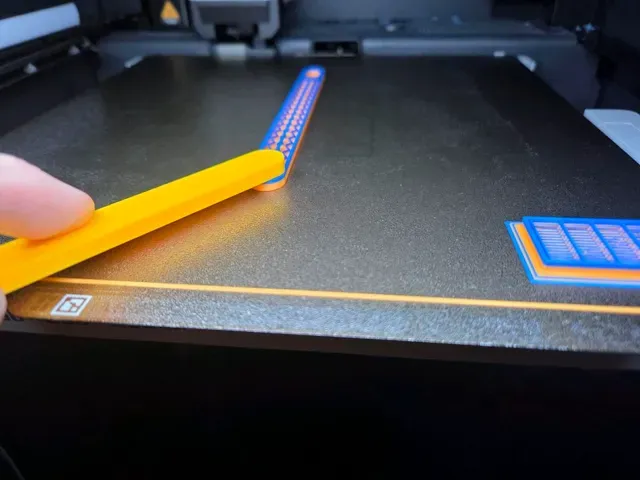
Boost Me If you find this useful, I would appreciate a boost! Even if you don't have a boost to give, don't forget to rate it and share a pic! If you're embedding magnets into your print mid-print, you know it can be a pain to make sure you have the right polarity. Marking your magnets with a sharpie works sometimes, until you accidentally wipe it off with your finger! Using some of the existing magnet tools works ok, but alot of times are difficult to fit into the area where you're inserting a magnet due to the height of the tool, plus you gotta keep 2 of them around, one for positive, another for negative, and some you even have to have multiple tools for various magnet sizes.
The Universal Magnet Insertion Tool™ takes care of all those concerns!
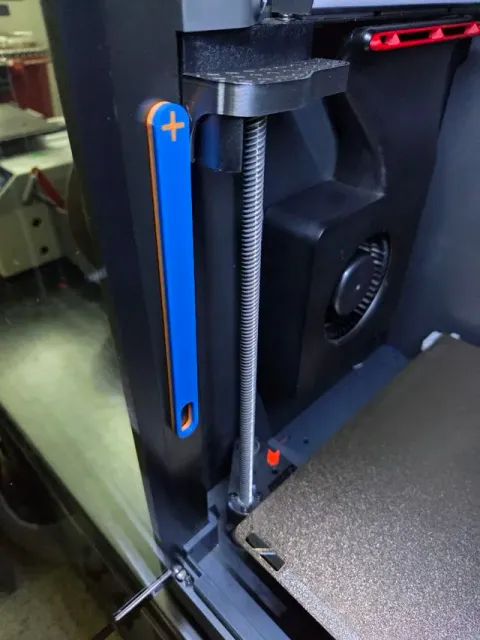
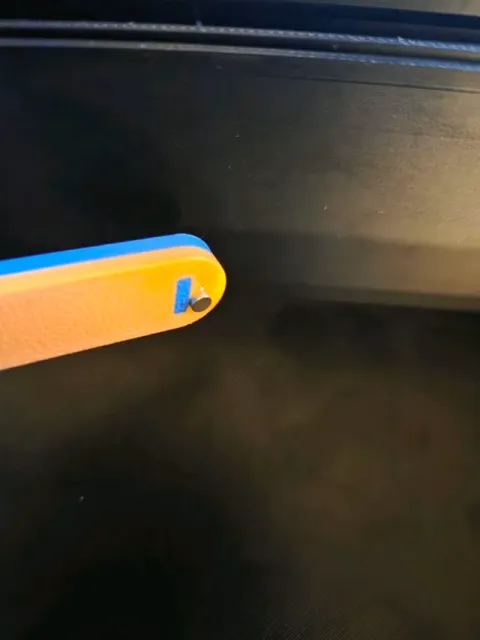
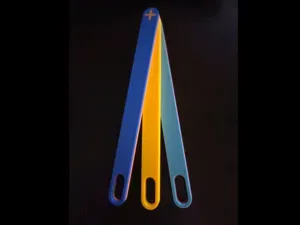
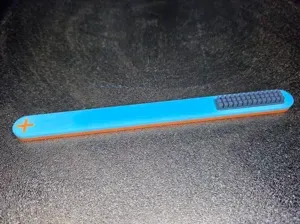
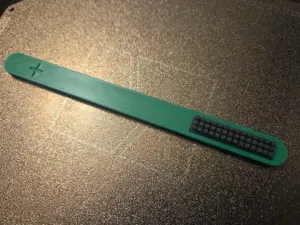
- Can work to insert virtually any size magnet - One side is + and the other is -, so only one tool needed - Slim design only requires one 10x3mm magnet , and allows you to insert a magnet in tight spaces - Long handle gives you a firm grip, and allows you to reach the back of the chamber easily - 2-Color design allows you to easily know which polarity your magnets are being inserted - This print has a pause automatically inserted , so when it pauses, insert the magnet, and resume printing. The end of the tool with the magnet is intentionally positioned near the front of the plate so if you don't have a UMIT™ already, you can use your hands or another tool to insert your magnet.
Other versions
With nozzle brush
- 2-Color version that can be done using the AMS - 2-color version that can be done with a simple pause (includes filament change half way through the print) - 2-Color prints too long for you? You can opt to use the 1-color version and rely on the “+” and “-” debossed symbols only Without nozzle brush
- No AMS? No problem, check out the 2-color version that can be done with a simple pause and filament change half way through the print - 2-Color prints too long for you? You can opt to use the 1-color version and rely on the “+” and “-” debossed symbols only
2-Color with AMS 0.2mm layer, 3 walls, 15% infill 2-Color version using AMS
1 Pause to add magnet, then resume.
10x2 magnet profile
A1 Mini profile 0.2mm layer, 3 walls, 15% infill For some reason the original profile doesn't show up for the A1 mini, so I uploaded this one specific for it. Both are identical and work on either printer when using the slicer, but for printing from the handy app, I wanted this to be available.
For 8 x 3 mm magnets Same settings as the original, but with an internal hole of 8.3x3.2 mm to fit a magnet inside of 8x3 mm.
Enjoy!
Names are used only to indicate the source of a result. Polyzon is not affiliated with the listed sites.