
Free 
Rhombic Dodecahedral Sierpiński Fractal Pyramid - Level 3 (Vase Mode Version)
Printables
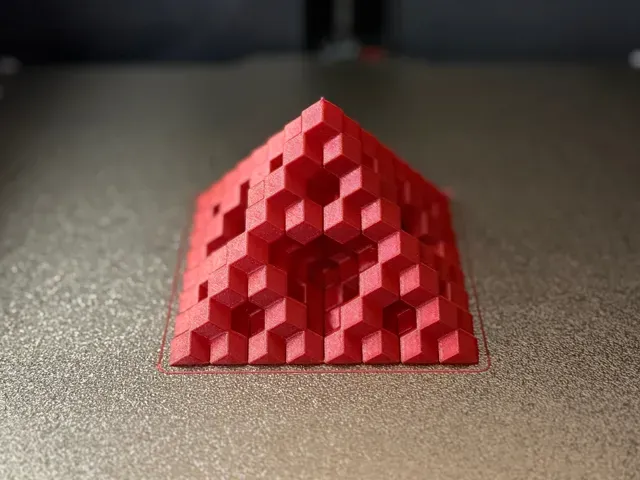
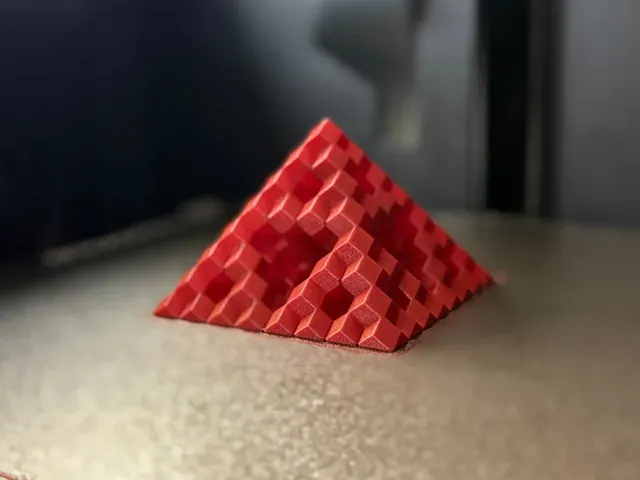
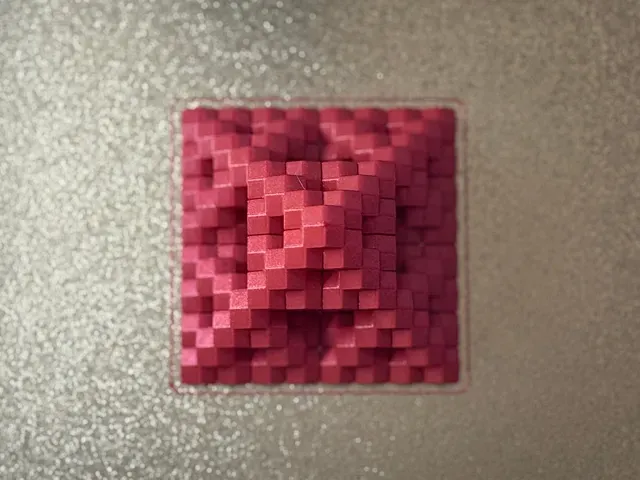
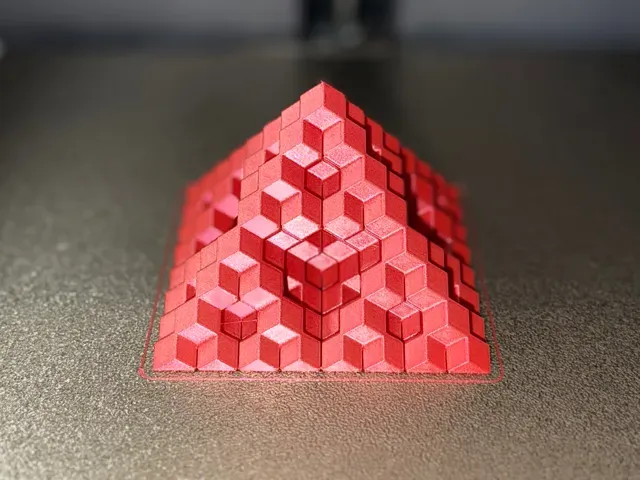
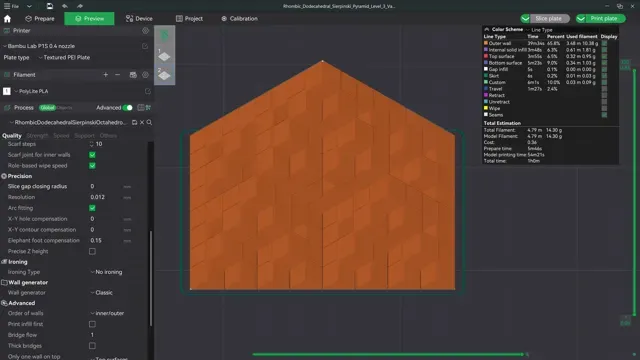
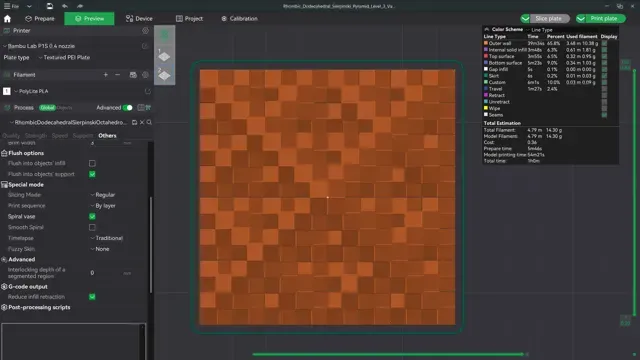
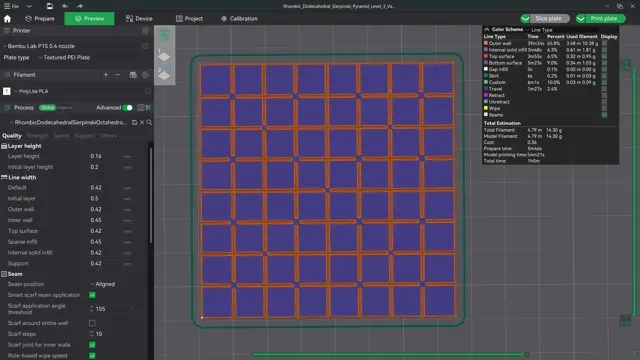
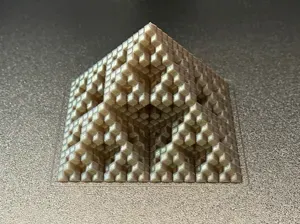
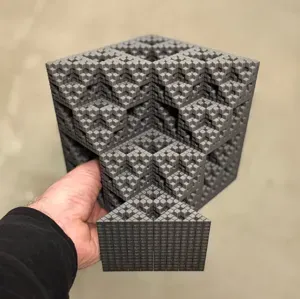
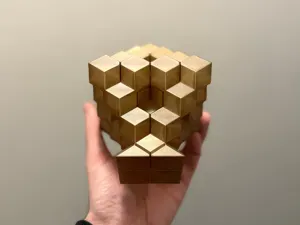
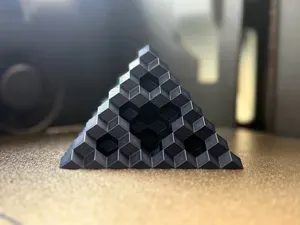
This model features a Level 3 Sierpiński Pyramid fractal structure made from Rhombic Dodecahedra instead of Octahedra, designed with strategically placed gaps for seamless vase mode printing.
I've included a print profile for a pyramid with a base of 75x75mm, which you can see in the photos above.
Optional: Print and glue two pyramids together at the base to see the full fractal form! The seam will be visible, so it'll be up to you to disguise it. Alternatively, I have a version coming soon that includes the full form with an attached base. Stay tuned!
I hope you enjoy printing this model as much as I enjoyed designing and testing it! 😁
Here are the print settings for FDM printers -
Layer Height: 0.16mm Vase Mode: Enable vase mode ( Leave “smooth spiral” unchecked ) Infill: 0% (This is activated by default in Vase mode) Supports: None Slice Gap Closing Radius: 0.00 (You must set this value to zero . The model may not slice properly if you don't do this.) Skirt: Enable a skirt for the first layer.
More info about the Settings:
This model was created and optimized for FDM printers with vase mode enabled. For best results, use spiral vase mode with the smooth spiral option unchecked in your slicer settings. If you don’t see the smooth spiral checkbox in your slicer, no worries—just be sure to use Spiralize Outer Contour (or a similarly named option in your slicer, such as spiral/vase mode).
Ensure your slice gap closing radius is set to 0, as this is critical for proper vase mode printing. Without this setting, the slicer may close gaps that are necessary for the model to slice and print correctly.
Enable the “Skirt” option in your slicer to maintain consistent nozzle pressure from the start. Without it, one of the first layer’s corners may appear deformed due to unprimed nozzle pressure. The skirt also acts as a final safeguard, helping to catch any stray bits of filament that might try to hitch a ride on the nozzle before reaching the first layer of your print. 😆
If you find yourself having trouble, don’t hesitate to reach out. I’m happy to help!
Have fun! 🥳
License Information:
This model is licensed under Creative Commons Attribution-NonCommercial-NoDerivatives (CC BY-NC-ND) . You may share, copy, and redistribute this file for non-commercial purposes with proper attribution. However, you may not modify or create derivative works from this model. Selling this model, either digitally or as physical prints, is strictly prohibited.
*Selling physical prints of my designs is only permitted if you are an active member of my Authorized Seller tier on Patreon, Printables, or MakerWorld.* To learn more, visit https://www.patreon.com/c/endlessdesignlab
Thank you for downloading and supporting Endless Design Lab!
Stay tuned for more mind-bending designs coming soon.
🌌
Vase Mode | 75x75mm Size | 0.4 Nozzle | 58mins | 14g PLA This print profile will print the exact model shown in the photos.
Be sure to adjust your settings as needed to match your build plate and filament type.
I'll leave the print settings here in case you need them for any reason.
Layer Height: 0.16mm Vase Mode: Enable vase mode ( Leave “smooth spiral” unchecked ) Infill: 0% (This is activated by default in Vase mode) Supports: None Slice Gap Closing Radius: 0.00 (You must set this value to zero . The model may not slice properly if you don't do this.) Skirt: Enable a skirt for the first layer.
More info about the Settings:
This model was created and optimized for FDM printers with vase mode enabled. For best results, use spiral vase mode with the smooth spiral option unchecked in your slicer settings. If you don’t see the smooth spiral checkbox in your slicer, no worries—just be sure to use Spiralize Outer Contour (or a similarly named option in your slicer, such as spiral/vase mode).
Ensure your slice gap closing radius is set to 0, as this is critical for proper vase mode printing. Without this setting, the slicer may close gaps that are necessary for the model to slice and print correctly.
Enable the “Skirt” option in your slicer to maintain consistent nozzle pressure from the start. Without it, one of the first layer’s corners may appear deformed due to unprimed nozzle pressure. The skirt also acts as a final safeguard, helping to catch any stray bits of filament that might try to hitch a ride on the nozzle before reaching the first layer of your print. 😆
If you find yourself having trouble, don’t hesitate to reach out. I’m happy to help!
Have fun! 🥳





Names are used only to indicate the source of a result. Polyzon is not affiliated with the listed sites.
Comments