
Free 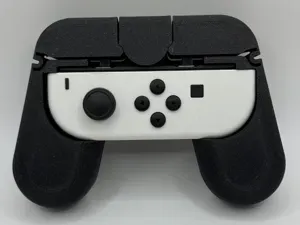
JoyCon Controller Grip V2.2
MakerWorld
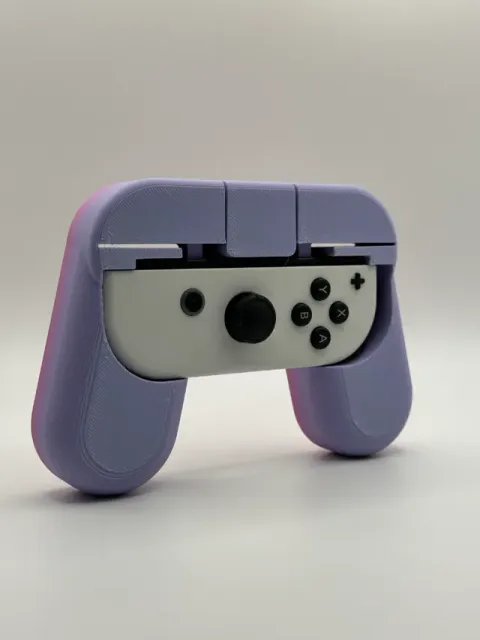
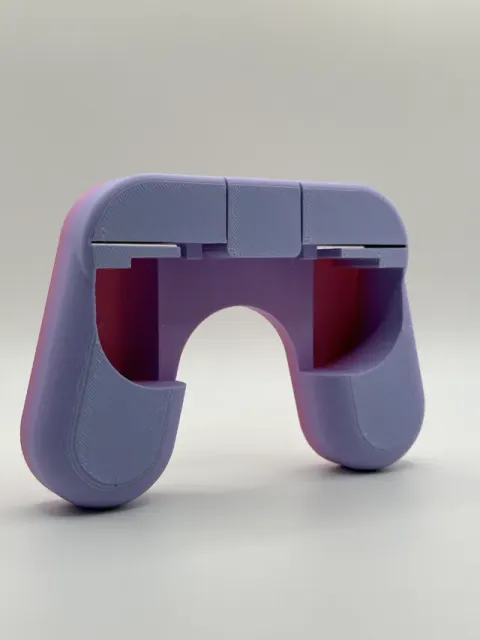
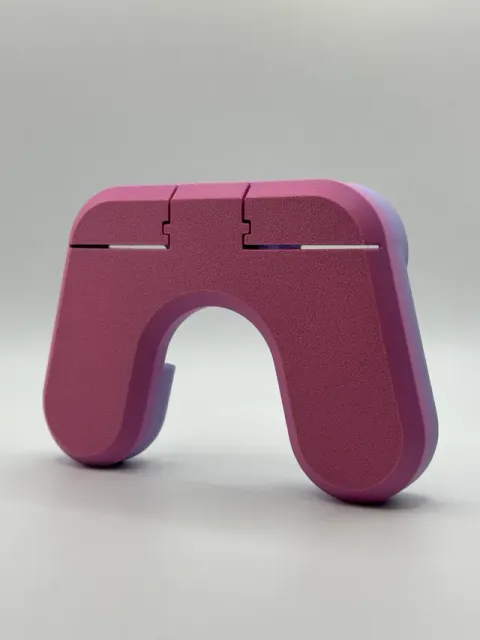
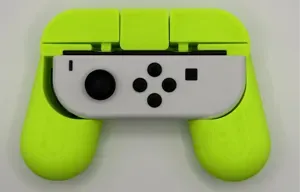
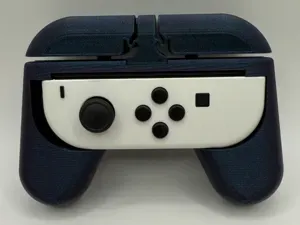
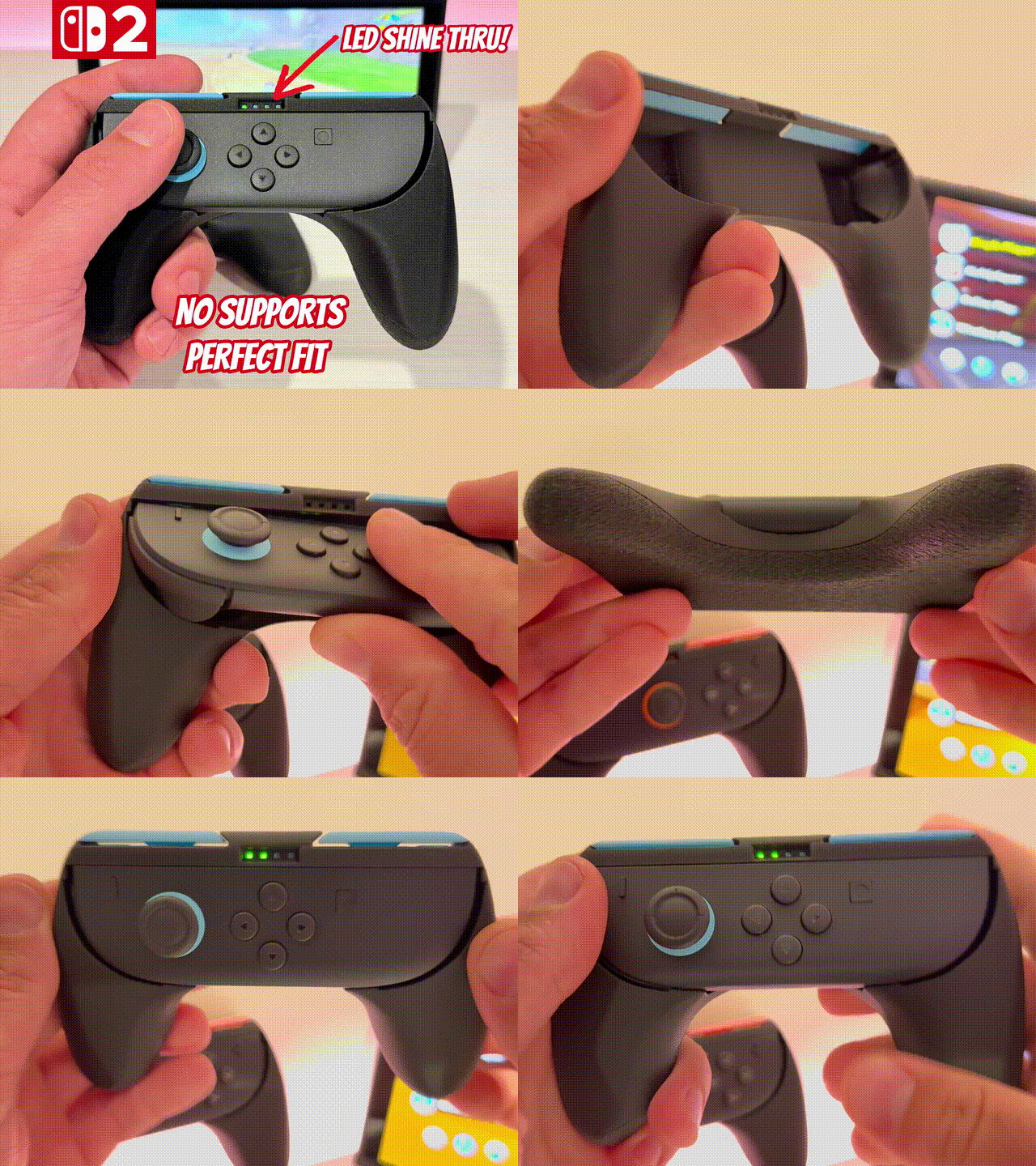
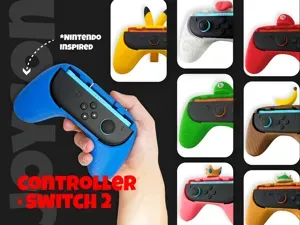
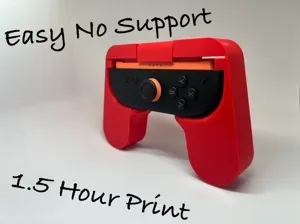
Boost Me If you like this model and want to support me (for free), please consider Boosting me. Thanks! Membership Do you want to sell physical prints of this or any of my other models? Join my commercial license membership to be granted a commercial license! This prints in place in one piece without any needed supports. Just take it off your print bed, insert a JoyCon and you're ready to play!
This will accommodate both the left and right JoyCon.
This is v2.0 that uses a chamfer on the bottom rather than a fillet from v1.0 to improve printability.
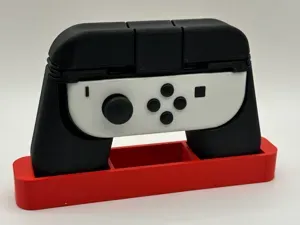
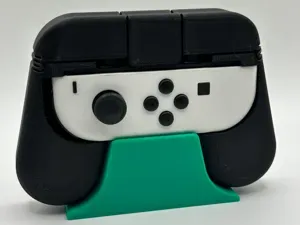
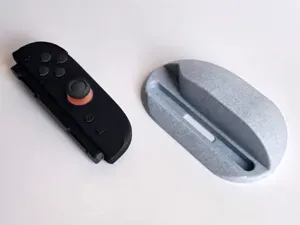

UPDATE 09/29/24: I now have two different styles of stands available.
Display Stand
Standard Stands
0.2mm layer, 3 walls, 10% infill - 0.2mm layer height - 3 walls/perimeters - 3 bottom layers - 4 top layers - 10% rectilinear infill - Prints without supports!
Ultra smooth, variable layer height + Ironing, 2 walls, 10% infill The combination of variable layer height and Ironing create a really smooth feel to the grip.
A1_mini 0.2mm layer, 3 walls, 10% infill
Variable 0.2mm layer, 3 walls, 10% Gyroid infill Printed in Bambu PLA silk
Same as designers profile but added
- gyroid infill - variable layer height - max 0.2mm layer height
#IRONING smooth surface Ironing
Please give me a feedback, and thank you for a rating.
0.2mm layer, 2 walls, 30% infill I added a Fuzzy Skin to the Object so the Print does not have the typical Printlines and feels more “premium”.
45g total filament, 0.2mm layer, 2 walls, 10% infill Works great. I tried to use as little filament as possible, Thus, the top layer is a little stringy. I would recomend adding another layer. However, it really does work just fine without the extra layer.
0.1mm layer, 3 walls, 10% infill, Combined Infill I kept having issues around the corners being rough so I changed a few things around. Saved a bunch of time by doing combined infill
0.6mm nozzle, 0.3mm layer, 3 walls, 10% infill 0.6mm nozzle
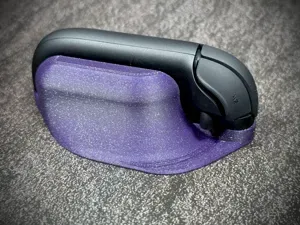
0.2mm layer, 3 walls, 10% infill Printed with my bambu lab A1 mini (AMS needed) with bambu lab white PLA basic and Red PLA basic. It works well although Buttons Left and Right are quite hard.
Names are used only to indicate the source of a result. Polyzon is not affiliated with the listed sites.
Comments