
Free 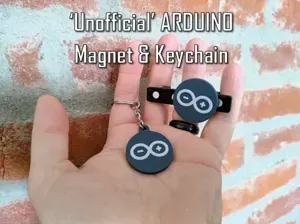
'Unofficial' ARDUINO Magnet & Keychain
MakerWorld
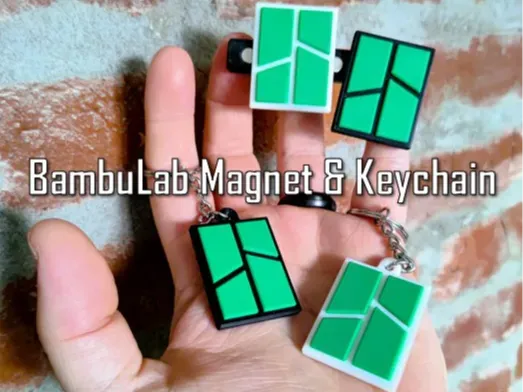
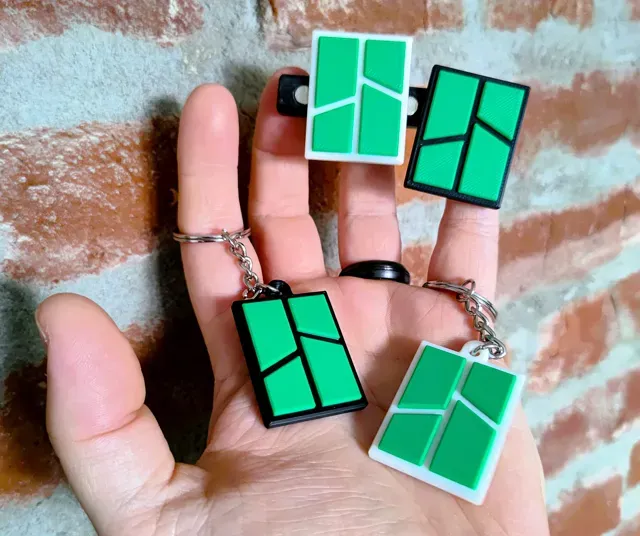
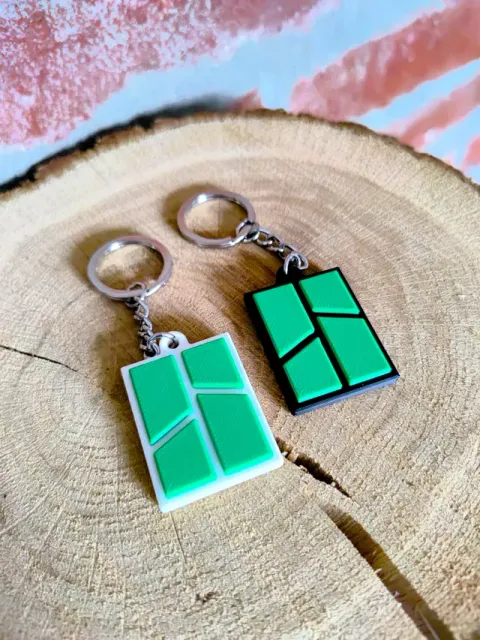
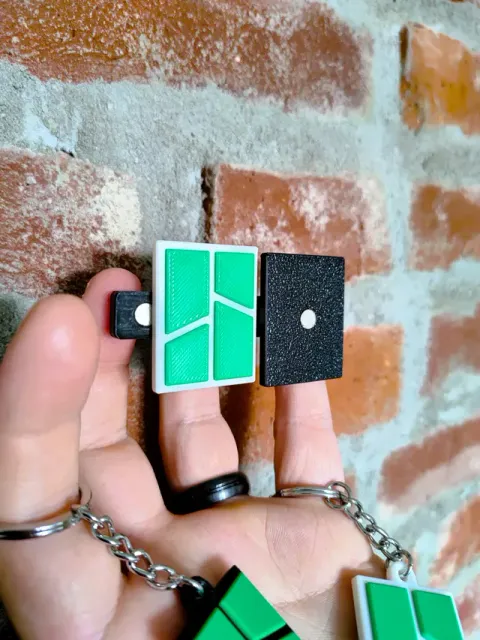
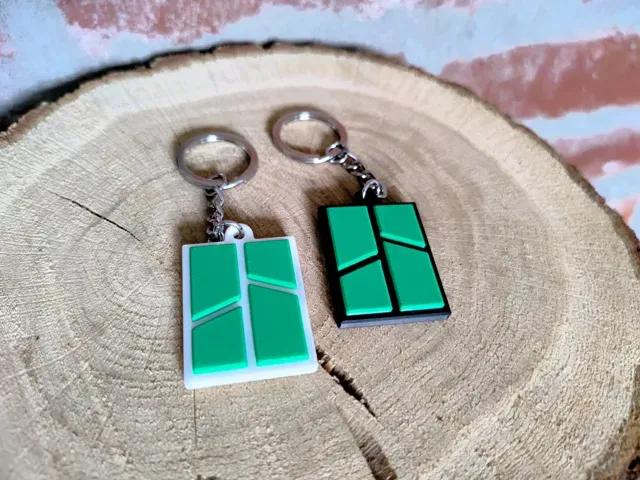
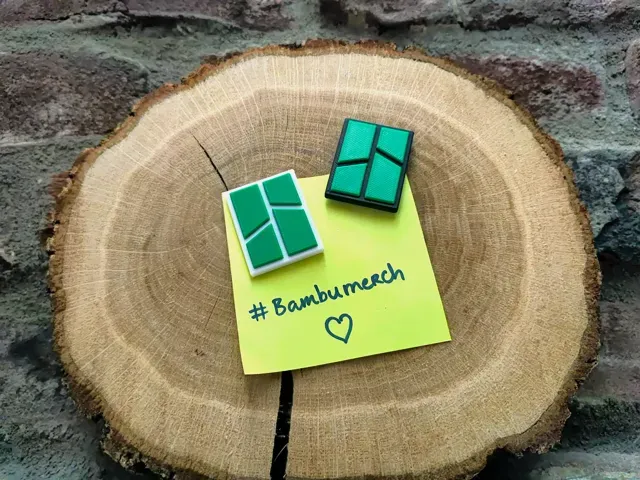
Unofficial Bambu Lab Magnet & Keychain
This magnet & keychain are just a simple start of bringing some Bambu themed items into your home or workspace.
There are 2 profiles for each items: one for the use with an AMS and one without the need for an AMS.
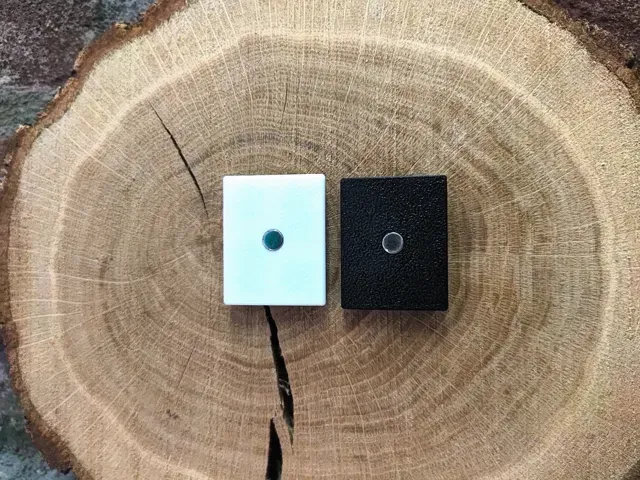
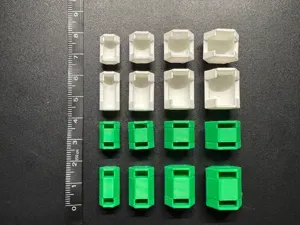
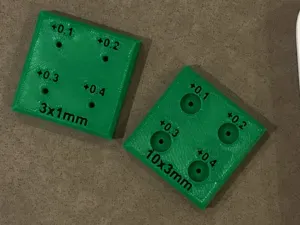
Magnet: Within each profile you will find a number of magnet models with each of them supporting a different size of neodymium magnet which are available on the Bambu Store.
Keychain: The hole and thickness of the model is 3,5 mm. The keychain split rings from the Bambu Store will work as will any other 3rd party keychains available of similar size.
Magnets supported:
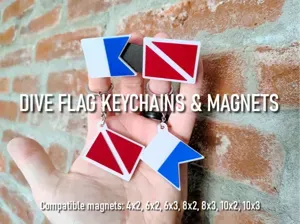
4x2, 6x2, 6x3, 8x2, 8x3, 10x2, 10x3
Compatible with all Bambu printers: X1 series, P1 Series, A1, A1 Mini and H2D
Instructions
- Choose a profile based on your printers setup (AMS or not) - Select the plate with your choice of magnet - After printing, press fit the magnet into place (I do not like to use glue) - Depending on your printers tolerances, you may or may not have to use a dot of glue.
Tips
- The magnet holes are designed so that the magnet protrudes a very small amount and thus aiding in a better grip. - Using the NON AMS versions have a pause in the G-code for you to manually change filament color.
Print Settings (recommended)
- No supports needed - Standard setting - Gyroid infill
Magnet AMS profile - No supports needed - Standard setting - AMS profile - Gyroid infill
Magnet NO AMS profile - No supports needed - Pause on layer 19 to manually switch filament color - Standard setting - NON AMS profile - Gyroid infill
Keychain AMS profile - No supports needed - Standard setting - AMS profile - Gyroid infill
Keychain NO AMS profile - No supports needed - Pause on layer 19 to manually switch filament color - Standard setting - NON AMS profile - Gyroid infill
Names are used only to indicate the source of a result. Polyzon is not affiliated with the listed sites.
Comments