
Free 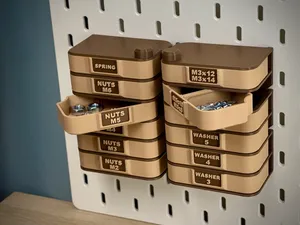
Skadis Modular Storage Organizer | Storage Box
MakerWorld
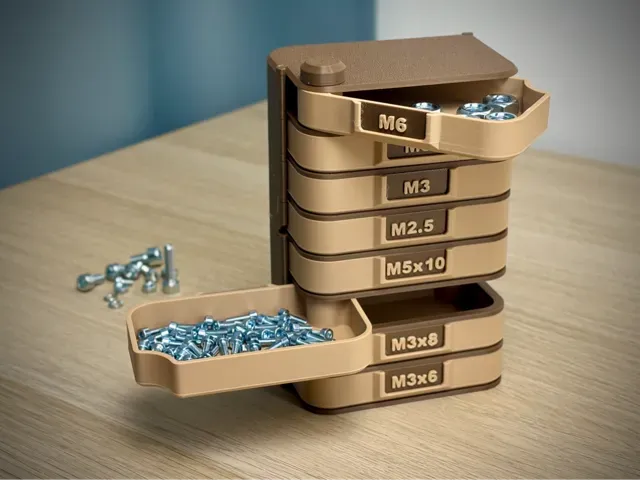
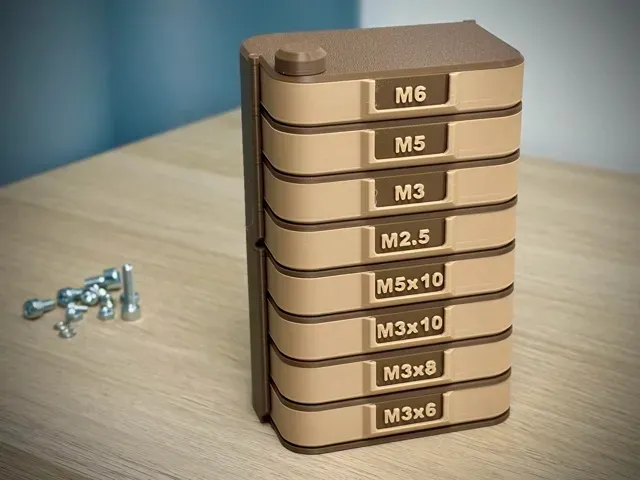
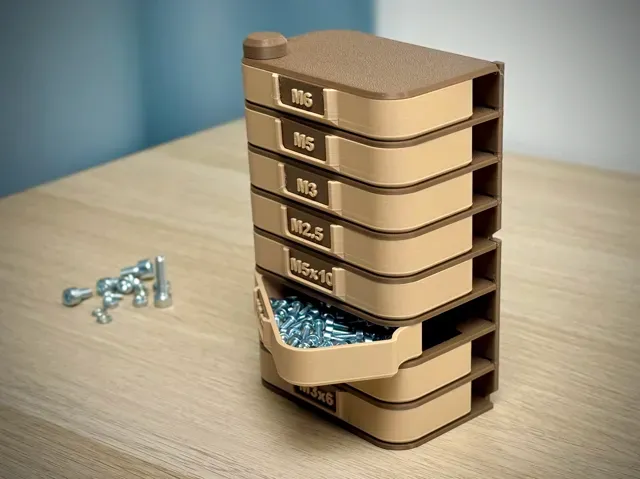
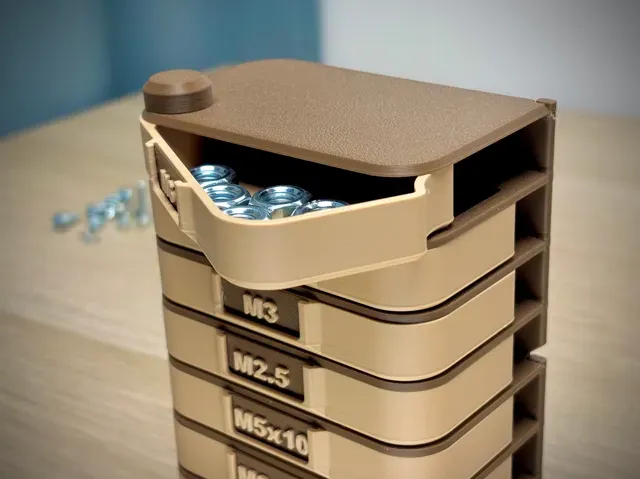
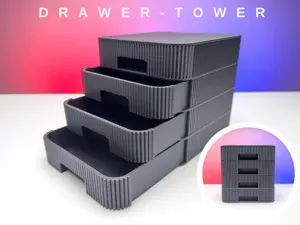
Modular Storage Tower Organizer is a modular, stackable storage system with a clean rectangular design that’s perfect for organizing small hardware like screws, nuts, washers, fittings, and all the little pieces you want to keep sorted. Build it to any height, mix different box profiles, and enjoy easy, smooth access to every compartment ✨
- Modular & stackable system — build the tower to any height - Sizes of rectangular: 89×55 mm - Two printing profiles available: - Boxes Without Label - 02_Box for a clean, minimal look ✨ - Boxes With Label - 02_Box_Label for easy item identification 🏷️ (editable in slicer or with 29×12 mm paper labels) - Smooth pivot mechanism for quick, easy access - Easy assembly — screw-together design with no glue needed 🔧 How to Build the Main Tier
- Start with 01_Base – this is always the foundation of your tower. - Begin stacking: place 02_Box on the base, then add 03_Partition on top of it. 03_Partition has a small latch that needs to be inserted into the rectangular cutouts in 01_Base. - Repeat this sequence ( 02_Box → 03_Partition ) until all 4 boxes are used. - Insert 06_Pivot through the center and screw it into the base to lock the whole tier together 🔩. - Place 04_Roof on the very top. - Finish by attaching 05_Plug – screw it onto the Pivot to secure the entire organizer. I recommend tightening the 05_Plug slightly to eliminate the clearance between the 02_Box parts — this prevents the boxes from opening on their own. 🔧 How to Add a Second Tier
- Instead of 01_Base, print 01_Base_Modular for the next level!! (01_Base_Modular has a hole instead of a thread!) - Place 01_Base_Modular directly on top of your completed first tier. - For each additional tier, print again: - 4× 02_Box - 3× 03_Partition - 1× 06_Pivot - Build it the same way as the main tier and close it with 05_Roof + 06_Plug on top.
Box With Label (0.2mm layer, 2 walls, 15% infill)
Boxes Without Label (0.2mm layer, 2 walls, 15% infill)
Boxes With Label For A1 Mini
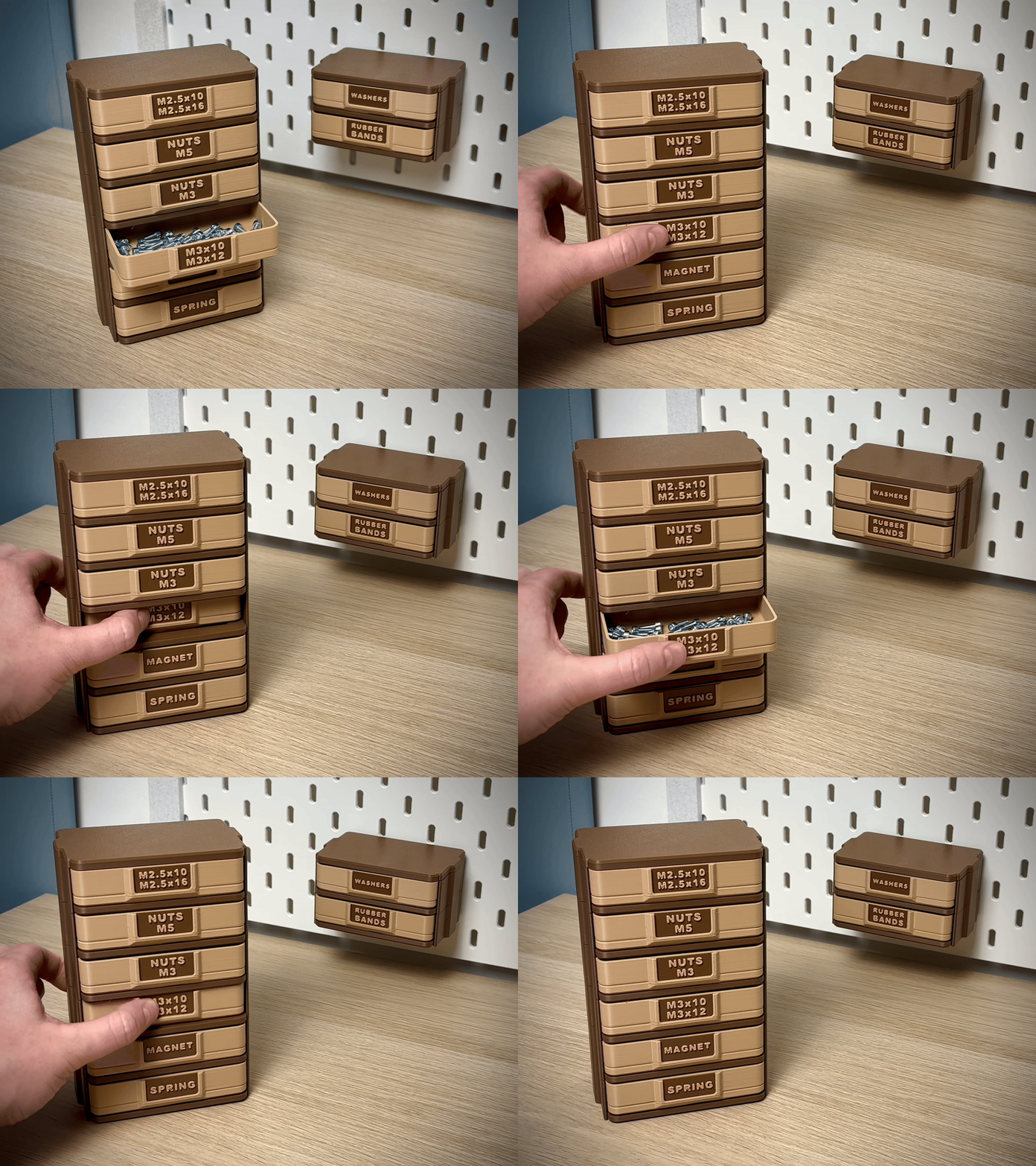
Two Boxes With Label This profile has a modified 01_Base (2 Boxes) and 01_Base_Modular (2 Boxes) , allowing you to customize your own Storage Tower even further. It can be combined with the classic 01_Base , which contains four boxes.
A1 Mini Full Set I wanted to add a profile where you could print the entire complete set in 5 plates on the A1 Mini. I added some more partitions and drawers so if you decide to stack the two bases you have everything you need.

Names are used only to indicate the source of a result. Polyzon is not affiliated with the listed sites.
Comments