
Free 
Easy PETG Temperature Tower with G-Code
MakerWorld
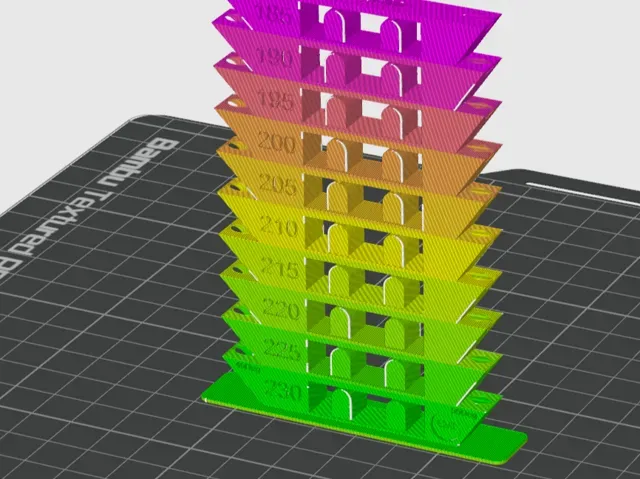
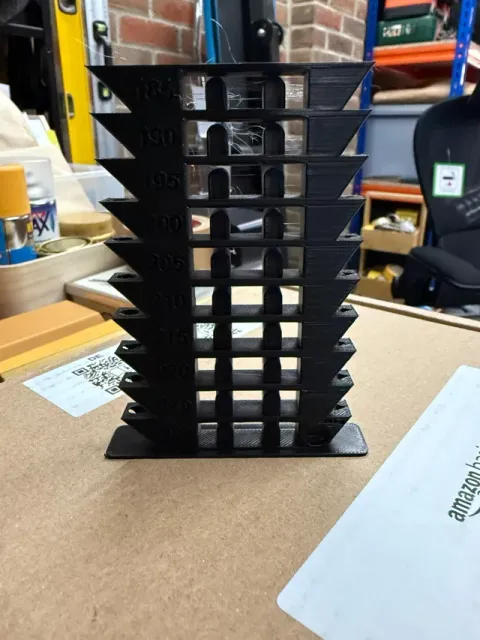
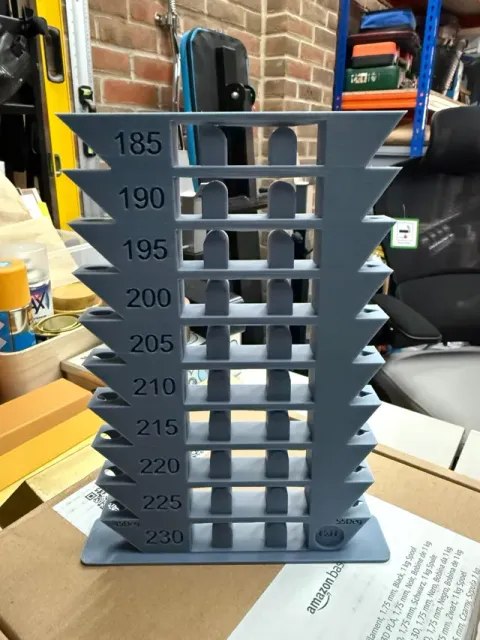
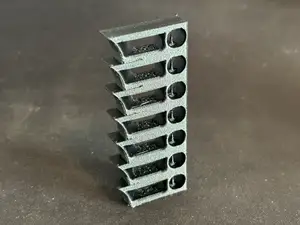
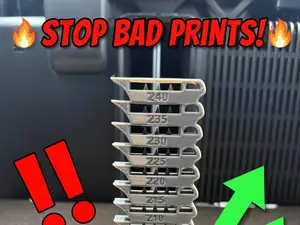
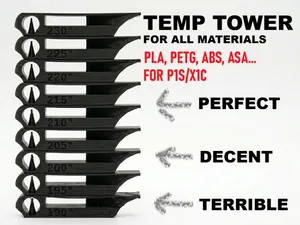
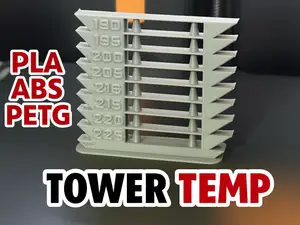
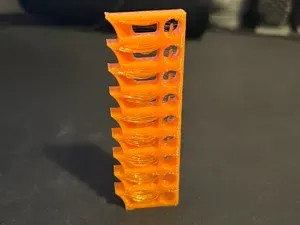
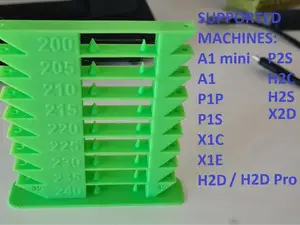
A premium PLA temperature calibration tower designed by Craft & Hue for precise, real-world filament tuning. This tower covers 185°C to 230°C in 5°C steps and includes a full suite of structural tests to reveal the true performance of your filament.
A pre-configured G-code file is available in the Raw Files section of this listing. It already includes all temperature changes from 230°C down to 185°C in 5°C steps, so you can print the tower immediately without entering any manual commands.
Simply download it, load it into your Bambu printer, and you’re ready to go.
🔧 Features
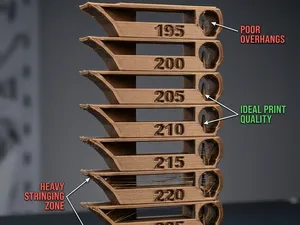
- Temperature Steps (185 → 230°C) Clearly engraved labels for easy evaluation. - 45° and 55° Overhang Tests Instantly shows sagging, cooling behaviour, gloss changes and layer stability at each temperature. - Bridging + Arch Geometry Tests unsupported spans, dimensional accuracy, and heat softening in a realistic environment. - Smooth Calibration Surfaces Each fin provides clean planes for assessing layer consistency and surface finish.
🎯 What This Tower Helps You Determine
- Best printing temperature for your filament - Matte vs gloss transition point - Overhang behaviour at 45° and 55° - Stringing level at each temperature - Bridging performance - Layer adhesion - Detail reproduction and sharpness - Stability during long, thin overhangs Ideal for PLA, PLA+, Bambu Basic PLA, Matte PLA and most standard filaments.
🔥 Manual Temperature Change Instructions (Custom G-code)
If you prefer manual control over temperature stepping, add the following G-code commands in Bambu Studio → Right Panel → Custom G-code :
Command format:
M104 S[Target temperature] This sets the nozzle to the next temperature at specific layers.
Custom Layered G-code for This Tower for Plate 2
- Layer 6: M104 S230 - Layer 69: M104 S225 - Layer 131: M104 S220 - Layer 194: M104 S215 - Layer 256: M104 S210 - Layer 319: M104 S205 - Layer 381: M104 S200 - Layer 444: M104 S195 - Layer 506: M104 S190 - Layer 569: M104 S185 Set 230°C as the base printing temperature in your filament profile so the steps work correctly.
In Bambu Studio:
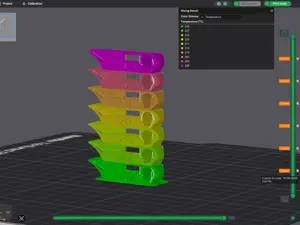
- Slice the file - Go to Preview - Switch to Colour by Temperature - Enter the G-codes under Custom G-code → Layer 🎥 Related Video
This model is featured in Episode 4 of the Bambu Studio series , where it’s used alongside Flow Dynamics and Flow Rate Calibration to compare prints before and after calibration.
Boost Me If you find this model useful, a boost on MakerWorld would be really appreciated. And if you’re not able to boost, hitting like or sharing your print means just as much.
0.16mm layer, 2 walls, 15% infill


Names are used only to indicate the source of a result. Polyzon is not affiliated with the listed sites.
Comments