
Free 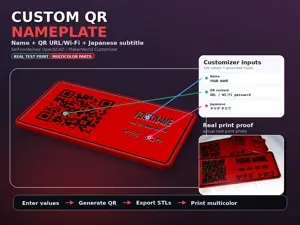
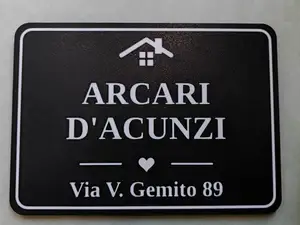
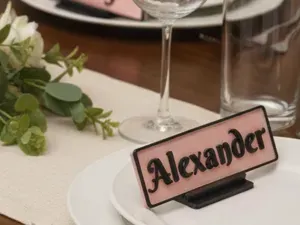
JPN2026 CUSTOM Nameplate with QR , Phone, email
MakerWorld
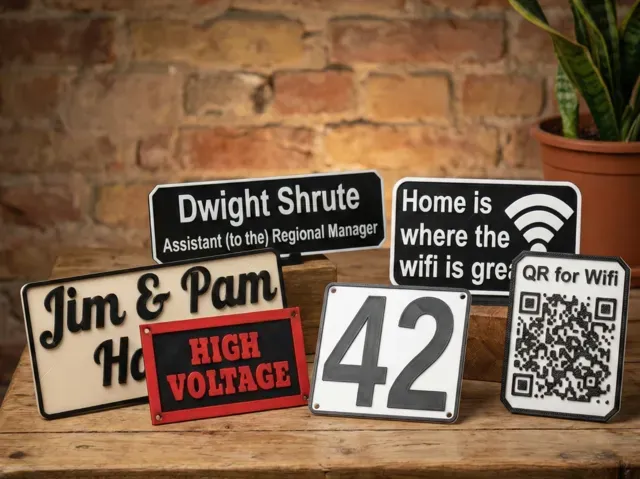
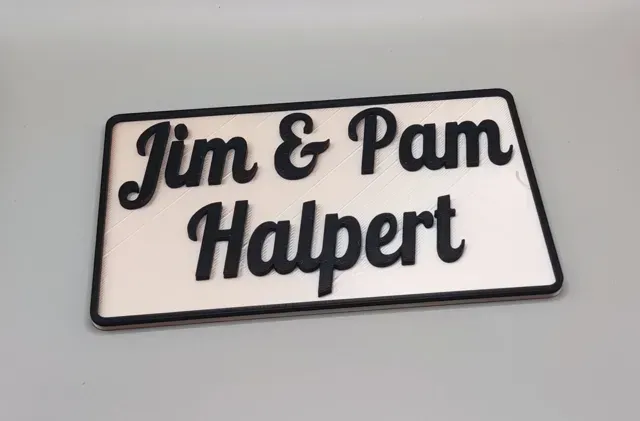
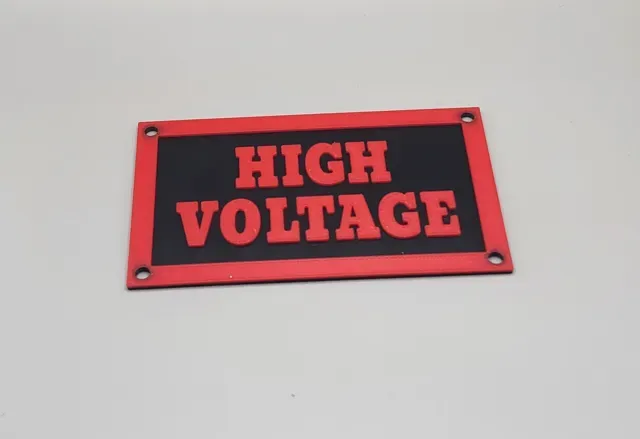
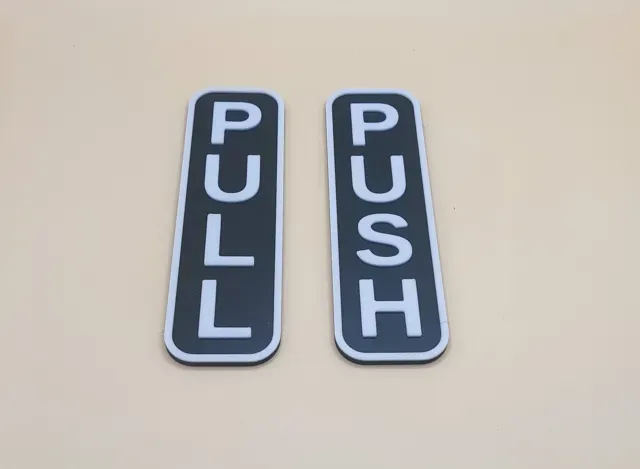
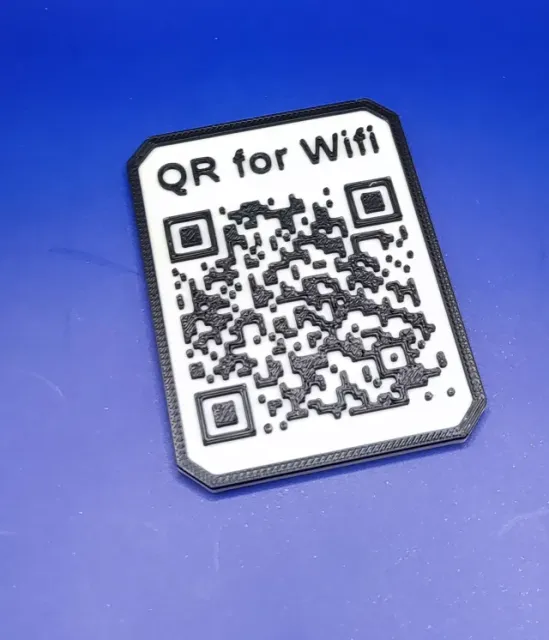
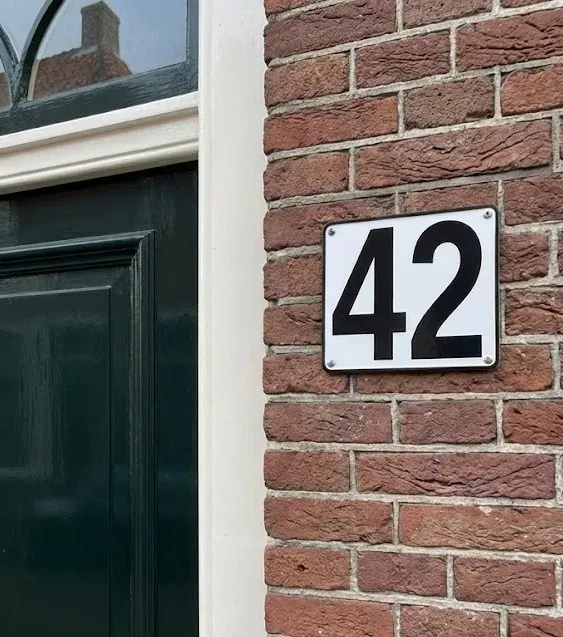
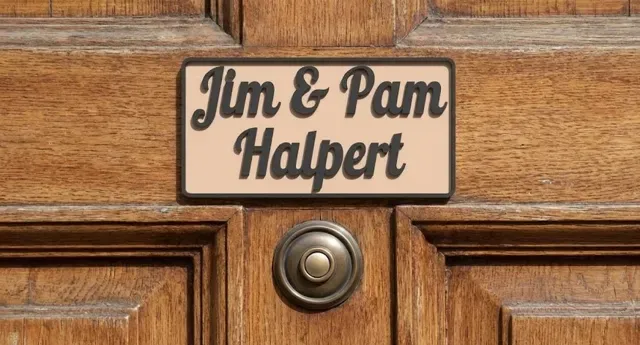
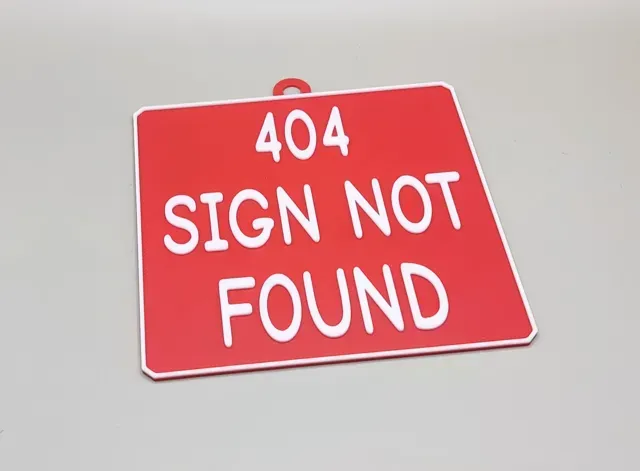
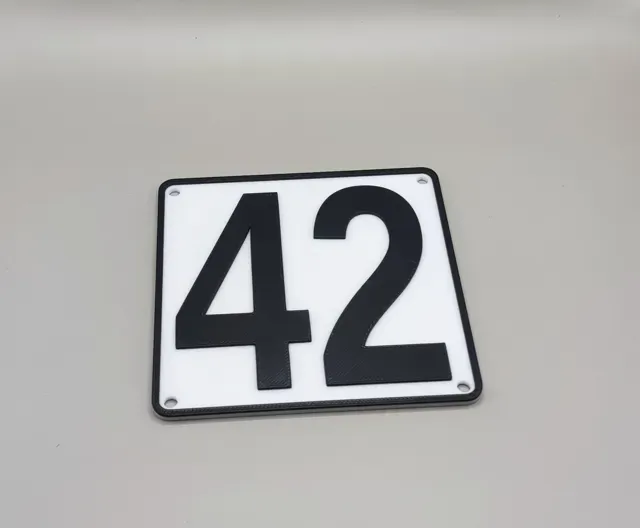
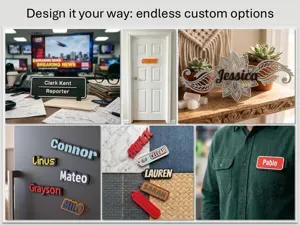
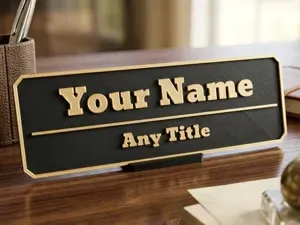
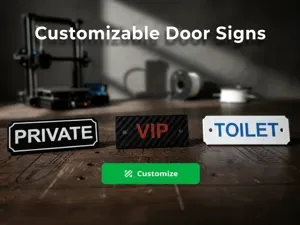
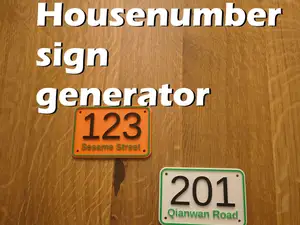
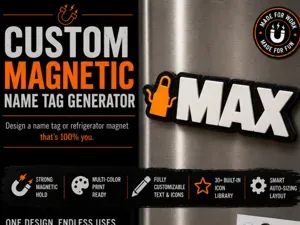
Create the perfect sign for any occasion in seconds!
Whether you need a nameplate for your desk, a label for your mailbox, a warning sign for a gate, or organization tags for your storage bins, this fully parametric sign does it all.
The design includes smart Auto-Scaling Text, so you never have to stress about your font being too large or too small—it automatically adjusts to fit perfectly within your set dimensions. Since it resizes on its own, the font settings aren’t fixed sizes, but rather indicate how the fonts compare in size to one another.
You also have the option to add your own logo or image file in SVG format.
To create a stand for your sign, please use my stand creator: https://makerworld.com/en/models/2217349-parametric-display-stand-phones-cards-signs
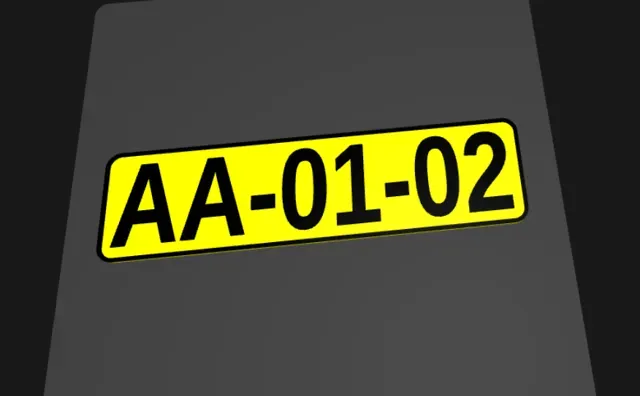
If you are specifcally looking for a EU license plate sign, I recommend to use my EU licensplate generator: https://makerworld.com/en/models/2285748-eu-license-plate-generator-custom-text
Key Features:
- Auto-Fitting Text: Input up to 4 lines of text. The code automatically calculates the best size to fit the sign width and height. - 3 Corner Styles: Choose from Square , Rounded , or Chamfered edges. - 5 Mounting Options: No holes (glue-on), screw holes (corners or centers), or a hanging loop on top. - Multi-Color Ready: Designed with a distinct height difference between the base and the text, making it perfect for "Color Change at Height" or AMS printing. - Add your own image/logo: You can add your own logo/image. This needs to be in SVG format with a transparant background.
Over 1500 fonts to select from!
To see a preview of all the fonts, see MakerWorld Font Previewer – All Fonts in One Place - Free 3D Print Model - MakerWorld
(To create a QR sign, first make a SVG file that contains the QR (with a transparant background), you can then use that SVG file in your sign.)
How to Use the Customizer
You can customize this model directly in your browser using the "Customize" button on MakerWorld.
Guide to the settings:
1. Sign Dimensions
- Width/Height: Set the physical size of your sign in millimeters. - Base Thickness: How thick the backing plate is (Standard is 2mm). - Relief Height: How much the text and border "pop out" from the base. 2. Text Configuration
- Lines 1-4: - Enter your text here. You can use just one line or all four. - Choose fontsize for every line (the fontsizes are relative to each other as the text is scaled automatically) - Text align: Align left, ccenter or right - Line spacing: Add extra space between the lines. 3. Logo Configuration
- enable logo: Switch to enable or disable the logo - filename: Press the upload button to upload your own SVG file. This SVG file should have a transparant background. - logo scale: size of the logo - logo x offset: horizontal offset of the logo - logo y offset: vertical offset of the logo
3. Margin & Border
Margina are usefull if you want to add a logo and need to move the text.
- margin left: Extra space on the left of the text - margin right: Extra space on the rigjt of the text - margin top: Extra space above the text - margin bottom: Extra space under the text - border width: width of the border rim - enable border: option to enable or disable the border 4. Colors
Colors are just for visualisation. In Bambu studio you can choose any of the colors you have available.
- base color name: color to show the base - top color name: color of the text/border/logo
5. Mounting Options
- None: Best if you plan to use double-sided tape or glue. - Holes (Corners/Sides/Top-Bottom): Adds screw holes. You can adjust the Hole Diameter to fit your specific screws. - Loop Top: Adds a ring to the top center, perfect for hanging the sign on a hook or with a string. 4. Style
- Corner Style: Change the aesthetic of the sign. - Rounded: Smooth edges (classic look). - Chamfered: Angled edges (modern/industrial look). - Square: Sharp 90-degree corners. Printing Instructions
- Material: PLA, PETG, or ABS (for outdoor use). - Layer Height: 0.20mm standard. - Infill: 15% - 100% (Signs are usually thin enough that infill doesn't matter much). - No Supports: No supports are required.
Updates:
Date Changes
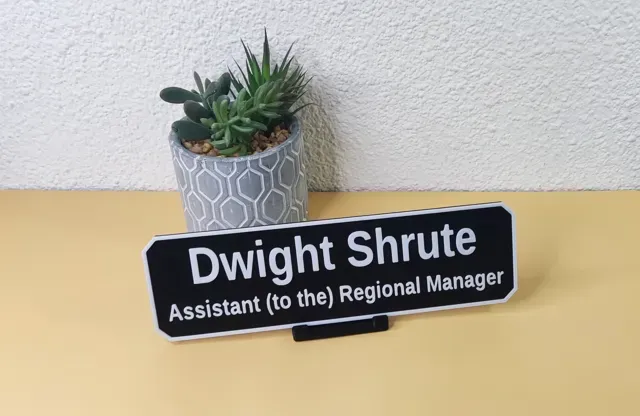
08/01/2026 Added a fontsize setting per line. This allows the creation of Nameplates like the Dwight Shrute nameplate
11/01/2026 Added the option to add your own logo/image!
Added the option to align the text left, center or right
Added an option the adjust the left, right, top and bottom margin seperatly.
Dwight Shrute
PUSH and PULL sign
Rick Roll QR WIFI code
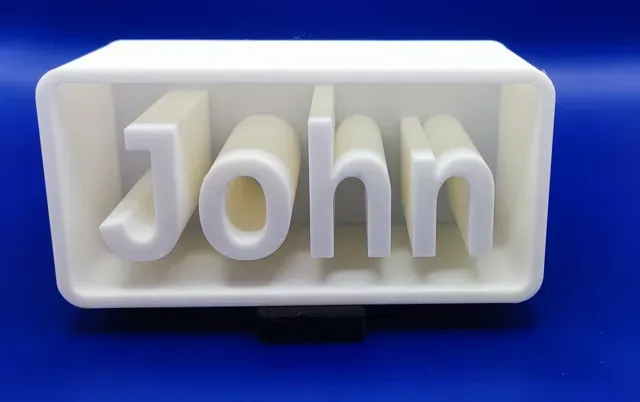
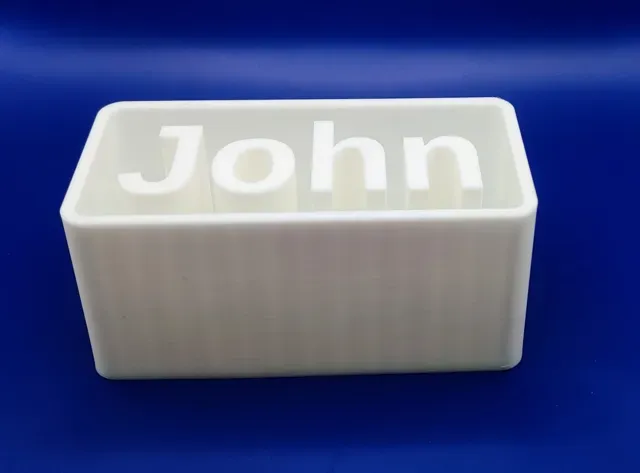
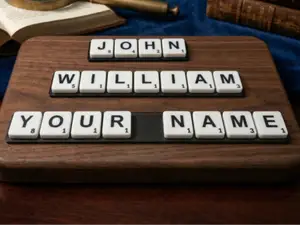
John
High Voltage
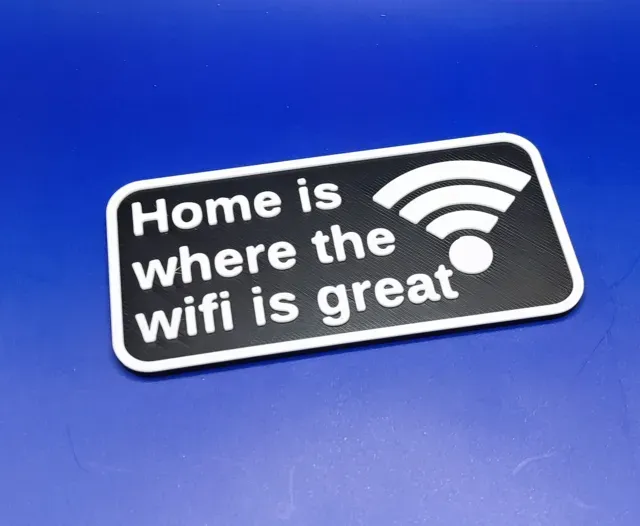
Home is where the wifi is great.
Rick Roll wifi QR code
Names are used only to indicate the source of a result. Polyzon is not affiliated with the listed sites.
Comments 0
Loading comments…