
$ 5.00 
Key Holder | RPG Status Indicator | Key Hanger
Printables
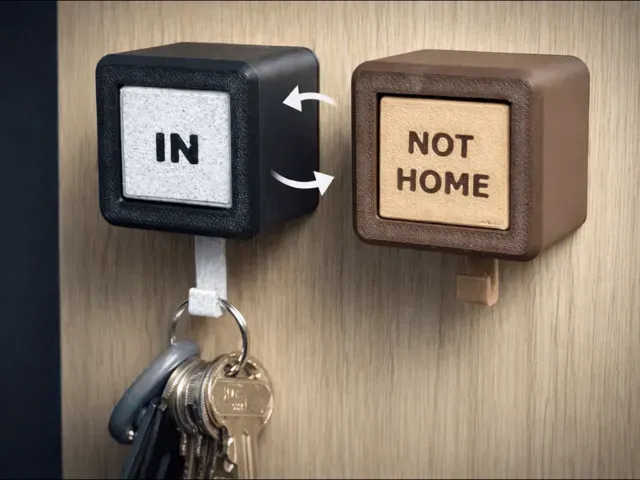
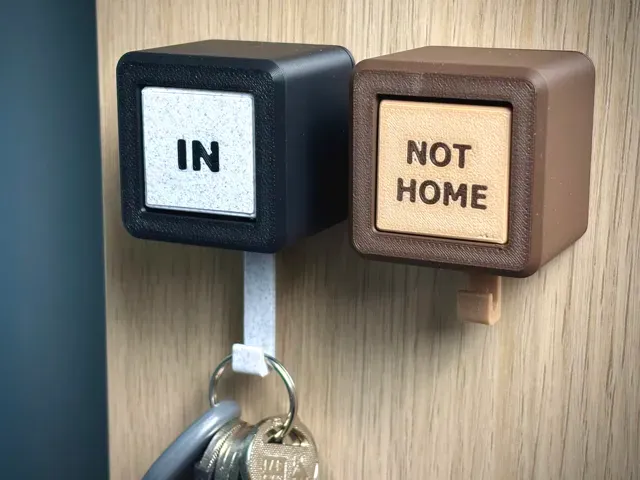
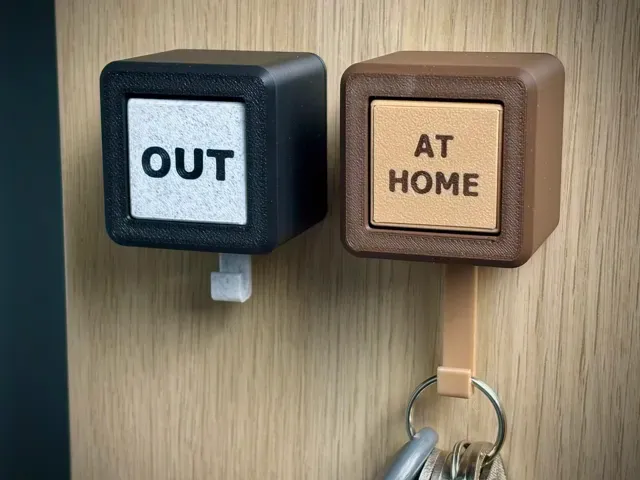
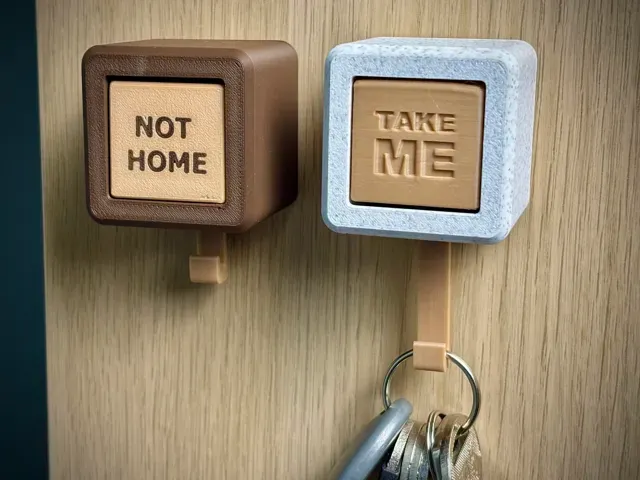
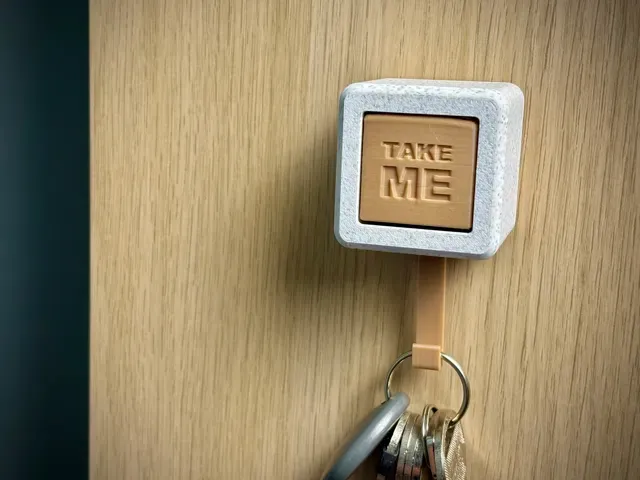
This key holder uses a gravity-based rotating sign to indicate whether someone is home or not. Hanging the keys causes the central sign to rotate and display a different text, while removing the keys allows it to return to its default position 🏠
- Gravity-based mechanism designed with larger clearances to ensure the central triangle sign reliably returns to its default position ⚙️ - ❗It is very important that part 01_Triangle is printed with 100% infill ❗ - Very simple assembly – all parts are secured using a single screw located on the bottom. - When using AMS, glue is required to attach 07_Sign to 01_Triangle ; this solution reduces print time and improves the visible surface quality - Overall dimensions: 44 × 44 × 39 mm - The key holder can be mounted using double-sided adhesive tape or fixed with screws using two mounting holes with a diameter of 3.5 mm 🔩 Custom Text
- The print profile “ Key Holder AMS (Custom Text) ” allows you to create custom text directly in the slicer (Bambu Studio) - a tutorial explaining the process is included. - For best results, the text should be cut to a depth of 0.1 mm . Change the text type to Part , then use Mesh Boolean (B) to subtract the text from 01_Triangle . After that, the text can be easily colored. - The print profile “Key Holder No AMS (Custom Text)” requires manually cutting the text into the front faces of 01_Triangle – attention must be paid to correct text positioning Assembly instruction step by step👉:
Key Holder - AMS (IN & OUT)
Key Holder - AMS (Custom Text) Tutorial How to Add Custom Text Here 👉:
Key Holder - NO AMS (Custom Text) Simply add custom text in Slicer. Cut the text to a maximum of 0.8 mm.

Names are used only to indicate the source of a result. Polyzon is not affiliated with the listed sites.
Comments