
Free 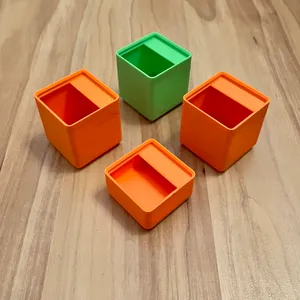
Gridfinity standard bins with label + parametric file
Printables
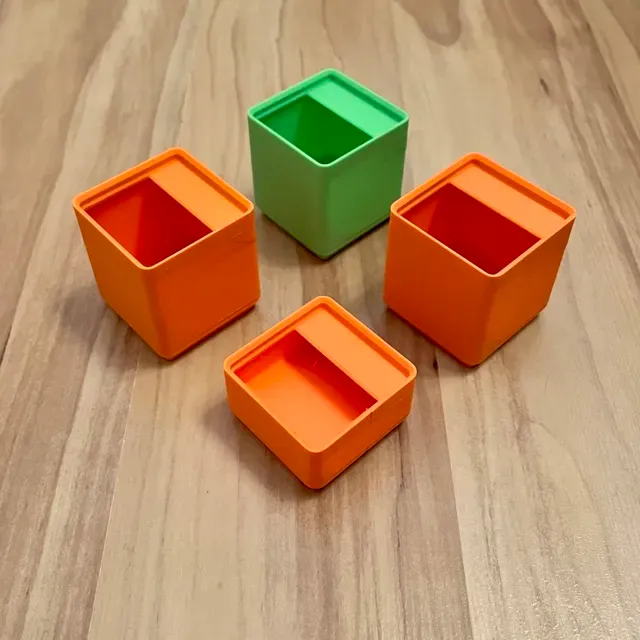
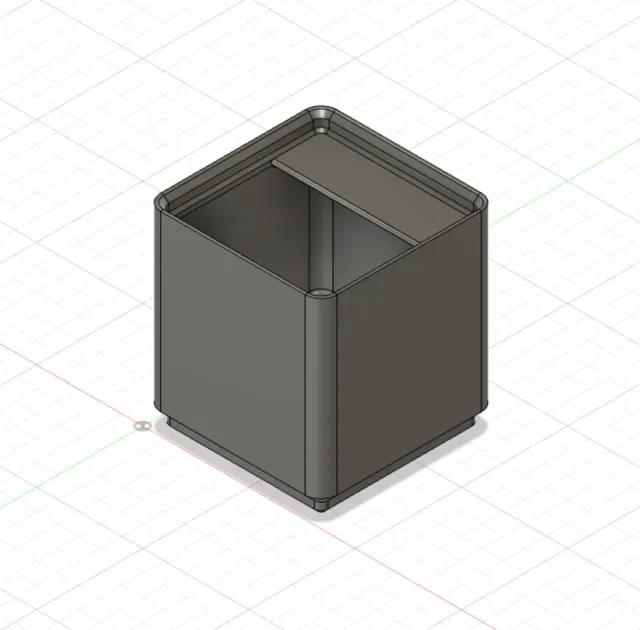
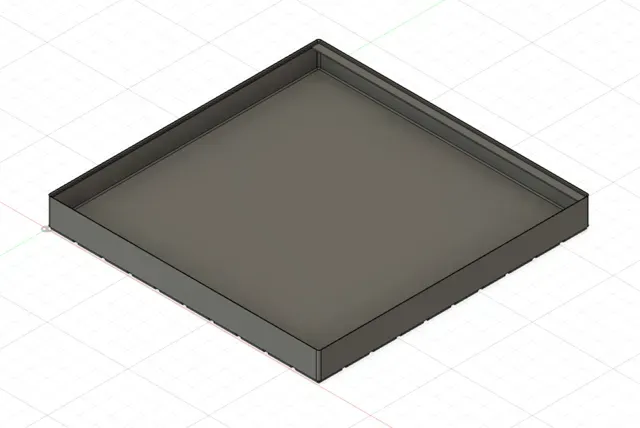
Update Dezember 2023:
I got a lot of requests of people who don't like to use Fusion360 so I added .stl files for bins from 1x1 to 7x7. Each size is available in 3U, 4U, 5U and 6U heights. And all files are available for 6x2mm and 6x3mm magnets.
If you still want to have a different size bin there are instructions how to use the parametric Fusion360 file below. You just need to scroll down ;
)
To find the right size the files are named as follows: depth x width x height
----------------------------------------------------------------------------------------------------------------
This is a remix of the original bins by Zack Freedman that you can find here: https://bit.ly/ZFGridfinityDividerBins
Outer dimensions of the bins are exactly the same as the original bins, so you have full compatibility to the gridfinity system.
Improvements of this remix over the original model
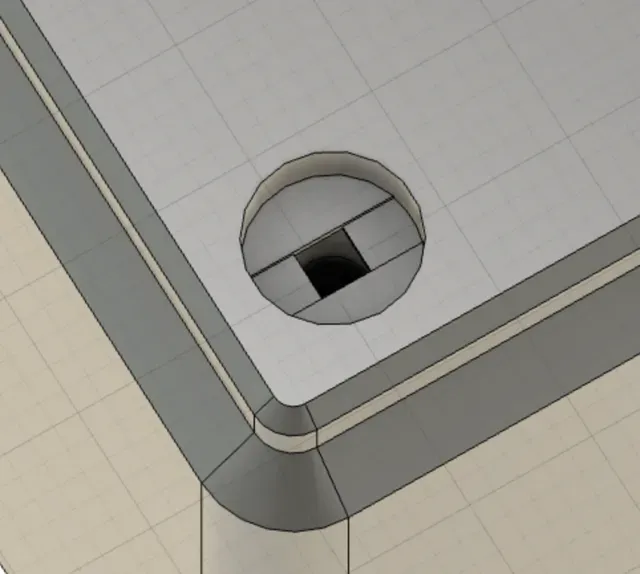
- The label tab is always as wide as the bin. This helps with lifting the bin easily and allows for more text on the label for wider bins. - The magnet holes have an improved design. They now print clean without support. I found that the magnet holes of the original bins did not print great and I had to clean a lot of them manually before being able to put in the magnets. - A completely redone parametric Fusion 360 file is included, that enables you to easily create the basis for your own bin design. - For ease of use of the Fusion 360 files dividers are not supported. - Guide to use the parametric Fusion 360 file - see the description below. Magnets
- The provided stl files come either with holes for 6x2mm magnets or 6x3mm magnets. Both versions have advantages and disadvantages. - The 6x2mm magnets are usually a bit more expensive and hold less strong to the baseplates, however they don't interact that easily with the contents of your bins, when stacked on top of each other. - The 6x3mm magnets are usually a bit cheaper to get and when using only 2 of them on a bin you can get roughly the same holding force as with 4 6x2mm magnets. However they also interact more with the contents of your bins, when the content is magnetic or ferromagnetic. Accessories
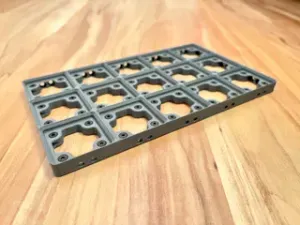
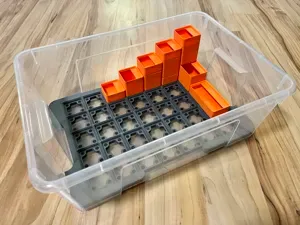
- The bins with the magnets go great with my version of the modular baseplates that can be equipped with ferromagnetic screws. This is cheaper than having to put magnets on the baseplate and you don't have to get the polarity of the magnets right. You can find the baseplates here: https://makerworld.com/en/models/25571#profileId-44132 - The bins with also go great with my gridfinity tray. When using it you have a separating layer between the bins, that prevents the stronger 3x6mm magnets of interacting with magnetic content of the tray below. You can find the tray here: https://makerworld.com/en/models/25576#profileId-44175 Parametric source file
The original parametric fusion360 file that Zack created did not work for me for bigger bins. I got errors and the final bin consisted of several objects. After hours of searching for the reason I found out that this is a bug/missing feature in fusion360. Fusion360 can only combine as many objects as were existing during the initial creation. The original file seems to be created with a 1x3 bin. That means there are problems for all bigger bins. So I re-created the fusion360 file with a bin size of 10x10. This means you will be able to create bins from 1x1 to 10x10 without errors. I decided to have the same parameters as in the original file to make it easy for users of the existing file from Zack to use this.
Parameters to change without problems
The following parameters can be changes within the given value ranges without causing problems with the provided fusion360 file.
Note that you not only can add nubmers, but also fractions as parameters. This is useful for the slotsHigh parameter. In the original fusion360 file slotHigh “1” creates a 6U high bin. So if you want to easily have a bin with a specific gridfinity xU hight, you can just put in x/6 as the parameter.
Changing other parameters than in the table below might work, but I did not test it.
Fusion360 might need a while when you go for huge bins.
Parameter Value Description
slotsWide 1-10 width of the bin
slotsDeep 1-10 depth of the bin
slotsHigh 3/6 - 10/6 height of the bin
magnetThiccness 2.4 - 3.4 2.4 for 6x2mm magnets
3.4 for 6x3mm magnets
Remove Magnet holes
If you do not want magnet holes on the bottom of the bin there is an easy way to remove them:
Set the parameters screwTightDiameter and magnetDiameter to 0.01 . This will not cause errors in the parametric file and make the holes so small your slicer will not recognize the holes any more.
How to change parameters in fusion360
- Click on Modify>Change Parameters - In the column Expression change the value of the parameter Warnings
The file will give you a warning for bins with a size less than 10x10. This is normal and expected.
0.2mm layer, 3 walls, 10% infill Standard Gridfinity Bin
Bed of 1x1x3u Bins (x16) 16x 1x1x3u high bins on one print bed. Will fit on all Bambu printers including the A1 mini.
2x1x3u Bins x4 This prints four 2x1x3u high bins at once (with 6x2mm magnet holes), for those trying to quickly organise their clutter!
0.28mm layer, 3 walls, 10% infill, rim color (via pause) 0.28mm layer height
3 walls
10% lightning infill
Rim accent color (via pause, no AMS needed)
0.2mm layer, 3 walls, 10% infill
Standard bins - 9u - without magnets - for A1 mini 9u standard Gridfinity bins without magnets
Sizes from 1x1 to 4x4, fits the A1 minis bed.
- .16 layer height
- Arachne wall generator
- 15 % cubic infill
- 2 bottom layers, 4 top layers


Names are used only to indicate the source of a result. Polyzon is not affiliated with the listed sites.