
Free 
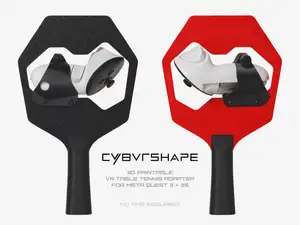
Quest 3 - Deathproof TT Table Tennis Adapter
Thingiverse
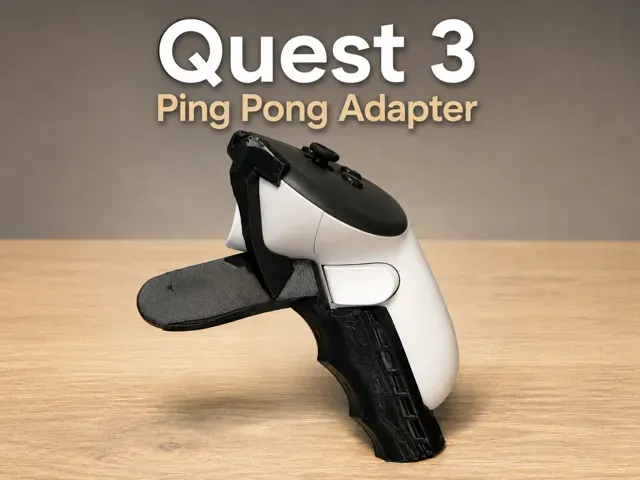
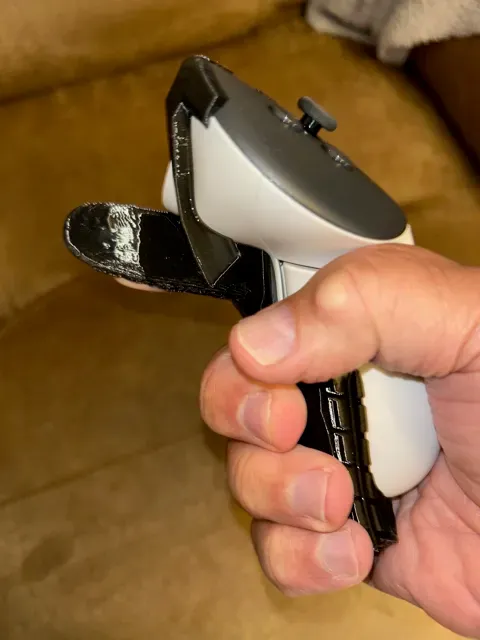
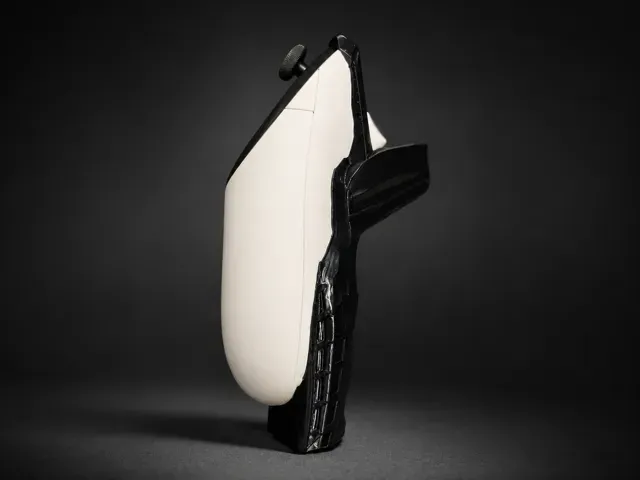
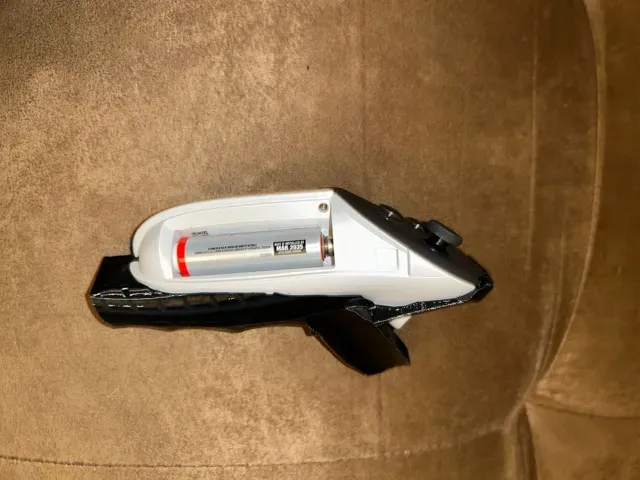
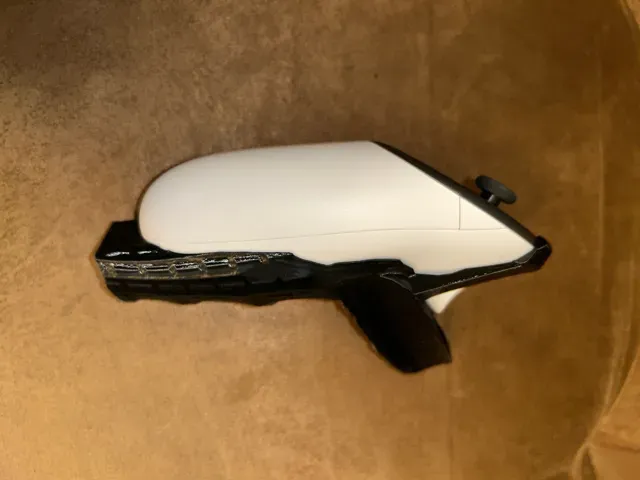
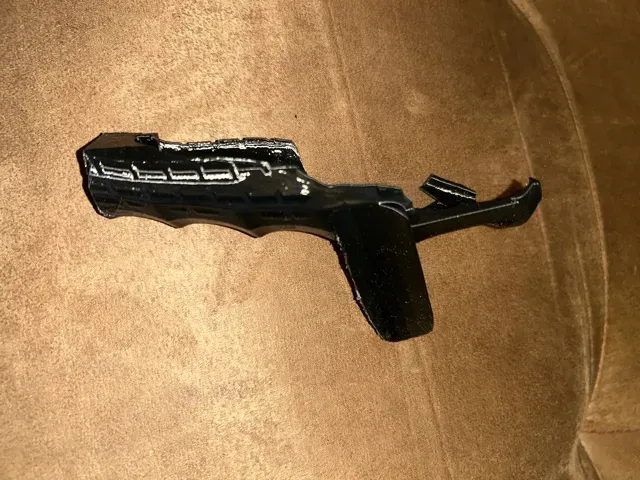
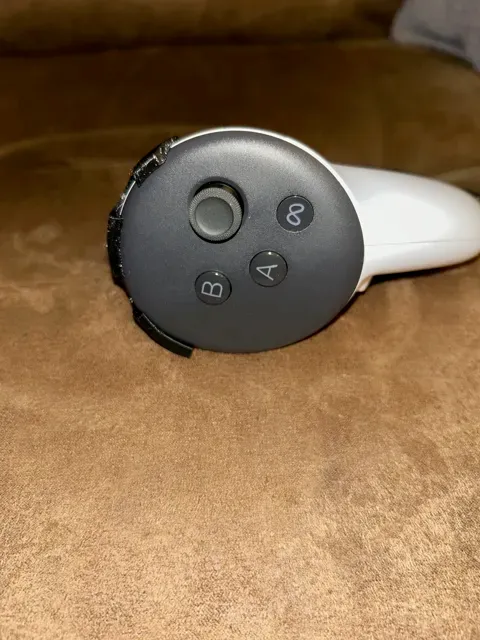
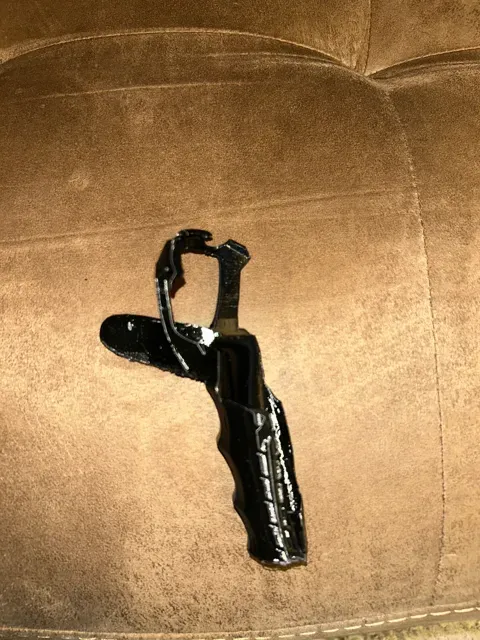
Description:
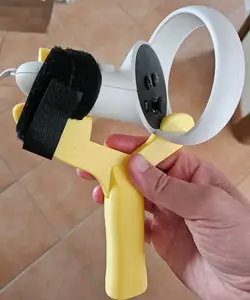
This is a lightly modified remix of an original model from Thingiverse by lekvarik for the Meta Quest 3, and for use in games such as Eleven VR Table Tennis/Ping Pong. This model has worked better for me in the game than several others I have printed and tried.
The original design is preserved in concept and geometry, with small functional adjustments made to improve printability and surface finish.
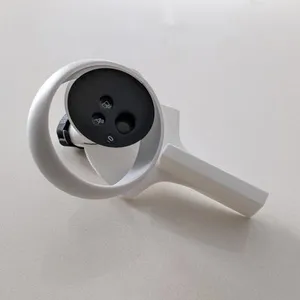
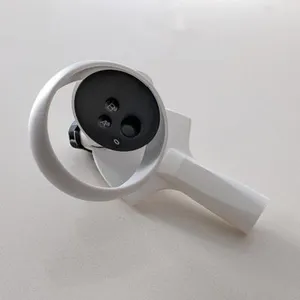
This is a lightweight print (less than 50g) which allows easy insertion and removal of the Quest 3 right controller (you can use ‘mirror’ in the slicer for a left haded version).
To install, remove the battery cover and insert the controller on to the peg inside the handle (it only goes in one way) then fit the ring around the controller edge. This allows for great tracking in the game and an ergonomic, comfortable fit while playing.
Modifications made:
- Smoothed selected surfaces - Refined support placement and structure for cleaner overhangs - Minor printability adjustments (no functional geometry changes beyond tolerances) - Optimized slicing settings
Paddle position in game: 1675715.1
To set the Paddle position in Eleven VR Table Tennis:
Go to Menu → Settings → Advanced Settings (carrot icon) → Backup & Reset → Paddle Settings
Then:
- Enter the numeric code. - Select Download Paddle Settings . - Go to Paddle → Position . - Select the downloaded paddle profile. It is highly recommended , if you are able, to use PLA as the support interface if printing the model in PETG (or vice versa) to aid in support removal, otherwise you likely will need to do some sanding and or deburring after support removal.
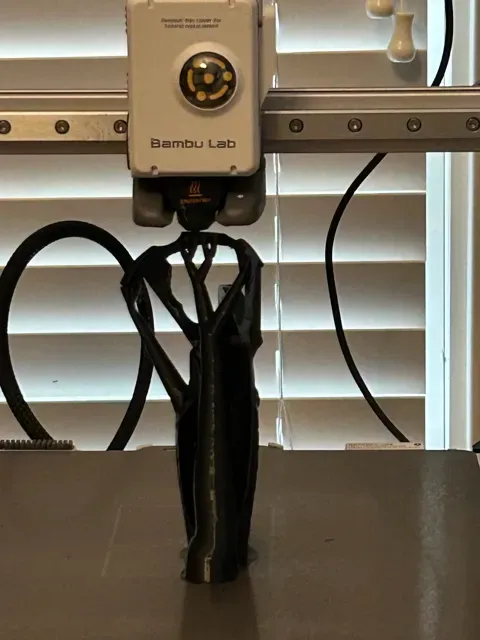
I printed in PETG but PLA/PLA+ should work just fine as well.
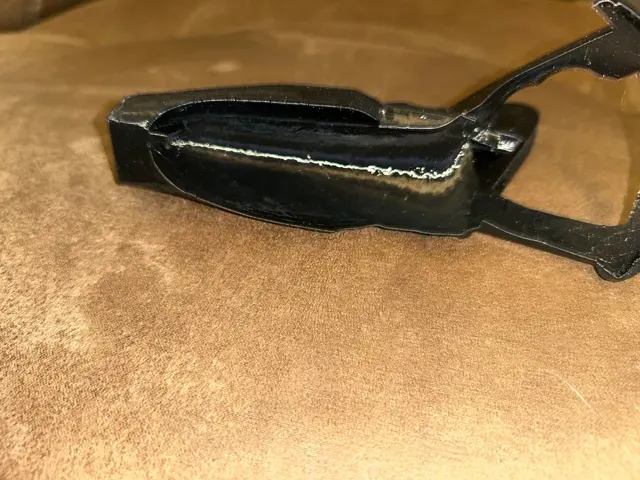
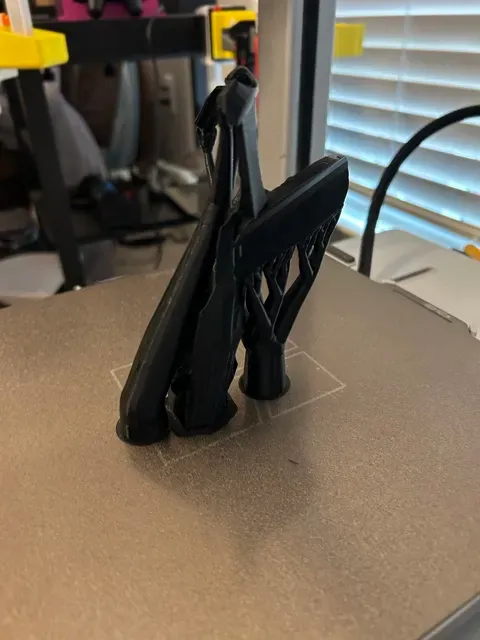
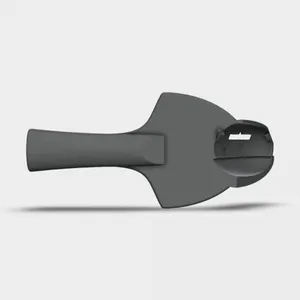
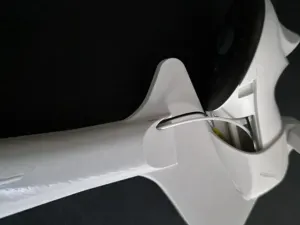
0.15mm layer, 4 walls, 15% infill It is highly recommended, if you are able, to use PLA as the support interface if printing the model in PETG (or vice versa) to aid in support removal, otherwise you likely will need to do some sanding and or deburring after support removal. This does not affect the functionality of the adapter but the aesthetics and feel under the underside overhangs (shown in the slicer picture).



Names are used only to indicate the source of a result. Polyzon is not affiliated with the listed sites.