
Free 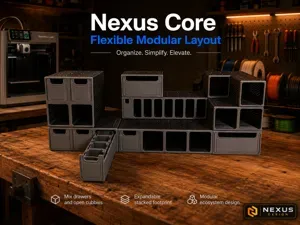
Nexus Core Compact — Modular Drawer System
MakerWorld
Other Nexus models
https://makerworld.com/en/models/2961916-nexus-core-standard-modular-drawer-system#profileId-3320268
https://makerworld.com/en/models/2969894-nexus-home-office-collection-file-sorter#profileId-3330495
https://makerworld.com/en/models/2969699-nexus-home-tabletop-organizer#profileId-3330287
https://makerworld.com/en/models/2961893-nexus-core-compact-modular-drawer-system#profileId-3320239
https://makerworld.com/en/models/2937745-raspberry-pi-touch-2-alexa-style-smart-display#profileId-3289693
Nexus Core Standard — Modular Drawer System
Stack. Connect. Customize.
Nexus Core Standard is a modular printable drawer system designed for makers, creators, and organized workspaces. It combines stackable frames, matching drawers, snap connectors, removable inserts, and a consistent modular layout so you can build the storage setup that fits your desk, printer area, workbench, coffee station, or small-parts storage area.
This is the Standard-depth version of the Nexus Core system, also labeled D2 in some files for compatibility.
Use it for 3D printer accessories, larger tools, electronics parts, hardware, desk items, craft supplies, coffee station accessories, or any parts that need more drawer capacity than the Compact version.
Part of the Nexus Modular Family
This model is part of the Nexus Core Modular Organizer System .
The Standard system is the deeper companion to Nexus Core Compact . It shares the same design language, drawer architecture, connector system, and insert-ready concept as the rest of the Nexus family.
Choose Compact for smaller spaces and shallow storage. Choose Standard when you want deeper drawers, more capacity, and room for larger accessories.
Future Nexus releases will include additional depths, themed insert packs, and dedicated storage kits for maker tools, coffee accessories, workshop hardware, electronics, and desk organization.
Why Standard?
Choose Nexus Core Standard if you want:
- More drawer capacity than Compact - Deeper storage for larger items - A modular system that still fits cleanly on a desk, shelf, or workbench - Room for printer tools, accessories, hardware, and small parts - A system that can grow with future Nexus inserts and expansion modules Standard is ideal for printer accessories, tools, hotends, glue sticks, electronics parts, fasteners, adapters, craft supplies, and general small-to-medium storage.
Key Features
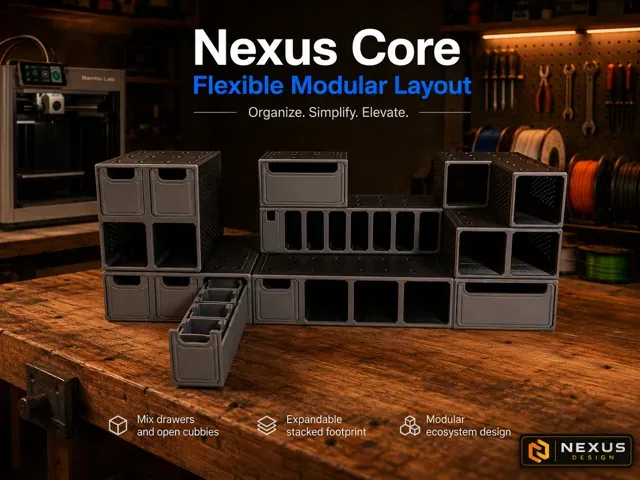
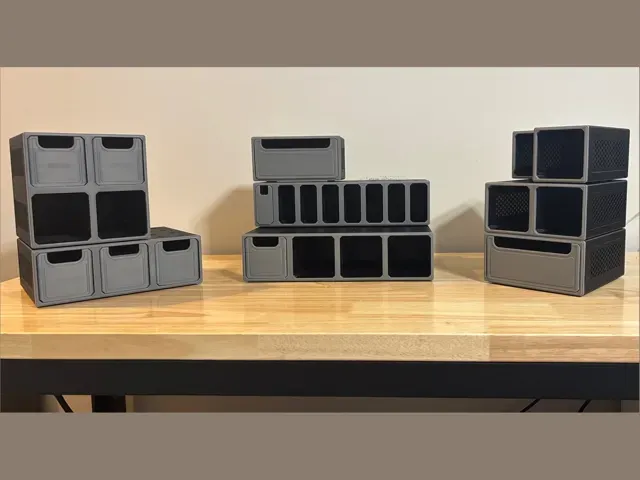
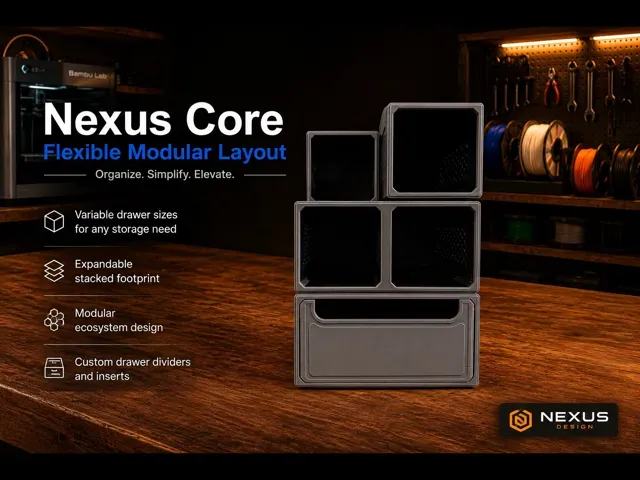
Modular bay system
Mix different bay sizes to create the storage layout you need. The system is built around a consistent modular footprint so parts can be arranged, stacked, and expanded over time.
Stackable design
Nexus modules are designed to stack cleanly using printable snap connectors. Start with a small setup and expand into a larger organizer as your needs grow.
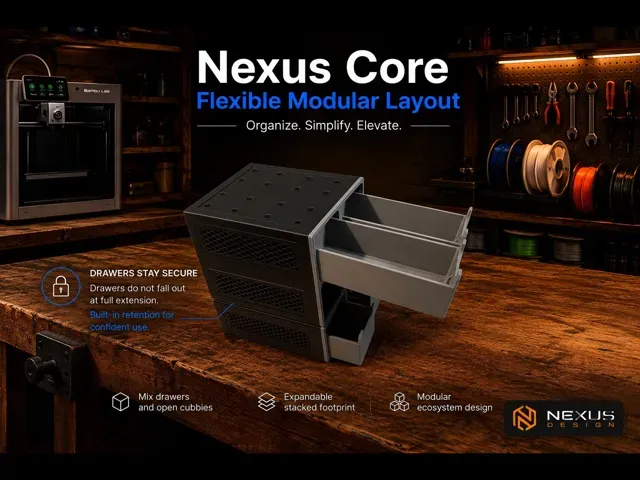
Drawer retention
Drawer geometry helps keep drawers retained during normal use and handling while still allowing full access when opened.
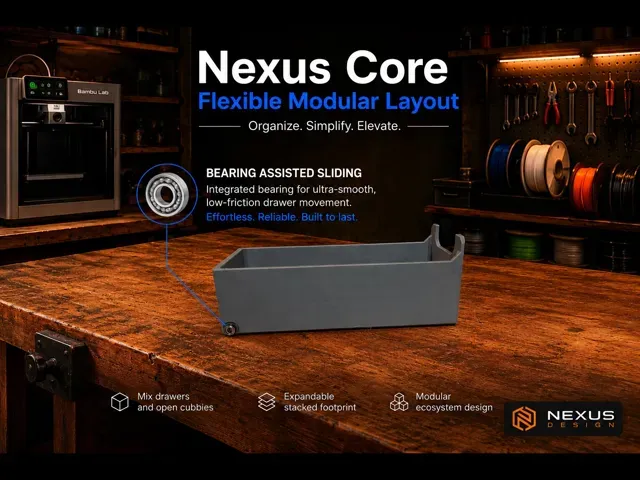
Bearing-guided drawer movement
Supported drawer versions use a small bearing to improve drawer movement and reduce friction during opening and closing.
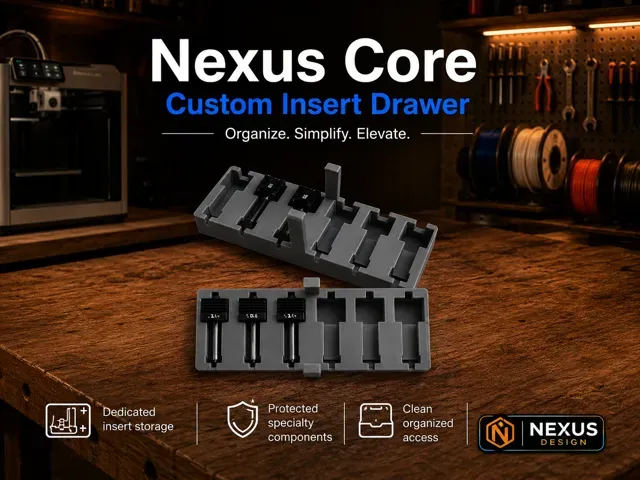
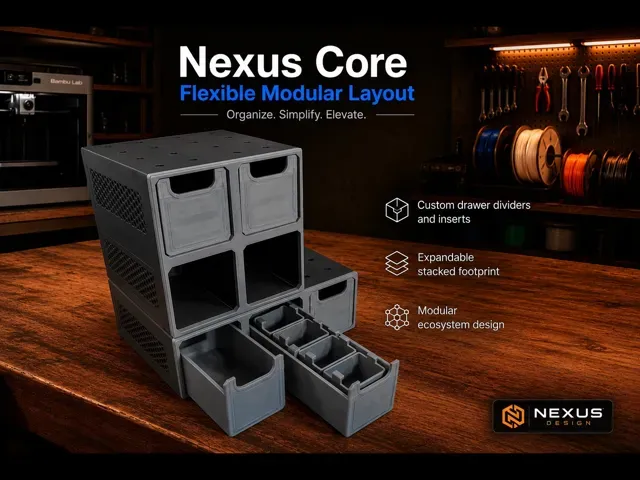
Removable inserts
Insert-ready drawers can support removable internal bins and future dedicated inserts, allowing you to reconfigure storage without reprinting the entire system.
Printable snap connectors and feet
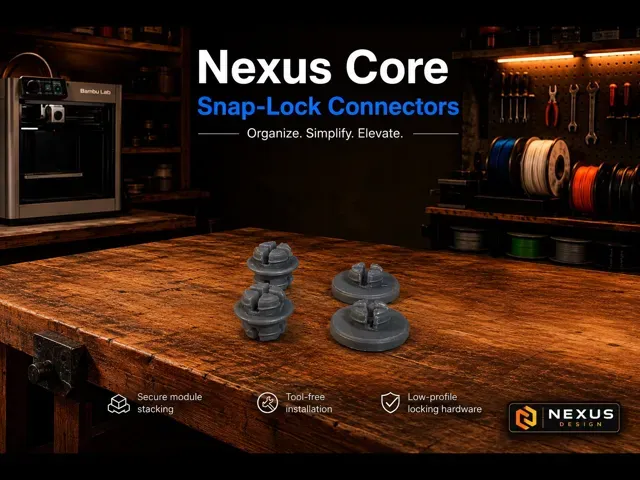
The system includes simple printable hardware for stacking modules and supporting the base. PETG or ABS/ASA is recommended for snap connectors if you want extra toughness, flex resistance, and longer-term durability.
Included in This Release
This release includes the Nexus Core Standard system.
Included parts may vary depending on the selected print profile, but this release is intended to include:
- Standard-depth modular frames - Matching Standard-depth drawers - Drawer fronts / faceplates - Insert-ready drawer options - Removable bin / insert examples where included - Snap connectors for stacking - Low-profile feet for base support This listing is focused on the Standard-depth Nexus Core system . The smaller Nexus Core Compact version is posted separately as a companion model.
Compact vs. Standard
Nexus Core Compact Best for small parts, desk storage, printer accessories, electronics, and tighter spaces.
Nexus Core Standard Best for deeper drawers, larger accessories, tool storage, printer supplies, and general-purpose modular storage.
Both versions are part of the same Nexus family and are designed to share the same overall design language, connector approach, and insert ecosystem.
0.2mm layer, 2 walls, 20% infill Recommended Print Orientation
Frames
Print the frames on their back , with the drawer openings facing upward.
- No supports required - Opening faces upward - Rear face sits on the build plate - Connector holes should be oriented down toward the bed where applicable This orientation gives the best balance of surface quality, strength, and clean drawer openings.
Drawers
Print drawers in their provided orientation.
- Supports should be enabled for the bearing pins - Bearing pin areas may need support depending on printer/material - Check support removal carefully so the bearing area remains clean Face Covers / Faceplates
Print face covers flat in the provided orientation.
Install the drawers into the frame before attaching the front face cover. The face cover should be installed last, after the drawers are already in place.
Snap Connectors and Feet
Snap connectors fit tight, some force will be needed to lock them in. This ensures your stacked system will not come apart during normal use.
Print connectors and feet in the provided orientation.
PETG or ABS is recommended for snap connectors if you want extra toughness and flex resistance. ABS/ASA is also a good advanced option for snap connectors when printed on an enclosed, well-tuned printer.
Hole and Fit Accuracy
For best connector and bearing fit, enable hole-resolution compensation in your slicer.
Recommended slicer setting:
- Enable Auto Center Hole - Enable Contour-Hole Compensation / hole compensation where available - Use hole compensation to improve small-hole accuracy - Calibrate flow before printing a full set This is especially helpful for:
- Snap connector holes - Bearing pin features - Small alignment holes - Any tight mechanical fit If holes are too tight, slightly increase hole compensation or check elephant foot compensation. If parts are too loose, reduce compensation and verify flow calibration.
Support Settings
Frames:
- Supports: Off - Print orientation: Back side on the bed, openings facing up - No supports should be needed for normal frame printing Drawers:
- Supports: On where needed - Support required/recommended for: bearing pins - Use clean support removal around the bearing pin area, pin is fragile. Connectors / Feet:
- Supports: usually Off - Use PETG or ABS/ASA if extra toughness is desired Assembly Notes
Install the drawers into the frame before attaching the front face cover. The face cover should be installed last, after the drawers are already in place.
General Print Notes
- Use the included print profile when possible. - Test one drawer and one connector before printing a large set. - Bearing fit may vary slightly by printer, filament, and calibration. - PETG or ABS/ASA is recommended for snap connectors and high-use parts. - PLA works well for general frames, drawers, inserts, and faceplates. - ABS / ASA should be printed on an enclosed printer. - If parts feel tight, check flow calibration, elephant foot compensation, and hole compensation. Snaps are designed to fit TIGHT . - For best appearance, print drawer fronts or face covers in a contrasting color from the frame.

Names are used only to indicate the source of a result. Polyzon is not affiliated with the listed sites.
Comments