
Free 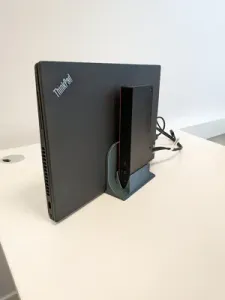
Lenovo P16s Laptop &Lenovo Tunderbolt 4 Dock Stand
MakerWorld

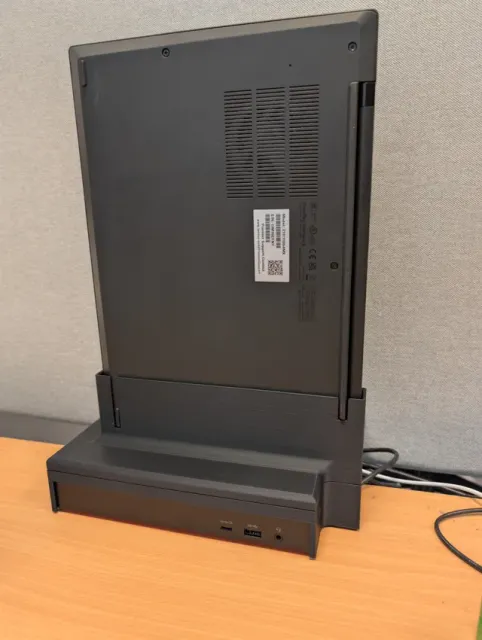
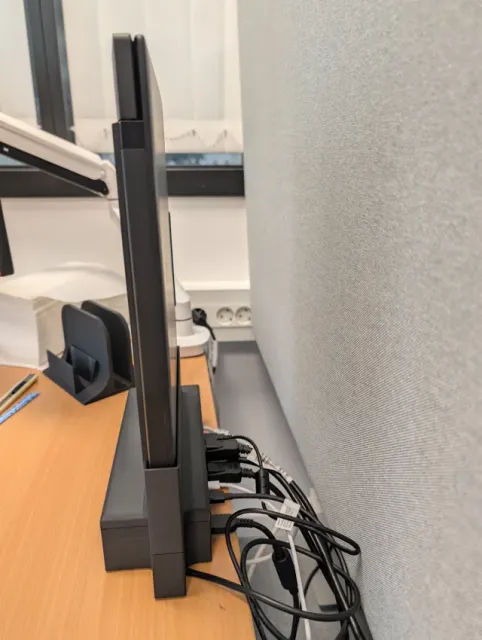
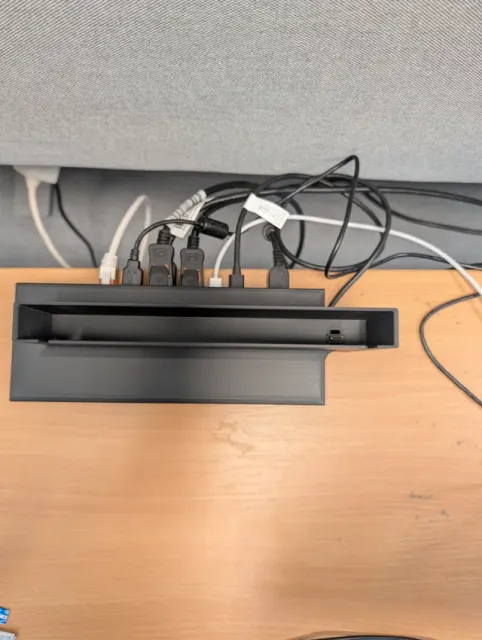

Tired of fumbling with USB-C cables every time you bring your laptop to your desk or leave for a meeting?
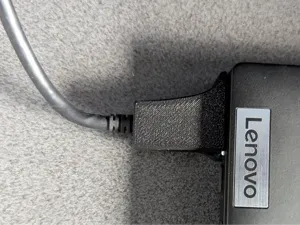
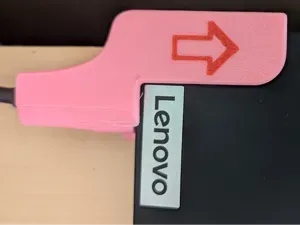
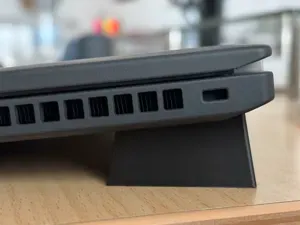
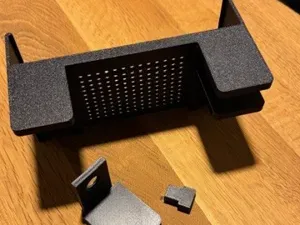
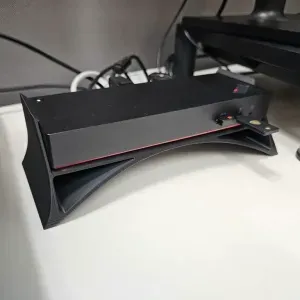
DockSlot is a functional desk organizer that turns your Lenovo dock into a seamless, slide-in docking station. Traditional vertical U-shaped holders save space but make cable management a chore. With DockSlot, you simply slide your Lenovo ThinkPad T14s into place, and it instantly connects. When it's time to go, grab your laptop and walk away—no cable wrestling required.
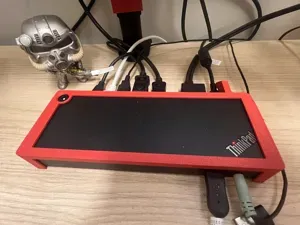
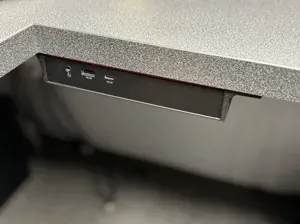
The mount positions your dock directly underneath the laptop with front-facing I/O ports, giving you easy, unobstructed access to your front ports.
🚀 Key Features
- True One-Handed Docking: Slide in to connect, pull out to release. - Smart Tolerance Design: Engineered with slight wiggle room so the laptop slots in smoothly without scratching or binding. - Front I/O Access: Keeps your dock's front ports easily accessible at all times. - Desk Clutter Killer: Maximizes desk real estate while keeping your workspace looking clean and professional. 🛠️ Installation Requirements
To ensure a seamless experience, this model requires a secure setup so the friction of the Thunderbolt cable doesn't pull the mount with it:
- Secure the DockSlot: You must fasten the DockSlot base to your desk using high-quality double-sided mounting tape (like 3M VHB) or a similar clever mounting solution. - Secure the Dock (Recommended): For the smoothest one-handed extraction, apply a small piece of double-sided tape between your Lenovo dock and the DockSlot. ⚠️ Note on Fit: Because it is designed for easy sliding, the Thunderbolt connector provides the primary retention. Securely taping the base down ensures a true "set-it-and-forget-it" experience!
0.2mm layer, 2 walls, 15% infill - 0.2 Layer Height - 15% Gyroid Infill - Inner & Outer Brim - Tree Supports (Auto)
Dock Slot Split w Connectors No Supports - 0.2 Layer Height - 15% Gyroid Infill - NO SUPPORTS - Dowel Connectors - Inner And Outer Brim




Names are used only to indicate the source of a result. Polyzon is not affiliated with the listed sites.
Comments