
Free 
Ironing test for 0.4mm nozzle
MakerWorld
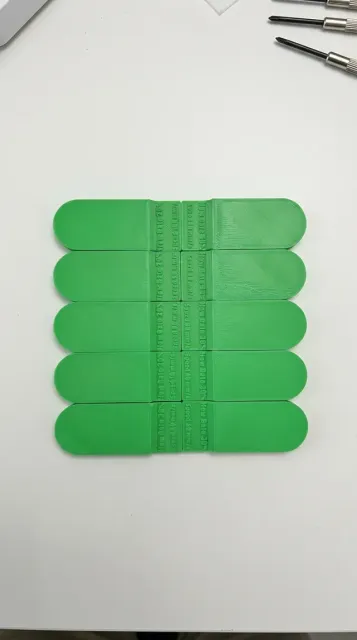
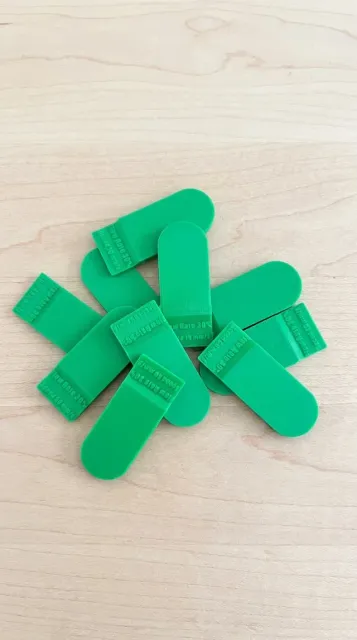
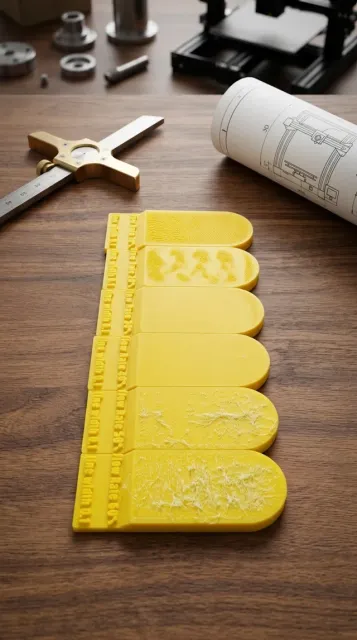
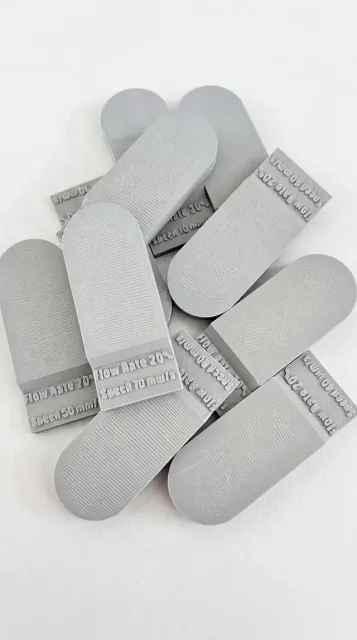
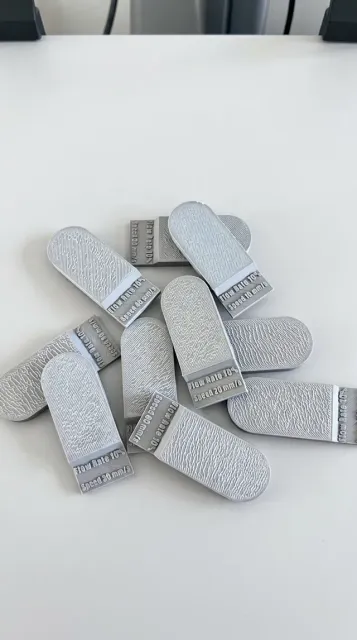
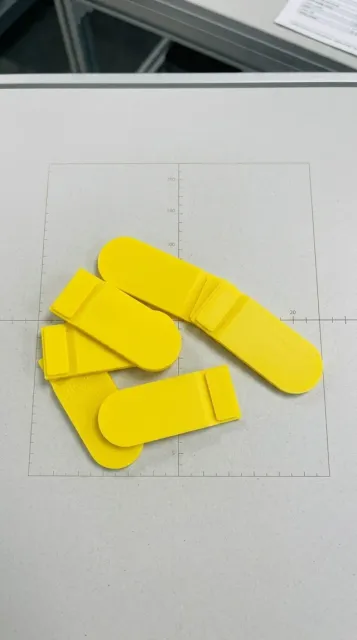
📝 Summary / Short Description
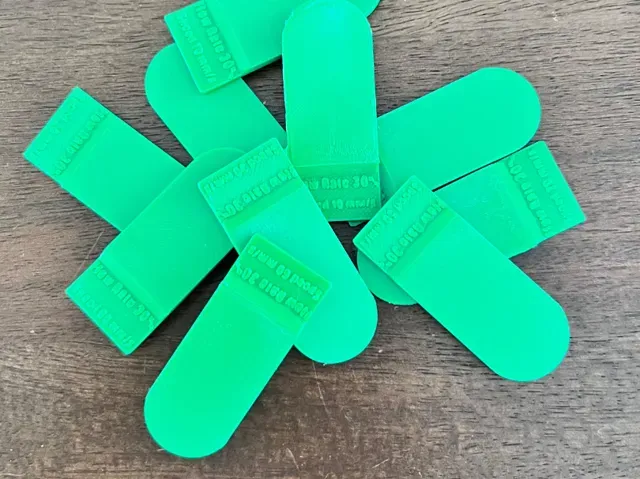
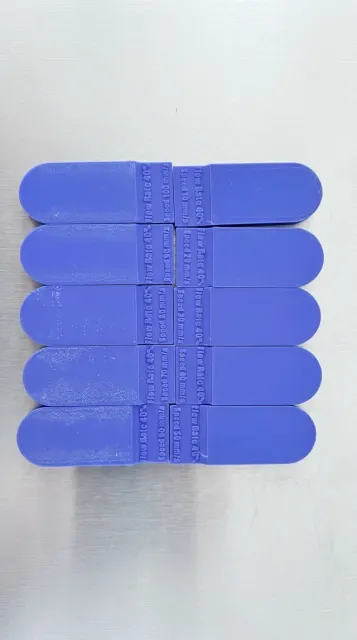
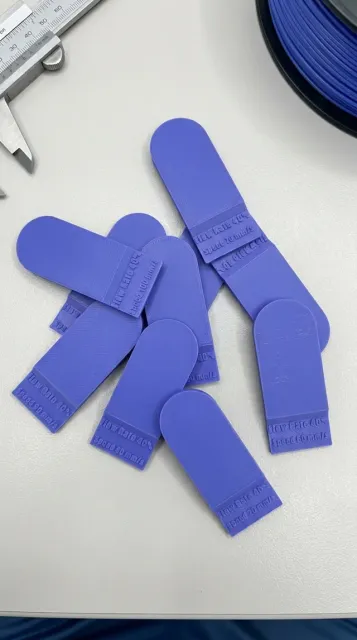
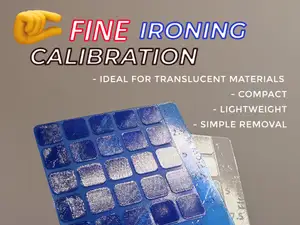
Fix rough, under-extruded top layers! Standard 10–15% ironing flow rates are often way too low. This 2-step calibration suite lets you systematically dial in ironing flow rate (10% to 60%) and fine-tune speed (10 to 100 mm/s) on generous, easy-to-read test swatches. Designed for all filament types and printer brands.
🚀 Achieve Mirror-Smooth Top Layers with Systemic Calibration
If your 3D printer's ironing function leaves top surfaces looking rough, scratched, or under-extruded, default slicer settings are usually to blame. Most stock profiles default to an ironing flow rate of 10–15%—which in practice is frequently far too low for a clean, consistent top surface.
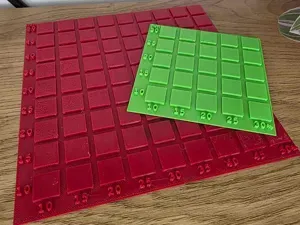
This comprehensive test kit was created because existing online models often feature test areas that are far too small to accurately judge the ironing quality. Built with spacious, high-visibility swatches, this suite gives you clear visual and tactile feedback for tuning.
📋 How to Use This Calibration Suite (2-Step Method)
- Step 1: Determine Optimal Flow Rate (Plate 1)
Print Plate 1 to evaluate 6 distinct flow rate swatches ranging from 10% to 60% (at a fixed line spacing of 0.1mm). Select the swatch that gives you the smoothest, most seamless finish without dragging extra plastic.
- Step 2: Fine-Tune Speed Settings (Plates 2 – 7)
Once you find your best flow rate percentage on Plate 1, select the corresponding plate from Plates 2 through 7 (covering 10% up to 60%). Each plate tests speeds from 10 to 100 mm/s at that specific flow rate to help you achieve maximum surface quality with optimal print times.
📂 Plate Breakdown
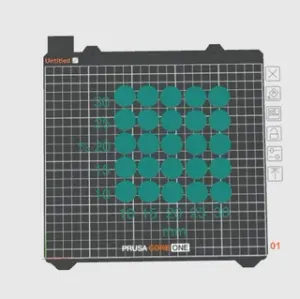
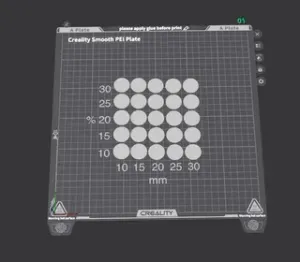
- Plate 1: Initial Flow Rate Sweep (10% to 60% @ 0.1mm line spacing) - Plate 2: 10% Flow Rate Speed Test (10 – 100 mm/s) - Plate 3: 20% Flow Rate Speed Test (10 – 100 mm/s) - Plate 4: 30% Flow Rate Speed Test (10 – 100 mm/s) - Plate 5: 40% Flow Rate Speed Test (10 – 100 mm/s) - Plate 6: 50% Flow Rate Speed Test (10 – 100 mm/s) - Plate 7: 60% Flow Rate Speed Test (10 – 100 mm/s) 🔢 Swatch Markings Guide
- Top Number: Ironing Flow Rate (%) - Bottom Number (Plate 1): Line Spacing (mm) - Bottom Number (Plates 2–7): Ironing Speed (mm/s) 🛠️ Universal Compatibility
Compatible with PLA, PETG, ABS, ASA, TPU, and more. Designed for seamlessly easy slicing across Bambu Studio, OrcaSlicer, PrusaSlicer, and Cura on all 3D printer models.
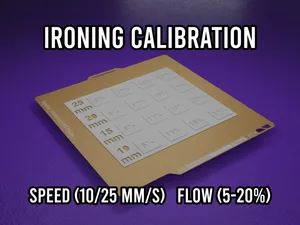
Ironing calibration suite Keep the settings like they are for the best result.
Material: any material
Layer Height: 0.2 mm
Wall Loops: 2
Infill: 15%
Supports: None



Names are used only to indicate the source of a result. Polyzon is not affiliated with the listed sites.