
Free 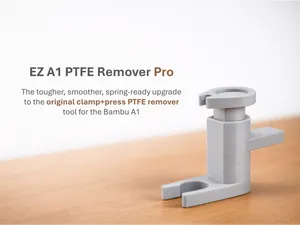
EZ A1 PTFE Remover Pro
MakerWorld
A new upgraded and better Pro version is now available for download!
Please DO NOT download this version anymore! Print the Pro version instead!
__________________
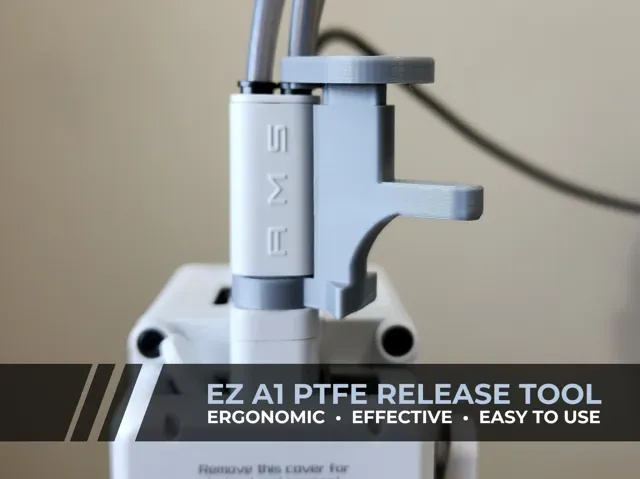
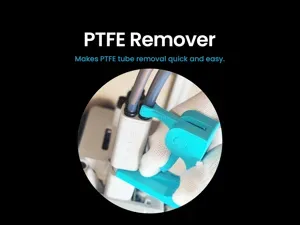
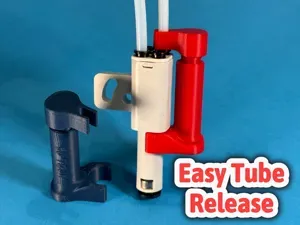
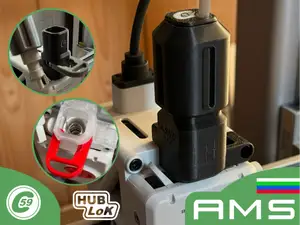
The most effective, ergonomic and easy-to-use PTFE release tool for the A1 – the EZ A1 PTFE Release Tool!
WARNING: DO NOT USE matte or silk PLA as it is known to have weak layer adhesion. It will surely break on first use. Only use regular PLA, PETG, ABS or ASA.
*** For best results, please see Tips for Success section ***
PROBLEM
PTFE tubes on the A1 AMS Lite hub is difficult to remove. Per the Bambu wiki, one has to press down the locking ring with a tweezer in order to remove the PTFE tube. I find it too fiddly and I'm afraid that constantly doing so will eventually cause the gantry to sag and affect alignment.
SOLUTION
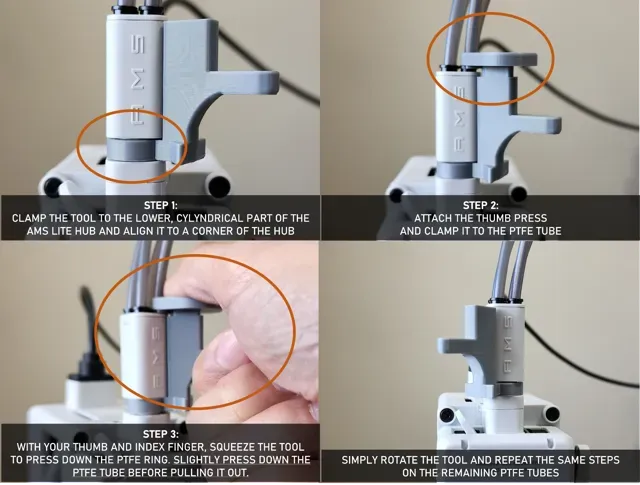
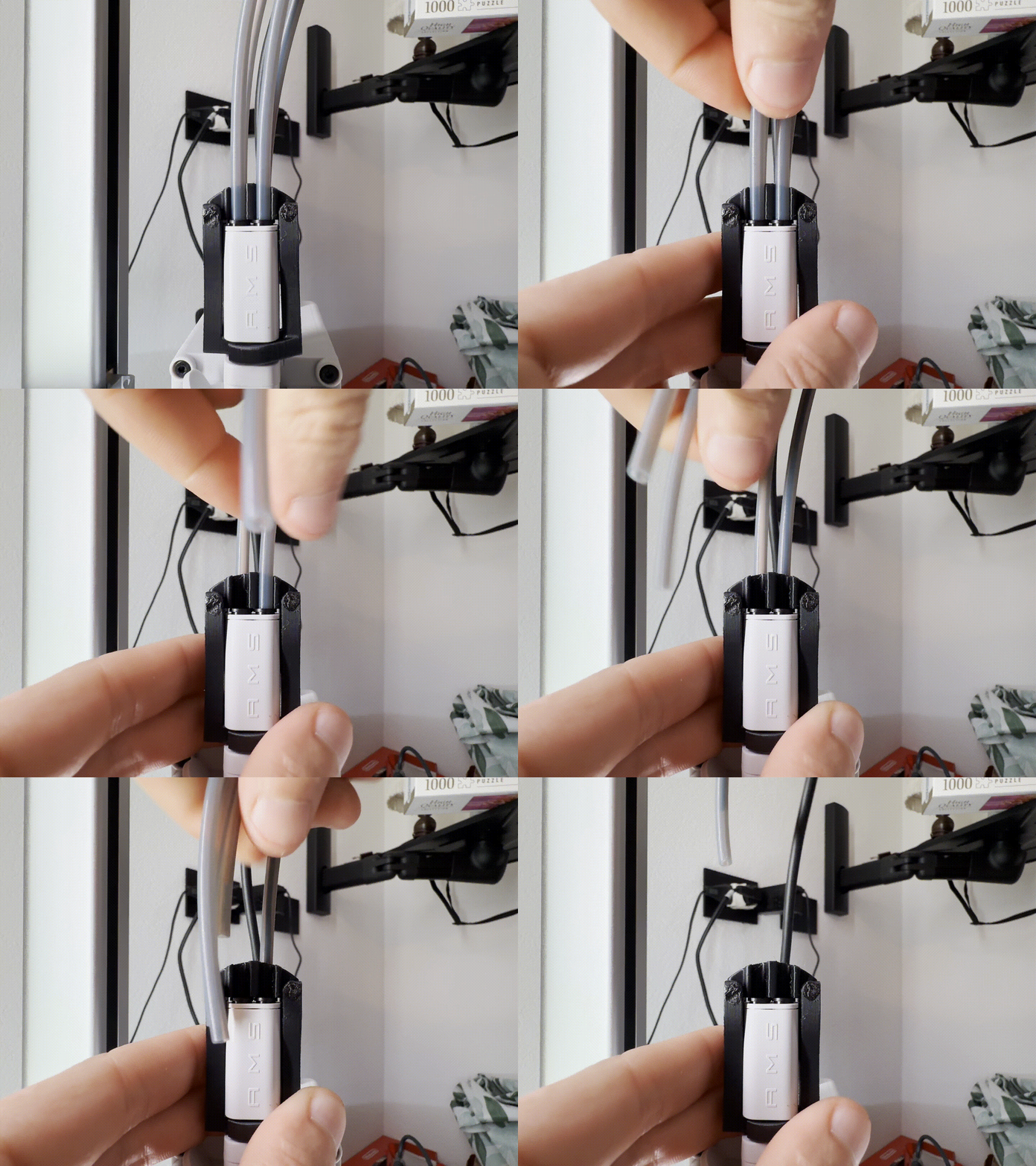
Design an ergonomic tool that will allow easy release of the tube without pressing the entire hub down using only one hand while allowing the other hand free to pull the PTFE tube.
FEATURES
v1.5 released to improve structural integrity and and comfort
- Stable and efficient - less prone to errors as tool attaches to the hub preventing accidental sliding - Easy to use - Designed with the best user experience in mind! Operate the tool comfortably and naturally by squeezing the thumb and index fingers together - Less damaging to the printer - during operation of the tool, stress is limited to the filament hub only and not to the entire gantry PRINTING DIRECTIONS
- Use rigid filaments such as regular PLA, PLA+, ASA, ABS, etc. DO NOT USE matte or silk PLA as these filaments are soft and do not provide strong layer adhesion. - Print as oriented. - Comes with built-in supports. No need to turn on supports. TIPS FOR SUCCESS
- If you find the tubes still very hard to pull out, try pressing the tube down slightly and wiggle it a bit to allow the metal locking teeth to release before pulling the tube out. - Make sure that you have the thumb press aligned in the corner and that it's pressing only one ring at a time . Otherwise, if it's hitting other rings, you might not be pressing the ring down enough. HOW TO USE
IMPORTANT: Tool is not meant to be permanently attached to the printhead as it will prevent filament tangle detection to work. Remove the tool after use.
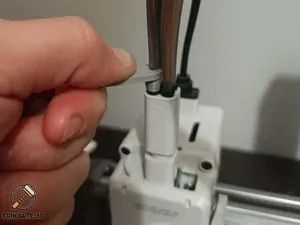
0.6mm nozzle, 0.24mm layer, 2 walls, 15% infill Despite the PLA matte used and advised might not work… the print was successful, I was finally able to remove the PTFE tubes. :)
Optimized PETG Profile

Names are used only to indicate the source of a result. Polyzon is not affiliated with the listed sites.