
Free 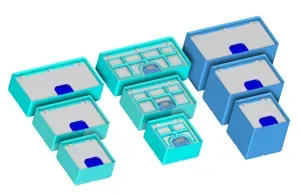
Gridfinity 2x (6U,9U &12U) Lidded Bins version 2.2
MakerWorld
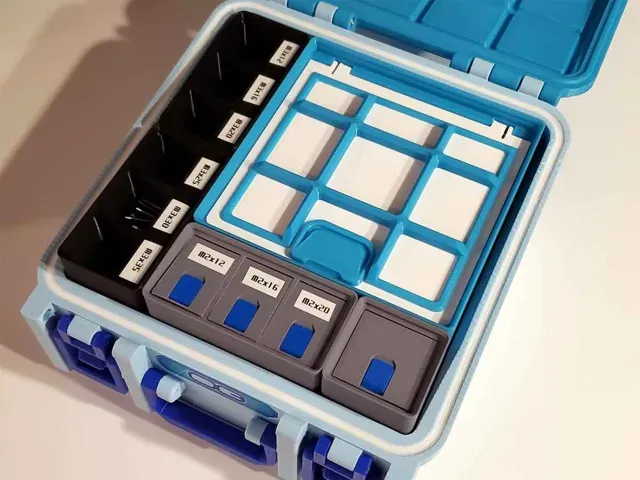
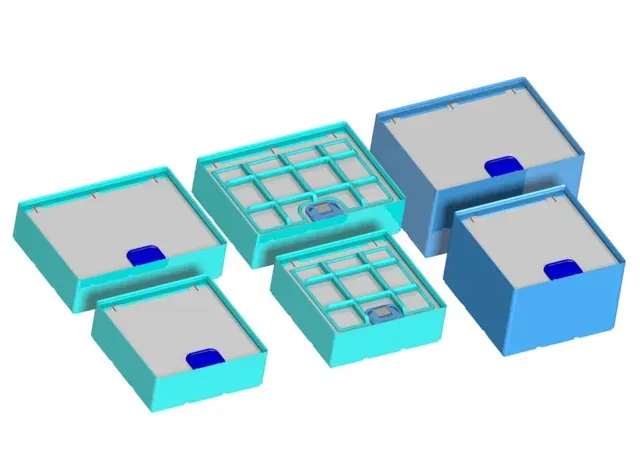
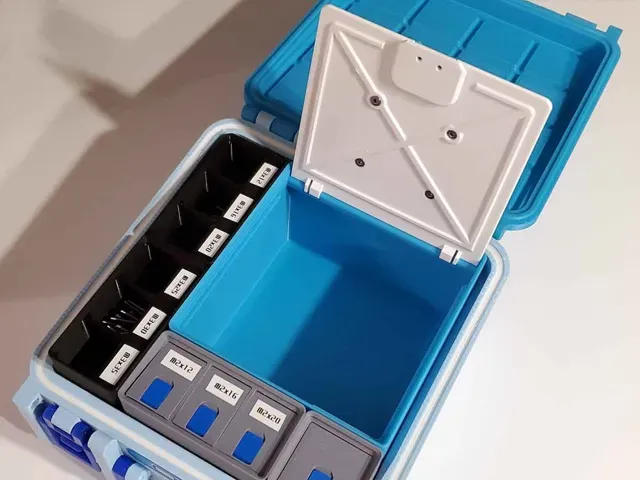
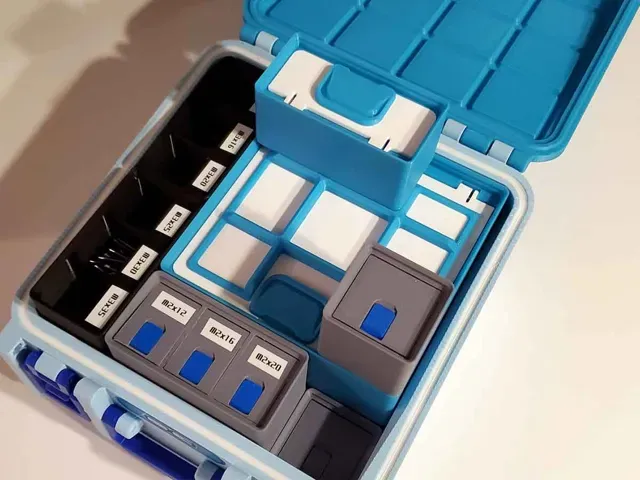
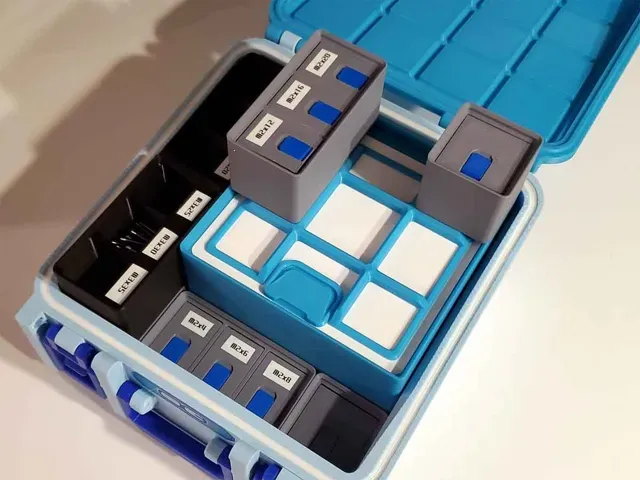
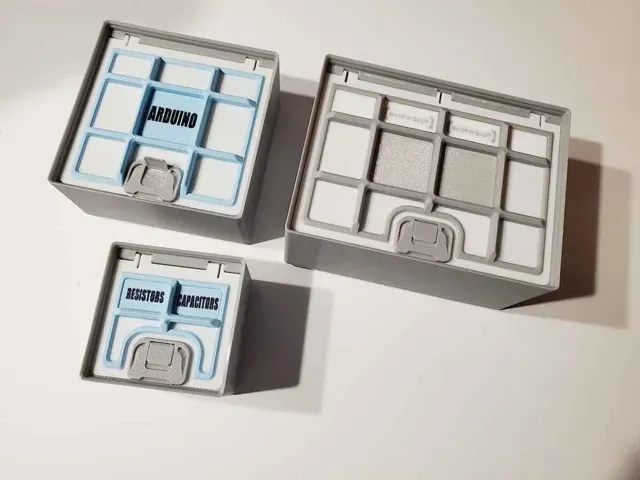
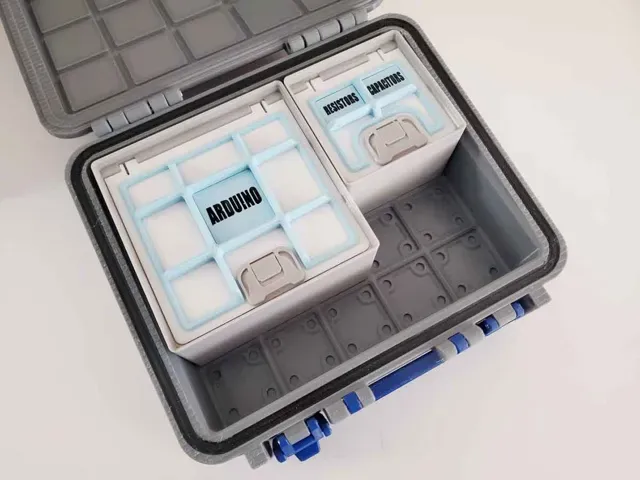
These are the latest version (v 2.2) of my lidded Gridfiniy bins, with several improvements over the 1st version. These include the following improvements and new elements:
- Fully redesigned bins with a more efficient use of material - Slightly larger opening for the doors - New tab option for the sliding latches - New grid option to allow stacking 1x1 bins on the larger 2x and 3x bin models. - No supports needed (same as the v1.0 models) - Additional bin sizes added - Label “chips” which can be used with the grid option (new with v2.2)
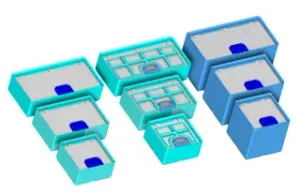
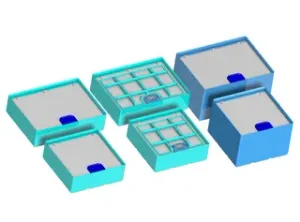
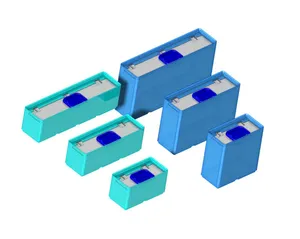
Included here are 9 types of Gridfinity bins with latching lids:
6U Bins:
- 3x3 6U - 3x4 6U - 3x5 6U 9U Bins:
- 3x3 9U - 3x4 9U - 3x5 9U 12U Bins:
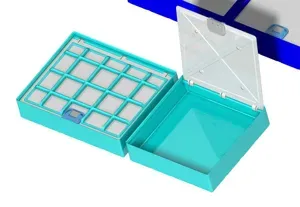
- 3x3 12U - 3x4 12U - 3x5 12U There are 2 options for the lids, one is a plain lid, and the other has a grid, which allows proper stacking for 1x1 bins on top of these bins. With the newest v2.2 version, the grids now support optional label “chips”, which install between the grids and the lids. The grids can be used without the label chips if they are not required.
Text can be added to the grid label “chips” using the text as a modifier in the slicer using BambuStudio. The animation below shows the steps to add text to the “chips” (give it time, each step pauses for 10 sec so the text can be read). The steps in the animation are numbered as well (in the bottom left corner). There are additional images showing the steps to add text modifiers to create custom labels on my blog here .
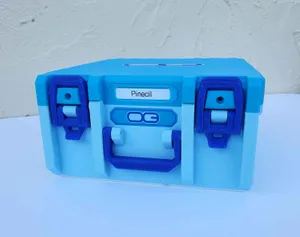
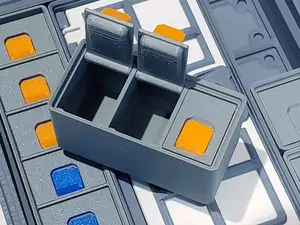
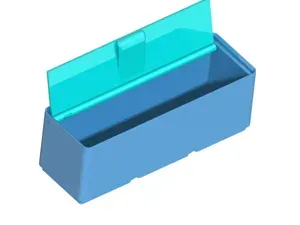
Additionally, there are two latch designs included. One is a plain latch top, and the other has a flip up tab, which can help with opening the bins (see pics).
Update - There is a new alternative latch which requires no hardware (it snaps together).
If you want to try them out, just use the 2nd profile which is named “Updated Snap together slide latches”: SNAP_TOGETHER_SLIDE_LATCHES_V7D.3mf
This design requires the following hardware:
(2) M3x6mm Button Head Cap Screws (BHCS) - or any M3x6 button head screws. (now optional - see update above regarding snap together latch slides)
If using the lids with the Grid pattern, the following additional hardware is needed:
(2-3) M3x6 Flat Head Screws - M3x6 Button Head Cap Screws will also work.
Printing tips:
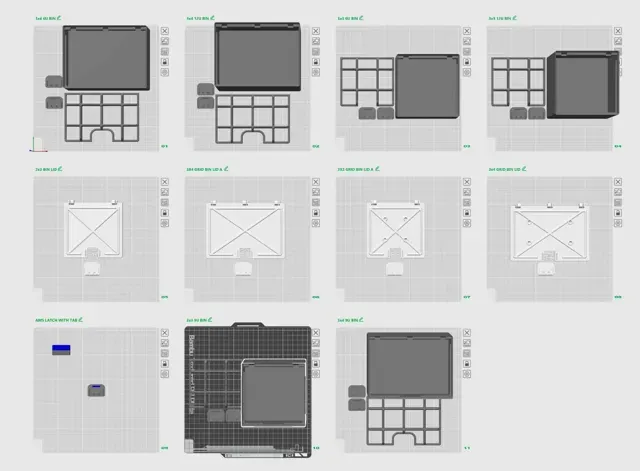
You can use the included 3MF which has all the models set up on 13 plates, including one multi-color option for the tabbed latches.
If you don't use the 3MF and manually set the files up in your chosen slicer, then I suggest using the following settings:
- Arachne wall generator - 15% gyroid infill. - PLA or PETG for the bases and PETG for the LID, since it has an integrated spring. - I used a textured PEI plate, but if you plan to use P-Touch labels, a smooth plate may work better. If you print the lids with the grids (to allow stacking 1x1 bins), use the models which have holes in them and “LID_GRID” in the names. For example, these are the models needed for the 3x3 bins:
LIDDED_BINS-3E_3X3_LID_GRID_A.STL
The lids with the grid patterns require the additional M3x6 flat head screws. A couple drops of superglue is also a good idea to bond the grids to the lids.
If you print the tabbed latch tops, you can use the following files:
Single Color:
LIDDED_BINS-3E_LATCH_TOP_BOTH.STL
Multicolor (load both files together in the slicer to maintain their relationship and answer “yes” to load them as a single object):
LIDDED_BINS-3E_LATCH_TOP_A.STL
LIDDED_BINS-3E_LATCH_TOP_B.STL
Assembly:
Assembly tips can be found in “Step 6” at the link below:
https://www.mystoopidstuff.com/bambu-spares-box-build-guide.html
The doors and hinges are designed so they will be easier to install if the hinges are pushed into place with the door almost closed.
If you find these models useful, please post a like or a comment with some pics of your prints.
Boost Me Thanks for supporting my work!
Other stuff:
There are several latching lid bins available in 1x, 2x, 3x and 4x sizes:
- 1x2, 1x3, 1x4, 1x5 (6U, 9U and 12U) Lidded Bin for Stuff with Latch Version 2.0 - 2x2, 2x3, 2x4, 2x5 (6U, 9U and 12U) Lidded Bin for Stuff with Latch Version 2.0 - 3x3, 3x4, 3x5 (6U, 9U and 12U) Lidded Bin for Stuff with Latch Version 2.0 - 4x4, 4x5 (6U, 9U and 12U) Lidded Bin for Stuff with Latch Version 2.0
I've also made some smaller multi compartment latching lid bins, whcih are available at the links below:
Gridfinity 1x1 Bins with Latching Lids v1.0
Gridfinity 1x2 Bins with Latching Lids v1.0
Gridfinity 1x3 Bins with Latching Lids v1.0
0.2mm layer, 2 walls, 15% infill version 2.2 This is a profile with 20 plates, including one multi-color option for the tabbed latches. The profile includes all models and options. This profile uses:
- Arachne wall generator - No supports - 15% gyroid infill. - 2-3 walls, depending on the part - PETG for the bases. PETG is recommended for the LID, since it has an integrated spring. - I used a textured PEI plate, but if you plan to use P-Touch labels, a smooth plate may work better.
See the pics for the colors and materials used in the AMS. The plates for the bins are set up with all the possible options, so please remove any parts which you do not need
Changelog:
This is updated to version 2.2 with a new option for adding text “chips” when using the grid option. The text can be added in Bambu Studio using text as a modifier. See the main description or my blog which has details on how to add the text.
11/2/2024: Added 3x5 bins
Updated Snap together slide latches These are new snap together slide latches, which require no extra hardware.
There are two versions of these slide latches. One has a snap closed tab and the other has a tab which does not snap closed.
They can be printed with PLA, PETG or a combination of each. I recommend using PETG for the base, and PLA for the tabs, if using the snap tab version.


Names are used only to indicate the source of a result. Polyzon is not affiliated with the listed sites.