
Free 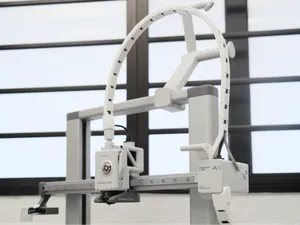
A1 Print Head Drag Chain / Cable Chain
MakerWorld
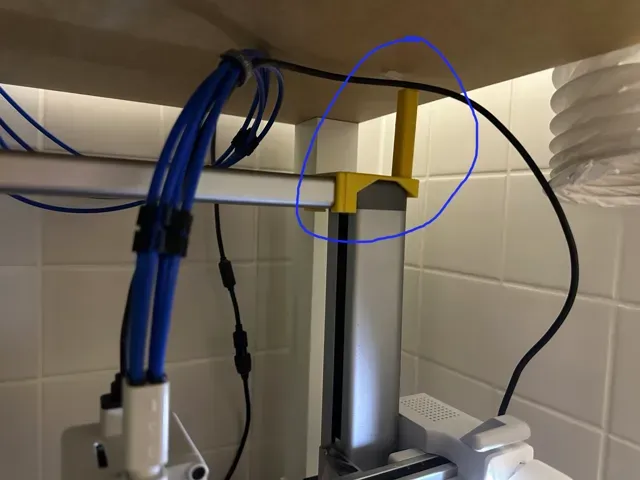
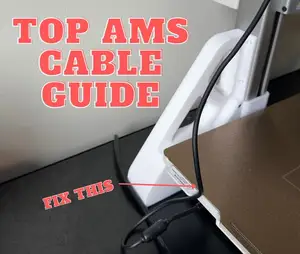
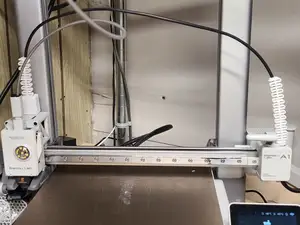
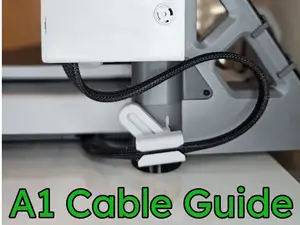
Since relocating the AMS-lite for my Bambu Lab A1 printer away from the right side of the printer, I've encountered issues with the tool head cable getting stuck behind the top right corner of the frame.
As shown in the picture below, the cable tends to stay elevated over the top bar of the frame when the tool head moves high on the Z-axis. This, combined with the tool head moving to the far right (e.g., when cutting filament), can result in the cable positioning above the corner of the frame. When the tool head then moves down, the cable can get stuck on or behind the corner, preventing the tool head from moving. In the worst-case scenario, the cable might even be ripped out of the housing by the tool head’s movement.
I experimented with several cable management solutions. Some reduced the likelihood of the problem, but eventually, the cable would still get stuck.
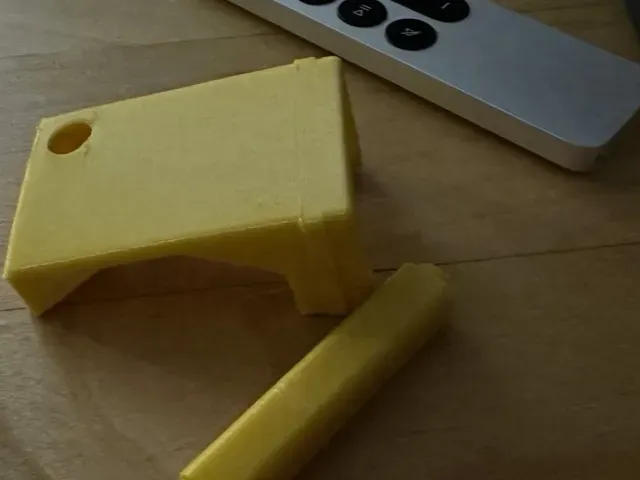
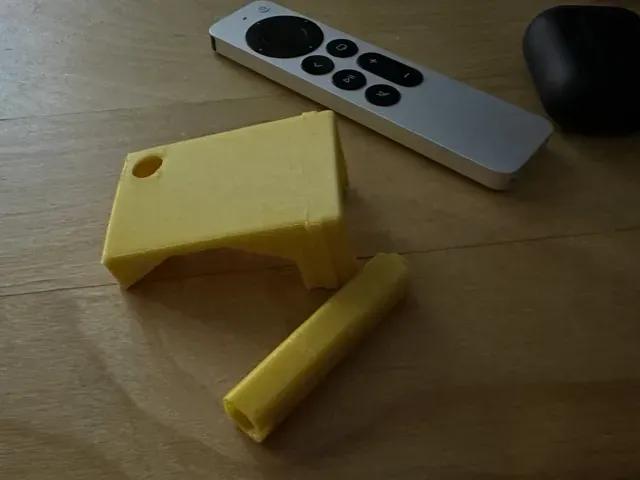
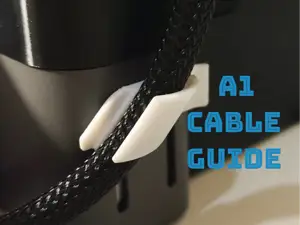
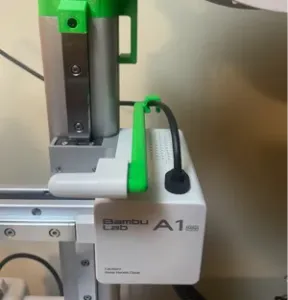
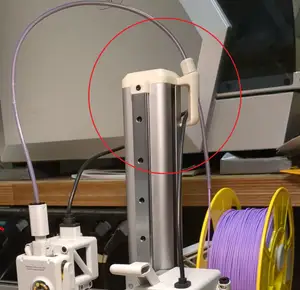
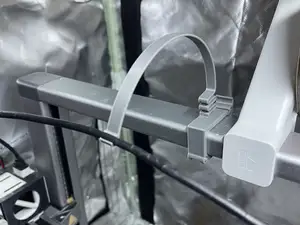
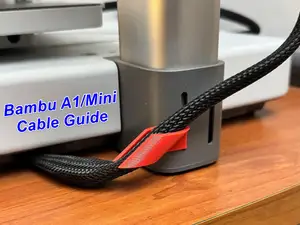
A straightforward solution was to prevent the cable from ever getting behind the problematic corner. This led to the design shared here. It began with a simple clip for the top bar, which I then adapted to stay in place when clipped on the corner. A piece of double-sided adhesive tape on the bottom side of the clip can secure it even better; just ensure the tape is not too thick, as the clip arms leave little wiggle room.
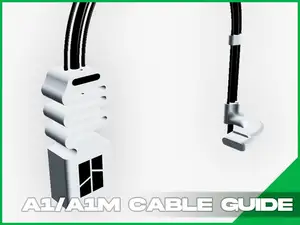
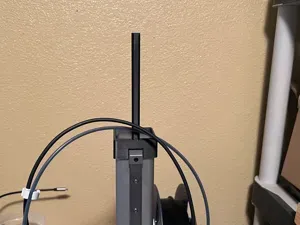
The “tower” was added to guide the cable upwards by pushing against it. The model includes several pieces of different lengths to allow the extension of the tower as needed. If you add significant length, you might want to glue the pieces together to support the press-fit rings.
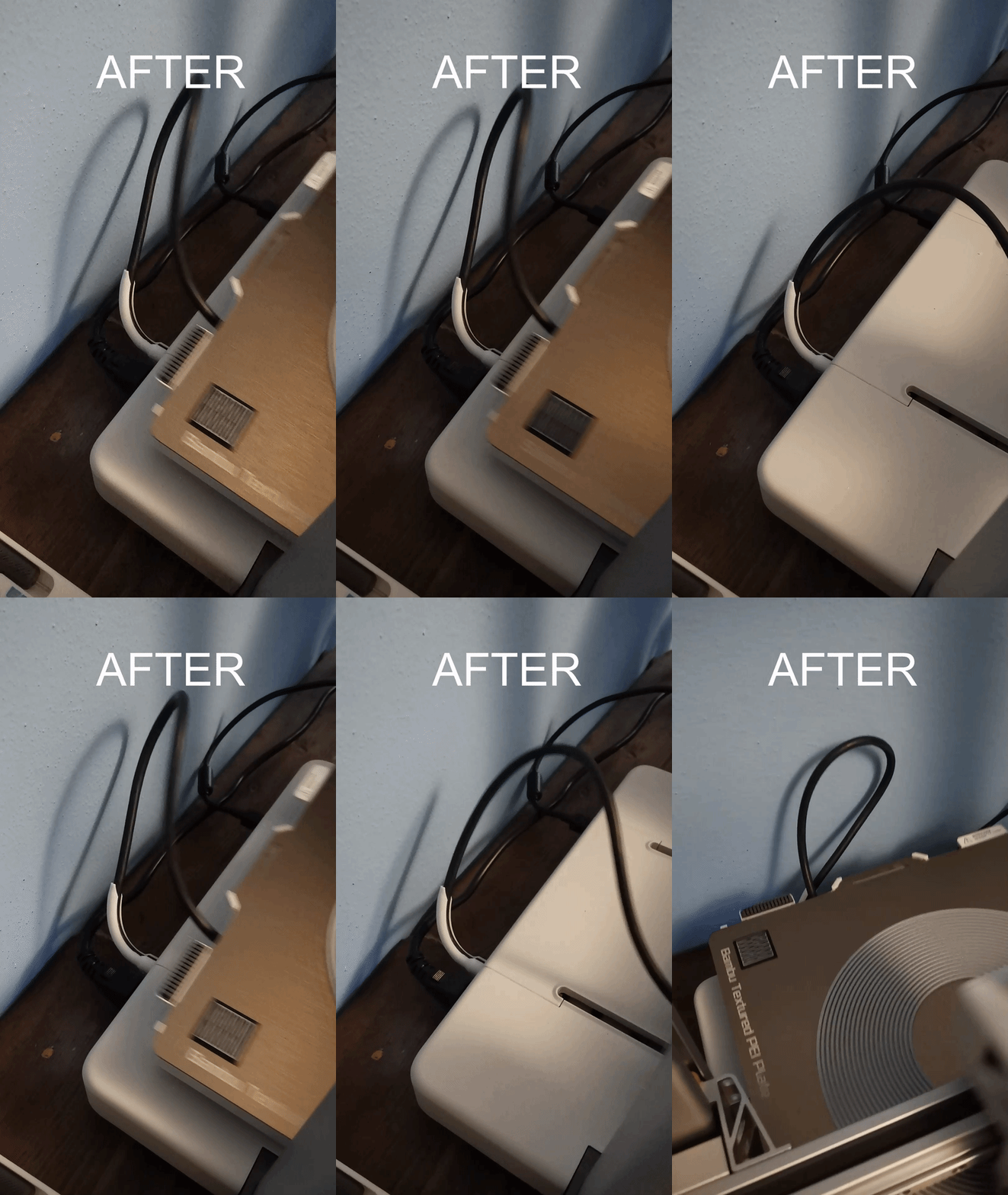
Since I started using this design, I haven't had a single instance of the cable getting stuck. :)
I printed the parts in PETG. My test prints in PLA resulted in broken clips.
PETG, with support!, 0.2mm layer, 2 walls, 15% infill The clip is printed at a 45° angle from the print bed, which significantly increased the reliability of the clips. This orientation requires a brim for adhesion and supports to ensure it does not fall over during the print.
The “tower” pieces are printed on the side with the opening. Supports can be used to get a clean border inside, but as this area is not visible, they are not strictly necessary.
PLA 0.2mm layer, 2 walls, 25% infill For PLA
Names are used only to indicate the source of a result. Polyzon is not affiliated with the listed sites.