
Free 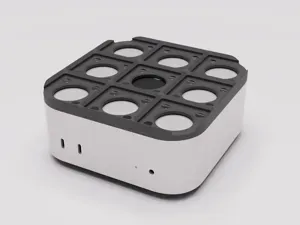
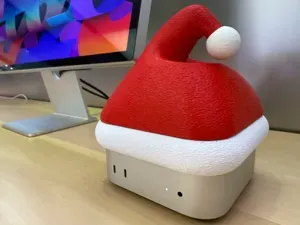
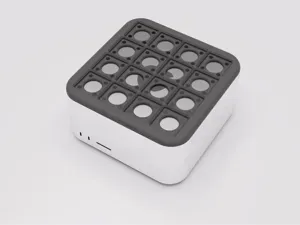
Gridfinity Hat for M4 Mac Mini
MakerWorld

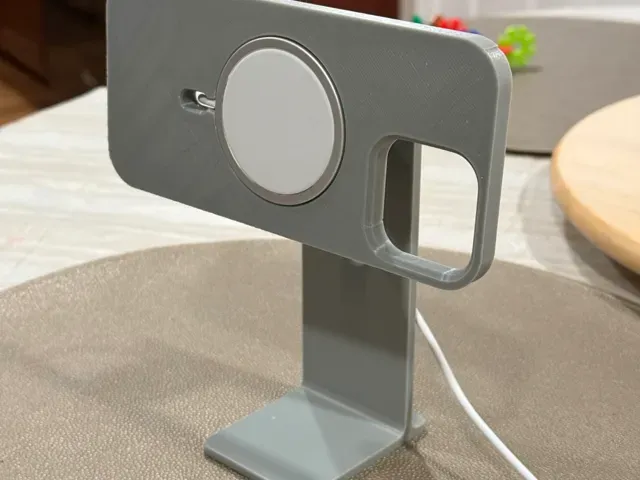
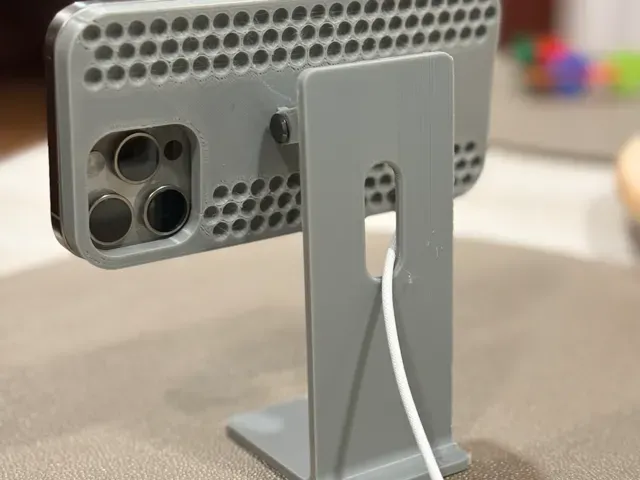
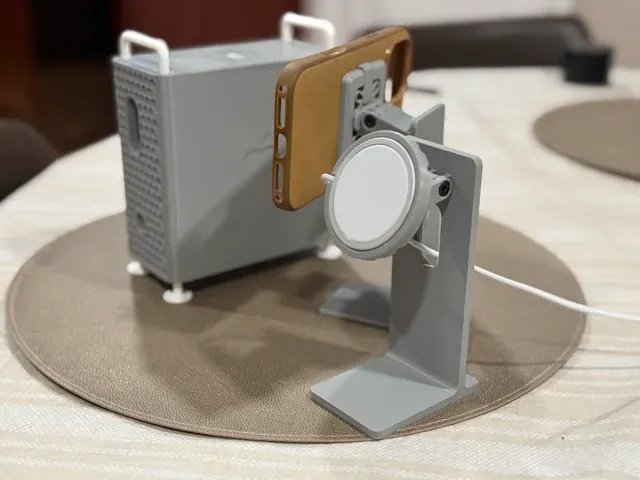
11/17/2024 UPDATE
- I have begun offering commercial licenses for sale of physical prints of these and other related prints. You can find more information on my Patreon page . Note there are currently no authorized licensees – prints you may see on Amazon, Etsy, Shopify and others are unauthorized uses of this intellectual property. I will update the post here with licensed printing partners once they are available. - Personal prints for non-commercial use, are, of course, still 100% free as normal. “iPhone XDR Stand” for MagSafe and StandBy Mode
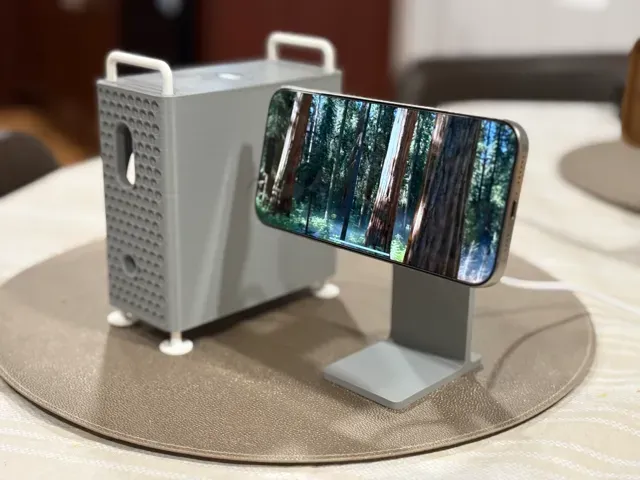
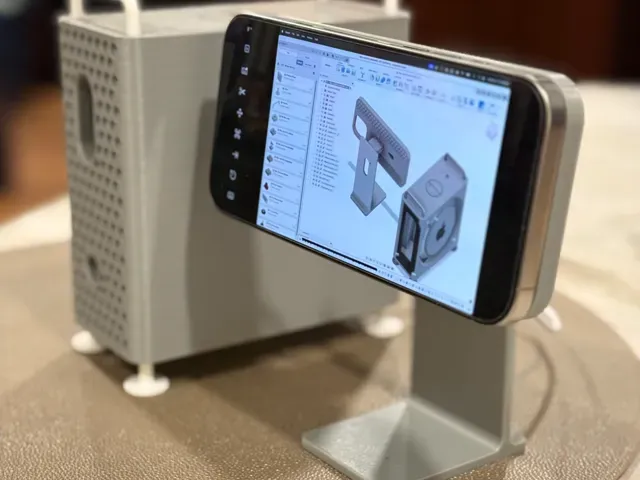
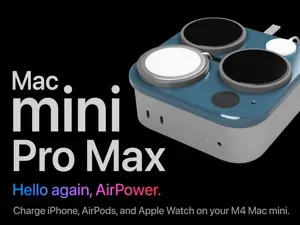
Boost Me If you enjoy this project, please support my efforts with a boost! I really appreciate it. A new accessory for the Mac mini Pro enclosure or M4 cube for M4 Mac mini! This is an iPhone stand themed after a Pro Display XDR and/or Apple Studio Display.
With this, you can charge your iPhone using MagSafe and use StandBy mode with a height-adjustable stand that completes the look of your miniaturized “Pro” Mac setup!
The provided profile includes:
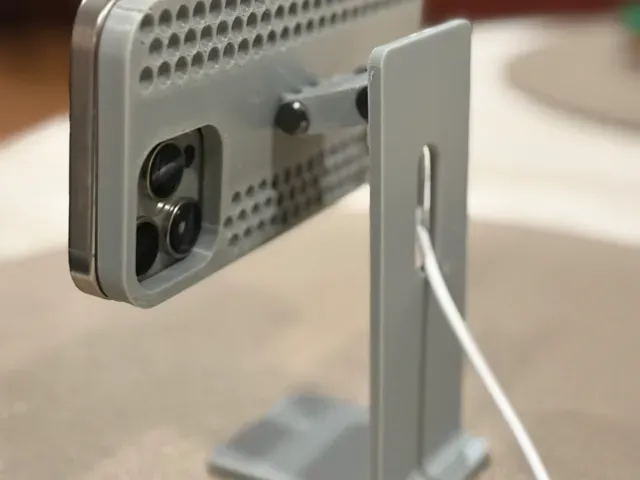
- A base stand - A hinge beam - Backing plates for iPhone 16 Pro and 16 Pro Max, with either the 2024 (25W) or Pre-2024 (15W) MagSafe adapters - Generic circular backing plates for either the 2024 (25W) or Pre-2024 (15W) MagSafe adapters - A magnetic, compliant-mechanism locking backing plate for the Peak Design Mobile SlimLink system - Optional: QTY 8 x 6x3 Magnets Supports are recommended as necessary (they are pre-configured in the default profile).
Assembly requires two female 5mm Chicago screws (sometimes called binding posts) and two M4 (har, har) flat-head cap screws, nominally 25mm long . These can be tightened to tension the hinge to taste by clamping down on the finger joints (like a GoPro mount).
Enjoy!
Tip: It is the nature of this stand (prioritizing the scale mini aesthetic) that it is a little top-heavy and not super stable. The experience of using it may be substantially improved by attaching it to the desk with Command Strips , 3M VHB , or microsuction tape .
Note: The iPad mini is technically closer to being to-scale with the “Mac mini Pro” based on the Pro Display XDR. If you have an iPad mini, I highly recommend a setup that instead uses this magnetic, aluminum mount . Alternatively, Threads user Bas van der Ploeg has released a design for a 3D-printable stand for the iPad mini.
Related models for M4 Mac Mini:
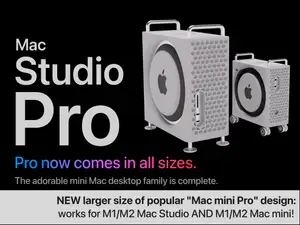
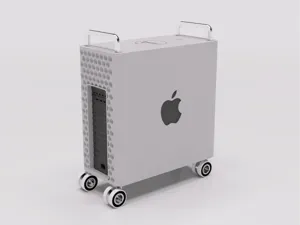
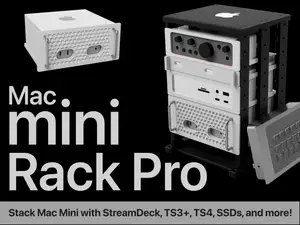
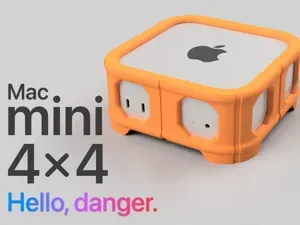
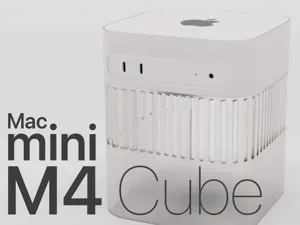
- "Mac mini Pro" enclosure, (à la 2019+ Mac Pro ) - “Mac mini Trash Can” enclosure, (à la 2013-2019 Mac Pro ) - “Mac mini G5” enclosure, (à la 2003-2006 PowerMac G5 or 2006-2013 Mac Pro ) - "M4 Cube" enclosure, (à la PowerMac G4 Cube , modernized) - Nintendo NES enclosure - Mac App Icon and Logo “Hats” - "Gridfinity Hats” - Santa Hat Related models for Mac Studio and M1-M2 Mac mini:
- “Mac Studio Pro” enclosure, (à la 2019+ Mac Pro ) - Gridfinity Hats" Related models, other:
- “iPhone XDR” - for MagSafe and StandBy mode - Mac Pro Desk Model - standalone 3D printable display model
Default (0.2mm, 3W, 20%, custom infill) Creator default profile.
TPU Hinge Pin - 0.16mm layer, 2 walls, 100% infill TPU is a great material for having the PLA hinges stick . It positions nicely. Stays. And is difficult to move - like you've tightened your $5000 monitor stand to perfection.
It's 5mm in diameter, but, I probably could have gone for 5.1mm. The weight of an iPhone isn't going to make a difference between 5 or 5.1 though. Both work excellent.
Great if you have TPU and don't have specific screws.
0.16mm layer, 2 walls, 15% infill Si comme moi, vous aimer ce désigne, mais que vous n'avez pas de téléphone compatible mag-safe, vous êtes au bon endroit. J'ai d'abord essayé d'imprimé la version mag-safe mais ce fut un échec, mon téléphone ne tenait pas . J'allait abandonné, puis je me suis souvenu que j'était ingénieur, j'ai ouvert mon logiciel de CAO, et 10 minute plus tard, j'avais mon model.


Names are used only to indicate the source of a result. Polyzon is not affiliated with the listed sites.