
Free 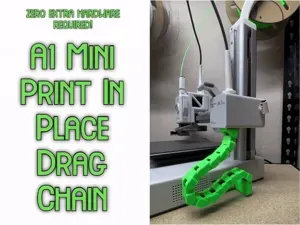
A1 Mini Print In Place Side Drag Chain
MakerWorld
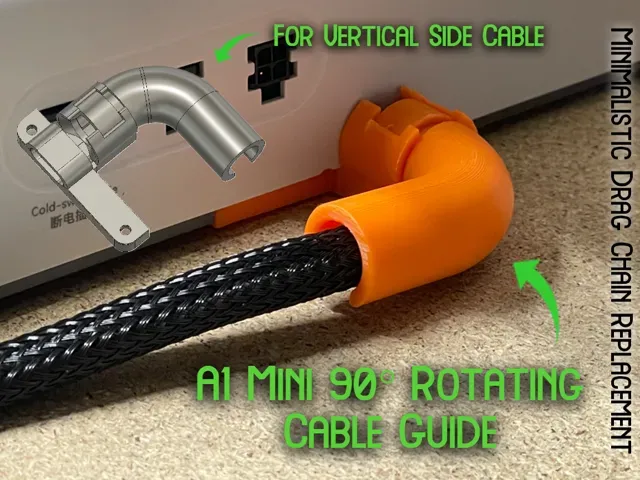
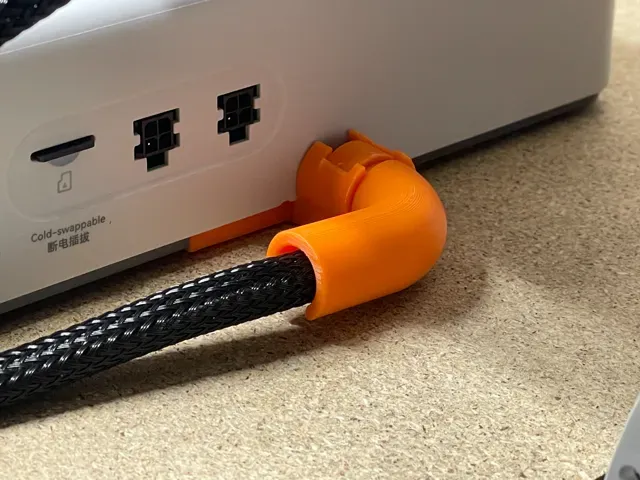
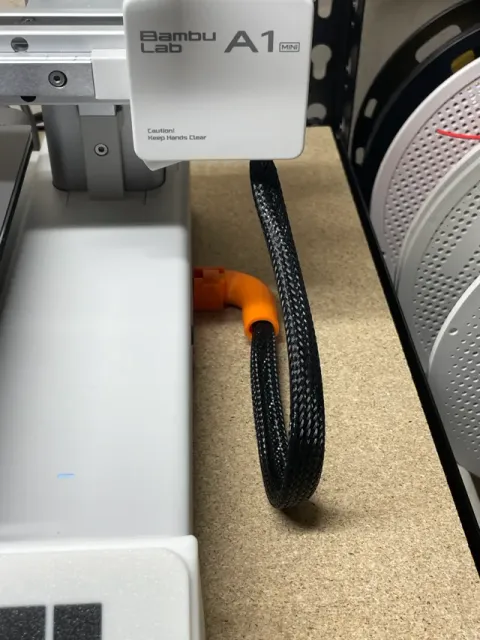
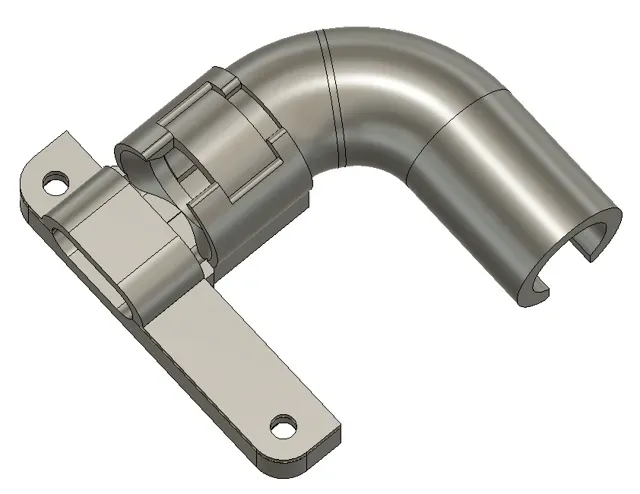
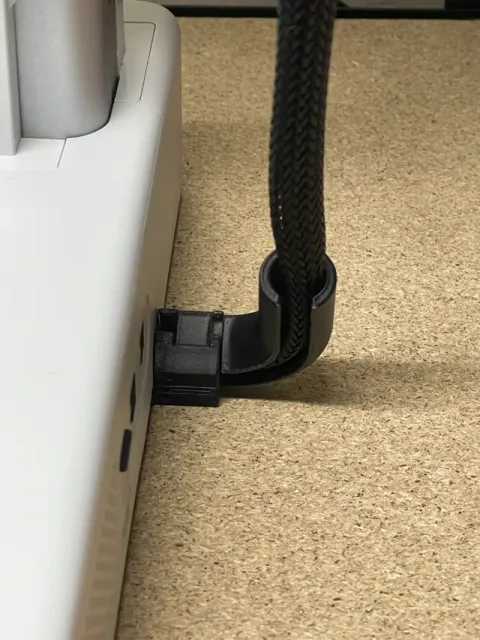
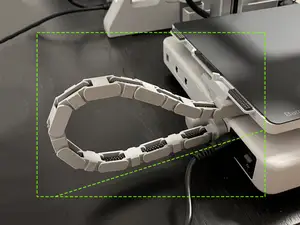
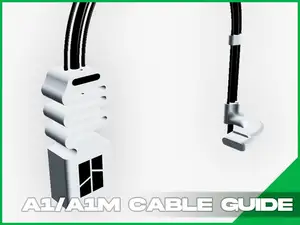
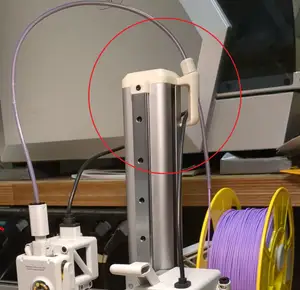
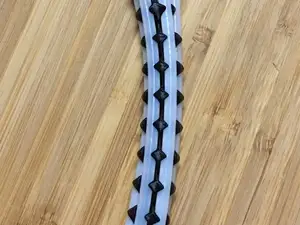
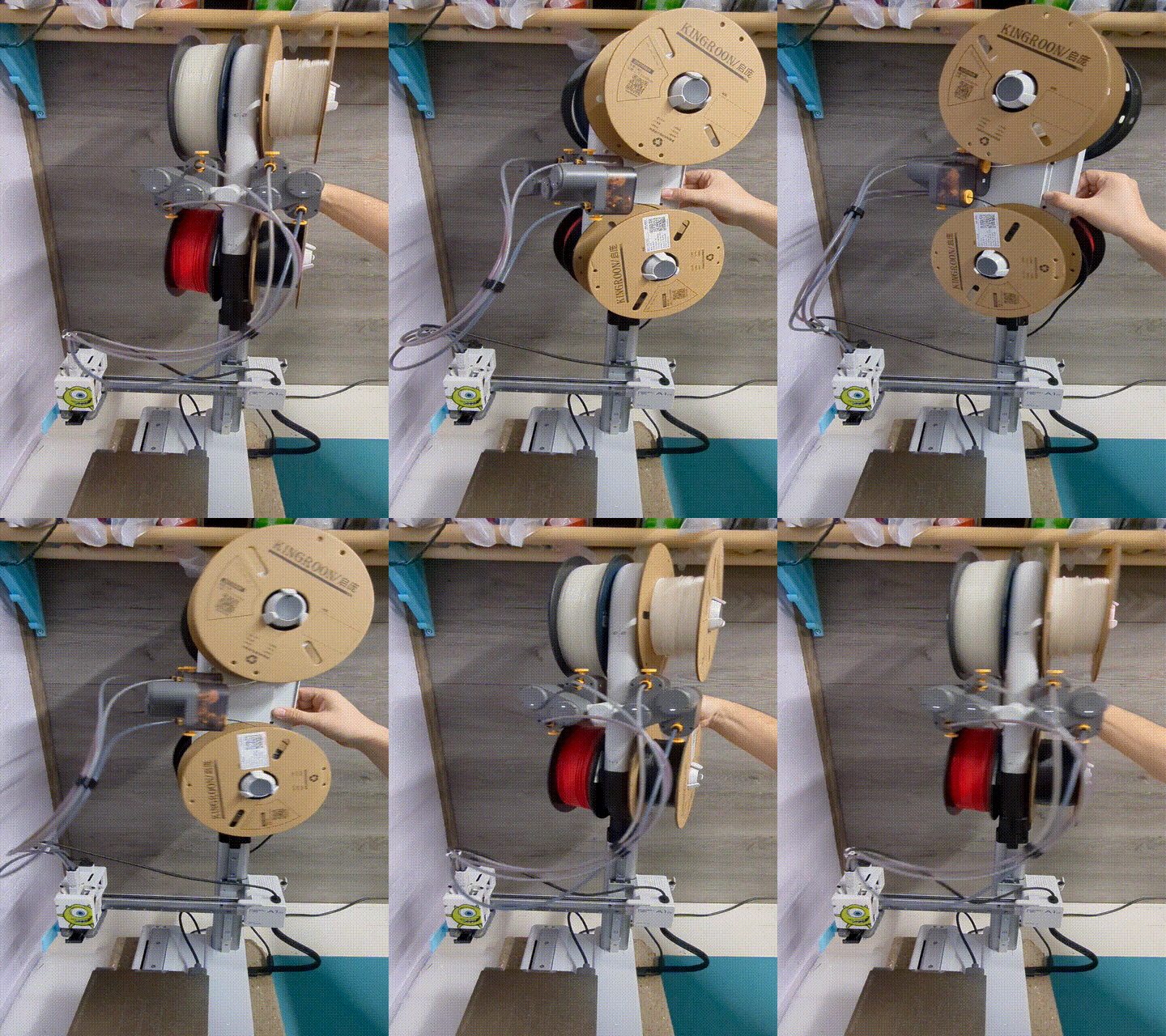
Version 2! If you put the AMS cable above the z-axis cable while the gantry is lowered, if it raises all the way there's a chance it may rip your cable out and damage it. After spending so long designing my cable chain using the same method for attachment, I thought back to when I created a small a simple solution, my 90° cord bend . Knowing it didn't work super well I decided to use the same attachment method and create this, which snaps together and rotates as the gantry goes up . This design has perfect, almost zero play tolerances allowing for smooth movement.
To install, rotate your A1 Mini onto its side and using a 2.0mm allen wrench , remove the two screws holding on the small grey rectangular piece which holds the cable in place. Then, follow the instructions below before screwing the new pieces back into the same spot.
Boost Me I put a lot of time, effort, and filament into my designs to ensure they work well and efficiently. Boosting my models helps me out significantly, and its free for you!
Creator Recommended | 0.16mm layer, 2 walls, 15% infill
Indent for Zip Tie | 0.2mm layer, 3 walls, 15% infill

Names are used only to indicate the source of a result. Polyzon is not affiliated with the listed sites.