
Free 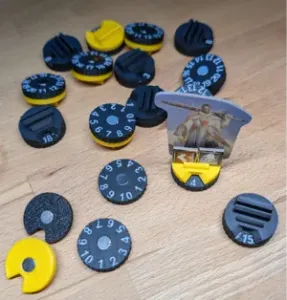
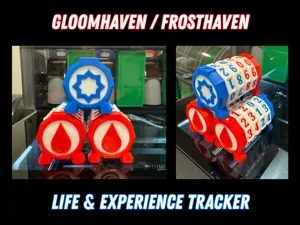
Gloomhaven / Frosthaven / JOTL Standee Tracker
MakerWorld
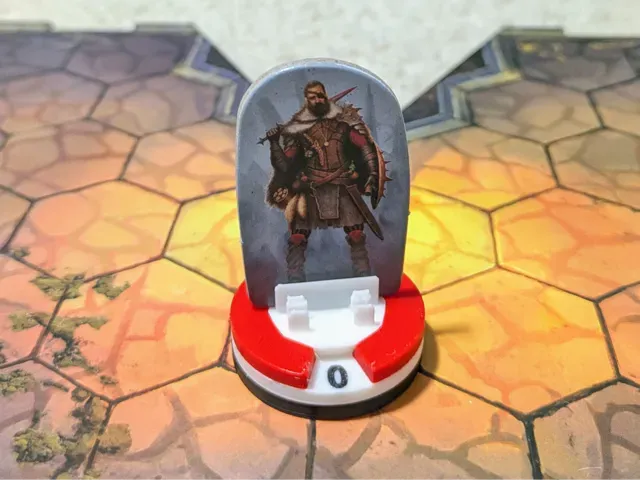
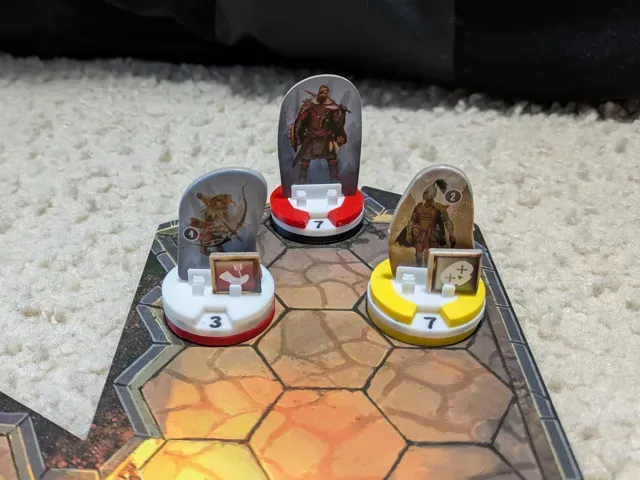
PLEASE READ BEFORE SELECTING A PRINT PROFILE!
Profiles with embedded magnets will need a pause programmed at 2.6 mm. If you print from Bambu Handy, you won't be able to program the pause and the system won't work. Instructions on programming a pause are at the bottom of the description.
Also make sure to check the Magnet Orientation section.
—
This model is highly inspired by Virhile's concept for a modular magnetic standee system. This remix uses embedded 6x2 mm magnets and the AMS for text. Future updates will add support for non-embedded magnets, a non-AMS version, and 8x2 mm magnets.
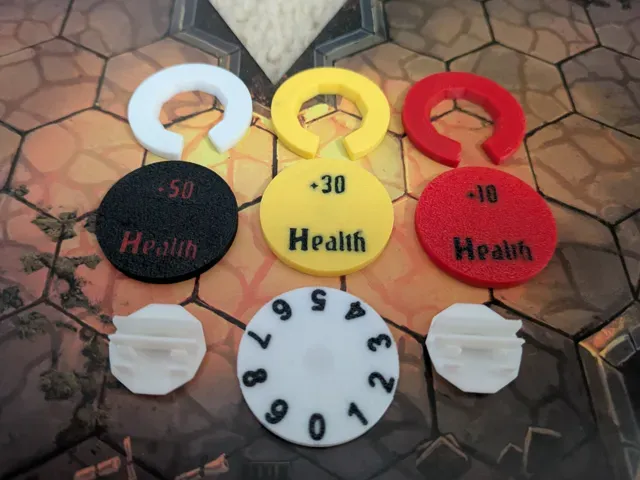
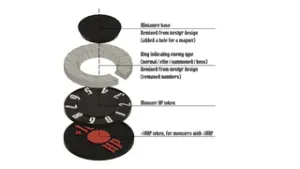
The system consists of the following:
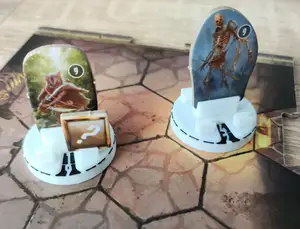
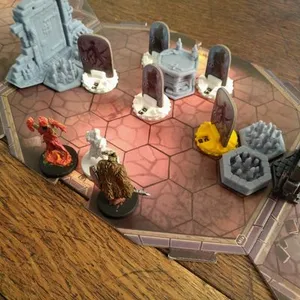
Character Top (magnetic): This part holds the monster, boss, or summon cardboard piece and any conditions. This part fits within the Character Type Ring. You may want to print some Character Tops in different colors to identify allies or summons.
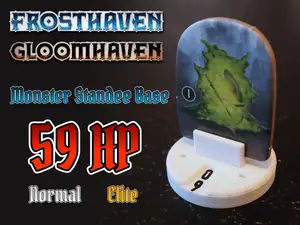
Character Type Ring: This ring is beveled to fit snugly with the Character Top and rotate when you turn the top. The cutout in the ring shows the enemy's hitpoint total. You can print these in white for normal enemies, yellow for elite enemies, and red for bosses.
Hitpoint Dial (magnetic): The magnet in this part will snap to the character top and show hitpoint totals between 0 and 9.
Additional Health Discs (magnetic): For enemies with hitpoints greater than 9, snap combinations of these discs to the bottom of the hitpoint dial. The default profile has them printed in red, yellow, and black for 10, 30, and 50 additional hitpoints, respectively.
Magnet Orientation
Magnet orientation will be the different between your system working correctly or not. In the default profile, the direction of the magnet in the Character Top will be opposite the direction of the magnet in the Hitpoint Dial and the Additional Health Discs. I recommend using something like this so you can have magnets loaded in opposite orientations, using one set for the Character Tops and the other for the Hitpoint Dial and the Additional Health Discs.
Programming a Pause in Bambu Studio
In order to insert the magnets, you'll need to program a pause at 2.6 mm. To do this, first slice the plate as usual. Once that's done, drag the layer slider on the right side of the screen down to the 2.6 mm layer height.
Right click the “+” and select “Add Pause”.
With the pause added, select “Slice Plate” again and Bambu Studio will add G-code to pause the print. When the print pauses, add the magnets as described above. They should be attracted to the magnetic plate and stay put.
0.2mm layer, 2 walls, 15% infill - AMS + embedded magnets Must use Bambu Studio with a pause @ 2.6 mm layer height !!!
Uses AMS and embedded 6x2 mm magnets.






Names are used only to indicate the source of a result. Polyzon is not affiliated with the listed sites.