
Free 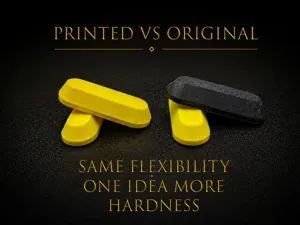
Supportive Footpad - A1 (TPU)
MakerWorld
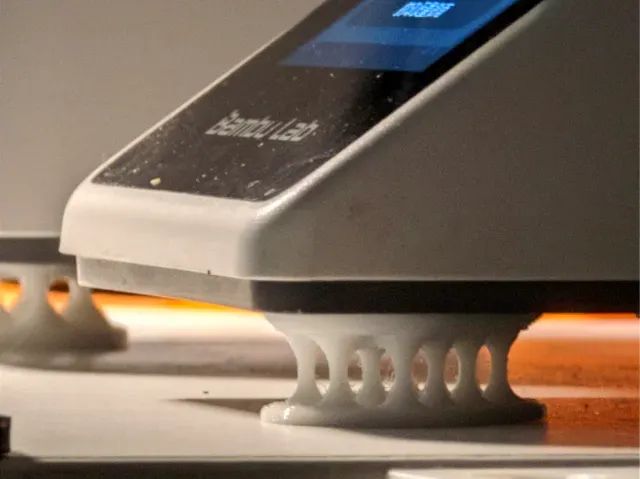
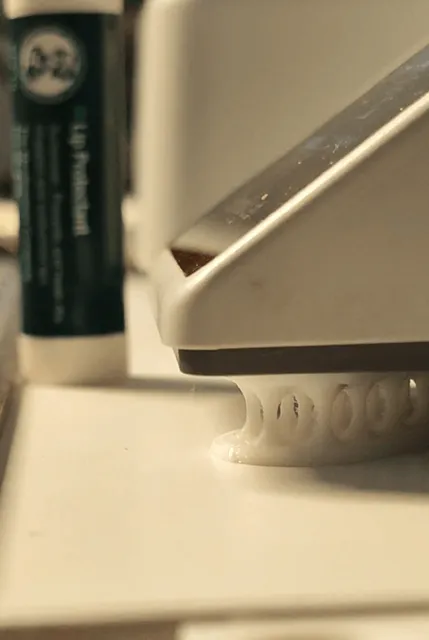
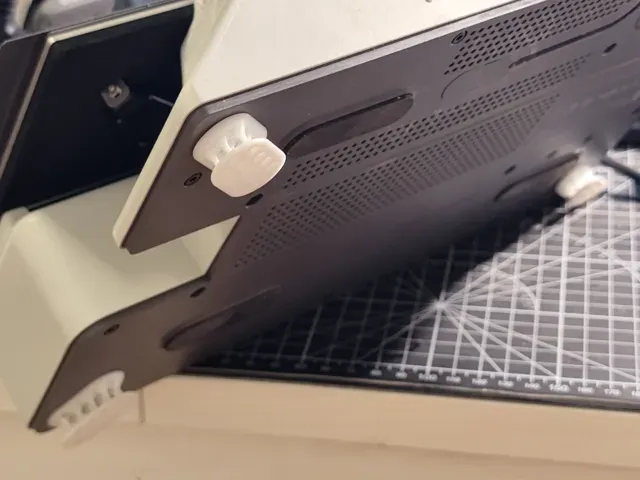
TPU filament only. Use 95A or harder
To get a better result, make sure your filament is dry (even a brand-new spool might already be damp from the factory)
If your print is done well, you should hardly be able to tear it apart by hand.
If you find it fragile , your filament or print setgs may be at fault.
You can dry or replace your filament, run some calibrations, or add XY Contour compensation .
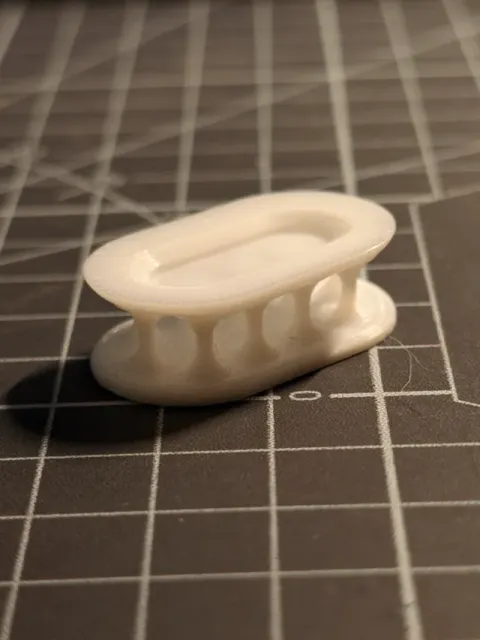
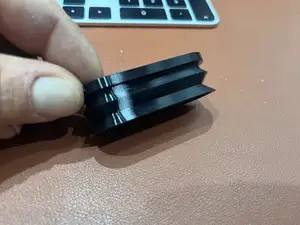
Here’s a sample for reference. It's not a perfect printing but good enough for use.
A little stringing is acceptable, it won't affect much. I cleaned up the stringing by lightly passing a lighter over it.
----------------------
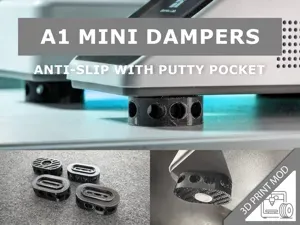
There are already several A1 & A1 mini anti-vibration pads available on the website, but but many of them share a common issue: they focus solely on Z-axis vibration reduction, while the main vibrations of the printer occur along the X and Y axes.
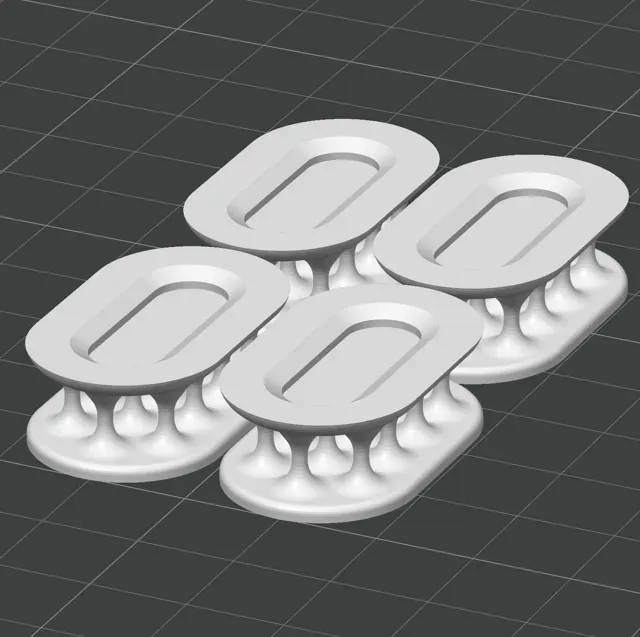
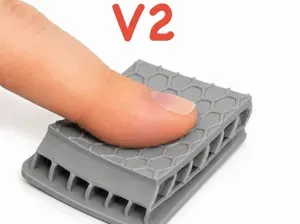
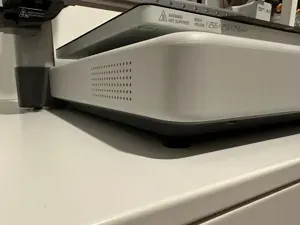
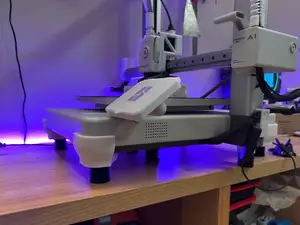
So I designed this foot pad, which can effectively mitigate X and Y axis vibrations. During high-speed printing, the monitor on my desk hardly shakes anymore.
Using my configuration profile, you can achieve good print results.
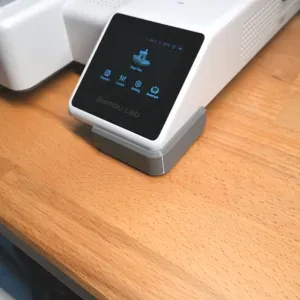
For A1 mini, place them below the four corners. For A1 it requries at least 2 more below the center. It is recommended to use double-sided tape to stick it on, but not neccesary.
Then do a vibration calibration in settings.
If you want all or one of them to be softer or harder, slightly adjust the XY Contour compensation . For the heaviest corner of the printer, you can print a harder one or put one more piece underneath.
Update:
I've uploaded two printing profile, both of them are 2mm higher to make them more flexible. If you want to use it, it's recommended to print extra 1-3 pieces to set them under the middle of the printer to provide more support, especialy for A1.
Boost Me Thank you for your boost 🙂
【A1 Mini】 0.2mm layer, 5 walls, 15% infill This model tends to string during printing. Increasing the retraction value and enabling spiral ascent can help improve the result. Alternatively, you can quickly pass a lighter over the model after printing to remove the strings.
TALL【A1-mini】0.2mm layer, 5 walls, 15% infill 2mm taller than the original
【A1】0.2mm layer, 5 walls, 15% infill
TALL【A1】0.2mm layer, 5 walls, 15% infill 2mm taller than the orginal
a1 mini tall - @heavywater settings just the default print for the a1 mini tall foot pads but edited with @heavywater 's suggestions. printed beautifully with my geetech tpu (still, dont forget drying the tpu thoroughly).
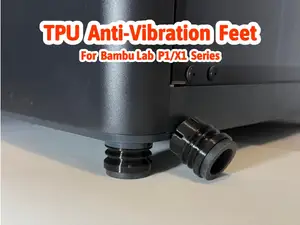
P/X-Serie und H-Serie , 0.2mm layer, 8 walls, 15% infill Druckprofil für die P/X- und H-Serie
85a TPU doubled, 0.2mm layer, 3 walls, 15% infill doubled version for 85a TPU

Names are used only to indicate the source of a result. Polyzon is not affiliated with the listed sites.