
Free 
Cocktail Icon Coasters
Printables

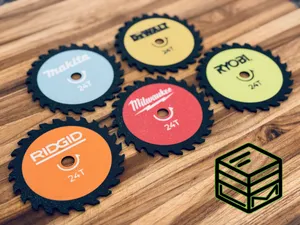
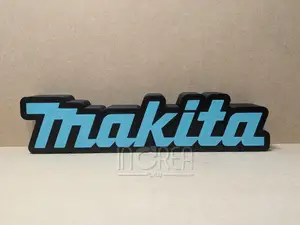
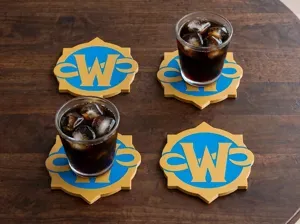
I've made it in two versions.
- Makita-Coaster_flat with multiple objects, you can print it face side down and change the color via MMU. - Makita-Coaster_punched with punched logo inside, you can change the color after a certain layer. Remember that the “M” is a part of the logo it's trademarked by Makita, so I must advise not to use it for commercial purposes.





Names are used only to indicate the source of a result. Polyzon is not affiliated with the listed sites.