
Free 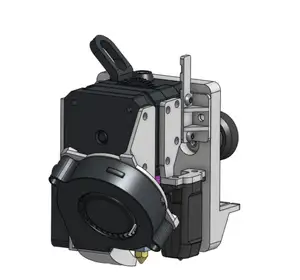
Creality Sprite - Vulture V2 Toolhead - Ender-3
MakerWorld


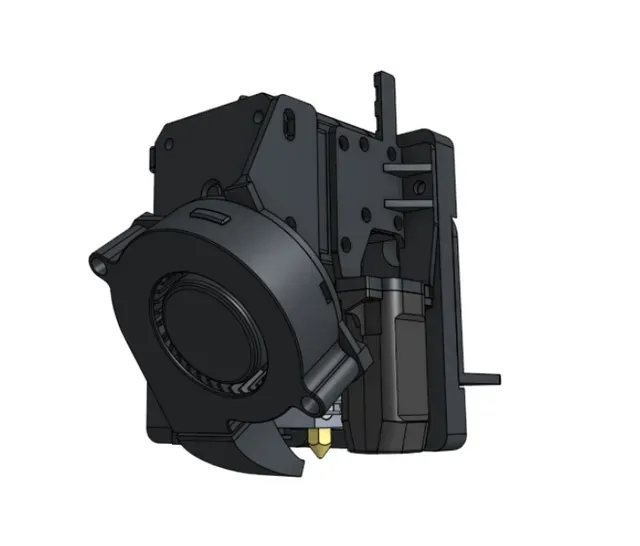
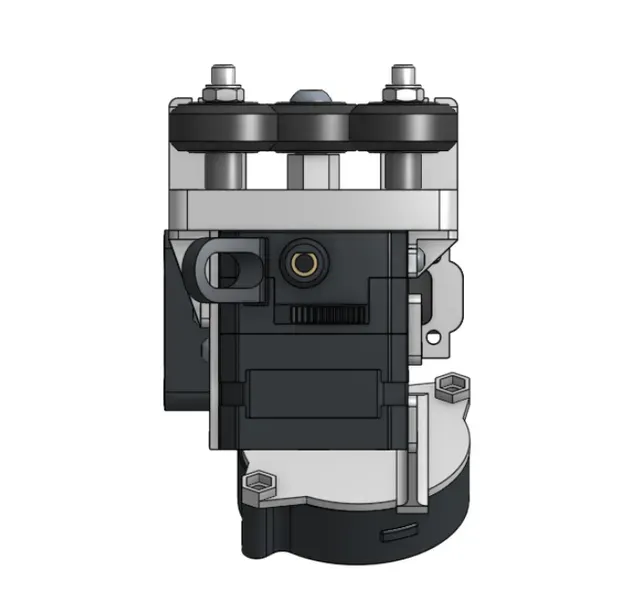
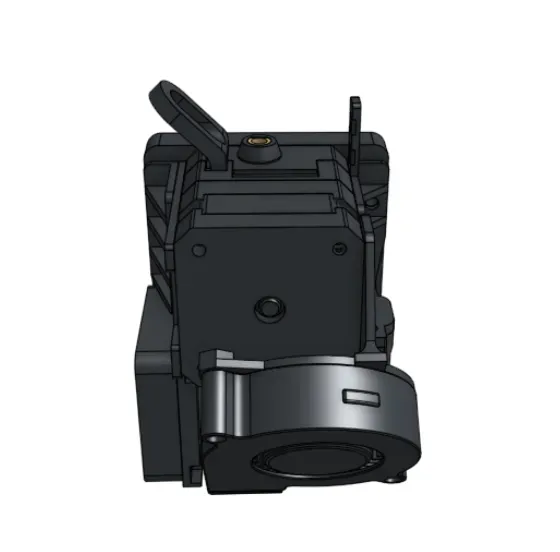
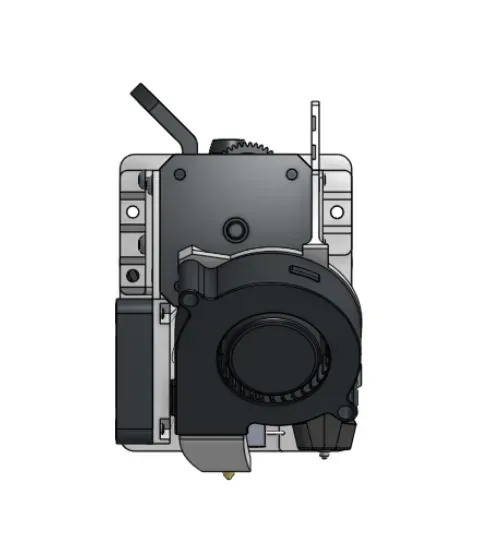

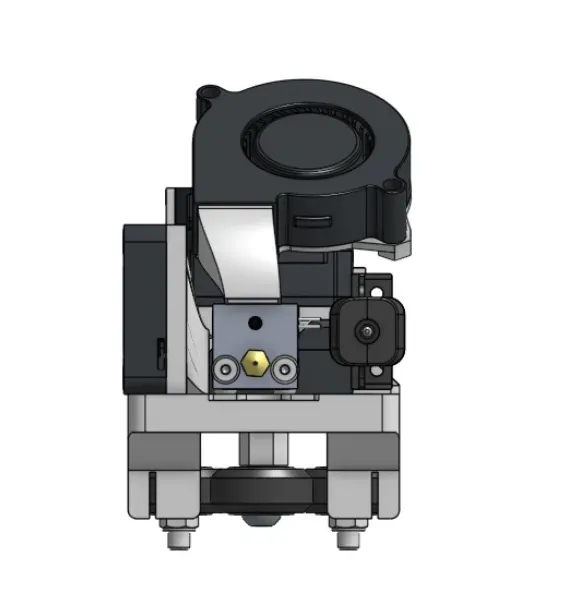
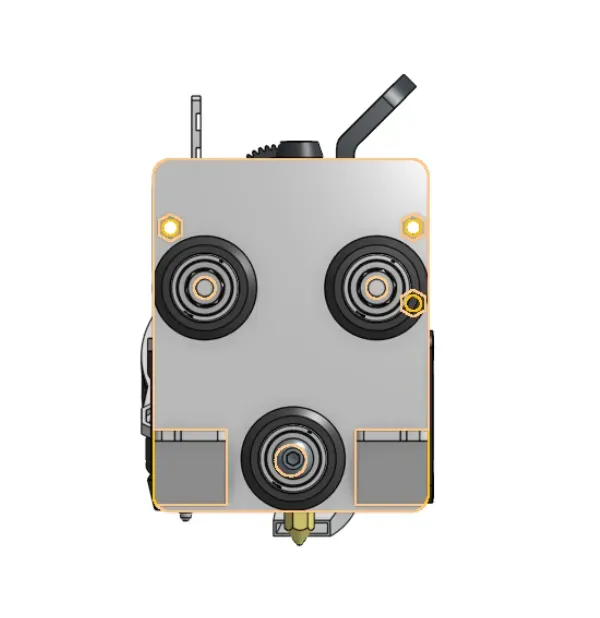


The Vulture V1/V2 Toolhead by GN500
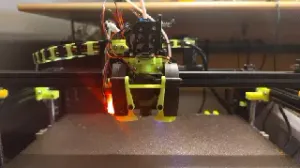
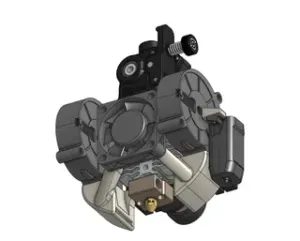
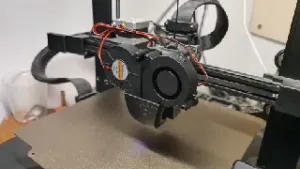
The Vulture Toolhead is a compact, light direct drive toolhead for the Ender-3 and CR-10 3D printers. It utilizes the Creality Sprite SE Extruder, CR-Touch/BL-Touch, and a 5015 part cooling fan.
If you like this design and want to support its designer and future projects, please download, like the design, and review the model. Remixes are welcome.
Update: Updated instructions for V2 parts
Update: Updated Parts to V2- Redesigned most parts to perfected version- Tested for 100+ print hours printing ABS in a 50C chamber with no failures(did need tightening)
Update: Updated Instructions - Added stuff about firmware changes and CR-Touch mounting +Resources Update: Updated PCFanBracket to V1.1 - Made it adjustable in the Z-axis Update : Updated Backplate to V1.3 - Strengthened belt mounting points
WARNING: If Using an Automatic Bed Leveling Probe (ABL), you will have to make changes in the printer's firmware or screen interface.
Design Concept
The Vulture Toolhead was designed to be a compact direct drive toolhead for the Ender-3 and CR-10 printers. It was designed to have the shortest possible filament path and to have adequate cooling. It was designed to be the practical and modular toolhead for Ender-3s.
Extra Parts/Hardware Needed
1x 5015 radial fan voltage printer-specific
1x CR-Touch or BL-Touch
1x Creality Sprite SE Extruder Kit
1x ABS, ASA, PETG or other temperature-resistant filament
13x M3 nuts
2x M3 x 20mm machine screws (BHCS or SHCS)
2x M3 x 20mm machine screws (BHCS)
4x M3 x 12mm machine screws (BHCS or SHCS)
3x M3 x 10mm machine screws (BHCS or SHCS)
2x M3 x 8mm machine screws (BHCS or SHCS)
14x M3 x 6mm machine screws (BHCS or SHCS)
1x Pneumatic PTFE fitting (remove plastic top)
Print Settings
All parts: Print using a temperature-resistant material with 40% infill and a 0.4mm nozzle.
VultureV2.1_Backplate.stl: Print in the following orientation with supports in the following locations and a large layer height (0.28mm).
VultureV2.0_HCFanPlate.stl: Print with the largest face down with no supports and either a small layer height (0.08mm) or adaptive layer height for best overhangs on the fan duct.
VultureV2.0_LeftBracket.stl : Print at a normal layer height (0.2mm) with the largest face down.
VultureV2.0_PCFanBracket.stl : Print at a normal layer height (0.2mm) with the largest face down.
VultureV2.1_CR-TouchBracket.stl : Print at a normal layer height (0.2mm) with the largest face down. Supports may be needed.
VultureV2.0_PCFanDuctV1.stl : Print at a normal layer height (0.2mm) with the largest opening down.
Assembly
Full Assembly Guide May Be Coming Soon!
1) Assemble 5015 Fan onto PC Fan Bracket. Use hot glue or super glue to attatch the Part Cooling fan duct into the 5015 fan.
2) Insert nuts for hotend into HC fan plate
3) Assemble 4010 fan onto HC Fan Plate. Attach left bracket and HC fan plate into Sprite SE Extruder. The left bracket goes over the HC fan plate
4) Attach PC fan Bracket to Sprite SE Extruder.
5) Attach CR-Touch to CR-Touch Bracket and mount CR-Touch Bracket onto Sprite SE Extruder.
6) Remove plastic top form pneumatic fitting and screw into hotend. Push pneumatic fitting onto PTFE outlet on Sprite SE and screw in the hotend to the HC Fan Bracket. The larger part of the heat block goes towards the 5015 fan.
7) If not already done, screw the front screws of the HC Fan bracket into the Sprite SE.
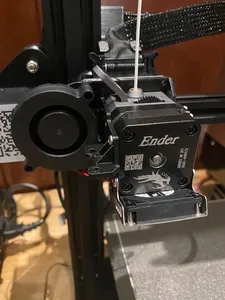
8) Mount the original Ender backplate into the new Backplate after inserting M3 nuts into Backplate. Screw the New backplate into the stock one using 1-2 of the available holes.






Names are used only to indicate the source of a result. Polyzon is not affiliated with the listed sites.