
Free 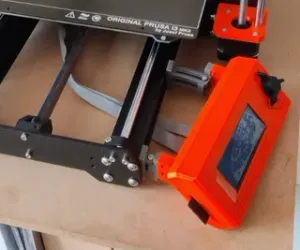
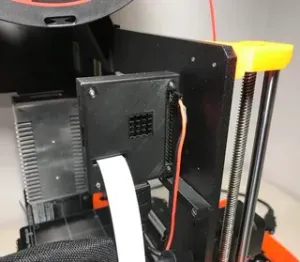
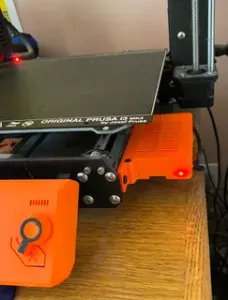
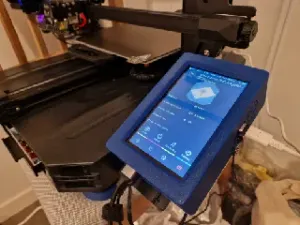
Side mount LCD Display - Prusa MK4 or i3 MK3S+ - Left or Right - with adjustment
Printables
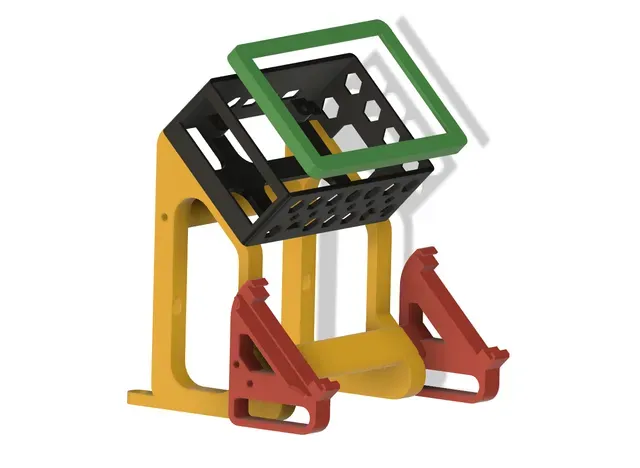
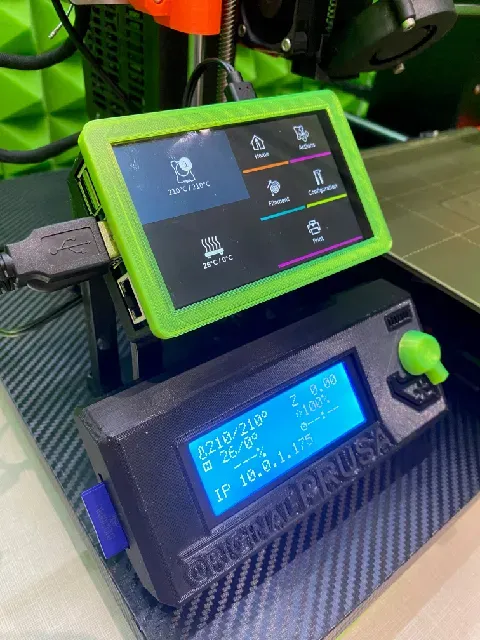


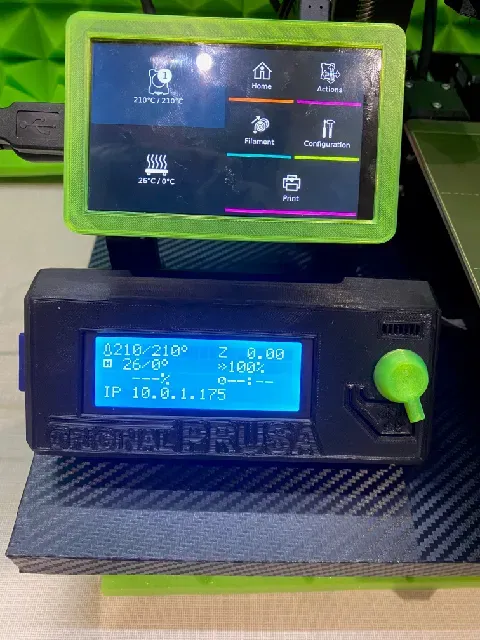
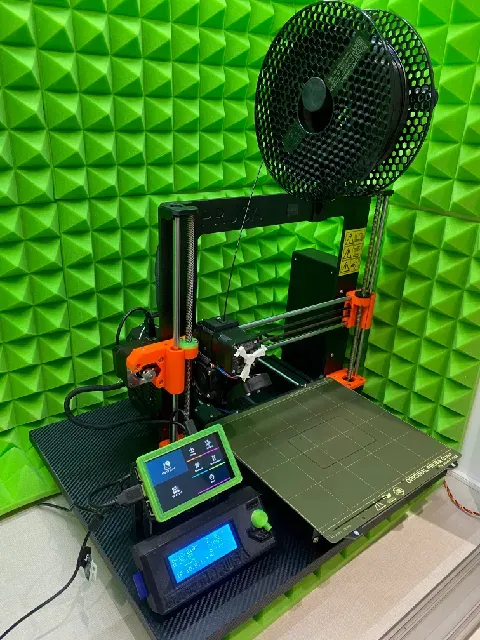
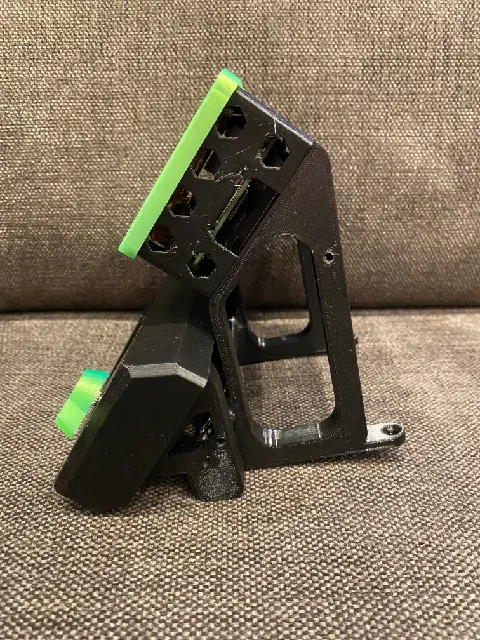
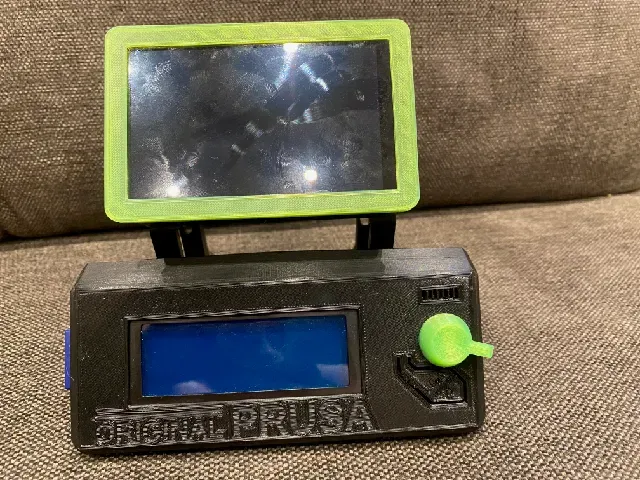

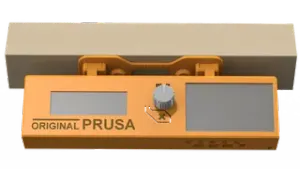
Stand alone Holder for 2 displays
- Hyperpixel 4.0 touch screen with RaspBerry 4 ( high resolution display )
- Prusa LCD display
Print instructions
Print : PTGE, 0,2mm, 20%
Assembly: glue the stand part, Display box should assembled with screw M3x10.
see video
RaspBerry display and touch configuration:
Since the display is up side down due to usb cables as usually , you have to rotate display and touch screen input.
On RaspBerry PI 4 :
To rotate display use Putty (any ssh client) to connect to RB4 ..
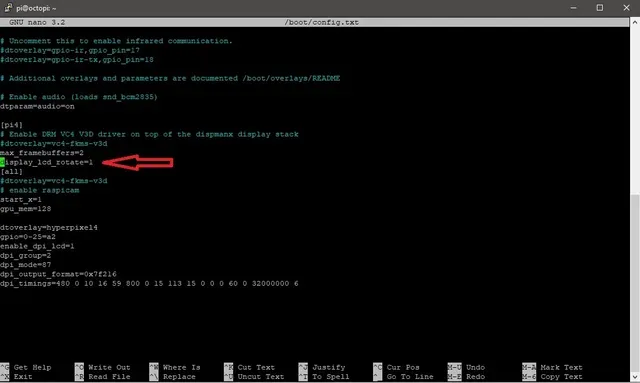
In /boot/config.txt add line bellow .. (type "sudo nano /boot/config.txt")
Go to the bottom of the file and type in "rotate_screen=1" .. if there is this option, change the parameter to 1
See attached screenshot. It will rotate the screen 270° Clockwise ( default is 90°
Now you have to change touch orientation to match display orientation.
In this folder /usr/share/X11/xorg.conf.d/" is config file, may be "40-libinput.conf"
Type cd /usr/share/X11/xorg.conf.d/"
Type ls to see the folder content. If there is this file, type sudo nano 40-libinput.conf
At the end of this file, add the option :
Option "TransformationMatrix" "0 1 0 -1 0 1 0 0 1"
see attached screenshot ..
Ctrl X to save, reboot your RB4 ( sudo reboot )...
Now you should have display and touch orientation up side down, so you can mount it to frame.






Names are used only to indicate the source of a result. Polyzon is not affiliated with the listed sites.
Comments