
Free 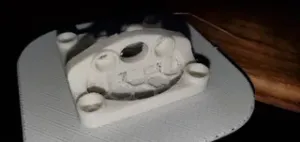
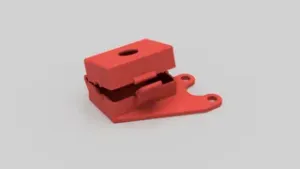
Fan Mounted CR Touch
Printables
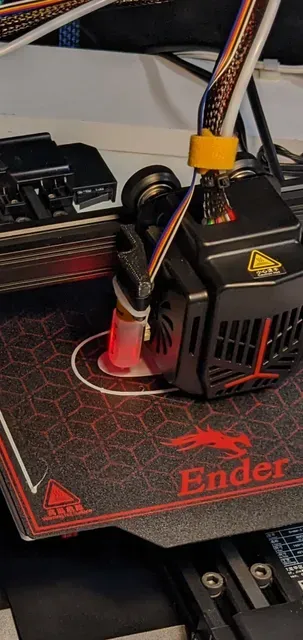

Here's my take on it!
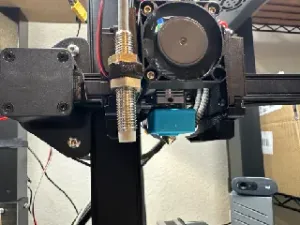
Just mount it to the backside of the extuder bracket where there are already pre-drilled and threaded holes (wow!) that are not being used for anything for some reason (at least mine came with them, hope yours will too) with flat head hex screws and that's about it, and yes, unfortunately, you'll need to slide the gantry off from the aluminum extrusion to mount it, but oh well…
Make sure that the screw heads don't stick out and grind on the aluminum extrusion or that they're way too long that they hit the heatbreak or the extruder on the inside once they're fully screwed. M3X4 should do the job but, just in case test and see for yourself please.
Obviously works with CR-Touch as well.
If you're using different extruders that are longer in Z axis, like I started doing, you can just add standoffs (just get an assortment of M3 standoffs from Amazon, they're like $12) and change the z height of the probe to your needs. I'm attaching photos of how I did it.
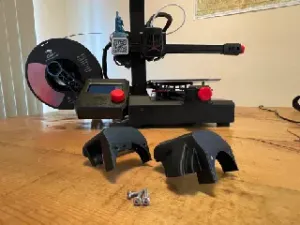
ABS is the way to go, but PLA did a good job too for the material.
0.2mm lh does the job good enough.
Well I hope you guys like it.
Please don't kill me in the comments.
Thanks!




Names are used only to indicate the source of a result. Polyzon is not affiliated with the listed sites.