
Free 
WordClock 16x8 LED matrix (2023-V2)
Printables

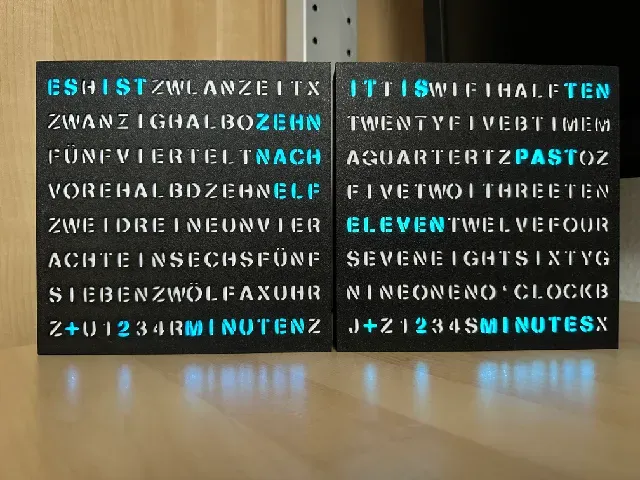


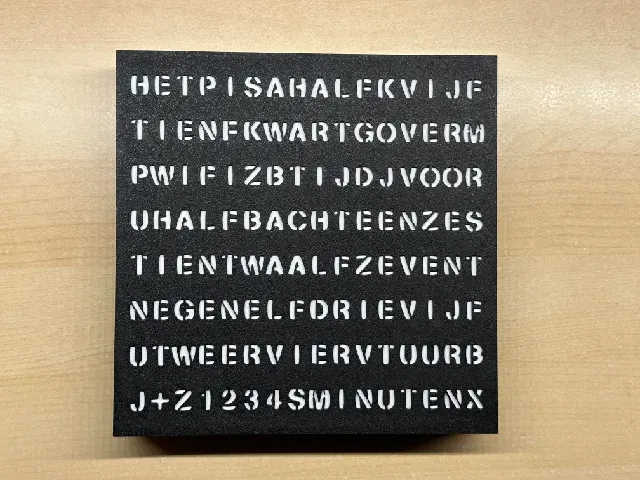

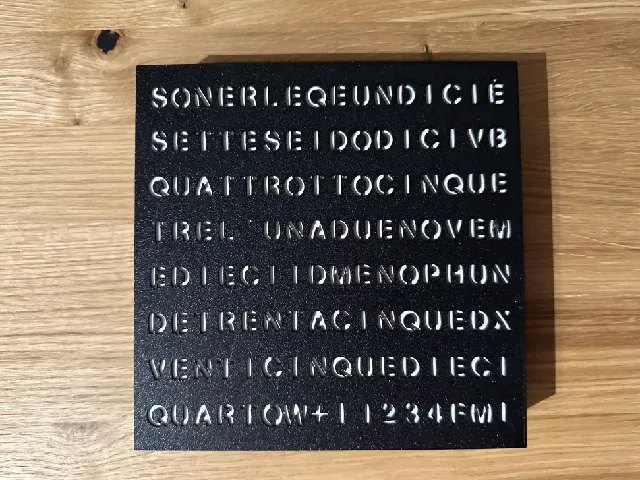

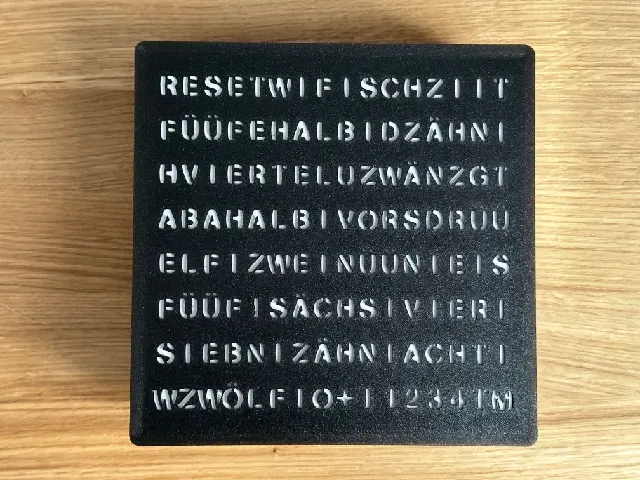
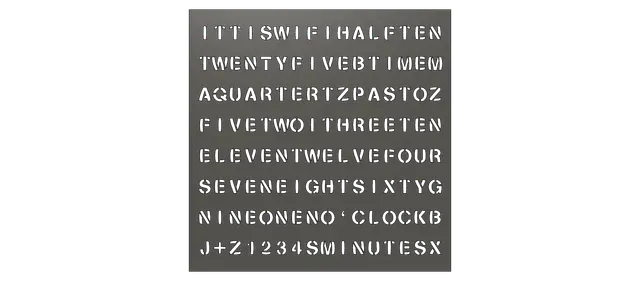
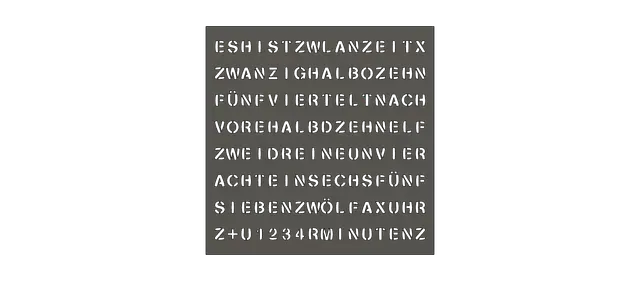
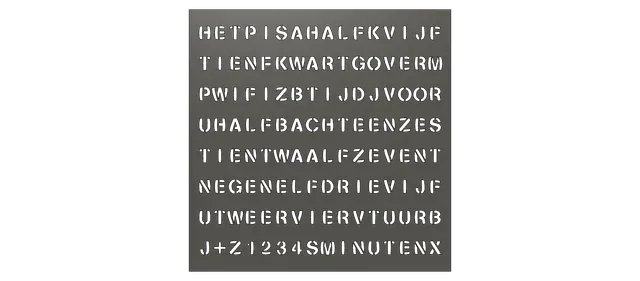
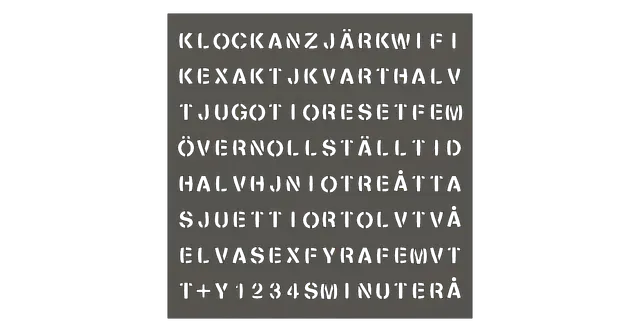




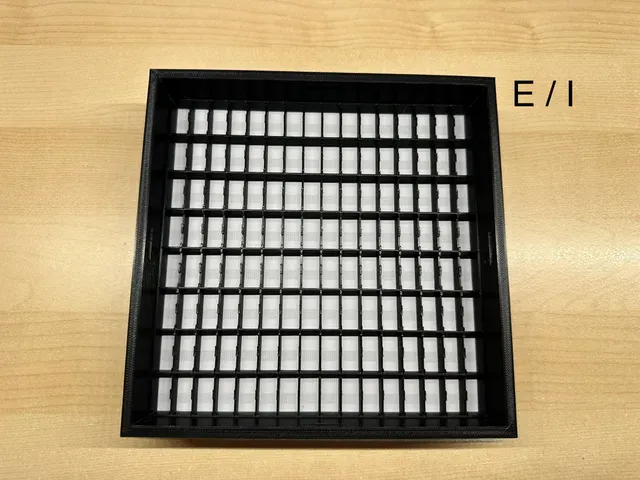


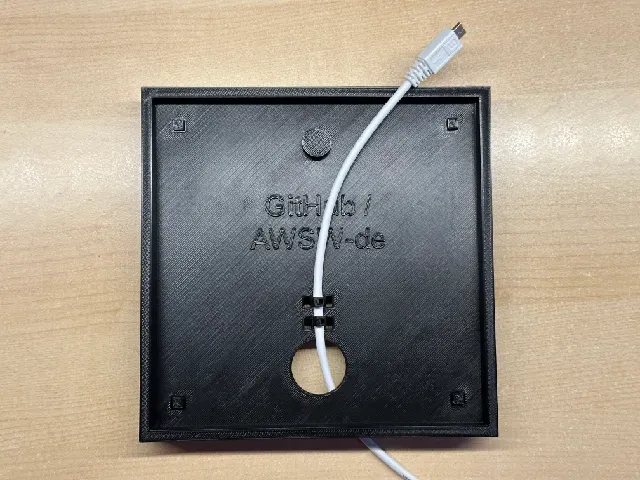
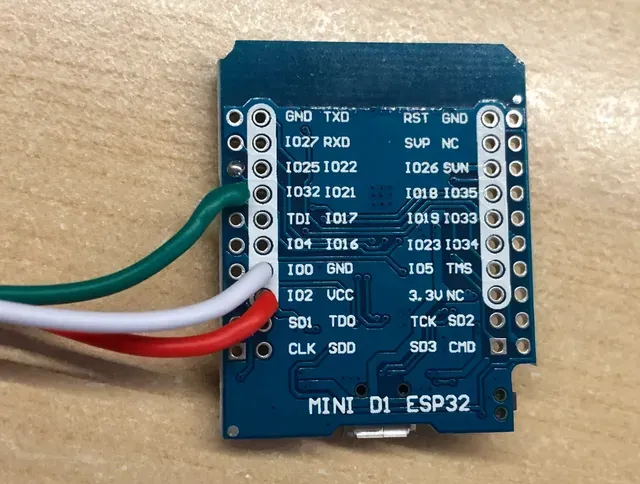
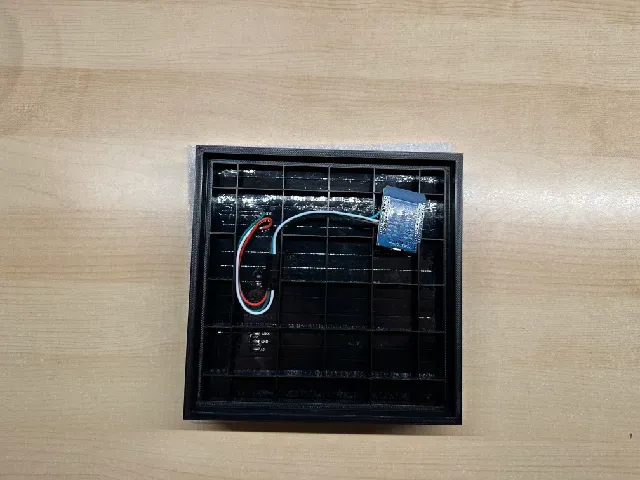

BIG news on 18.07.2026: Software version V5.0.0 available!
WordClock 16x8 received its biggest update yet. I fully rewrote the configuration portal and added lots of new features and improvements to the software.
To name a few of them please read this list and have a look at the pictures below.
I am really looking forward to know your feedback and impressions.
As you might expect this was a tone of work and you can download the new update for free via the internal software update of your WordClock or with the ESP32 flash script as usual.
Details can be found in this article: https://www.printables.com/model/749967-wordclock-16x8-2024
Enjoy and I hope you will like it 😊😁😊
Here are informations about WordClock 16x8 from before the update V5.0.0:
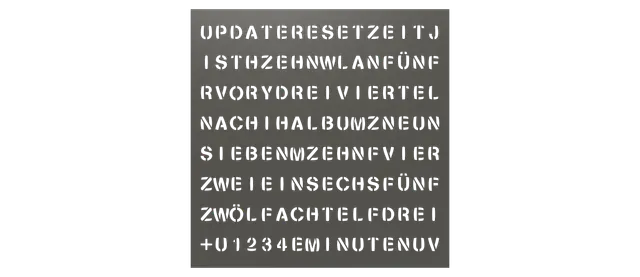
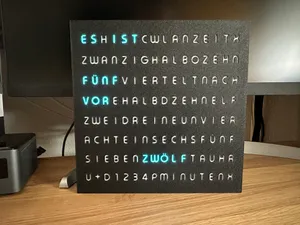
WordClock using a 16x16 LED matrix and a stencil font.
Super easy print and build in about 14.5 hours. 3 wires to solder only.
Video instructions available to help you with the code setup.
These languages are available:
- German
- English
- Dutch
- Swedish
- Italian
- French
- Swiss German
- Swabian German
- Bavarian
- Luxemburgish
- East German
Note: New upcoming languages might be added to the 2024 model only. Click here for details.
This is my first 2023 version of the previous WordClock without the special extra words used in my other WordClock project now also using a 16x16 matrix instead of the 10 LED stripes. It reduces the print time from around 22.25 to 14.5 hours and the post printing work from about 4-5 hours to about 15-30 minutes… I also rewrote most of the code to make it better and the project now uses a complete new web interface and newer ways to e.g. save the configuration to remove the “Save”-button. The code will be updated over time… I hope you will like this new variant!
Notes:
- 20.07.2026 - New way to install the software:
- Method 1 (NEW):
- Use the ESP32 Web Flasher: https://awsw-projects.de/esp32-web-flasher/
- Method 2:
- Please use the ESP32 flash script to update your device.
- 10.11.2024: Added a new script to flash the ESP32 without the need of the Arduino IDE:
- 25.12.2024: Software update V4.0.0 is now available including several new functions:
- Direct software update without the need of an computer or the Arduino IDE as introduced with WordCalendar 2024 before. Watch this video for details. You will need to select the used ESP32 board after the update to this version to download the correct files for your used ESP32 in future. A new page asking for this information will be shown when you enter the web configuration portal after the update.
- Faster startup on reboot.
- Added a “ test mode ” in the “Maintenance” section to check all time word output texts faster.
- Lots of small changes to the web configuration portal to make the device better.
- To update to this new version from older software versions you will need to use the ESP32 flash script once to get the new software update variant. If you just new installed your WordClock you will get the newest version with the script already. =)
- 05.01.2025 : You will now find the ESP32 flash script as a variant of the known MS Windows script for the usage in macOS too. Thanks a lot to John (Rave Props) @JohninNL_289006 for adding this macOS variant! This should make it even more simple to setup the project for macOS users. =)
Hope you will like the new update. It was quiet some work and allows making the code better in future even more! =)



Names are used only to indicate the source of a result. Polyzon is not affiliated with the listed sites.