
Free 
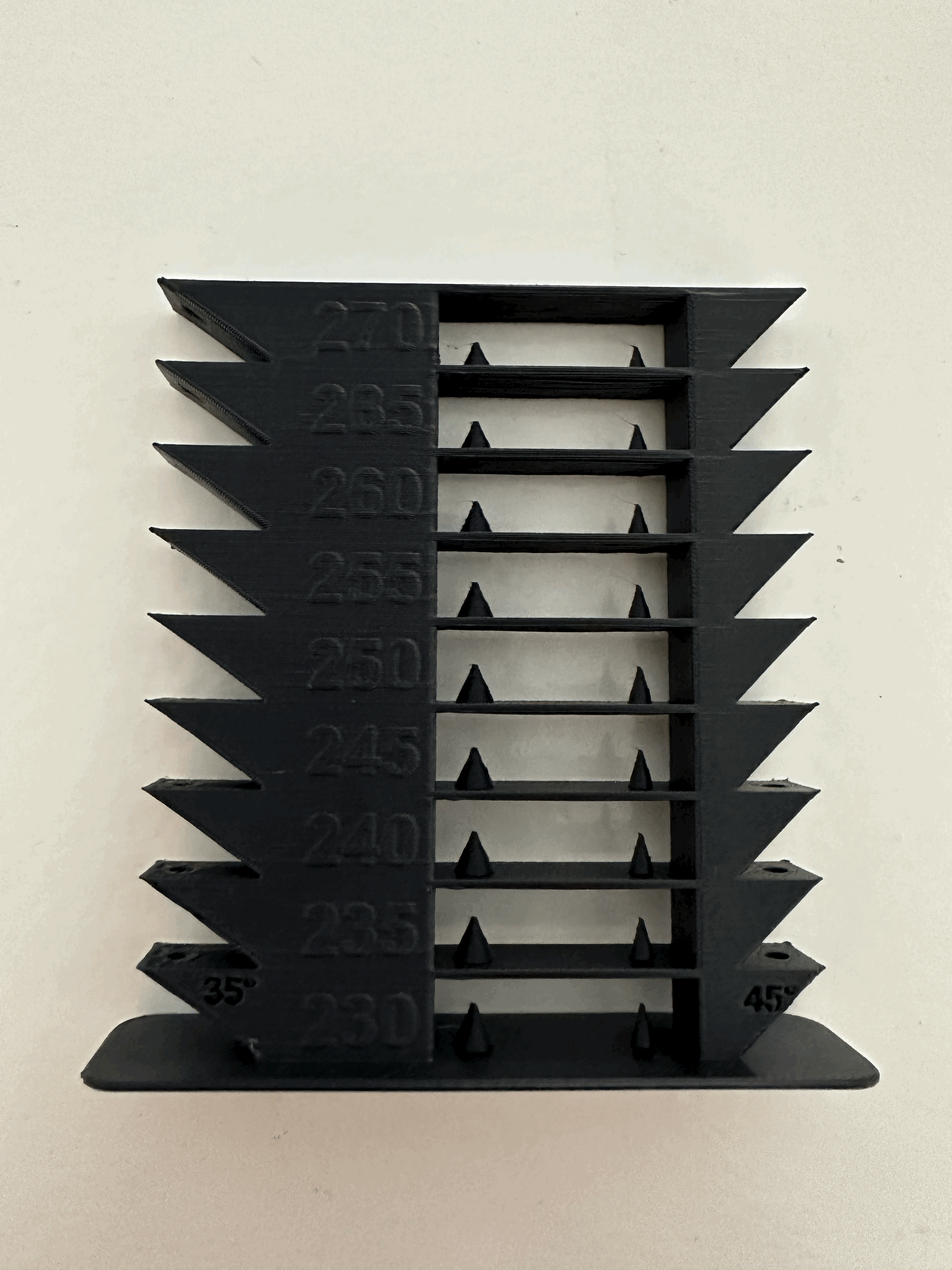
High Temperature & Bridging Tower
Printables
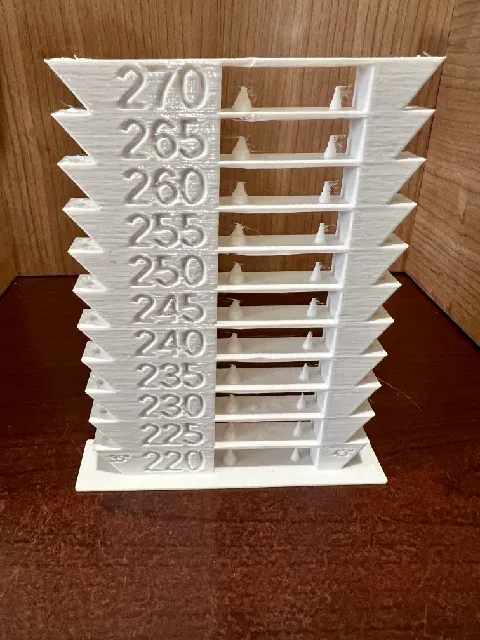

**Update** I recommend using the built-in calibration tests in OrcaSlicer these days instead of this model. Of course if you want to use this one, feel free :)
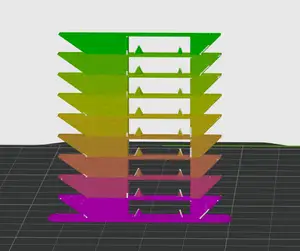
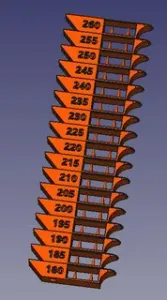
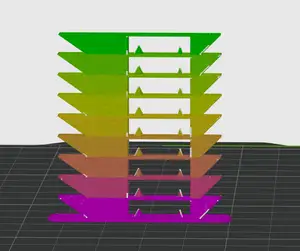
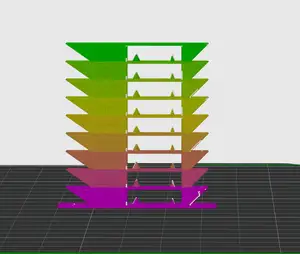
I really liked the number of features present in Tronnic's model but wanted something I could easily customize for different filaments and temperature ranges. This generator works quite fast, only taking about 2 minutes to generate a 190-230 tower.
The script will generate a G-CODE macro snippet that should be copied into the After Layer Change text box under the Printer Settings→Custom G-Code in PrusaSlicer. The G-CODE will automatically set the nozzle temperature based on the parameters you provide. It will only change the temperature after the first layer, allowing you to specify a first layer temperature in PrusaSlicer for best bed adhesion.
I recommend setting the bottom temperature to your lowest temperature to be able to quickly verify that the printer is able to extrude at this temperature on the first couple layers.
G-CODE for temp_tower_0.2_190_230 which uses a 0.2 layer height:
{if layer_num == 1} M104 S190 {endif} ; {if layer_num==55} M104 S195 {endif} ; {if layer_num==105} M104 S200 {endif} ; {if layer_num==155} M104 S205 {endif} ; {if layer_num==205} M104 S210 {endif} ; {if layer_num==255} M104 S215 {endif} ; {if layer_num==305} M104 S220 {endif} ; {if layer_num==355} M104 S225 {endif} ; {if layer_num==405} M104 S230 {endif} ; G-code for temp_tower_0.2_220_270 which uses 0.2 layer height:
{if layer_num == 1} M104 S220 {endif} ; {if layer_num==55} M104 S225 {endif} ; {if layer_num==105} M104 S230 {endif} ; {if layer_num==155} M104 S235 {endif} ; {if layer_num==205} M104 S240 {endif} ; {if layer_num==255} M104 S245 {endif} ; {if layer_num==305} M104 S250 {endif} ; {if layer_num==355} M104 S255 {endif} ; {if layer_num==405} M104 S260 {endif} ; {if layer_num==455} M104 S265 {endif} ; {if layer_num==505} M104 S270 {endif} ;
After making this generator I later found the parametric generator by Xavier Faraudo. I appreciate the work he did and did base the gcode generation off his work. His model takes a long time to render though, something like 15 minutes. But if you want a fully customizable model where you can specify the dimensions and everything, please take a look at his.


Names are used only to indicate the source of a result. Polyzon is not affiliated with the listed sites.