
Free 
Wall Mount for "Ulanzi Awtrix Smart Pixel Clock"
Thingiverse
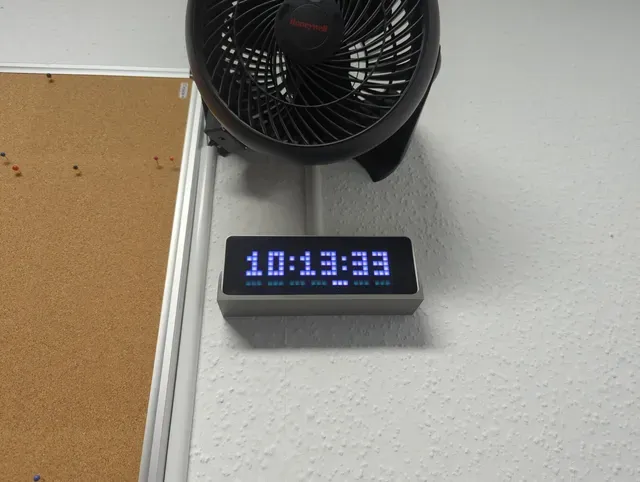


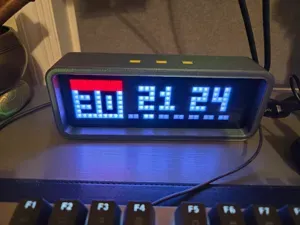
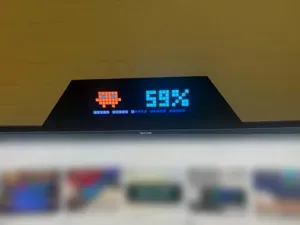
After using a couple of home-made Awtrixes / PixelIts, I recently discovered the pre-built Ulanzi Smart Clocks, which are very cheap and are able to run both PixelIt and Awtrix light.
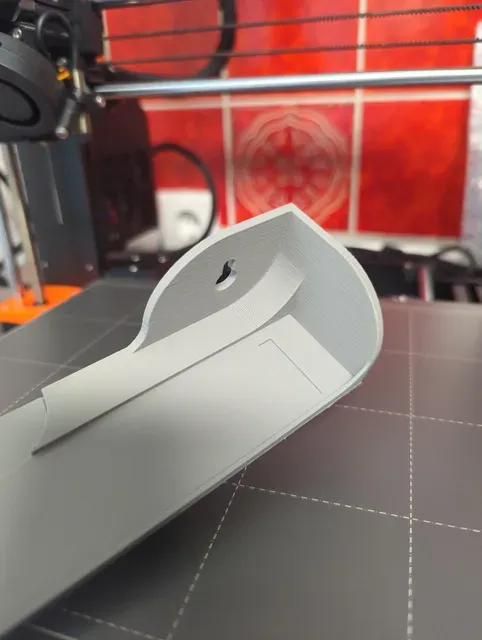
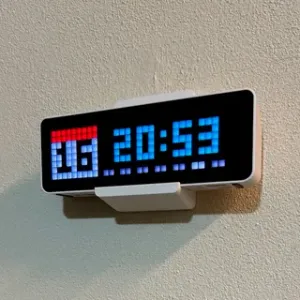
So I added a few to my smart home, but in some places I needed to mount them on the wall. There was no wall bracket available, so I designed my own.
It has two holes for screws 16cm apart and a small space behind the clock to connect the power supply. The original cable will not fit because I kept it small! You will need an angled USB-C cable or an adapter. You can also use the extra space to tidy up any excess cables. There is a small double breakout cover in the bottom plate to lead the cable down. I did not design it as a hole because some of my clocks are connected from the top.





Names are used only to indicate the source of a result. Polyzon is not affiliated with the listed sites.