
Free 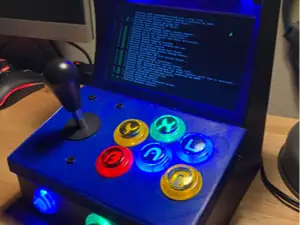
Arcade Sr -Mini Arcade Cabinet full size joystick
MakerWorld
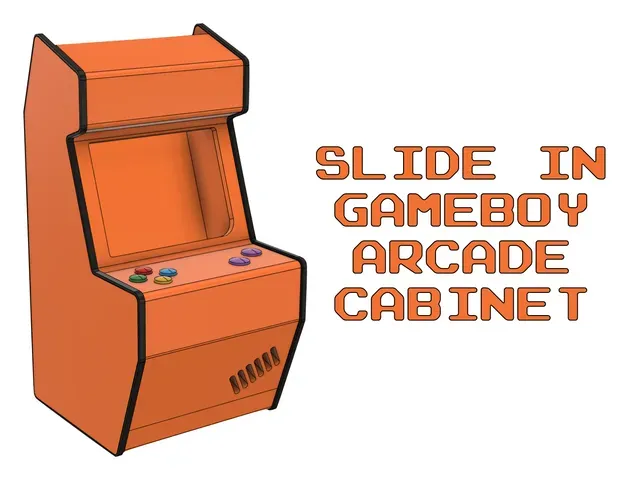


How to print
- Cabinet - All the parts can be printed as easy as possible (the suggestion from your slicer should be alright). - D-pad and A B buttons parts - Print the buttons normally, the bridge is 6mm, see if your printer can handle it, I suggest some supports just in case. How to assemble the parts
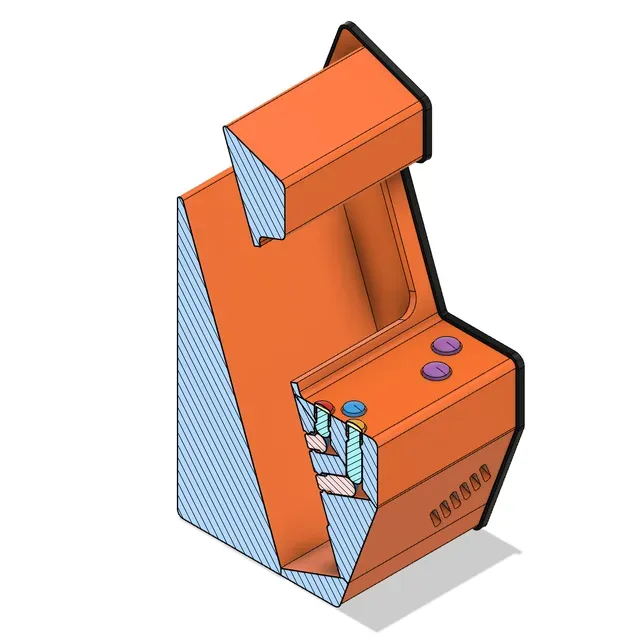
- Print all the parts. - Put the shafts into their respective place in the top part of the cabinet. - Put the other shafts (called “ push xxx ”) into their respective place in the front part of the cabinet. - Glue the front and top of the table together, with all the 8 shafts in position. - Glue the buttons to the the shafts ( top part ). - Glue all the other parts of the cabinet. - Enjoy and play like the good old days! For help, please refer you to the cross section view. If you need more information, please let me know.
Enjoy a moment of arcade with your classic Nintendo Game Boy games!
Names are used only to indicate the source of a result. Polyzon is not affiliated with the listed sites.