
Free 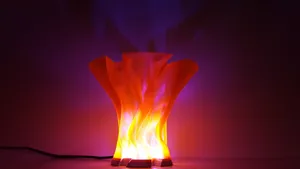
Flame Lamp
Pinshape
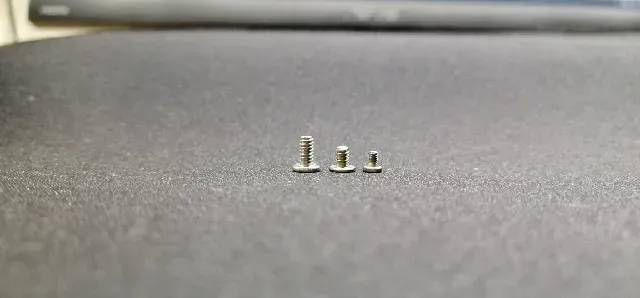
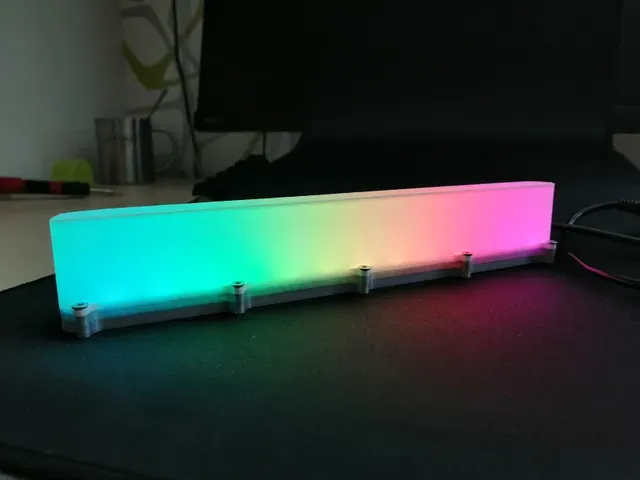
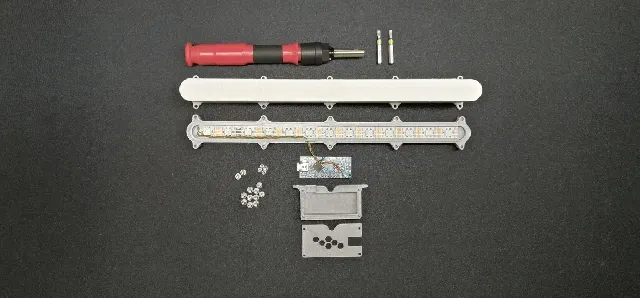
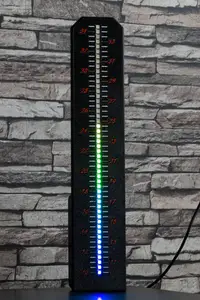
This is a light bar (rgb). It is designed for easy printing and easy assembly. It is a decoration for a desk or as a relaxation lamp. The light bar uses the Arduino nano. You can load your chosen code into this chip, such as: rainbow, fire flames, and many more.
°°°°°°°°°°°°°°°°°°°°°°°°°°°°°°°°°°°°°°°°°°°°°°°°°°°°°°°°°°°°°°°°°°°°°°°°
RAINBOW CODE FOR ARDUINO NANO HERE:
include <Adafruit_NeoPixel.h>
include <avr/power.h>
define PIN 6
Adafruit_NeoPixel strip = Adafruit_NeoPixel(20, PIN, NEO_GRB + NEO_KHZ800);
void setup() {
// This is for Trinket 5V 16MHz, you can remove these three lines if you are not using a Trinket
if defined ( AVR_ATtiny85 )
if (F_CPU == 16000000) clock_prescale_set(clock_div_1);
endif
// End of trinket special code
strip.begin();
strip.show(); // Initialize all pixels to 'off'
}
void loop() {
rainbowCycle(10);
}
// Fill the dots one after the other with a color
void colorWipe(uint32_t c, uint8_t wait) {
for(uint16_t i=0; i<strip.numPixels(); i++) {
strip.setPixelColor(i, c);
strip.show();
delay(wait);
}
}
void rainbow(uint8_t wait) {
uint16_t i, j;
for(j=0; j<256; j++) {
for(i=0; i<strip.numPixels(); i++) {
strip.setPixelColor(i, Wheel((i+j) & 255));
}
strip.show();
delay(wait);
}
}
// Slightly different, this makes the rainbow equally distributed throughout
void rainbowCycle(uint8_t wait) {
uint16_t i, j;






Names are used only to indicate the source of a result. Polyzon is not affiliated with the listed sites.
Comments