
Free 
Voron V0 Hinged Rear Panel Hex Mesh
MakerWorld
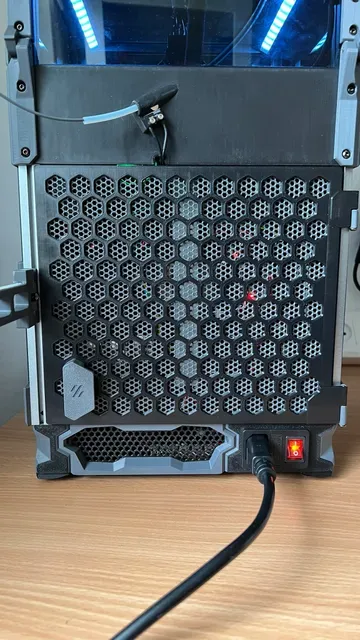
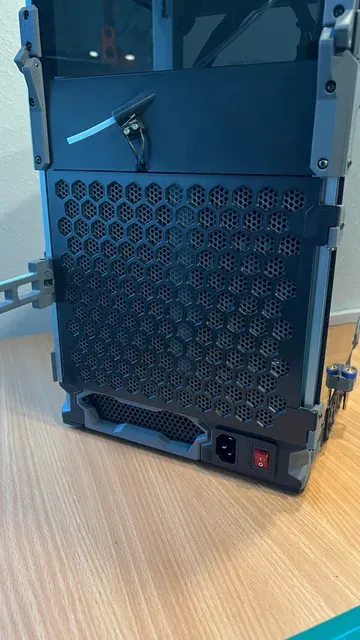
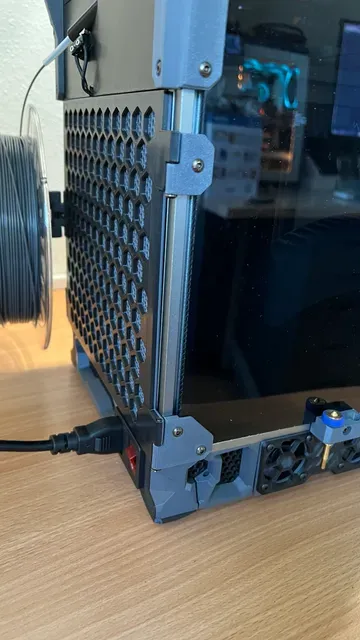

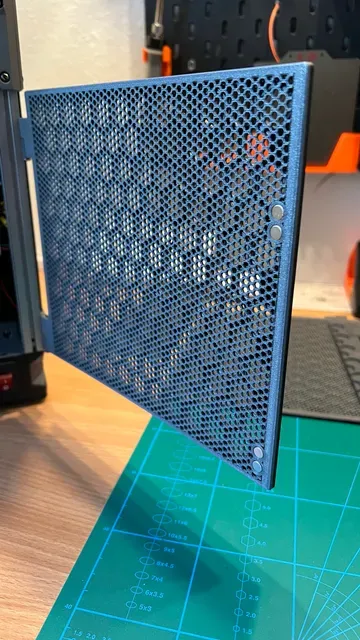
Update 05-05-2026: added 3mf file with the optional honeycomb mesh, ready to load into your slicer and use your own settings.
I'm the lazy type of guy, hating to unscrew the panel clips every time i want to go into the electronics compartment.
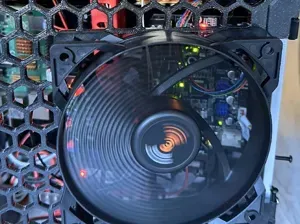
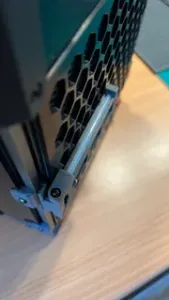
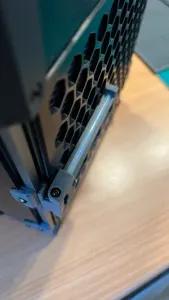
And since i loved the Rear Panel Hex mesh from Chirpy so much, i decided to hack up stuff from Schlongkydong together with the panel. this resulted in a magnet held hinged rear panel hex mesh!
a big thanks to Voron Team and nonetheless Chirpy and Schlongky!
I have provided all necessary files for printing this mod (psst, did you know that eg. “x2” in the filename tells you how many printed parts you need?)
you can download the spool holder from here: Foldable LDO Spoolholder
BOM
- 8x 6x3mm Neodymium magnets (4 in the panel
- 4x nuts (or slide in nuts from LDO)
- 7x M3x8 BHCS (screws from the clips on the side panel can be re-used)
- 1x M3x30 BHCS
- 1x M3x25 BHCS
- 1x Rear Panel
- 1x Rear side Bottom Right Hinge
- 1x Rear side Middle Right Hinge
- 2x Door Latch
- Optional 1x Handle Hex
First door latch should be 7mm from bottom of extrusion between the bottom and top door latch distance of 95mm is needed. You can simply take one foot off, and then slide the latches in.
- For Bambu/Orcaslicer users, you could skip instructions below and simply download the .3mf file to use in the Bambu/Orca slicer which was kindly provided by @Aarghl_7990 (Thank you so much!)
Instructions for the Honeycomb mesh ( I can only provide you with SuperSlicer as that's what i use)
For making the Honeycomb mesh underneath the hex pattern you will need to make a modifier square box with these settings :
Add Perimeters/shell (walls, top and bottoms for other users than SuperSlicer)
Add Infill (density and fill pattern(infill is my personal preference))
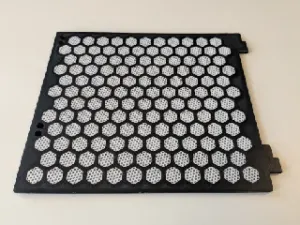
You should then get something like this
OPTIONAL
Put in a M600(color change) at Layer 9 to get honeycomb pattern in accent color





Names are used only to indicate the source of a result. Polyzon is not affiliated with the listed sites.