
Free 
Creality K1, K1C, K1 SE & K1 Max PrusaSlicer & Cura (some profiles with Side Blower and Enclosure Fan)
Printables


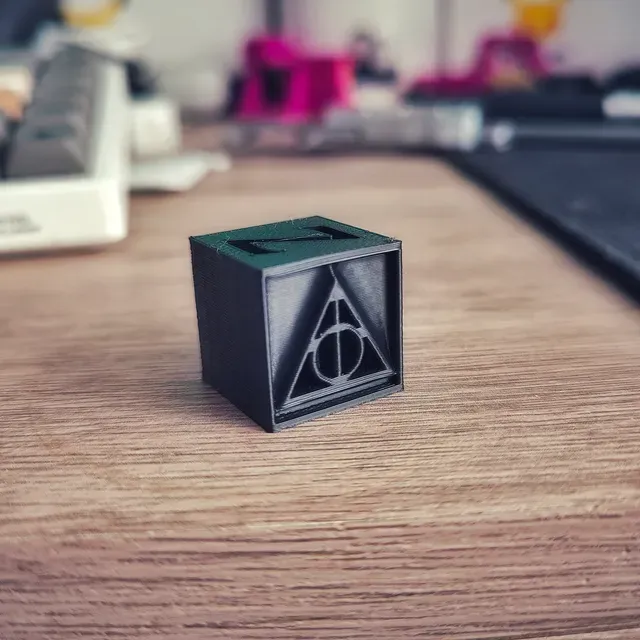
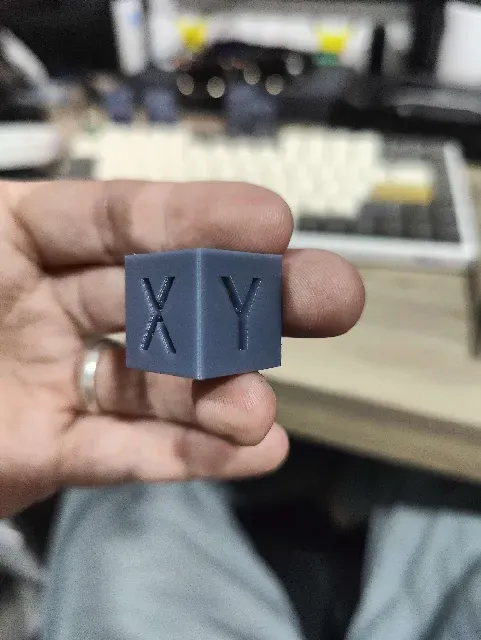
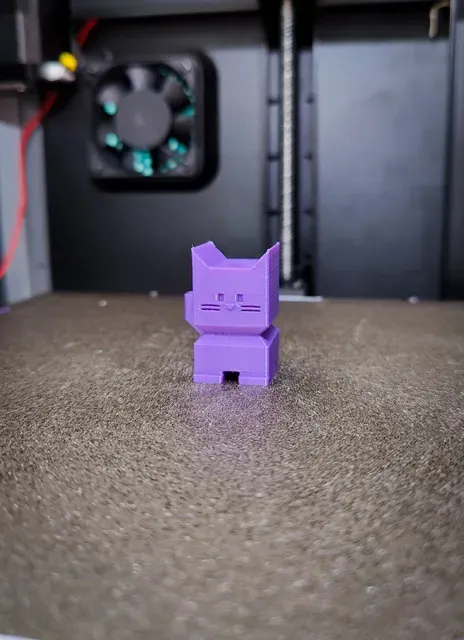


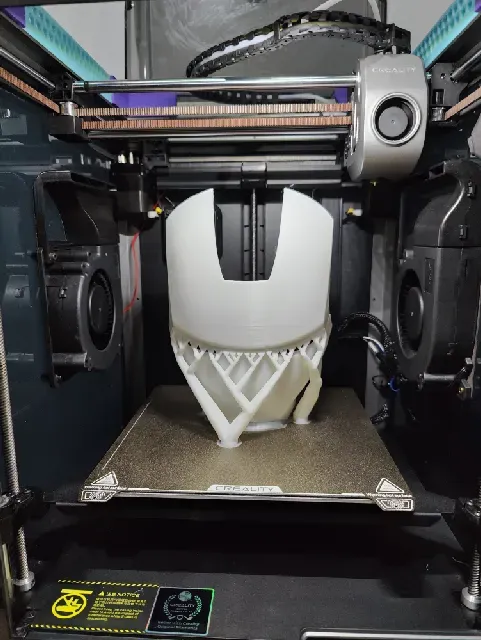

Hey Guys, Here are my Creality K1/ K1C/ K1 Max/ Orca Slicer , Quality, Speed, and Stealth Profiles for 0.4
Tested on K1, K1 Max, K1C Hotends. (Standard, CHT, Unicorn)
If you are using the RetroGlide Gantry Mod
You can find my latest profiles for free on my Patreon here.
Join the Patreon for my latest Profiles and mods, or if you just want to be a part of the community.
------------------------------------------------------------------------------------------------
Disclaimer:
If your prints are bad still
Remember there is no one profile for all printers.
Please run the Orca Filament Calibrations
and update the profiles accordingly.
This will tune the profiles to your printer and the filament you are using.
------------------------------------------------------------------------------------------------
------------------------------------------------------------------------------------------------
just for fun a Super Speed Profile that uses the Full 20k accelerations .
If you need 0.6, adjust the layer heights and width accordingly.
For a 0.6 Nozzle, Change the following:
- Choose a Standard profile
- 0.2 to 0.35 for layer heights
- 0.6 to 0.8 for Layer Widths
These are my all-new profiles that have been completely overhauled and work with the stock printer profiles added to Orca All you need to do is:
- Choose printer
- Choose a filament
- Pick a profile
it's that easy!
To load them ,
- Add your Printer ie: K1 or K1 Max stock profiles.
- Then Go to: File > Import > Import Configs > Search for files and confirm.
- Make sure you have the correct printer selected in the drop-down menu, once you install them. or they won't show up . They Should have Retro D in the title.
The new profiles and Printer will be added to your dropdown menus.
New Configs include :
10 Material Profiles
10 Printing Profiles to meet your needs in 99% of situations.
Note:
If you still are not seeing the results you want,
remember these are for the general population and will need further fine tuning to be perfect for your printer and setup. try using the orca slicer's built-in calibration tools.
Just start from the top, work your way down the list, and update the profiles accordingly.
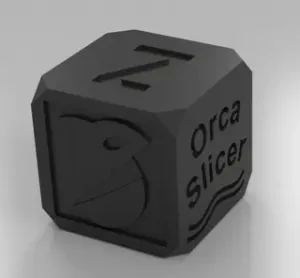
If you want a really good calibration cube that prints pretty fast to test your profiles quickly, please see the link added below for the Deathly Hallows calibration cube.
Enjoy!




Names are used only to indicate the source of a result. Polyzon is not affiliated with the listed sites.
Comments