
Free 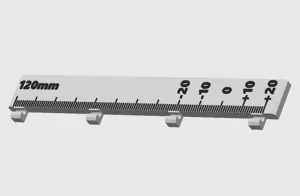
E-step / extruder calibration helper
MakerWorld


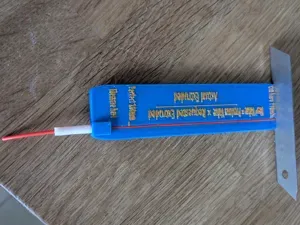
Simple tool to mark 100 mm and 110 mm on filament for calibrating extruder e-steps. Just insert the filament into the groove, make a pencil mark at the 100 and 110 mm points, set extruder to move 100 mm then measure the distance from the top of the extruder to the nearest pencil mark. I suggest performing this test at least 5 times, recording the values each time, then taking the average distance short or long for calibration purposes.
NOTE: different filaments have different shrinkage. Make sure you measure your print to be certain it is accurate before using. If it's too short or too long you can try decreasing or increasing the length in your slicer software by the percentage the distance is off.



Names are used only to indicate the source of a result. Polyzon is not affiliated with the listed sites.
Comments