
Free 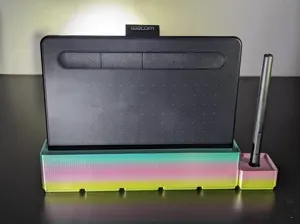
Wacom Intuos S Gridfinity Bin
MakerWorld



Features
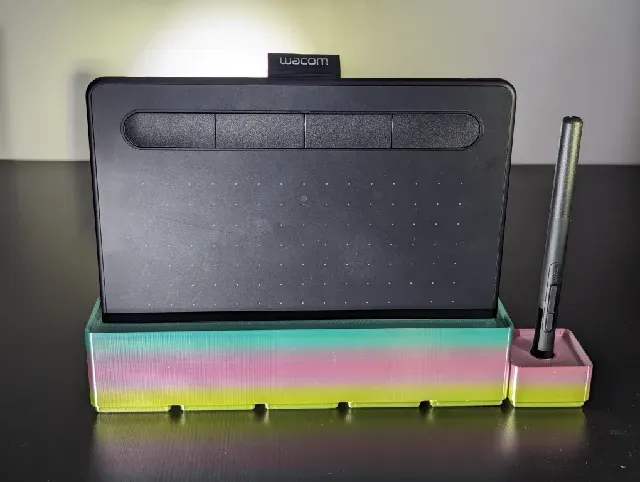
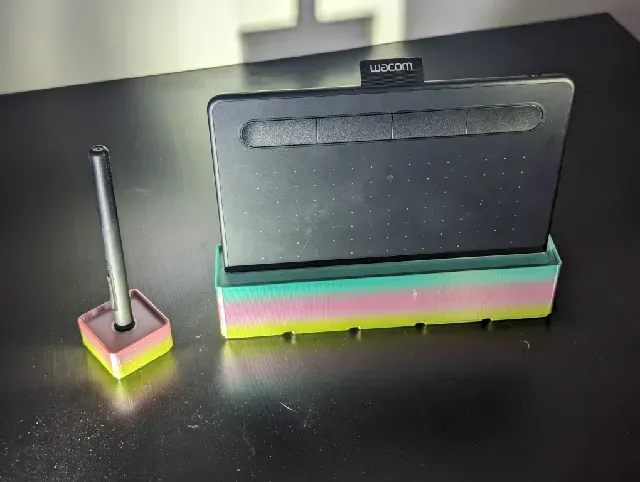
This is a pair of Gridfinity bins for the Wacom Intuos S graphics drawing tablet (affiliate link), compatible with the Gridfinity system . The bins are a 1x1 for the pen, and 1x5 for the tablet. Both bins are very stable, and won't accidentally get knocked down.
The bottom has 6x2mm magnet holes, courtesy of Gridfinity Rebuilt . These have a special design to assist with bridging, so the magnet holes print cleanly.
Printing
The print in the pictures was made with:
- Creality Ender 3 S1 Pro, 0.4mm stock nozzle - Inland rainbow silk filament, 1.75mm - 0.2mm layer height - 20% support cubic infill - 3 perimeters - No supports, no brim, no raft One print setting I would strongly recommend is using an efficient infill like support cubic. Both bins have quite a bit of internal space, so using an efficient infill can save a lot of time and filament for this print.
Source
Source files are available here if you'd like to adjust the models. Download the FCStd files, then open them in FreeCAD , which is free and open source. In FreeCAD click on “Parameters” in the left view, which will bring up a spreadsheet. Here you can adjust the “tolerance” to make the tablet fit more snugly or loosely, or increase “depth” if you want the tablet to sit higher up in the bin.
You could also change the measurements to make this fit other tablets, but if you make large changes you'll need to swap the bin. Import the new bin as an STL. Convert it to a mesh, then convert to solid. Finally swap the existing bin mesh with the new one.




Names are used only to indicate the source of a result. Polyzon is not affiliated with the listed sites.