
Free 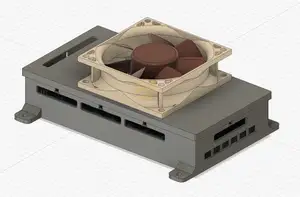
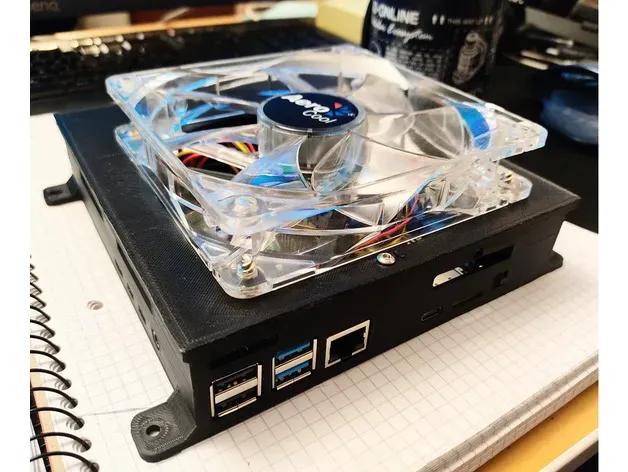
Compact silent Fysetc Spider Case for 80mm Fan
Printables



Introduction
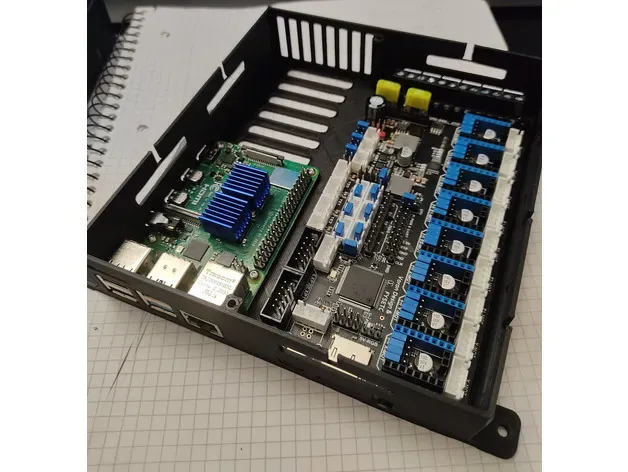
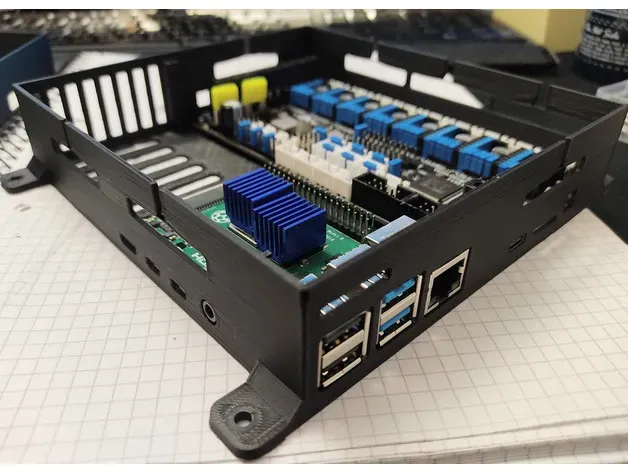
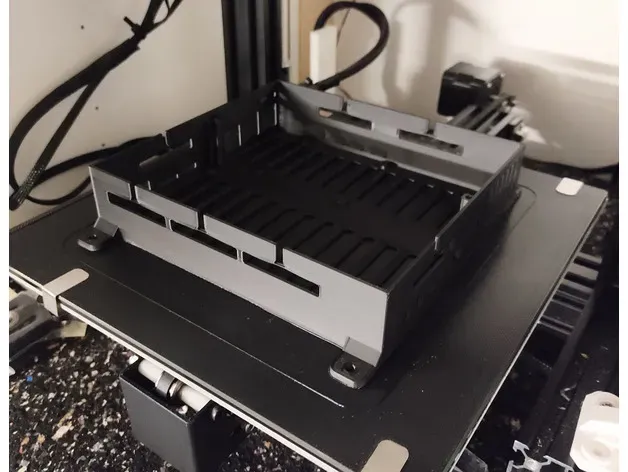
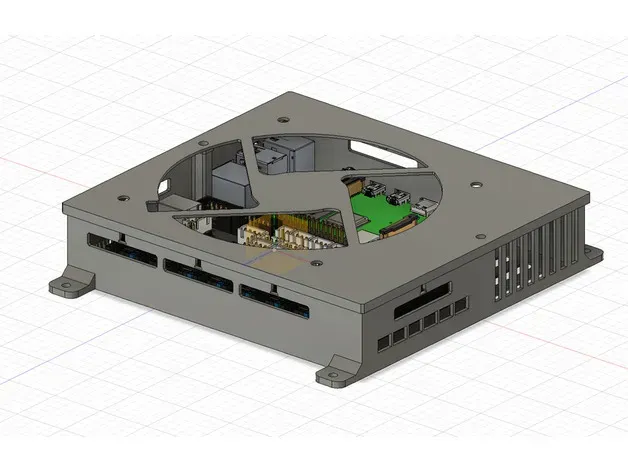
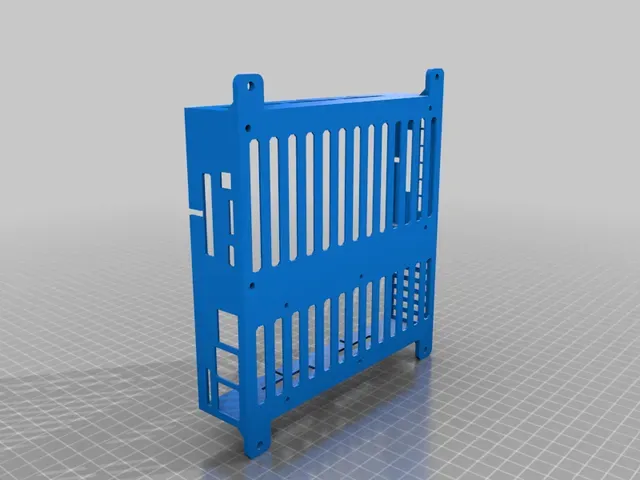
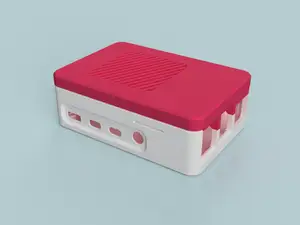
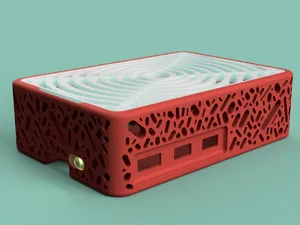
The Fysetc Spider is pretty new to the market and usually used for the fantastic Voron printer builds. I want to use it for my Creality and Sunlu Printers, so I build a maker-friendly compact case, which can be screwed in and out easily.
This build is based on my very similar SKR 1.3/1.4 + Raspberry Pi4 compact case.
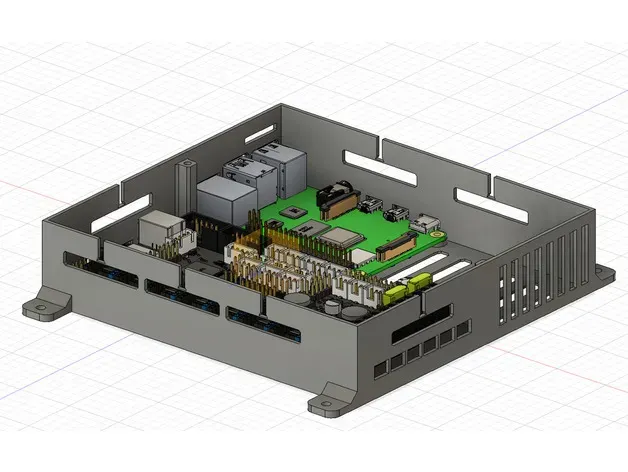
You can easily exchange cables when you need to work on your printer. No fiddling around with cut-holes. Swapping parts is superfast and convenient.
Required Parts:
- 120mm case fan, which comes on top of the case - 4x M3 screws (5 to 6mm length) for the Fysetc Spider boards. The fine-pitch PC-screws are working fine! - 4x M2.5 (5 to 6mm) screws for the Raspberry pi4 2x M3 screws (6-8mm length) to secure the lid
Printing
The case and lid is not only fast printable, but also don't need any print support! The case takes around 5 hours and the lid around 2 hours of print time on my Ender 3 Pro (0.4 Nozzle).
After Print Prep
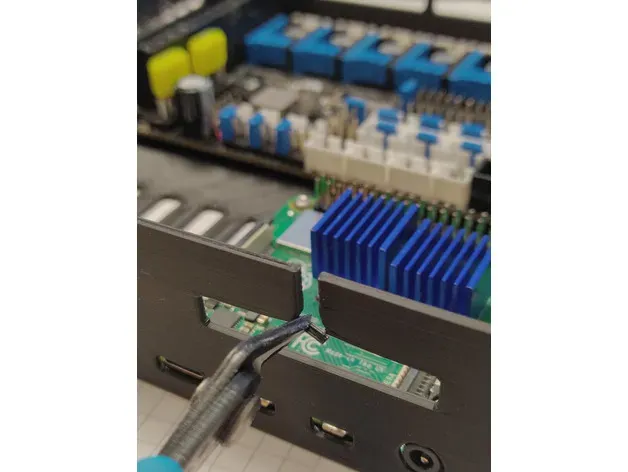
Please have a look at the photos: After printing, you just need to cut away the little support-bridges with a cutter.
Remix-Friendly
To speed up the community for the Fysetc Spider boards, I added the STEP file, the Fusion 360 Archive, which is carefully sorted, grouped and uses function parameters to make easy modifications to your needs.
Space for additional Hardware:
There is a still convenient space of 60x60 mm for additional parts. Remix and customize it to your needs
Similar Cases (Remixes):
BigtreeTech SKR 1.3/1.4 with RPI4 case: https://www.prusaprinters.org/prints/79197-skr-v13-v14-and-raspberry-pi4-rpi4-compact-case Fysetc Spider compact case: https://www.prusaprinters.org/prints/79184-compact-silent-fysetc-spider-case-for-80mm-fan
Versions and Changelog:
v1 - first release
Known Issues: RPI4-Storage: The microsd / tf-card slot of the Raspberry Pi 4 is only reachable from inside the case. If you really have to change the micro sd-card frequently, you may need to use an extension cable. Case-rigidity: the case may require a bit more structure as it flexes when not attached to a wall. Not a showstopper, but I want to avoid increasing printing time due to more material at this stage.
Print Settings
Printer: Creality Ender 3 Pro
Rafts: No
Supports: No
Resolution: 0.2
Infill: 25%
Filament: Geeetech PLA Black




Names are used only to indicate the source of a result. Polyzon is not affiliated with the listed sites.