
Free 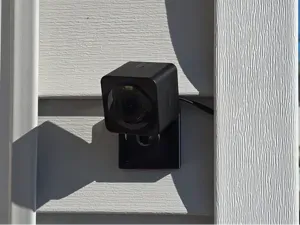
Wyze Cam OG Vynil Siding Mount - Renter Friendly!
MakerWorld


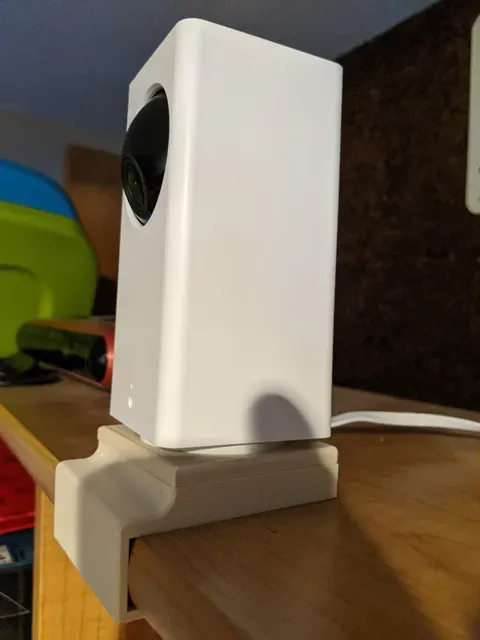
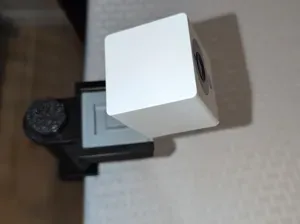
I wanted to put my Wyze pan tilt camera to my desk but have it not slide around if the cable was pulled.
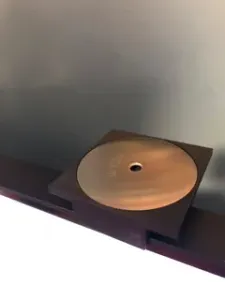
I designed this to be customizable in Fusion 360. When you have the fusion file open, you can go to "modify, change parameters" to adjust the dimensions for the bolt and table thickness. There is a description for each parameter and each parameter has an extra 0.5 mm tolerance added in automatically. The settings for the bolt head allow the head of the bolt to sit inside the mount without sticking out. This way it will not scratch your desk.
The STL files are the same setting I used for my bolt (standard 1/4-20 bolt). I printed my "desk mount" on it's side so I didn't use any supports. The wyze cam mount can print sitting on the print bed. This way nothing will use supports.
Print Settings
Printer Brand:
Wanhao
Printer: Wanhao Duplicator i3 V2
Rafts:
No
Supports: No
Resolution:
0.2
Infill: 25%
Filament: Fillamentum PLA extrafill Light Ivory Post-Printing
Use a 1/4-20 bolt and put it through both mounts and into your camera. I have the wyze cam mount with the slot for the power cable going toward the back of my desk.
How I Designed This
I used Fusion 360 to design this and put changeable parameters under the modify / change parameters section.
Category: Camera





Names are used only to indicate the source of a result. Polyzon is not affiliated with the listed sites.