
₽ 150.00 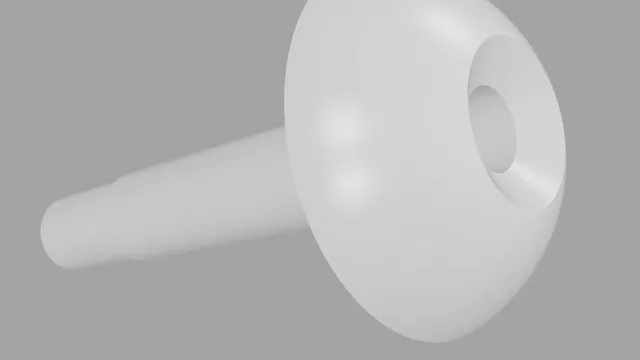
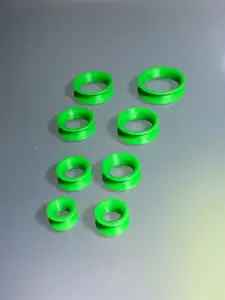
Навойники для 16 калибра
3DToday
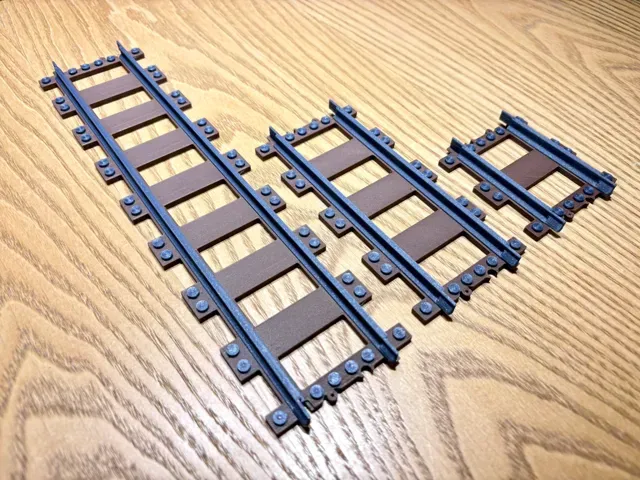
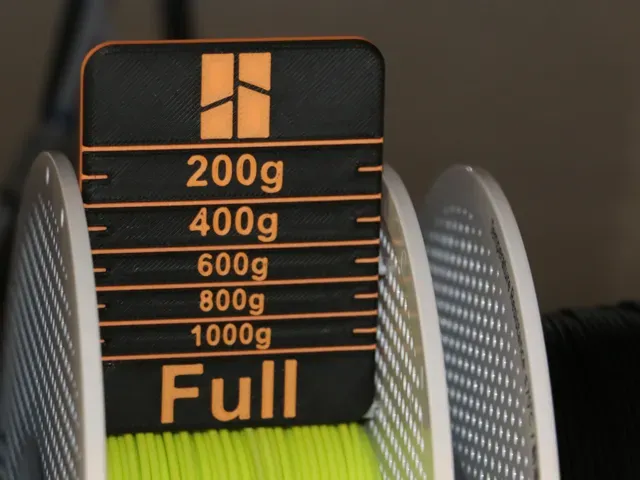
This collection gathers 3D models built around measuring and gauge work: filament spool meters, radius and fillet gauges, small caliper tools, model railway gauge parts and 16 gauge accessories. The files are grouped by what they measure or represent, so you can move from a spool-level checker to a radius gauge without leaving the topic. Each listing comes from a different author, and the notes on the model page are what tell you how a part is meant to be used in 3D printing. Polyzon does not confirm whether models are free, their price, license, official status, affiliation, safety or fitness. Check the current terms at the source.
Esta colección está escrita en inglés, pero la búsqueda funciona en cualquier idioma.
 Una colección de Polyzon · 48 modelos de 5 plataformas
Polyzon reúne esta colección a partir de los resultados de búsqueda de las plataformas conectadas. Se eliminan los duplicados y los modelos sin vista previa, las coincidencias débiles van al final y el resto mantiene el orden de la búsqueda. Los modelos pertenecen a sus autores: consulta las condiciones en la página de cada modelo.
Criterios de selección: el equipo editorial de Polyzon · Texto actualizado el 11/10/2026

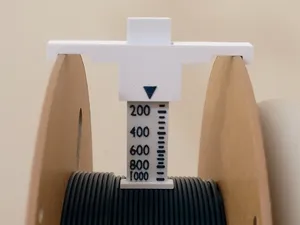
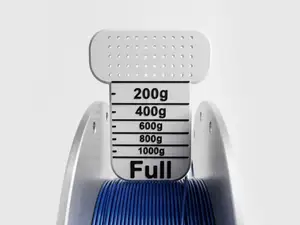
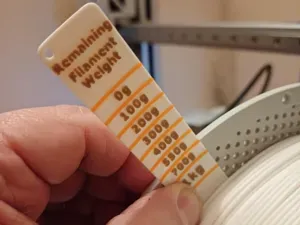
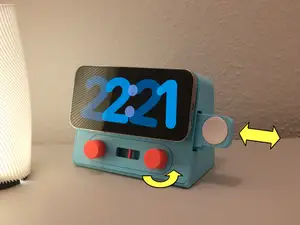


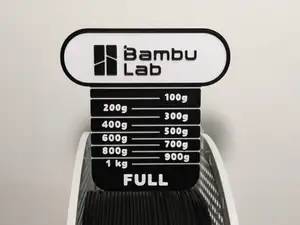
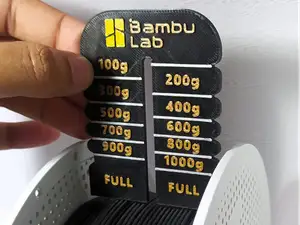
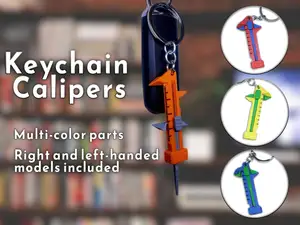

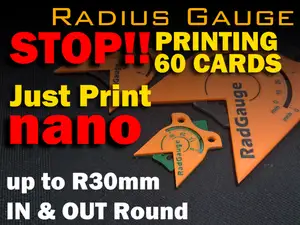
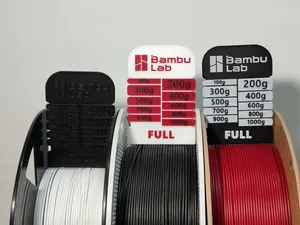
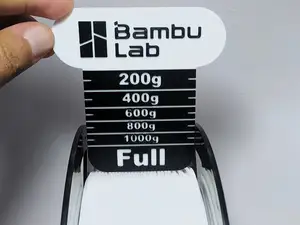
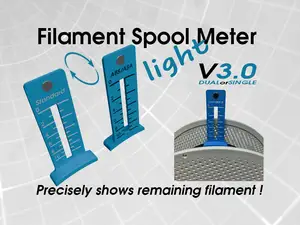




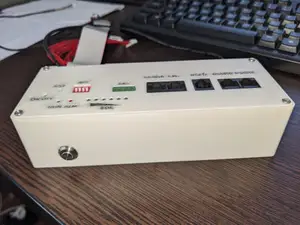
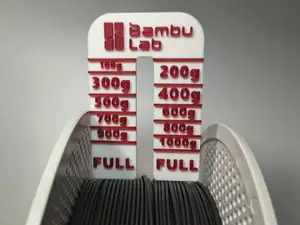



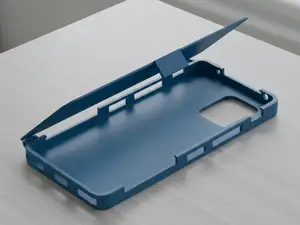


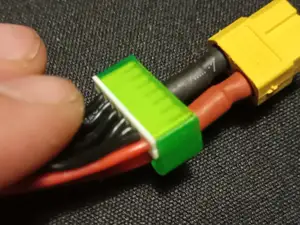


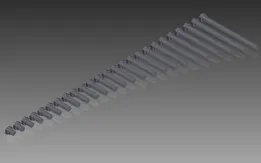
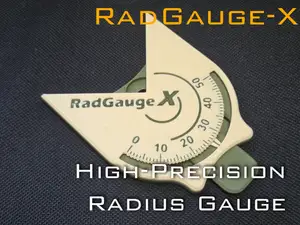

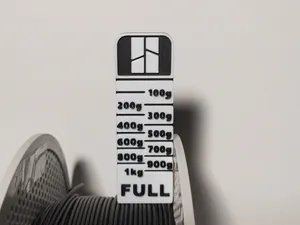
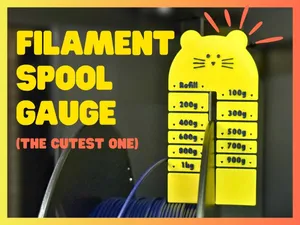
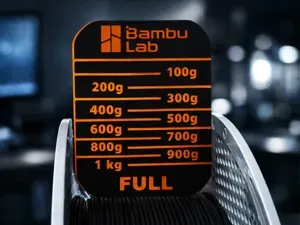
The range splits into a few clear groups. Filament spool meters and level checkers estimate how much material is left on a reel, often with a printed scale or a sliding pointer. Radius and fillet gauges cover a set of curves in one tool, while keychain calipers scale the same idea down to a pocket format. Model railway items follow a gauge standard instead of measuring anything, and 16 gauge accessories relate to shotshell reloading and trimming.
When you open a model page, look at the dimensions first: the spool diameter or curve range a gauge is drawn around, the number of separate parts, and whether the author shows assembly steps. Check the material and settings the author lists, since thin scale markings and sliding fits behave differently in PLA, PETG or resin. Photos of real prints are the most useful signal, especially for tools where a printed scale has to line up with a physical one.
To widen or narrow the search, try synonyms rather than one phrase. Spool meter, filament checker, filament weight gauge and remaining filament all describe similar tools; radius gauge, fillet gauge, corner gauge and profile gauge overlap in the same way. For the gauge-standard items, search by scale or track designation, and for reloading parts by the shell size or the operation, such as trimming or wadding.
%2Fhttps%3A%2F%2Ffbi.cults3d.com%2Fuploaders%2F13940079%2Fillustration-file%2F57dbe069-4efa-4983-b479-7d0c9536c2b0%2F2a161fdca10e8d70ce2917c7bc5e0b35.png&w=300)


El catálogo completo de temáticas, del hogar al CNC, con búsqueda en todas las plataformas conectadas.