
Gratis 
Westland Whirlwind for microarmor
Thingiverse
This collection gathers adapter models that connect one part to another: spool and bobbin winders, wind spinner mounts, tripod heads and drill-driven holders. Most of them are small parts where the geometry matters more than the shape, so they are a common first task for a 3D printer. The list mixes functional brackets with decorative spinning pieces, which is why the reference titles read so differently. Polyzon does not confirm whether models are free, their price, license, official status, affiliation, safety or fitness. Check the current terms at the source.
Esta colección está escrita en inglés, pero la búsqueda funciona en cualquier idioma.
 Una colección de Polyzon · 40 modelos de 3 plataformas
Polyzon reúne esta colección a partir de los resultados de búsqueda de las plataformas conectadas. Se eliminan los duplicados y los modelos sin vista previa, las coincidencias débiles van al final y el resto mantiene el orden de la búsqueda. Los modelos pertenecen a sus autores: consulta las condiciones en la página de cada modelo.
Criterios de selección: el equipo editorial de Polyzon · Texto actualizado el 14/10/2026



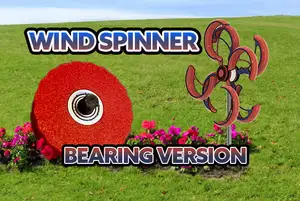

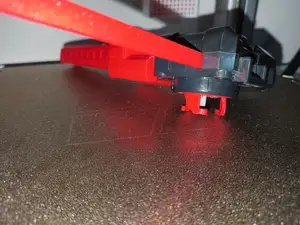

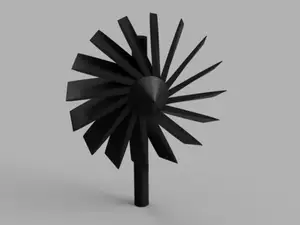

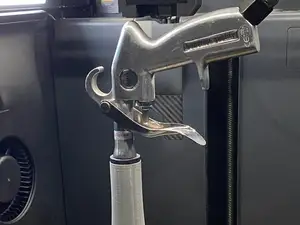

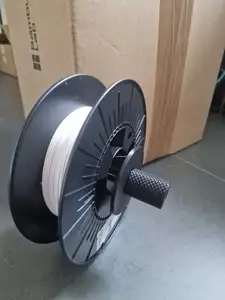

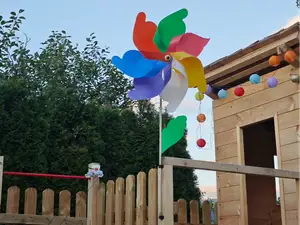

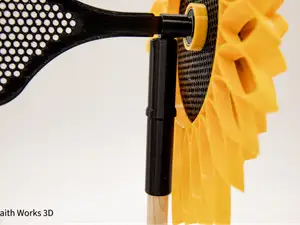


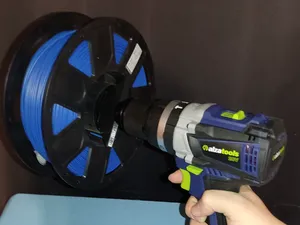

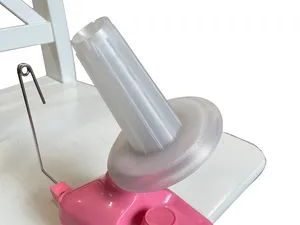


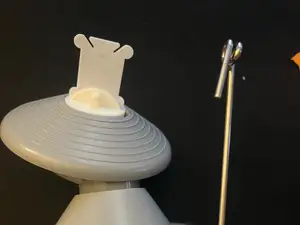

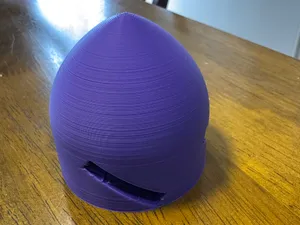

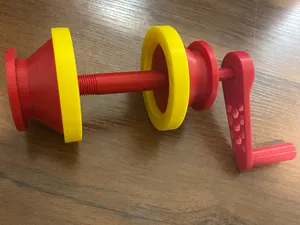
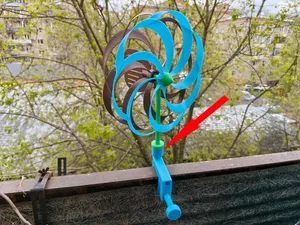


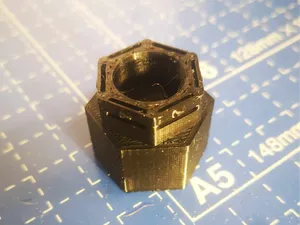
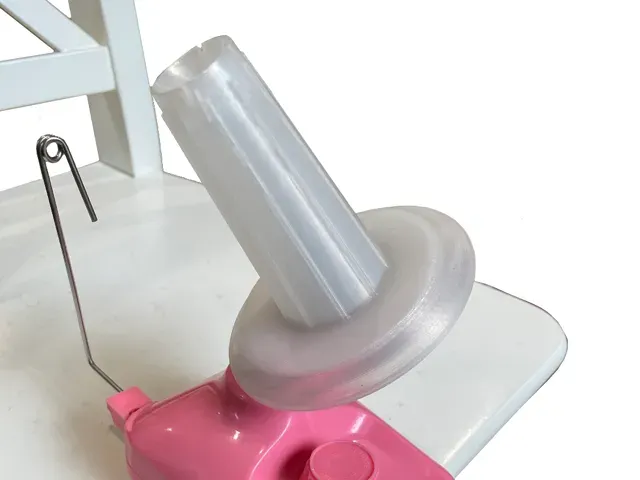
The models fall into a few groups. Winding adapters turn a spool, bobbin or cone into something a drill or a hand crank can rotate, while spinner and pinwheel mounts hold a rotating part on a bearing or a pin. Tripod and stand adapters work the other way round, taking a device and giving it a standard threaded or clamped connection. Spin converters sit between a launcher or a blade assembly and change the direction or the uniformity of rotation.
When you open a model page, start with the dimensions: inner and outer diameter, shaft size, thread pitch and the length of the part. Check how many separate pieces the author lists and whether they are meant to be glued, screwed or press-fitted, since that decides how much clearance you need to leave. Look at the material and settings the author names, whether supports are required, and at photos of real prints to judge how the part behaves after shrinkage.
Search results improve when you describe the connection rather than the object. Try adapter, converter, mount, bushing, sleeve, reducer or insert together with the device name, and add words such as spool, bobbin, wind spinner, tripod, chuck or launcher. Related topics like bearings, threaded inserts, keyed shafts and rotating joints often lead to the same kind of part under a different title.
If a model is close but not exact, look for a parametric or scaled version before giving up on the idea. Measuring the two parts you want to join, and noting which side has to stay fixed, usually narrows the choice faster than browsing by shape alone.


El catálogo completo de temáticas, del hogar al CNC, con búsqueda en todas las plataformas conectadas.
%2Fhttps%3A%2F%2Ffbi.cults3d.com%2Fuploaders%2F14457790%2Fillustration-file%2F70f7d0b4-991d-41c8-9eba-d173eb6f59e1%2FPicture.png&w=640)