Gratis 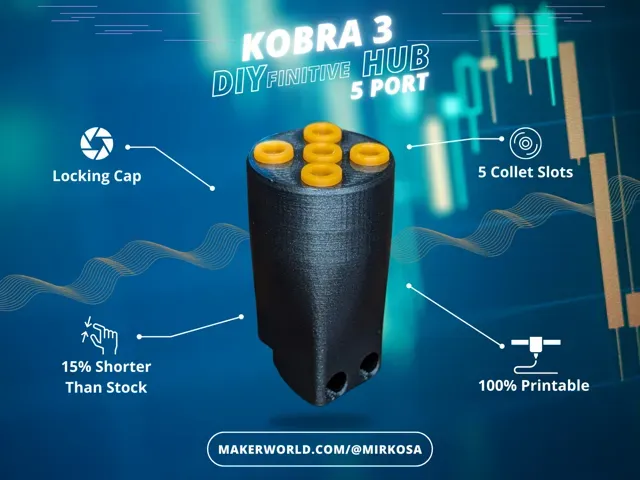
5 Port Hub for the Kobra 3
MakerWorld
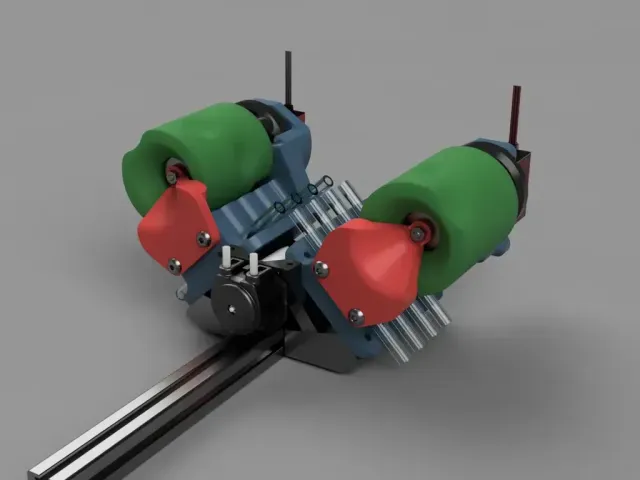
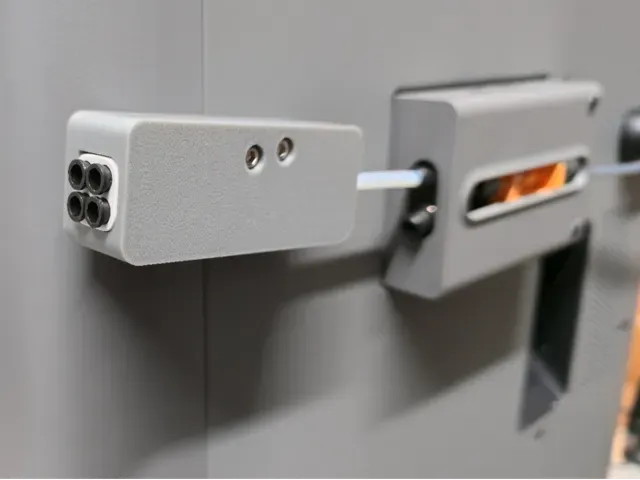
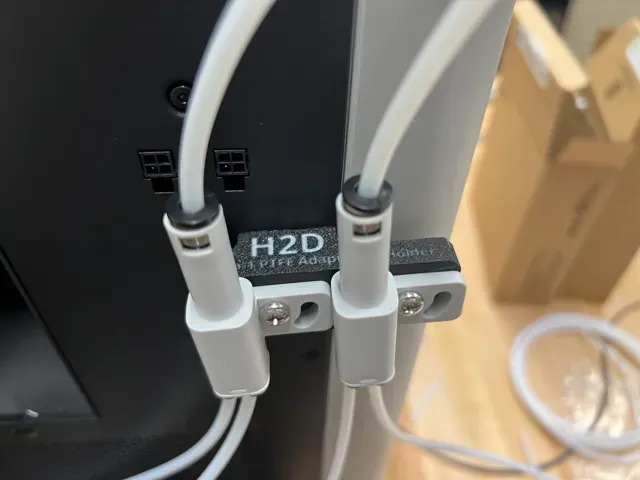
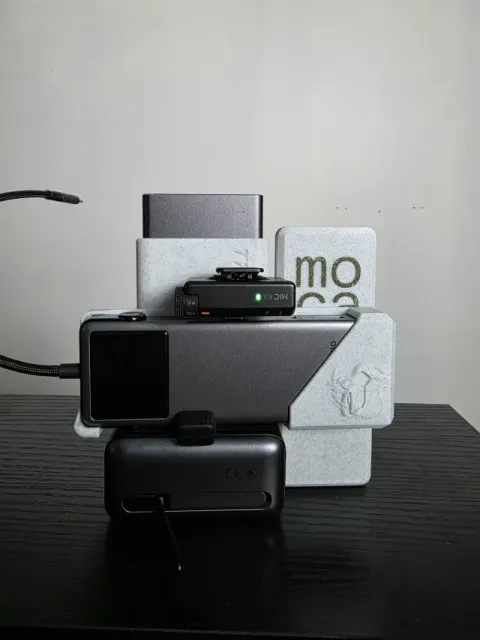
This collection gathers 3D models built around hubs of several kinds: filament splitters for multi-material setups, USB and network port hubs, spool adapters, and mechanical hubs such as wheel or motor mounts. It is useful when you need to route filament, tidy cables, or adapt a spool to a holder you already have. Each entry is an STL or similar file intended for 3D printing, so the exact geometry and hardware requirements come from the author's page. Polyzon does not confirm whether models are free, their price, license, official status, affiliation, safety or fitness. Check the current terms at the source.
Esta colección está escrita en inglés, pero la búsqueda funciona en cualquier idioma.
 Una colección de Polyzon · 40 modelos de 2 plataformas
Polyzon reúne esta colección a partir de los resultados de búsqueda de las plataformas conectadas. Se eliminan los duplicados y los modelos sin vista previa, las coincidencias débiles van al final y el resto mantiene el orden de la búsqueda. Los modelos pertenecen a sus autores: consulta las condiciones en la página de cada modelo.
Criterios de selección: el equipo editorial de Polyzon · Texto actualizado el 15/10/2026
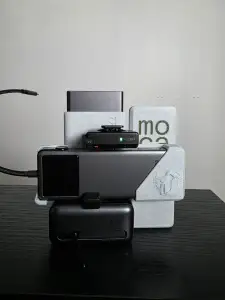
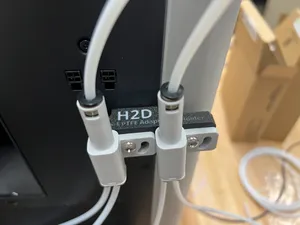
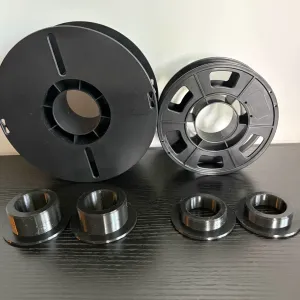

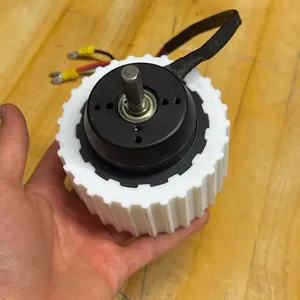
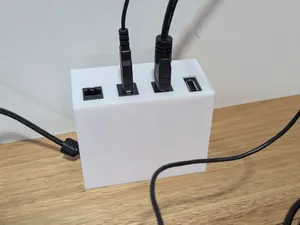
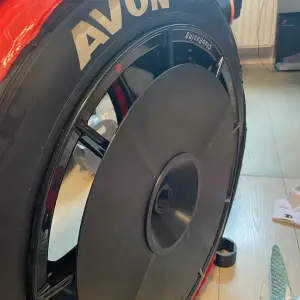


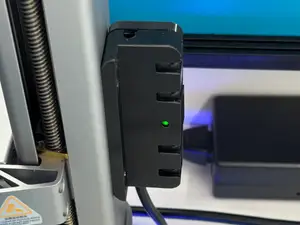
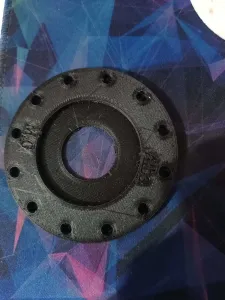
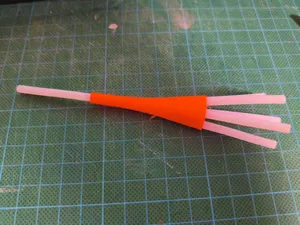

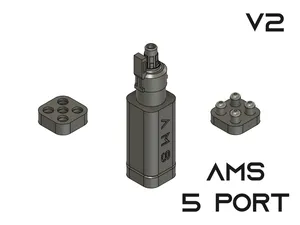
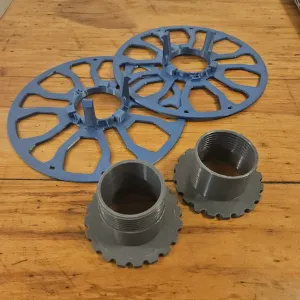
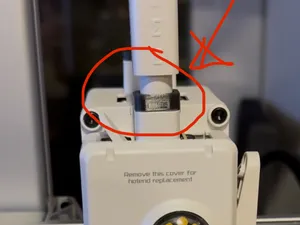
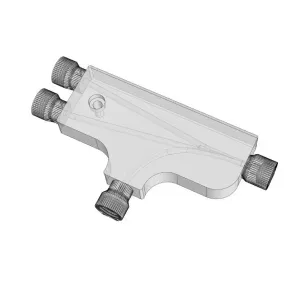
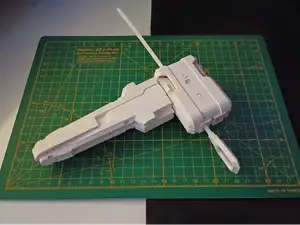
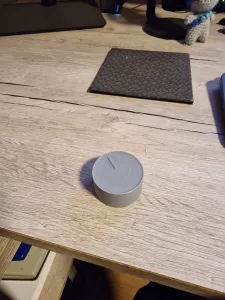
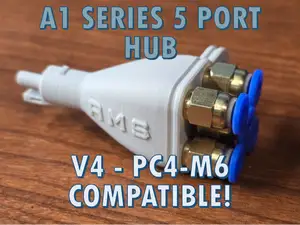
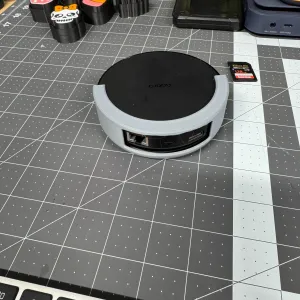
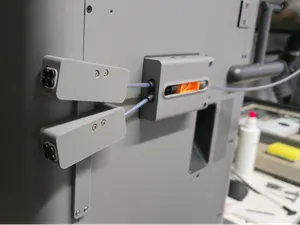
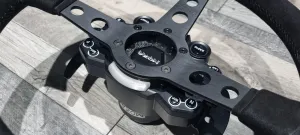
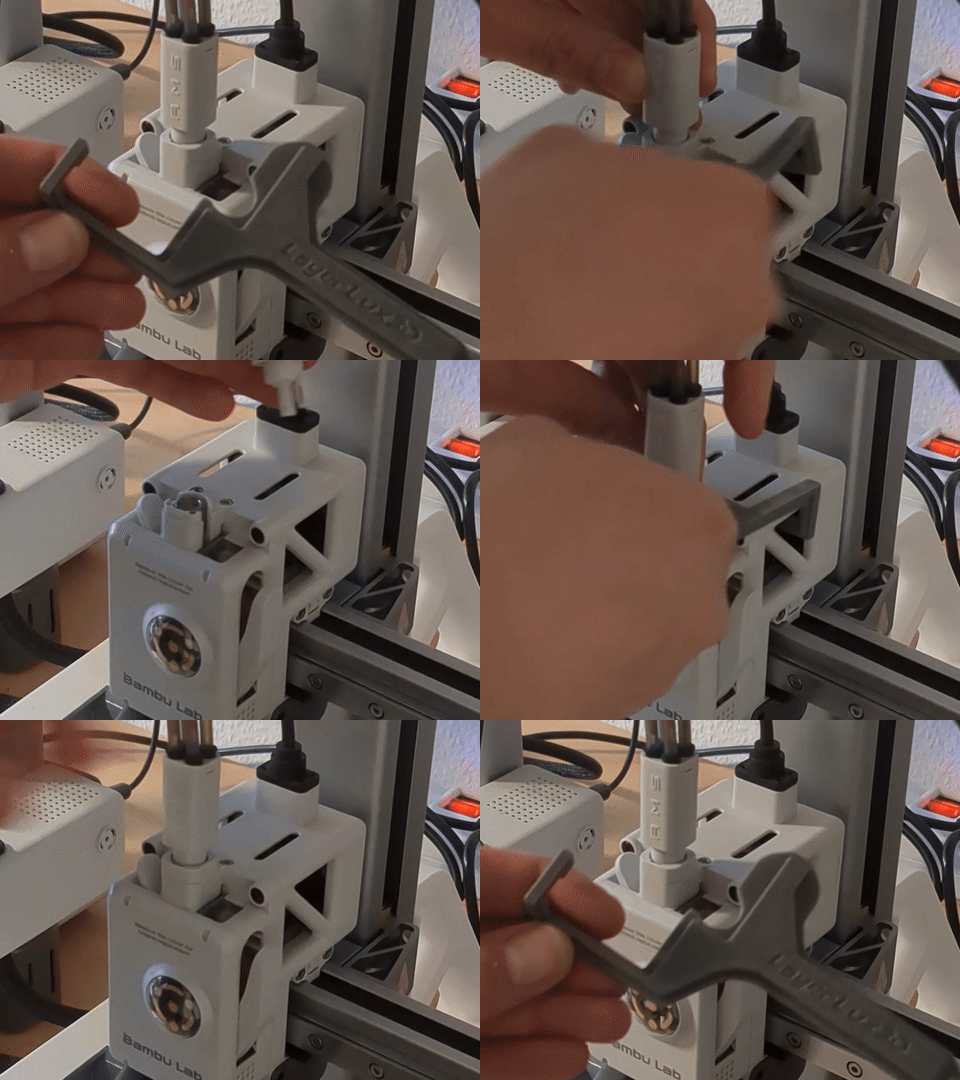
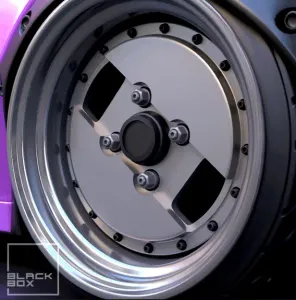

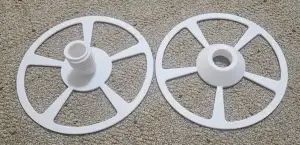
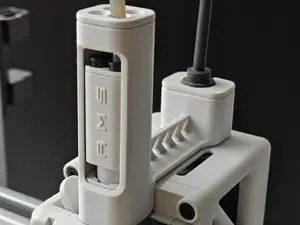
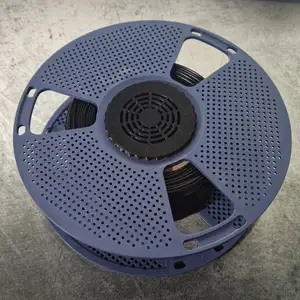
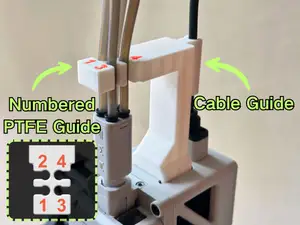
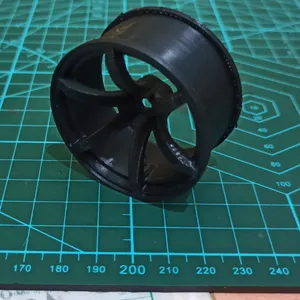
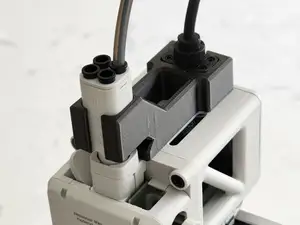

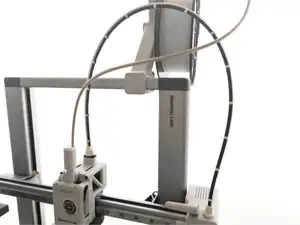
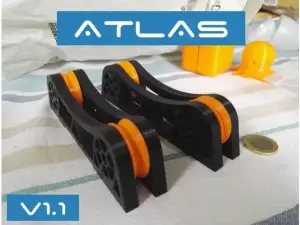
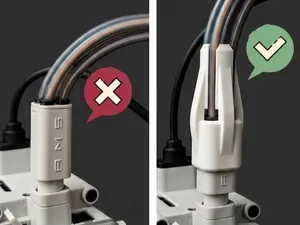
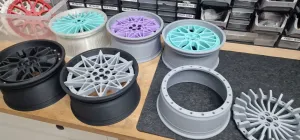
Filament hubs and splitters are the largest group here. They take one or more inputs and divide them into several outputs, often with push-fit or threaded ports for PTFE tubing, and some are shaped to sit on a specific printer frame or near a multi-material unit. Port hubs for USB, HDMI, Ethernet and similar connectors form a second group: these are usually enclosures, hangers or brackets that hold a bought hub or a set of keystone jacks. A third group covers spool adapters and rings that change the bore of a spool, plus mechanical hubs such as wheel hubs, odometer parts and motor mounts.
Before printing, read the model page for the details that decide whether the part works in your setup: the number of ports, the inner diameter of each port, the tube or connector size it accepts, and the screw or magnet holes it expects. Check the scale, since a hub that fits one printer frame may be far too large or small for another, and look at whether the author lists supports, orientation, layer height or material. Photos of real prints are the quickest way to judge wall thickness, overhangs and how the ports actually meet the tubing or cable.
If the results look thin, try other words for the same idea: splitter, manifold, distributor, adapter, dock, hanger, bracket or holder. Adding a context term narrows things quickly, for example filament, PTFE, Bowden, spool, USB, keystone or wheel. Related searches such as cable management, spool holder, toolhead mount or multi-material upgrade often surface hub parts that are filed under a different name.


El catálogo completo de temáticas, del hogar al CNC, con búsqueda en todas las plataformas conectadas.