Gratis 
Dual Drawer - Ender 3 Pro
Thingiverse
This collection gathers STL files made for the Creality Ender 3 Pro and the closely related Ender 3 variants. It covers practical add-ons such as drawers, filament guides, cooling parts and electronics housings, plus test models for bed leveling. If you own this 3D printer and want to adapt it to how you actually work, these are the kinds of files to browse first. Polyzon does not confirm whether models are free, their price, license, official status, affiliation, safety or fitness. Check the current terms at the source.
Esta colección está escrita en inglés, pero la búsqueda funciona en cualquier idioma.
 Una colección de Polyzon · 47 modelos de 5 plataformas
Polyzon reúne esta colección a partir de los resultados de búsqueda de las plataformas conectadas. Se eliminan los duplicados y los modelos sin vista previa, las coincidencias débiles van al final y el resto mantiene el orden de la búsqueda. Los modelos pertenecen a sus autores: consulta las condiciones en la página de cada modelo.
Criterios de selección: el equipo editorial de Polyzon · Texto actualizado el 14/10/2026
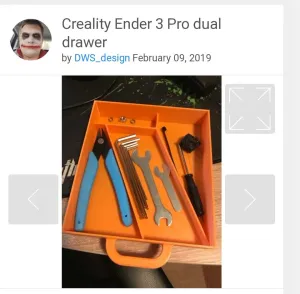

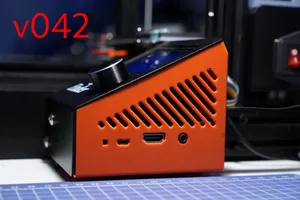
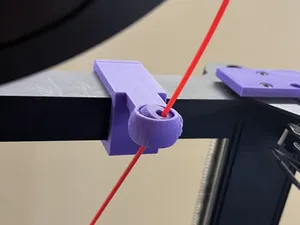
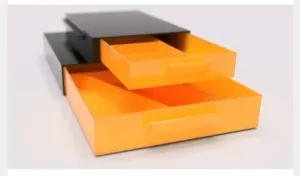


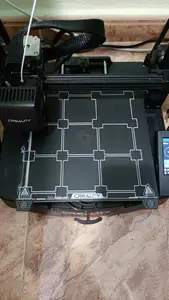
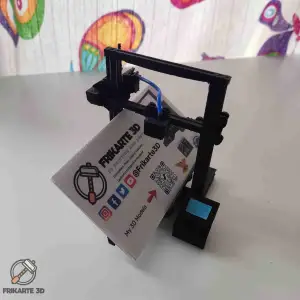


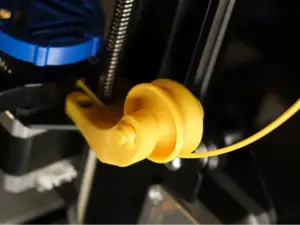
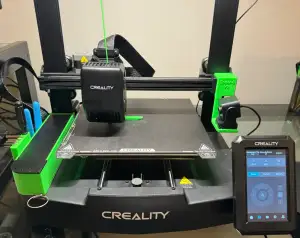
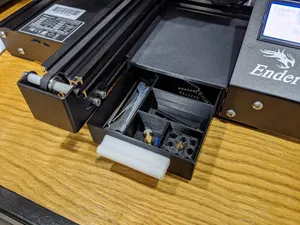
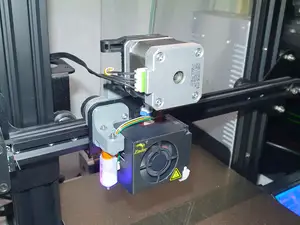

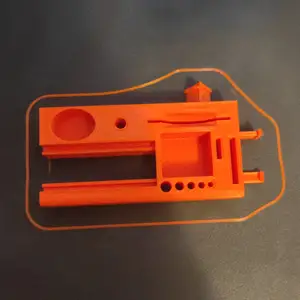
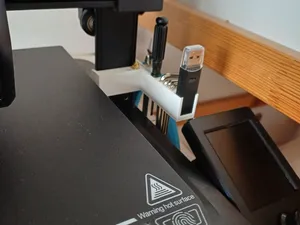

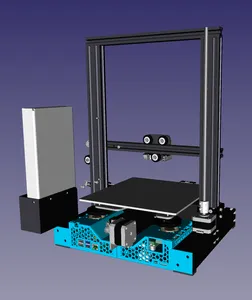
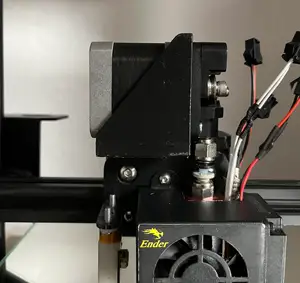
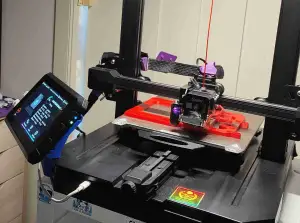


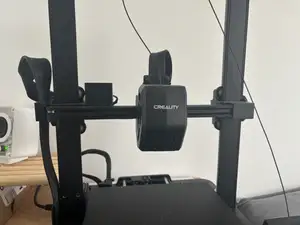
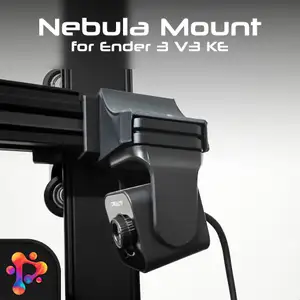


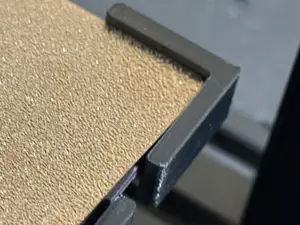
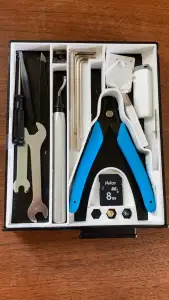

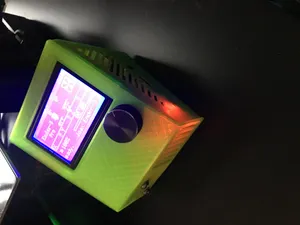
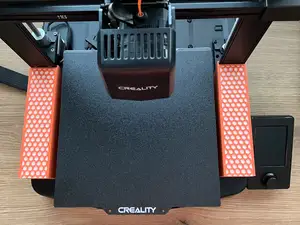
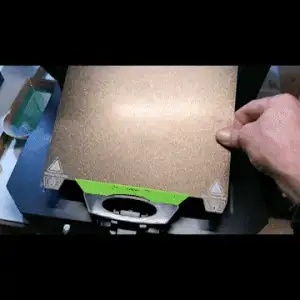


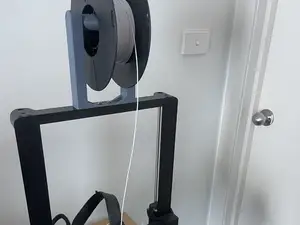


The models here split into a few groups. Storage drawers and small organizers attach to the frame or the base and add room for tools and spare parts. Filament guides and spool holders deal with how the material reaches the extruder. Cooling and hotend parts change airflow around the nozzle, while electronics housings and cable covers tidy up boards, screens and ribbon cables. Calibration tests are a separate group: they are printed to check the first layer and bed level rather than to stay on the machine.
Before printing, open the author's model page and read what is listed there. Check the overall size and scale, the number of separate parts and how they join, and whether the author reports that supports are needed. Look at the material and settings the author used, since parts near the hotend and parts that carry load behave differently in different filaments. Photos of real prints are the most useful reference for how a model turns out on a machine like yours.
To narrow the search, try the terms used in the titles: drawer, storage, filament guide, spool holder, cooling duct, fan duct, extruder knob, cable cover, LCD housing, bed level test, first layer test. Related topics worth adding are direct drive conversions, stiffener arms and Raspberry Pi or LCD enclosures, since these appear alongside the Ender 3 Pro in the same listings. Combining the printer name with the part you need usually returns a shorter, more readable set of results than the printer name alone.


El catálogo completo de temáticas, del hogar al CNC, con búsqueda en todas las plataformas conectadas.