Gratis 
Spongebob's House Plant Pot
Thingiverse
This collection gathers 3D models of the SpongeBob pineapple house and nearby buildings, from planters and pots to full house builds and part-printed kits. It is useful if you want a recognizable 3D printing project that works as a desk piece, a planter or a small diorama. Many files are split for easier printing, so you can choose between a single-piece STL and a multi-part version. Polyzon does not confirm whether models are free, their price, license, official status, affiliation, safety or fitness. Check the current terms at the source.
Esta colección está escrita en inglés, pero la búsqueda funciona en cualquier idioma.
 Una colección de Polyzon · 47 modelos de 4 plataformas
Polyzon reúne esta colección a partir de los resultados de búsqueda de las plataformas conectadas. Se eliminan los duplicados y los modelos sin vista previa, las coincidencias débiles van al final y el resto mantiene el orden de la búsqueda. Los modelos pertenecen a sus autores: consulta las condiciones en la página de cada modelo.
Criterios de selección: el equipo editorial de Polyzon · Texto actualizado el 13/10/2026
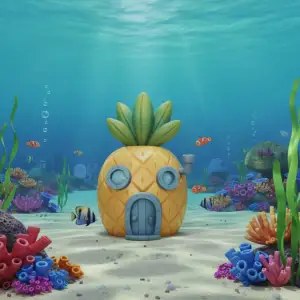


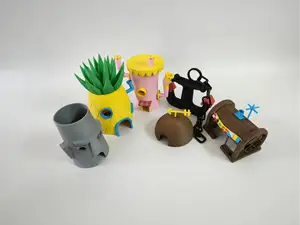
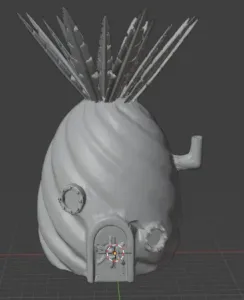


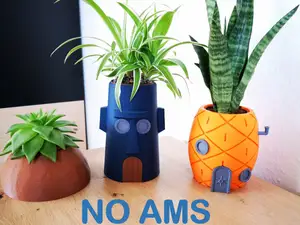
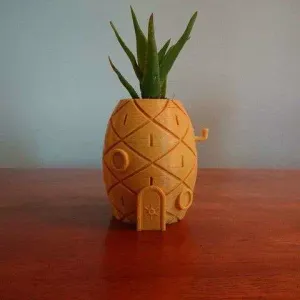


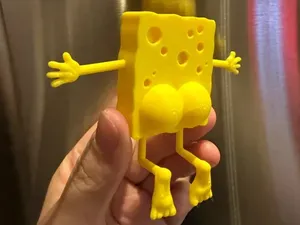
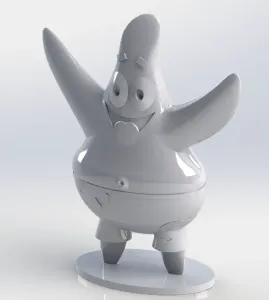

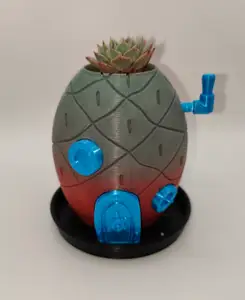
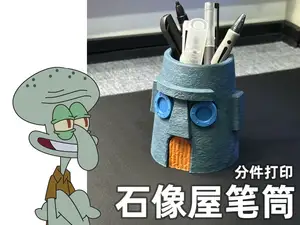
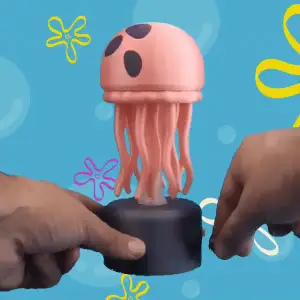


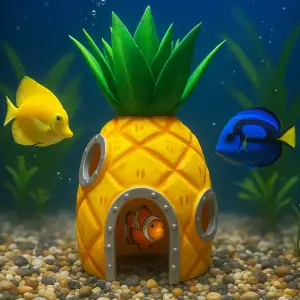


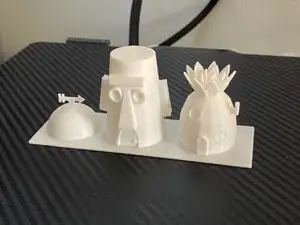
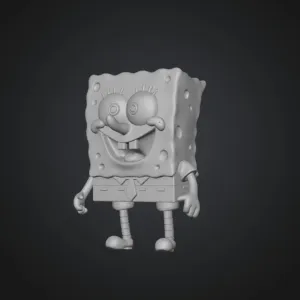


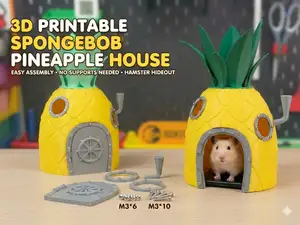
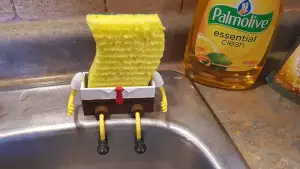

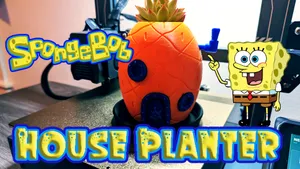
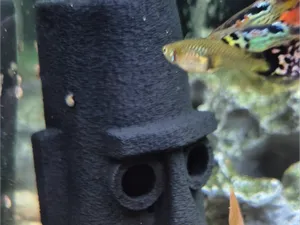
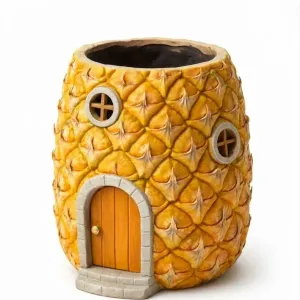

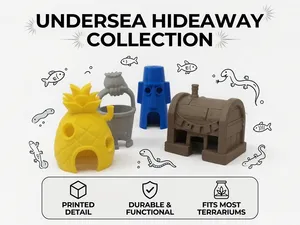
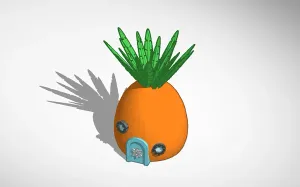

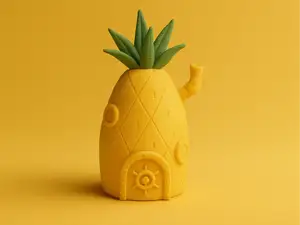
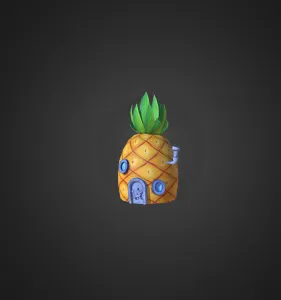

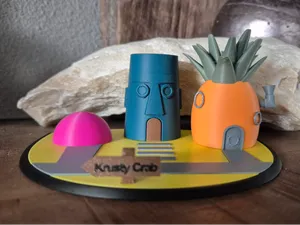
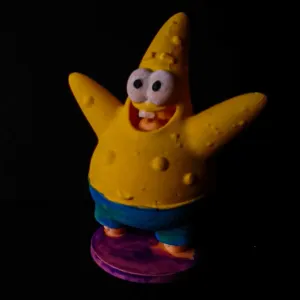

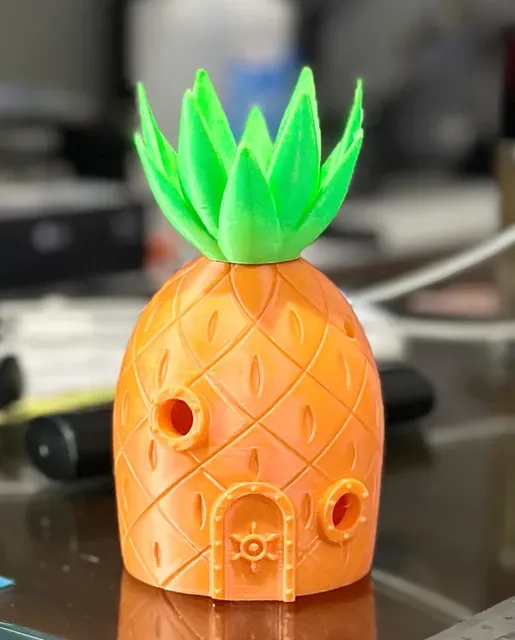
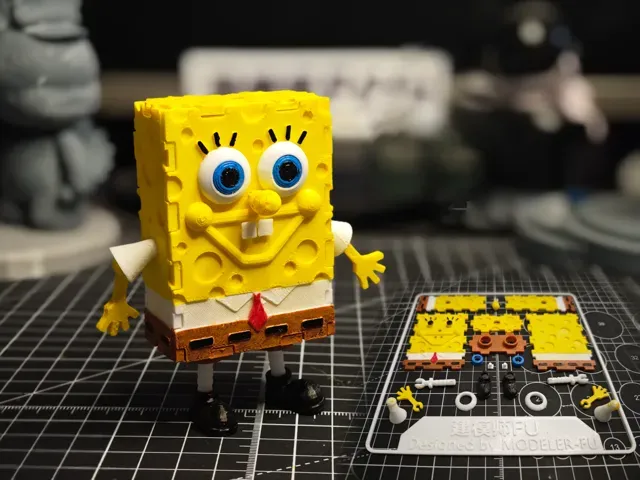
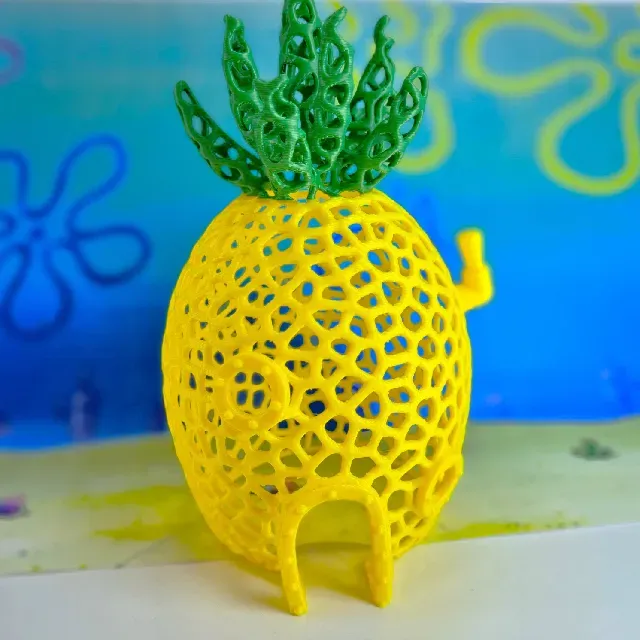
The models differ mainly in purpose. Planters and pots keep the pineapple silhouette but add a hollow body or a water tray, while full house files focus on the exterior shape and roof details. Neighborhood sets combine several buildings or characters, and part-printed kits split walls, leaves and bases into separate pieces. Small accessories such as magnets or jellyfish add-ons are usually simpler and faster to print.
On the author's model page, check the listed size and scale first, since a planter and a display model can look similar but need different amounts of filament. Look at the number of parts, how they join, and whether the author mentions supports or a drain hole. Read the material and settings the author lists, and compare them with photos of real prints to judge surface detail and fit.
To narrow the results, try related terms such as pineapple house, Bikini Bottom building, planter, pot, water tray, or part-printed kit. Adding words like remix, multi-part or desk decoration can separate display models from functional ones. If you want a specific building, search for the character or house name together with the scale you need.
If you plan to print a planter, decide early whether you need a drain hole or a separate water tray, because that changes the model choice. For a display build, check how the roof and leaves are supported and whether the base is wide enough to stand without tipping. For a multi-part kit, review the assembly order and the clearances the author describes before starting.


%2Fhttps%3A%2F%2Ffbi.cults3d.com%2Fuploaders%2F16339988%2Fillustration-file%2F344a6c04-fd45-4640-80c2-06de34757dad%2Fgif.gif&w=300)
El catálogo completo de temáticas, del hogar al CNC, con búsqueda en todas las plataformas conectadas.