
Gratis 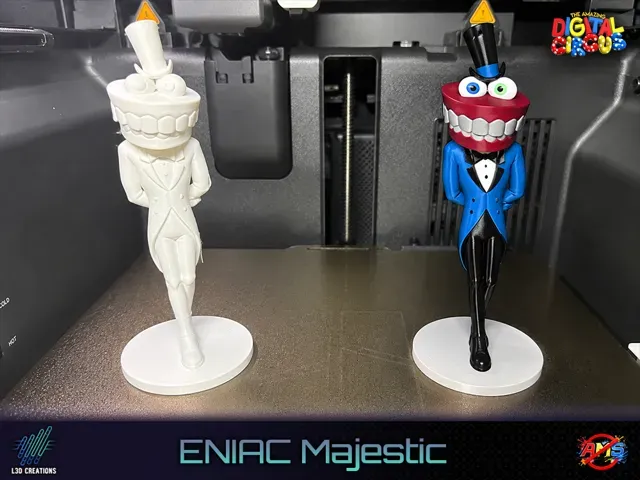
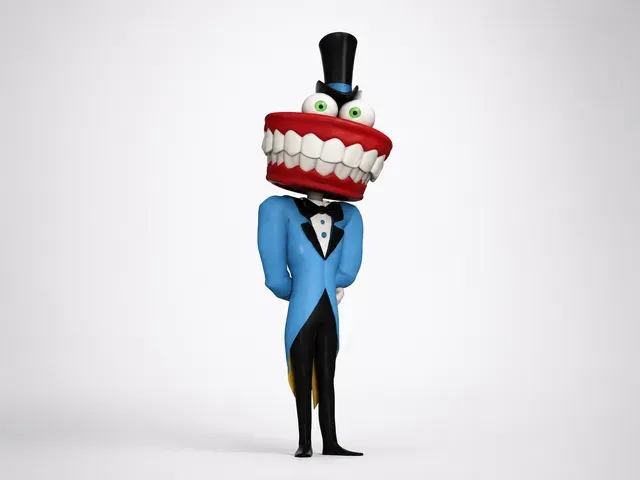
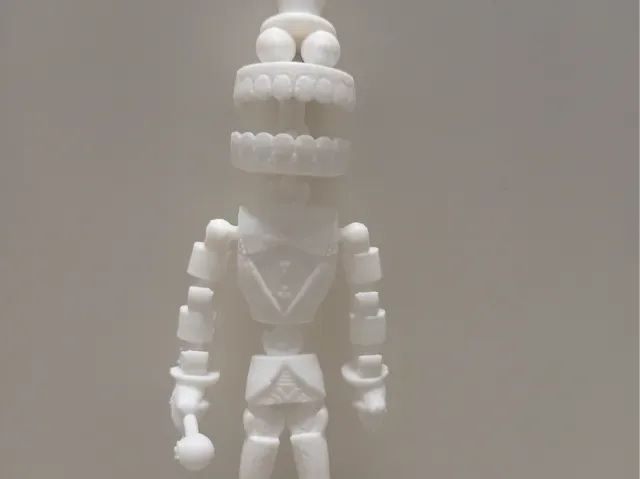
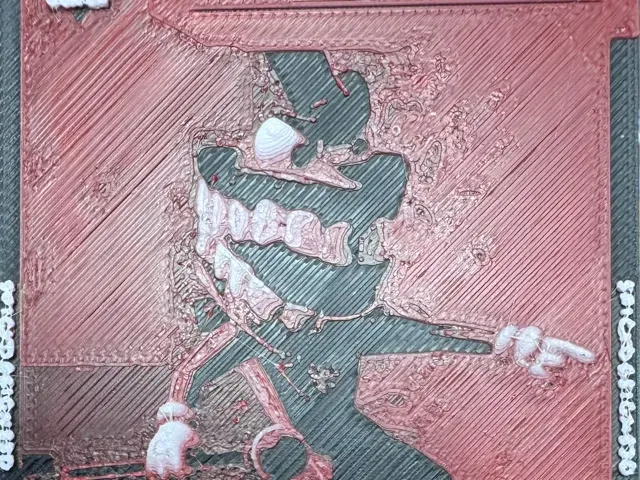
ENIAC | Fan Art aus The Amazing Digital Circus
MakerWorld
This collection gathers ENIAC-related STL files: historical computer models, articulated figures, desktop cases, vehicle mounts, and decorative pieces. It helps you compare how different designers interpret the same name across 3D printing projects. Use the list to find a direction, then open the model page for details. Polyzon does not confirm whether models are free, their price, license, official status, affiliation, safety or fitness. Check the current terms at the source.
Esta colección está escrita en inglés, pero la búsqueda funciona en cualquier idioma.
 Una colección de Polyzon · 26 modelos de 7 plataformas
Polyzon reúne esta colección a partir de los resultados de búsqueda de las plataformas conectadas. Se eliminan los duplicados y los modelos sin vista previa, las coincidencias débiles van al final y el resto mantiene el orden de la búsqueda. Los modelos pertenecen a sus autores: consulta las condiciones en la página de cada modelo.
Criterios de selección: el equipo editorial de Polyzon · Texto actualizado el 13/10/2026
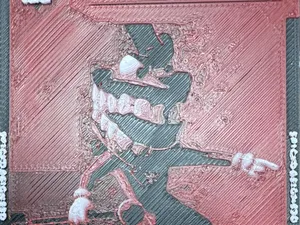


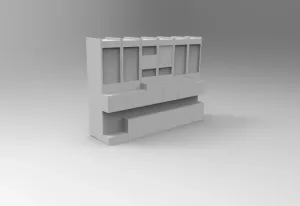
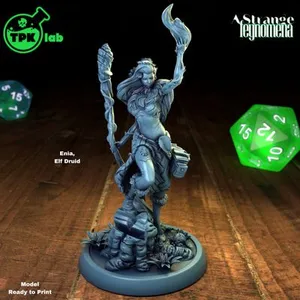

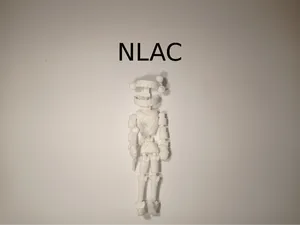


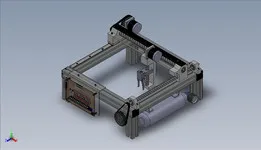
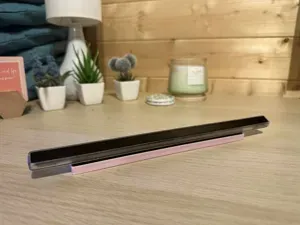


The results split into several groups. Historical computer replicas focus on panels, boards, and full-scale or reduced models of early computing hardware. Fan-art figures and articulated characters come from animated series and tend to have moving joints or display bases. Desk cases, control stations, and stands are more practical, while vehicle mounts and name lamps lean toward decoration.
When choosing a model, check the size and scale first, because a display piece and a desktop accessory can differ greatly in footprint. Look at the number of parts and whether assembly is required, then read the author's notes on supports, material, and settings. Photos of real prints help you judge surface detail and how the model handles overhangs. If the model includes electronics or moving parts, verify the listed hardware and clearances before printing.
To refine the search, try related terms such as early computer, vacuum tube, control panel, articulated figure, fan art, desk case, and name lamp. Adding a format like STL or a scale can narrow results further. If you want the historical angle, search for computer history or mainframe; for the character angle, use the series name or cosplay terms. Combine a broad term with a specific part, such as panel, board, bust, or mount, to move from a general list to a focused one.



El catálogo completo de temáticas, del hogar al CNC, con búsqueda en todas las plataformas conectadas.