
Gratis 
3D Printing Sign Combined For Color Print
Thingiverse
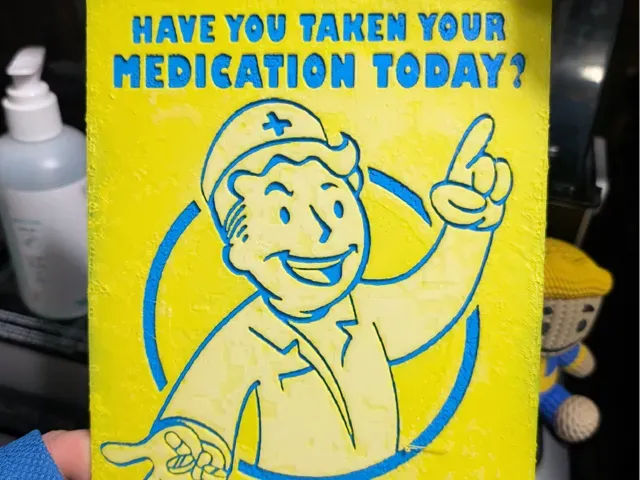
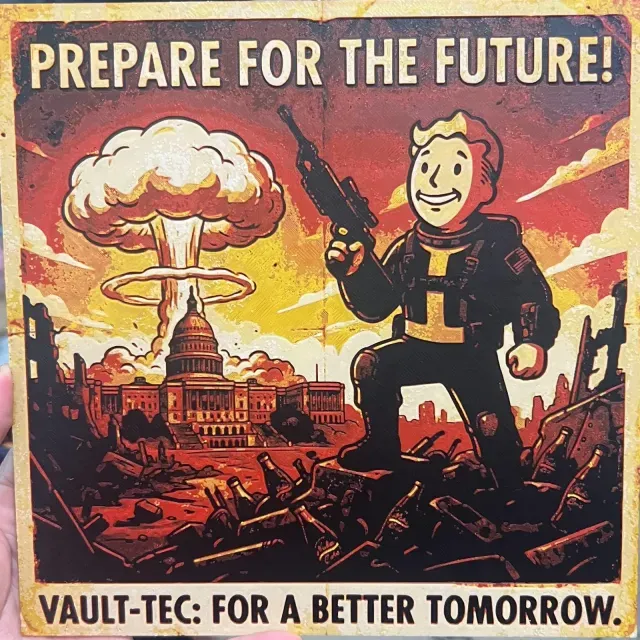
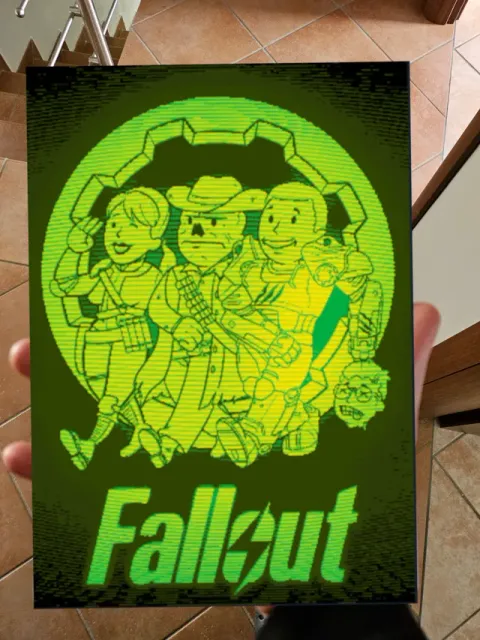
This collection gathers Fallout-themed files that are made with color output in mind: flat layered panels, chibi figures, props and drinkware. Most of them assume a 3D printer with more than one filament, or a single-color machine plus manual filament swaps. It is a starting point if you want the wasteland look without painting every part by hand. Polyzon does not confirm whether models are free, their price, license, official status, affiliation, safety or fitness. Check the current terms at the source.
Esta colección está escrita en inglés, pero la búsqueda funciona en cualquier idioma.
 Una colección de Polyzon · 48 modelos de 3 plataformas
Polyzon reúne esta colección a partir de los resultados de búsqueda de las plataformas conectadas. Se eliminan los duplicados y los modelos sin vista previa, las coincidencias débiles van al final y el resto mantiene el orden de la búsqueda. Los modelos pertenecen a sus autores: consulta las condiciones en la página de cada modelo.
Criterios de selección: el equipo editorial de Polyzon · Texto actualizado el 15/10/2026

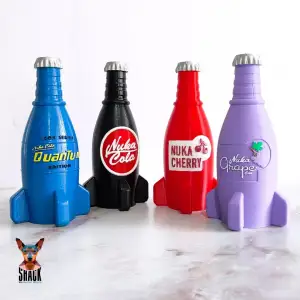

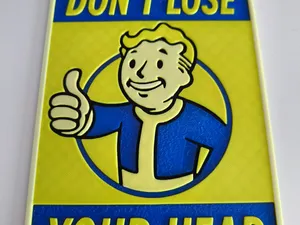
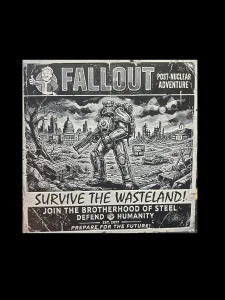

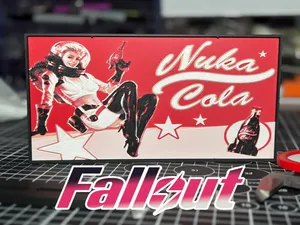
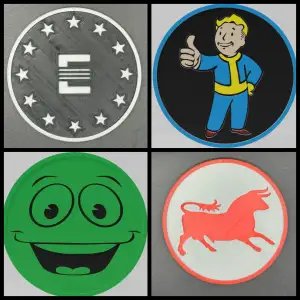


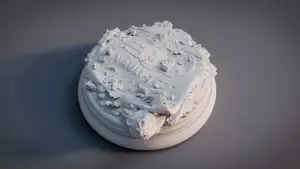

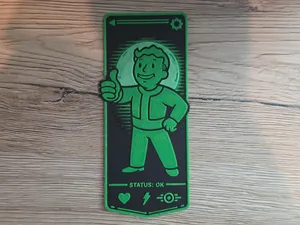
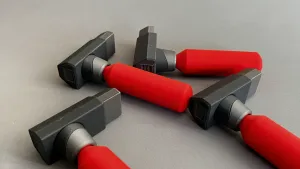

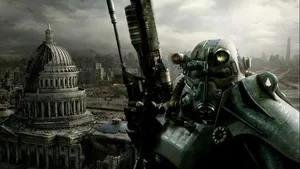
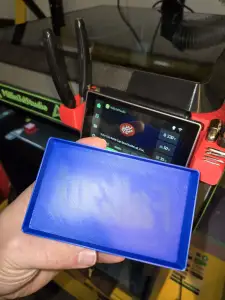

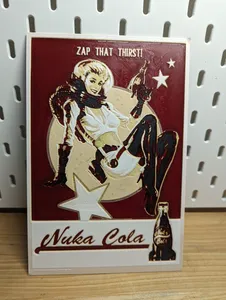
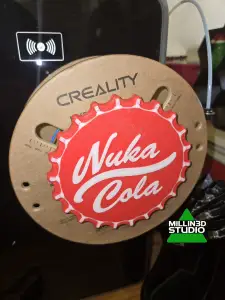

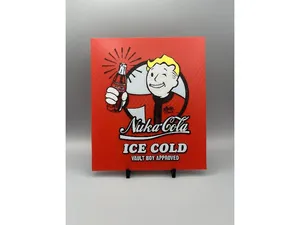
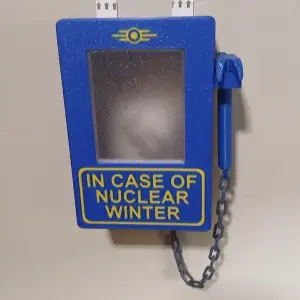

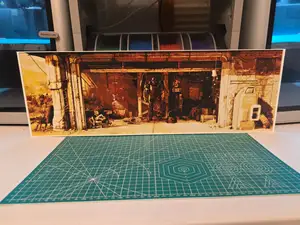

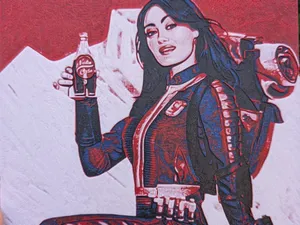
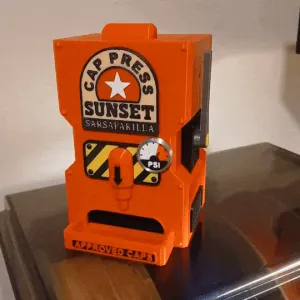

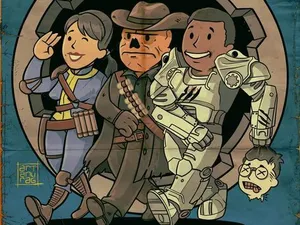
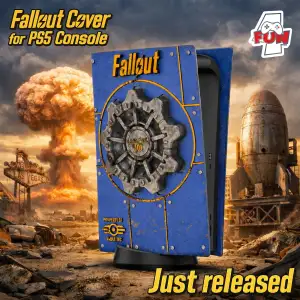

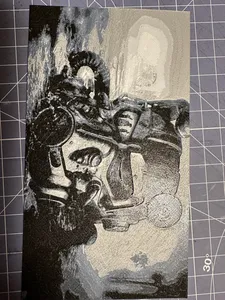
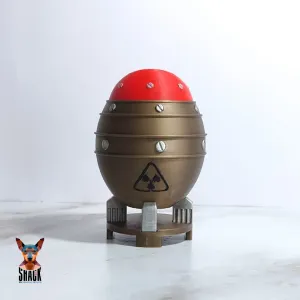

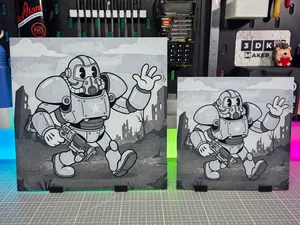
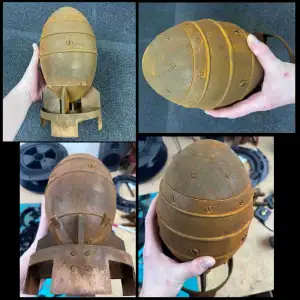

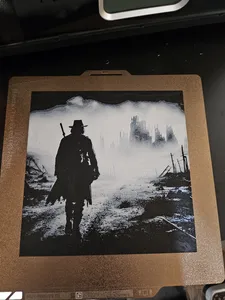
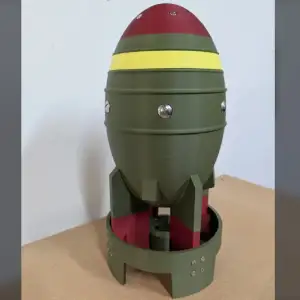

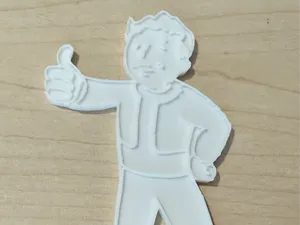
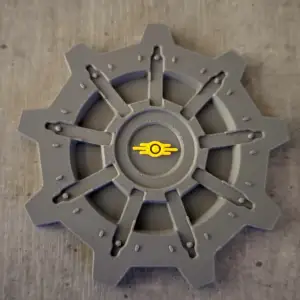
The files fall into a few groups. Flat panels and posters rely on stacked layers of different filaments, so the image appears as the print grows taller. Figures and chibi characters are usually split into parts or given separate color regions, which lets you print them in one color, in several materials, or in full color. Props, bases and coasters sit in between: they are mostly single-color shapes, but a few colored details make them read better.
When you open a model page, look at the dimensions and scale first, then at the number of parts and how they join. Check whether the author expects supports, which layer height the color transitions were designed for, and which filament types and settings are listed. Photos of actual prints are more useful than renders, especially for layered panels where the final look depends on the filament order and thickness.
To widen the results, try related terms: the game name with the item type, the name of a faction or a fictional brand, or words like layered, multi-material, MMU, AMS and color swap. Searching for a prop by its in-game function often works better than searching for a character. If you find a file that is close but not exact, look at its remixes and the tags the author used.


%2Fhttps%3A%2F%2Ffbi.cults3d.com%2Fuploaders%2F14526230%2Fillustration-file%2F10d91c28-cb85-4ffe-a5c0-cff3f2faef82%2FKawaii_Unicorn_Color_Printable_F._202606092358-2.jpeg&w=300)
El catálogo completo de temáticas, del hogar al CNC, con búsqueda en todas las plataformas conectadas.