
Gratis 
Adjustable GPU Support Bracket
Thingiverse
This collection gathers 3D models that hold a graphics card at its outer end so it does not droop over time. It covers adjustable brackets, case-specific pieces, pillar stands and vertical mounts, all made for 3D printing. Because the models come from different authors, each STL page states its own dimensions and print notes. Polyzon does not confirm whether models are free, their price, license, official status, affiliation, safety or fitness. Check the current terms at the source.
Esta colección está escrita en inglés, pero la búsqueda funciona en cualquier idioma.
 Una colección de Polyzon · 43 modelos de 3 plataformas
Polyzon reúne esta colección a partir de los resultados de búsqueda de las plataformas conectadas. Se eliminan los duplicados y los modelos sin vista previa, las coincidencias débiles van al final y el resto mantiene el orden de la búsqueda. Los modelos pertenecen a sus autores: consulta las condiciones en la página de cada modelo.
Criterios de selección: el equipo editorial de Polyzon · Texto actualizado el 15/10/2026

%2Fhttps%3A%2F%2Ffbi.cults3d.com%2Fuploaders%2F26146515%2Fillustration-file%2F45c60404-7de2-417c-8bb7-131ecdd4dd05%2F1000042419.jpg&w=300)

%2Fhttps%3A%2F%2Ffbi.cults3d.com%2Fuploaders%2F13767159%2Fillustration-file%2F9e265344-85ed-4da2-acc0-23473e695fe8%2FAGC_20240324_200527342.jpg&w=300)
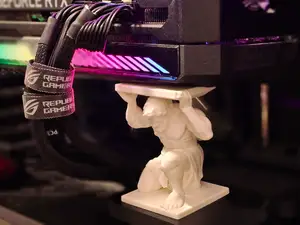

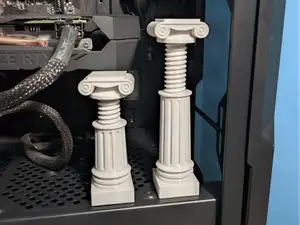

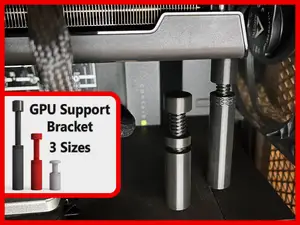

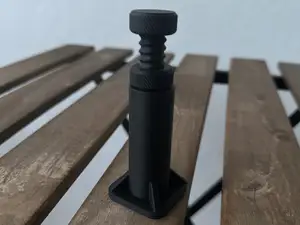

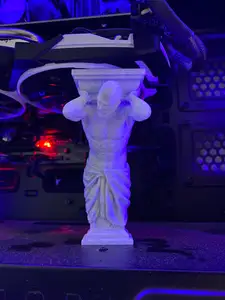

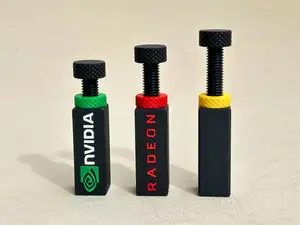

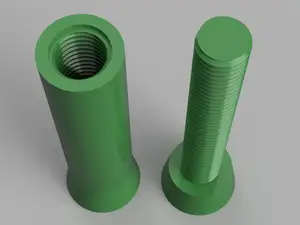



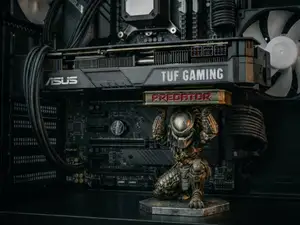

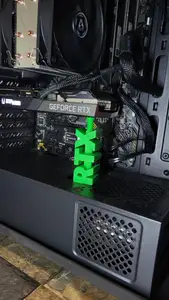

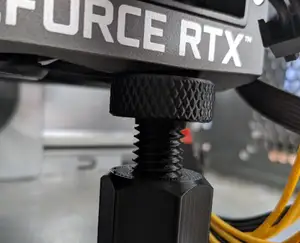

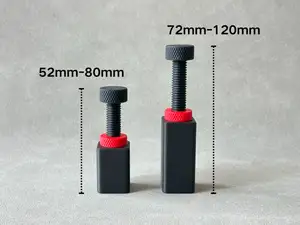

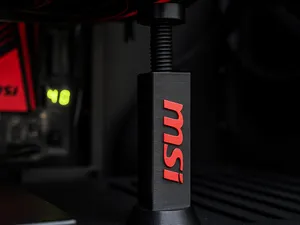

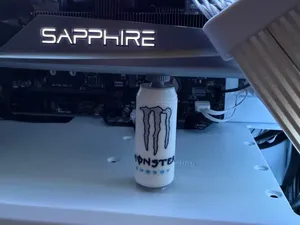

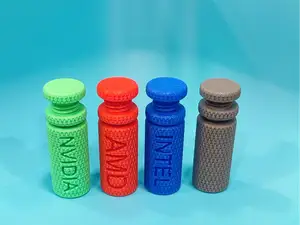

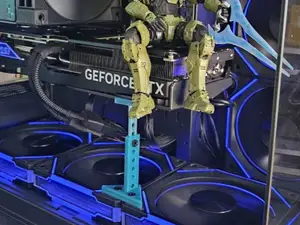

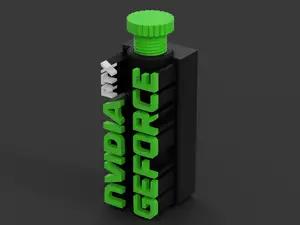

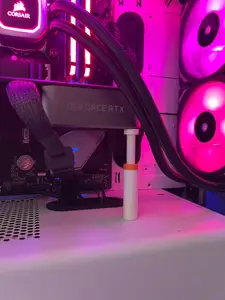
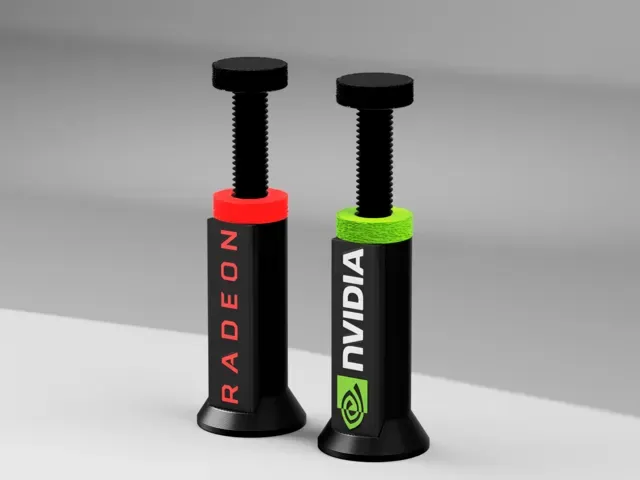
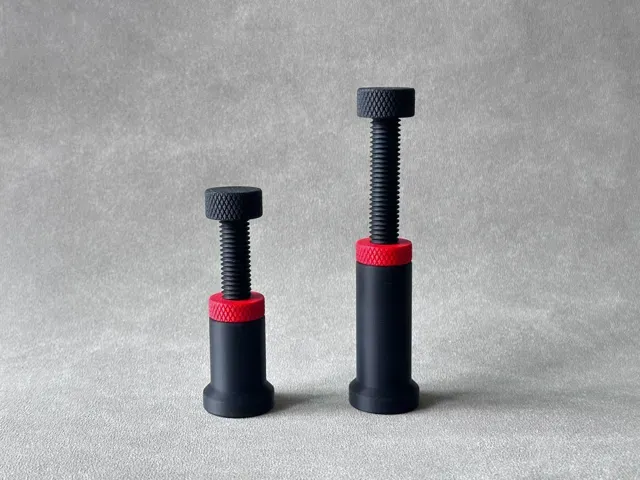
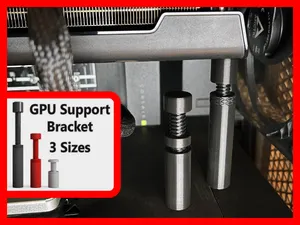
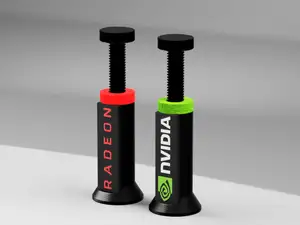
The models differ mainly in how they take up space. Adjustable brackets use a threaded or slotted post that you set to the gap under the card, while case-specific pieces are shaped around one chassis and its drive cages or shroud. Pillar and statue-style stands sit on the floor of the case and push upward, and vertical mount adapters change the card's orientation instead of propping it. Some entries are decorative pieces that double as a stand, which changes the footprint but not the basic idea.
Before printing, measure the distance from the underside of the card to the case floor or power-supply shroud and compare it with the height range the author lists. Check where the part touches the card: a flat pad under the shroud edge is different from a hook that grips the PCB or the backplate. Look at the number of parts, whether screws or inserts are needed, and whether the author notes print supports for overhangs. Material matters too, since a part sitting close to a warm card behaves differently in PLA than in PETG or ABS, so read the settings the author gives and the photos of installed prints.
If the results feel narrow, try other wordings: anti-sag bracket, graphics card support, GPU stand, sag brace, or PCIe bracket. Searching the case name or the card length often surfaces pieces shaped for that space, and small-form-factor builds have their own variants. Related searches include vertical GPU mount, backplate support, drive cage bracket and display stand, since some models in this group are made as desk pieces rather than internal parts.

El catálogo completo de temáticas, del hogar al CNC, con búsqueda en todas las plataformas conectadas.