
Gratis 
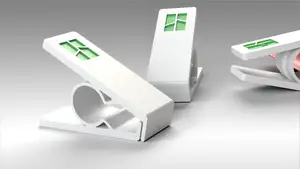
Intel CPU stand
Thingiverse
This collection gathers 3D models built around power supplies, processors, printer electronics and school mascots. It is useful when you are replacing a mount, organising a workbench or printing a logo for a team or campus. Most files are simple shapes that a desktop 3D printer can handle in one or two pieces. Polyzon does not confirm whether models are free, their price, license, official status, affiliation, safety or fitness. Check the current terms at the source.
Esta colección está escrita en inglés, pero la búsqueda funciona en cualquier idioma.
 Una colección de Polyzon · 47 modelos de 4 plataformas
Polyzon reúne esta colección a partir de los resultados de búsqueda de las plataformas conectadas. Se eliminan los duplicados y los modelos sin vista previa, las coincidencias débiles van al final y el resto mantiene el orden de la búsqueda. Los modelos pertenecen a sus autores: consulta las condiciones en la página de cada modelo.
Criterios de selección: el equipo editorial de Polyzon · Texto actualizado el 15/10/2026






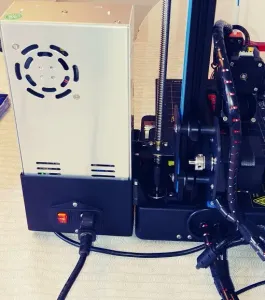



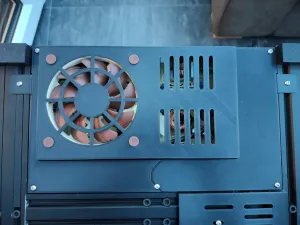



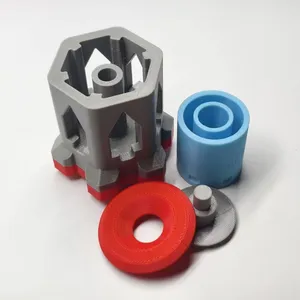

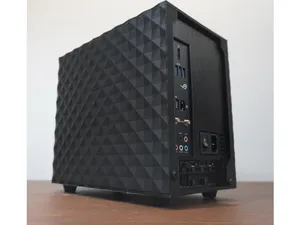




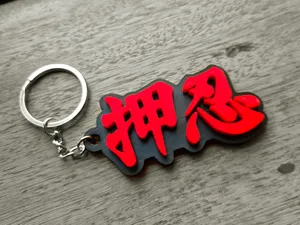
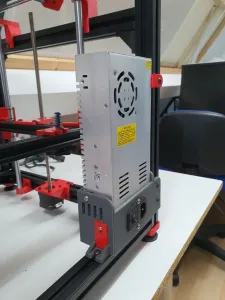


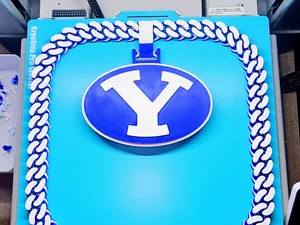


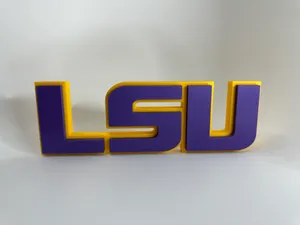

![60mm Exhaust Fan Silencer Flowmaster (PSU) Ender3/Neptune[2,3]/Others](https://cache.polyzon.org/api/img?url=https%3A%2F%2Fmedia.printables.com%2Fmedia%2Fprints%2F84197%2Fimages%2F897846_4f0b8151-b2a0-429d-981c-156618d23e1b%2Ffan_flowmaster_2.png&w=300)
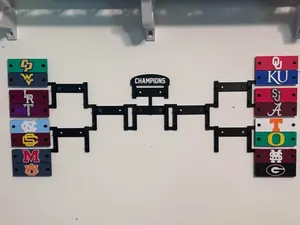


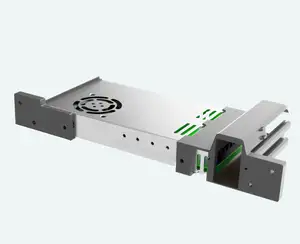
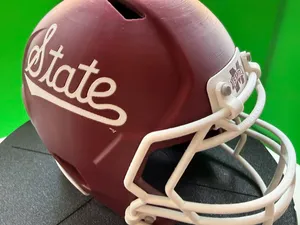

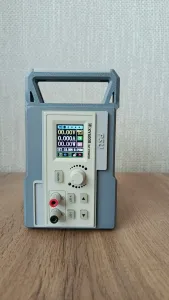

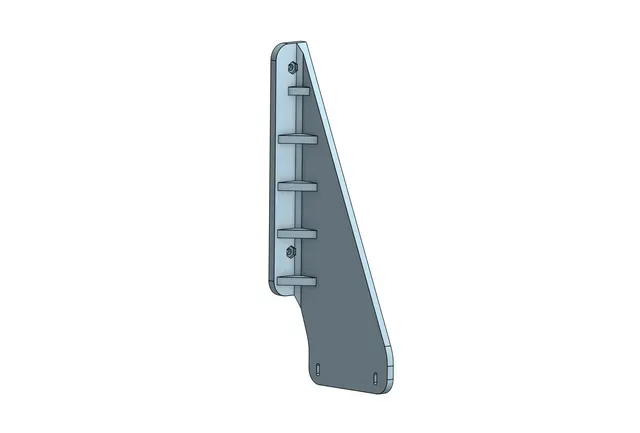
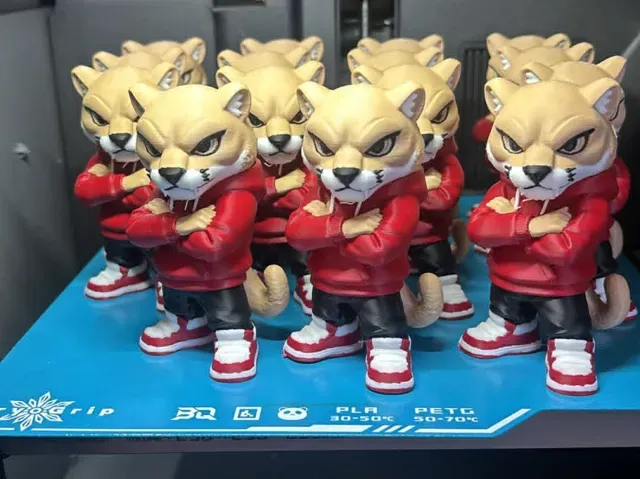
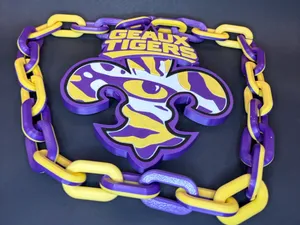
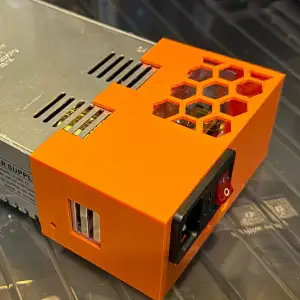
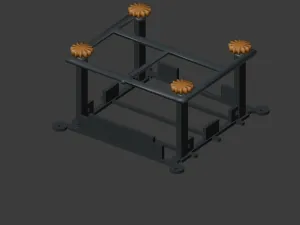
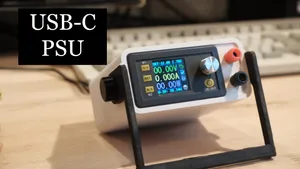
The range splits into a few clear groups. PSU items include rear mounts, replacement frames and braces that hold a power supply inside a printer frame, often with bolt holes for screws. CPU items cover stands, boxes and holders that keep a processor or its packaging off the desk, plus small tools such as delid helpers and paste spatulas. A separate group is decorative or identity-driven: mascot heads, university logos and school spirit signs.
When choosing a model, read the author's page before slicing. Check the outer dimensions and the spacing of screw holes, since a mount that looks right in a photo may not line up with your frame. Count the parts and see whether assembly needs extra hardware. Look at whether supports are required, which material the author used and which settings are listed, and study photos of real prints to judge wall thickness and overhangs.
To widen or narrow the search, try synonyms and related terms. For power supplies, search for power supply bracket, ATX mount, PSU cover or rear panel. For processors, try CPU holder, processor stand, chip tray or socket tool. For the mascot side, use school logo, team emblem, campus sign or spirit item, and add the material or printer type you work with to filter the list.




El catálogo completo de temáticas, del hogar al CNC, con búsqueda en todas las plataformas conectadas.