
Gratis 
Ender 3 Tool Holders by JKL
Thingiverse
This collection gathers 3D models for keeping tools within reach: holders that attach to an Ender 3 frame, wall and pegboard mounts, socket racks and small trays. It is useful if you print on an Ender 3 and want the tools you use most often stored next to the machine, or if you are organizing a workbench with an STL file instead of a bought rack. Polyzon does not confirm whether models are free, their price, license, official status, affiliation, safety or fitness. Check the current terms at the source.
Esta colección está escrita en inglés, pero la búsqueda funciona en cualquier idioma.
 Una colección de Polyzon · 48 modelos de 3 plataformas
Polyzon reúne esta colección a partir de los resultados de búsqueda de las plataformas conectadas. Se eliminan los duplicados y los modelos sin vista previa, las coincidencias débiles van al final y el resto mantiene el orden de la búsqueda. Los modelos pertenecen a sus autores: consulta las condiciones en la página de cada modelo.
Criterios de selección: el equipo editorial de Polyzon · Texto actualizado el 15/10/2026

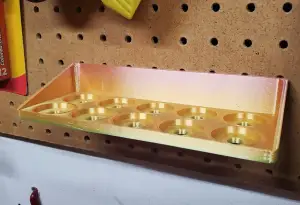

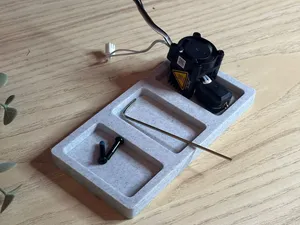
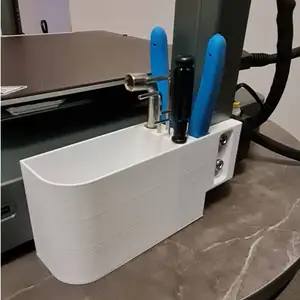

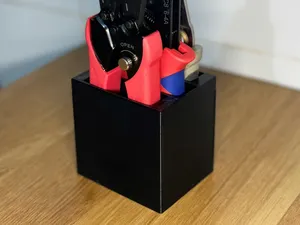
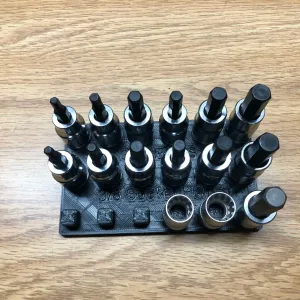

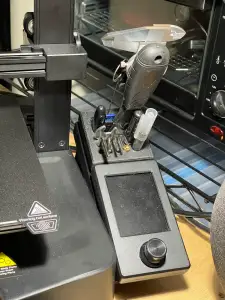

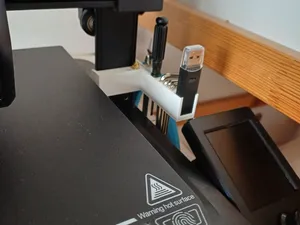
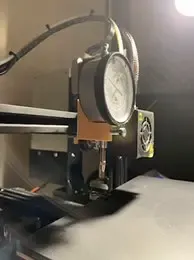

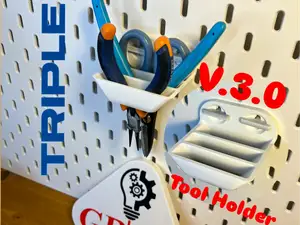
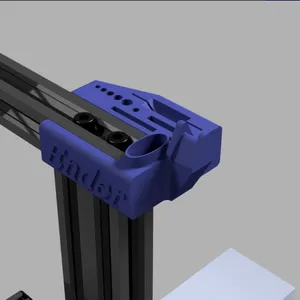

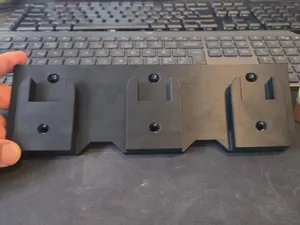
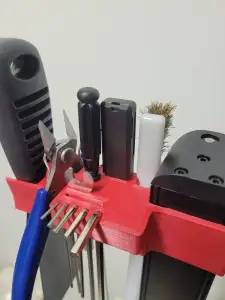

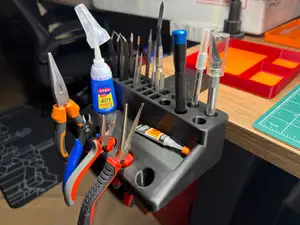
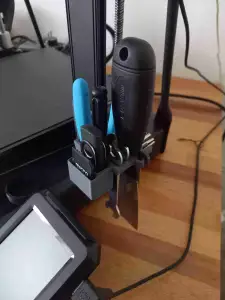

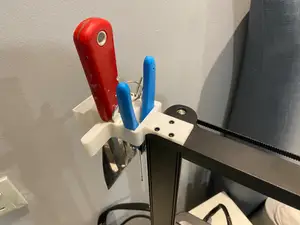
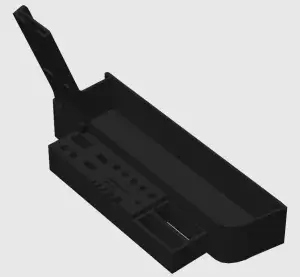

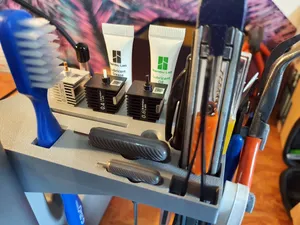


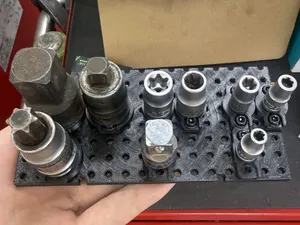
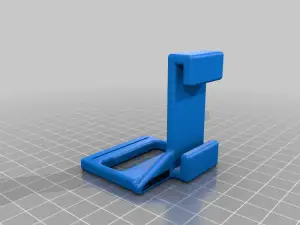

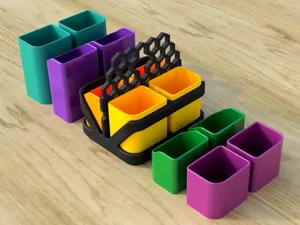
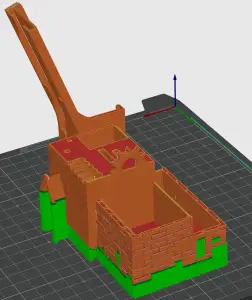

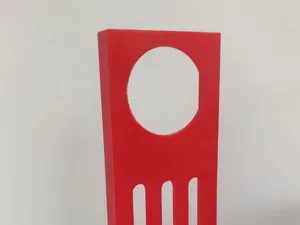
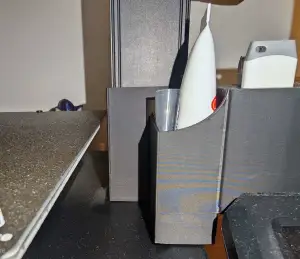

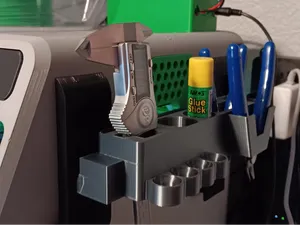
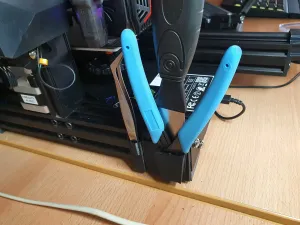

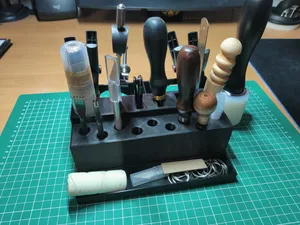
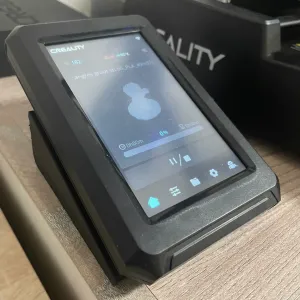
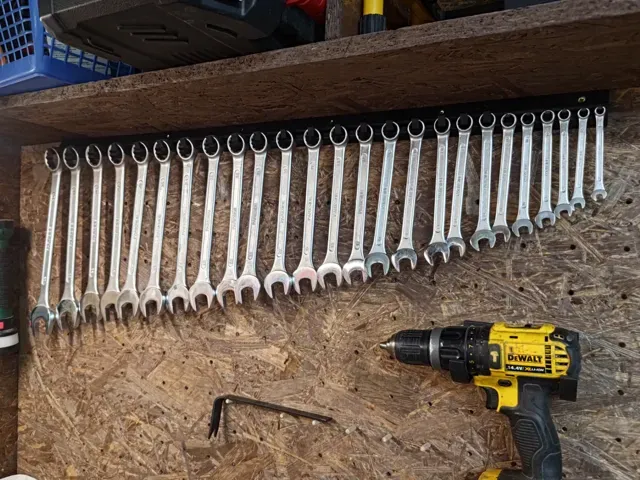
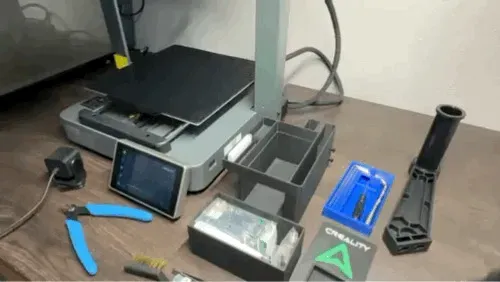
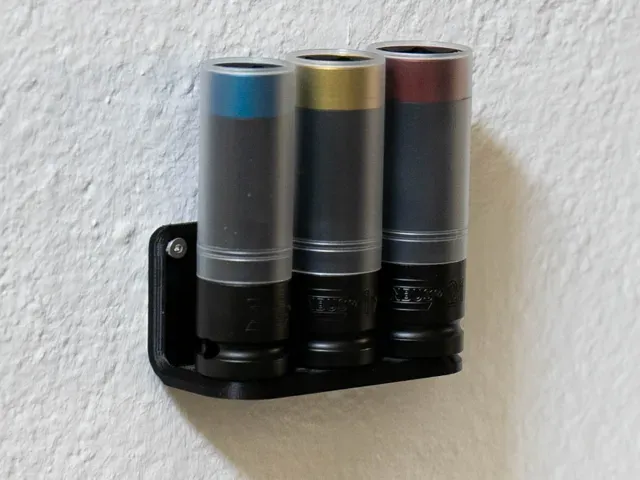
The models fall into a few groups. Printer-mounted holders clip or bolt to the frame, gantry or V-slot rail and hold hex keys, scrapers, pliers or a dial gauge. Wall and pegboard versions use hooks, screws or a slot system and carry screwdrivers, wrenches and power tools. Socket racks and compartment trays sit on a bench or in a drawer and keep small parts and bits separated.
Before printing, read the model page for the rail profile or hole spacing the holder expects, the tool dimensions it was drawn around, and how much weight it is meant to carry. Check how the part is oriented, since a hook printed flat on the bed loads the layers differently than one printed upright, and see whether the author lists supports, material and settings. Photos of real prints show how the fit and the wall thickness turned out.
If a search returns too little, try other words for the same object: mount, bracket, rack, organizer, clip or caddy, combined with the tool name. Adding the printer model, the rail type or the panel system narrows the results, while related topics such as workshop storage, drawer inserts, bit holders or printer accessories often lead to further models.
Sizing is the usual sticking point. A holder drawn for one wrench or battery will not fit another, so measure the tool and compare it with the dimensions on the page, or scale the model and re-check the wall thickness and screw holes afterwards. For parts that hang on a wall, the screw spacing and the thickness around the mounting holes matter as much as the shape of the hook.
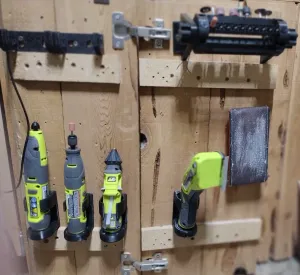

%2Fhttps%3A%2F%2Ffbi.cults3d.com%2Fuploaders%2F13845051%2Fillustration-file%2F771721dc-69c5-45b5-b1d7-04098e879400%2Fgiffff2.gif&w=300)

El catálogo completo de temáticas, del hogar al CNC, con búsqueda en todas las plataformas conectadas.