
Gratis 
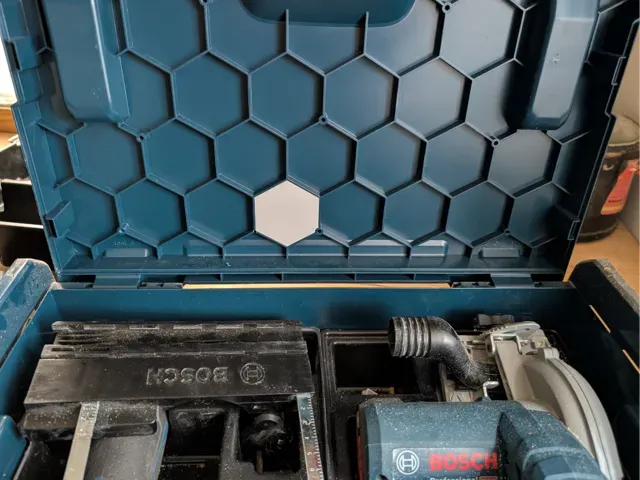
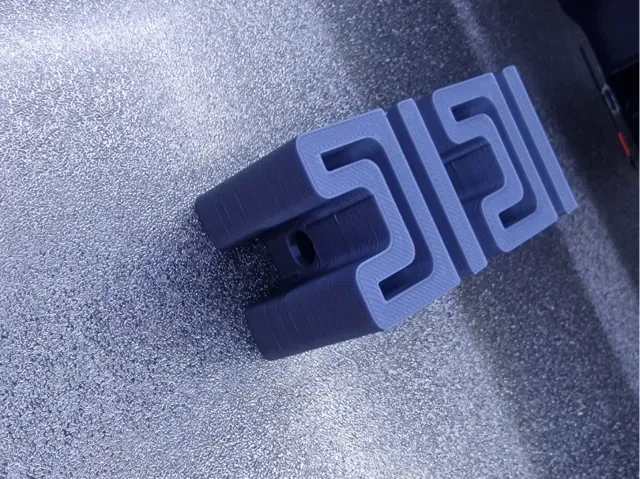
OLD (and G4) L-boxx SDS Plus drill bit holder
Printables
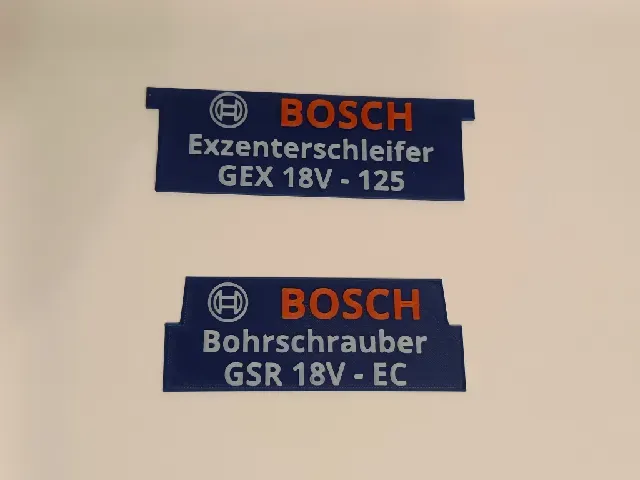
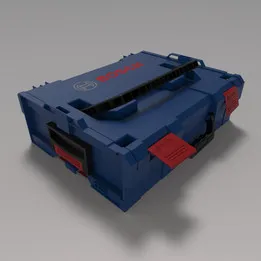
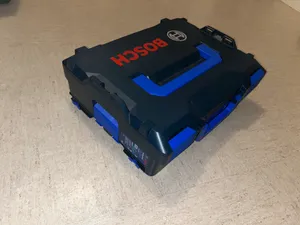
This collection gathers 3D models built around the older generation of L-Boxx cases, from interior inserts and bit holders to labels, clips and mounting brackets. It helps when a case is still in use but the original accessories are hard to find. Most of the files are small parts that a 3D printer handles well. Polyzon does not confirm whether models are free, their price, license, official status, affiliation, safety or fitness. Check the current terms at the source.
Esta colección está escrita en inglés, pero la búsqueda funciona en cualquier idioma.
 Una colección de Polyzon · 48 modelos de 5 plataformas
Polyzon reúne esta colección a partir de los resultados de búsqueda de las plataformas conectadas. Se eliminan los duplicados y los modelos sin vista previa, las coincidencias débiles van al final y el resto mantiene el orden de la búsqueda. Los modelos pertenecen a sus autores: consulta las condiciones en la página de cada modelo.
Criterios de selección: el equipo editorial de Polyzon · Texto actualizado el 12/10/2026










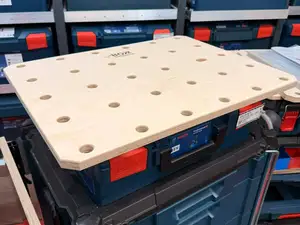
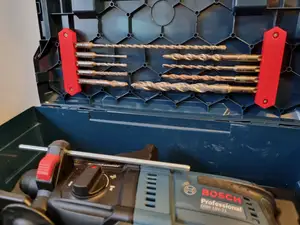

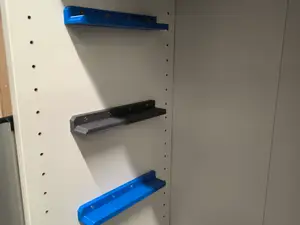

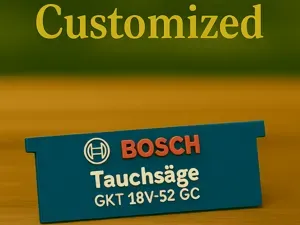
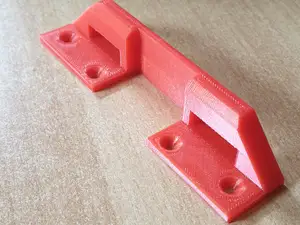


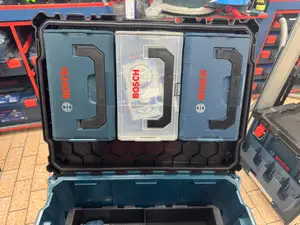
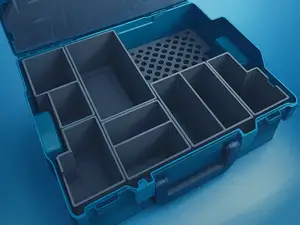
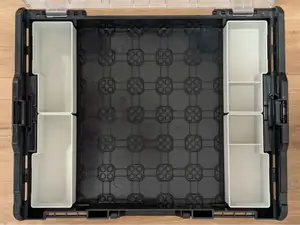

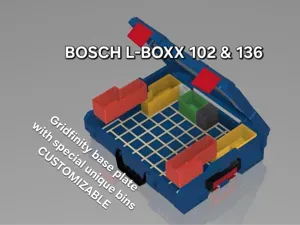
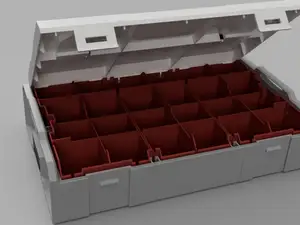
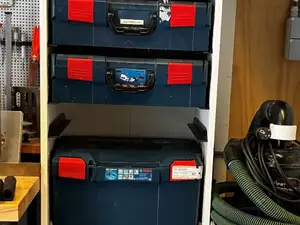


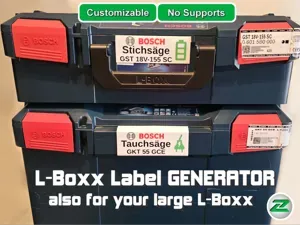
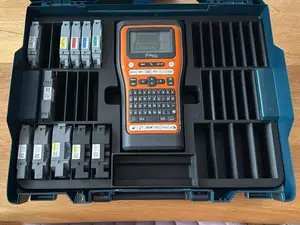

%2Fhttps%3A%2F%2Ffbi.cults3d.com%2Fuploaders%2F14584840%2Fillustration-file%2Fdd6f76c4-f76f-4735-aac9-10dfcf823b69%2FIMG_20200824_200758.jpg&w=300)

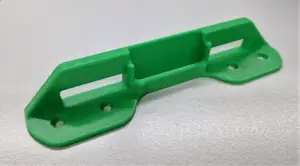
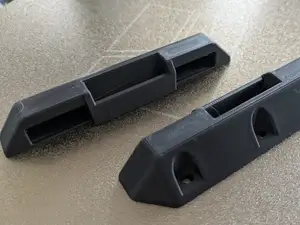

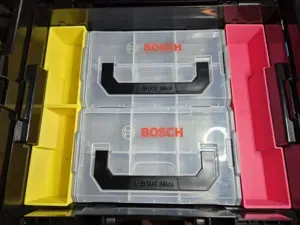
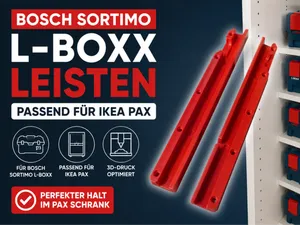
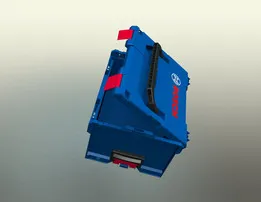
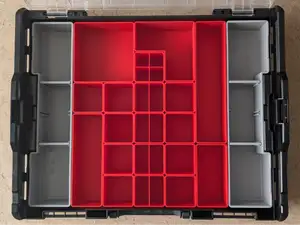
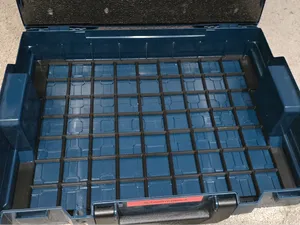
Inserts and organizers form the largest group: trays that divide the interior, press-fit blocks for bits and small parts, and side pieces that sit against the wall of the case. Tool holders are a second group, often shaped around one item such as a drill bit set or a magnetic strip. A third group covers small accessories — labels, clips, clamps and brackets — that attach to the case or hold it in place. Older boxes differ from newer ones in rib layout and wall thickness, so a part drawn for one generation may not sit correctly in another.
On the author's page, look at which case size and generation the part was drawn for, since one family covers several widths and depths. Check the number of parts, whether the piece prints as a single unit or needs assembly, and whether the author used supports. Material and settings matter for thin walls and snap fits, so note the listed filament type, layer height and wall count. Photos of real prints show how a piece sits in the case better than a render.
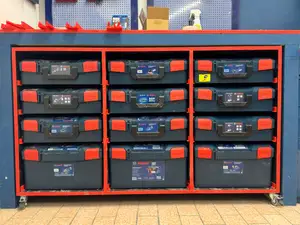
If a search returns little, try related wording: the older generation is often described as old model, first generation or by the case family name, while the parts themselves appear as insert, inlay, tray, holder, bracket or rail. Searching for the tool rather than the case — drill bits, screwdriver bits, small consumables — often surfaces trays that were never labelled with the box name. Workshop and mounting topics such as under-shelf brackets, trolley rails or table plates are another route into the same group.


El catálogo completo de temáticas, del hogar al CNC, con búsqueda en todas las plataformas conectadas.