Gratis 
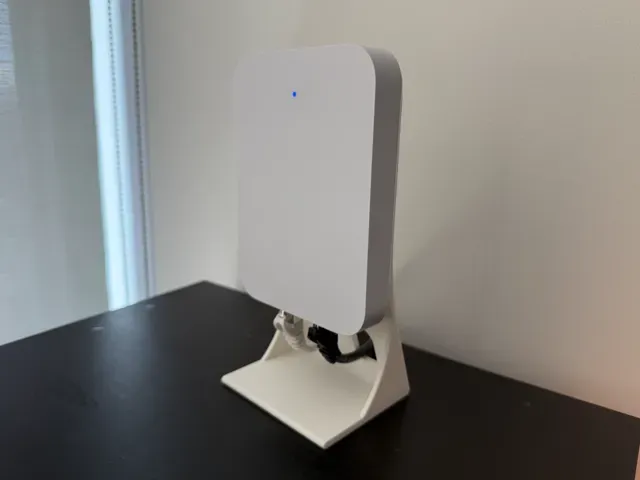
Ooma Telo Stand & Wall Mount
Thingiverse
This collection gathers STL files for stands that hold phones, tablets, IP cameras and small network devices in place on a desk or wall. Most of them are simple one- or two-part prints, which makes them a practical first project for a 3D printer. The range covers upright holders, tilted camera mounts and risers for screens. Polyzon does not confirm whether models are free, their price, license, official status, affiliation, safety or fitness. Check the current terms at the source.
Esta colección está escrita en inglés, pero la búsqueda funciona en cualquier idioma.
 Una colección de Polyzon · 47 modelos de 5 plataformas
Polyzon reúne esta colección a partir de los resultados de búsqueda de las plataformas conectadas. Se eliminan los duplicados y los modelos sin vista previa, las coincidencias débiles van al final y el resto mantiene el orden de la búsqueda. Los modelos pertenecen a sus autores: consulta las condiciones en la página de cada modelo.
Criterios de selección: el equipo editorial de Polyzon · Texto actualizado el 15/10/2026
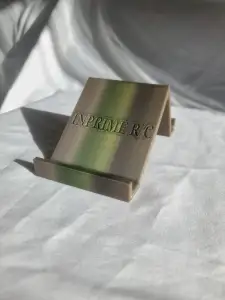


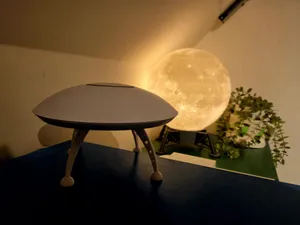
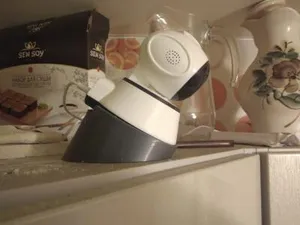
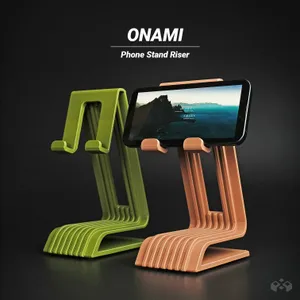


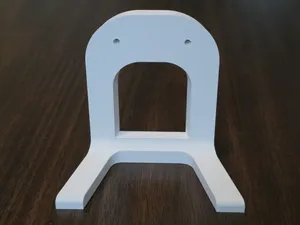
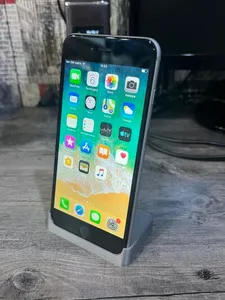
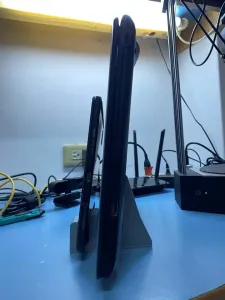


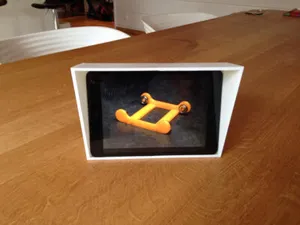
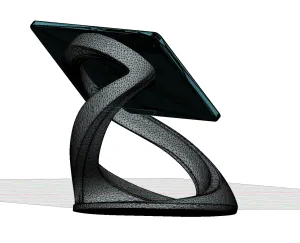


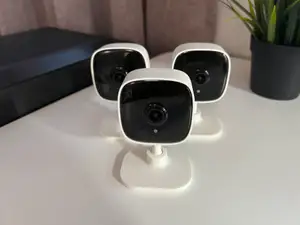
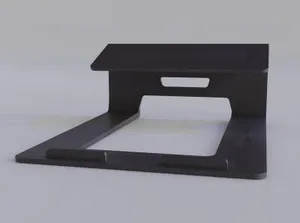
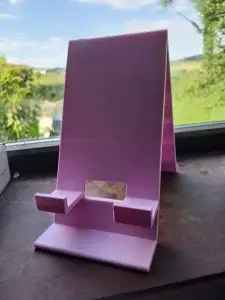


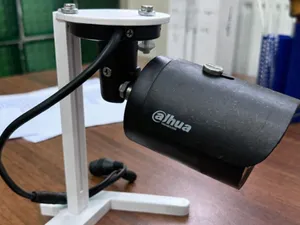
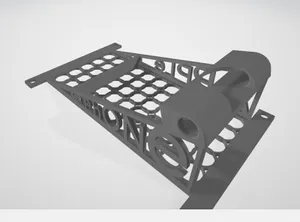
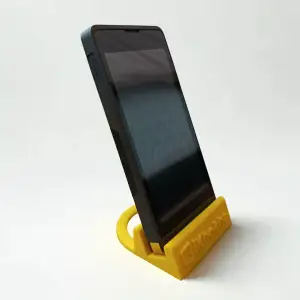


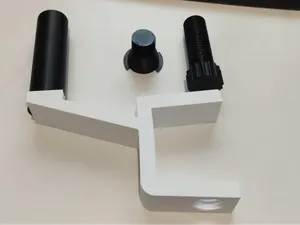
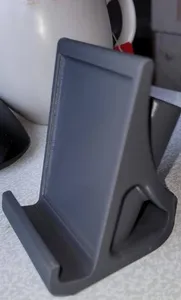

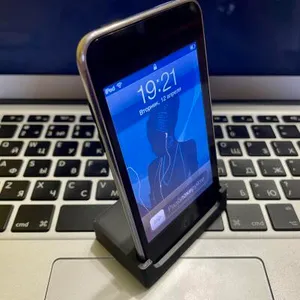



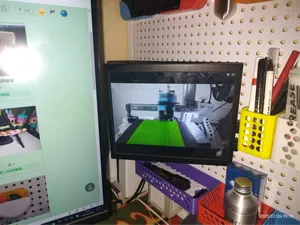
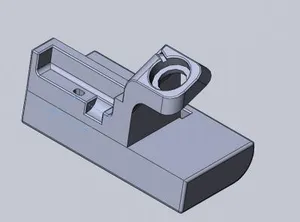
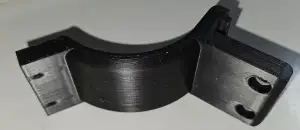


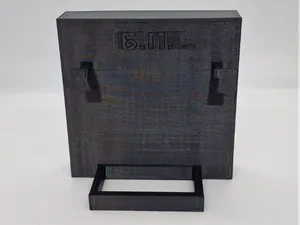
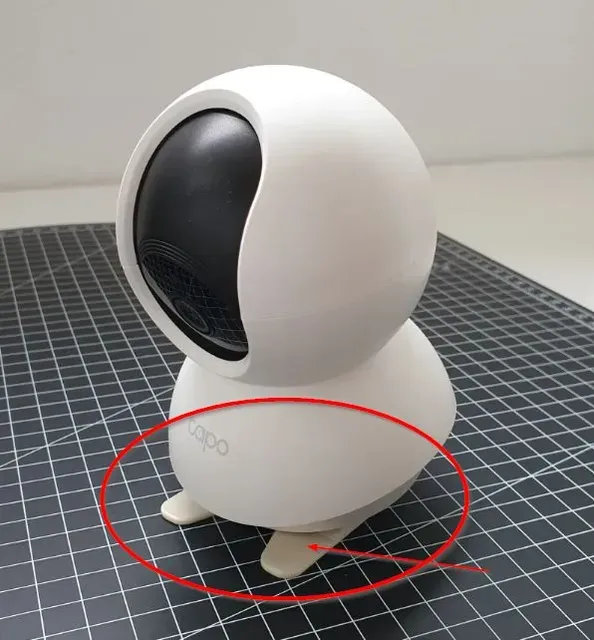
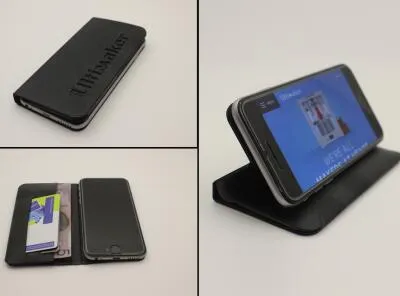
The models fall into a few groups. Phone and tablet stands are usually flat desk pieces that hold a device upright or at a slight angle, sometimes combined with a case or a foldable riser. IP camera mounts are shaped around a specific camera body and tilt the lens toward a chosen view. A third group lifts access points, routers and smart-home control units off the surface, often with a wall-mount option in the same file.
Before printing, compare the listed dimensions with your own device: width, thickness, corner radius and the position of ports or cables. For camera mounts, check the tilt angle and how the camera body is fixed, since a loose fit shows up in the picture. Look at the number of parts and whether they need assembly, whether the author reports supports, and which material and settings they used. Photos of real prints are the quickest way to judge how the stand sits on a desk.
If the first results are thin, try other words for the same object: holder, mount, bracket, dock, riser or desk organizer. Adding the device type or the screen size narrows the list, and related topics such as wall mounts, tripod adapters and cable clips often lead to files that solve the same problem. You can also search by the shape of the space you have, for example a narrow shelf or a monitor edge.
A stand that fits one device rarely fits another without changes. Scaling a model up or down shifts clearances, screw holes and the angle at which a camera points, so it is worth checking the author's notes before adjusting anything. If a file has several versions, compare their dimensions first and pick the one closest to your device.




El catálogo completo de temáticas, del hogar al CNC, con búsqueda en todas las plataformas conectadas.