Gratis 
Projector stand
Thingiverse
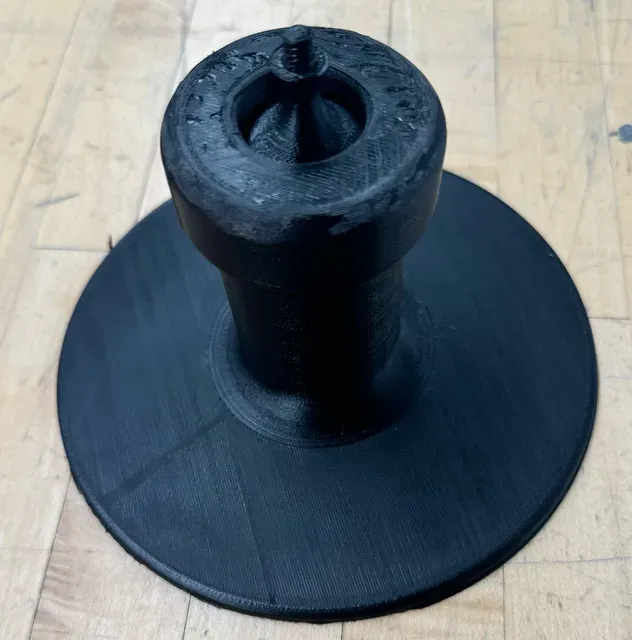
This collection gathers 3D-printable stands, shelves and brackets that hold a projector on a desk, a wall or a piece of furniture. Most files fall into a few groups: tabletop stands, wall-mounted holders with cable routing, and adjustable brackets that change the tilt or swivel angle. It is useful when you want a mount shaped around your own room and your own 3D printer rather than a fixed off-the-shelf part. Polyzon does not confirm whether models are free, their price, license, official status, affiliation, safety or fitness. Check the current terms at the source.
Esta colección está escrita en inglés, pero la búsqueda funciona en cualquier idioma.
 Una colección de Polyzon · 47 modelos de 4 plataformas
Polyzon reúne esta colección a partir de los resultados de búsqueda de las plataformas conectadas. Se eliminan los duplicados y los modelos sin vista previa, las coincidencias débiles van al final y el resto mantiene el orden de la búsqueda. Los modelos pertenecen a sus autores: consulta las condiciones en la página de cada modelo.
Criterios de selección: el equipo editorial de Polyzon · Texto actualizado el 11/10/2026
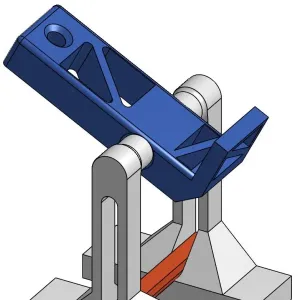

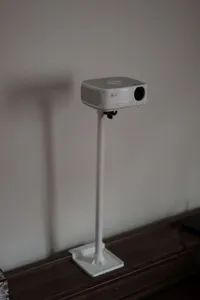
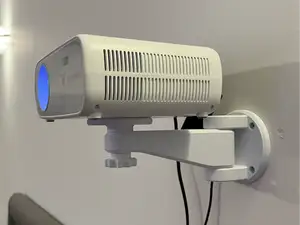
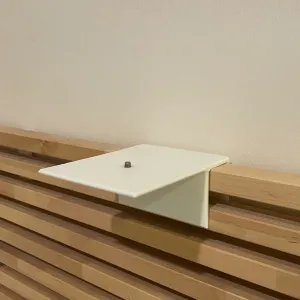


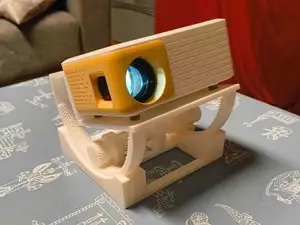
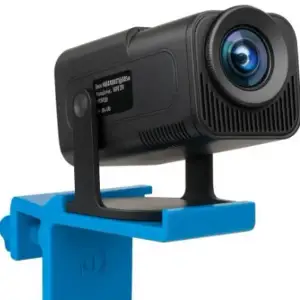

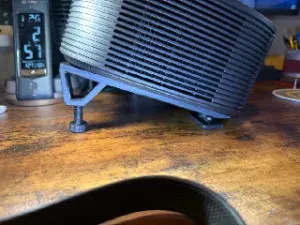
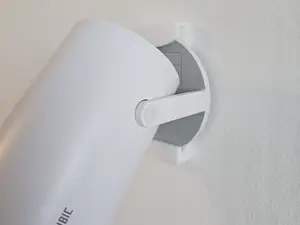
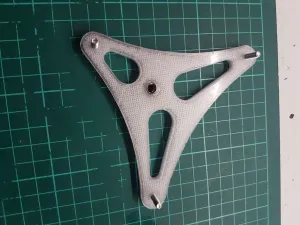

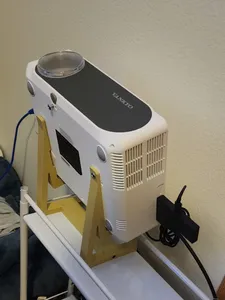
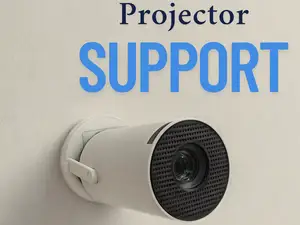
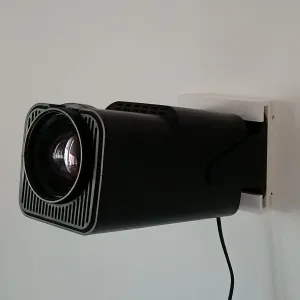

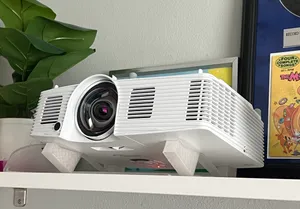
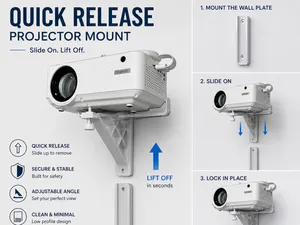
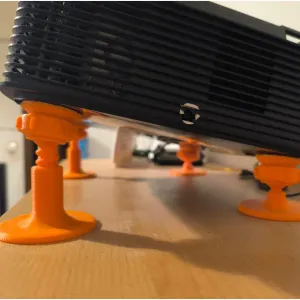


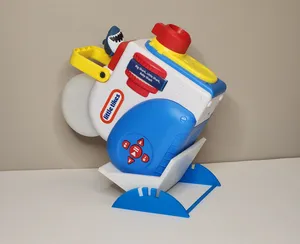
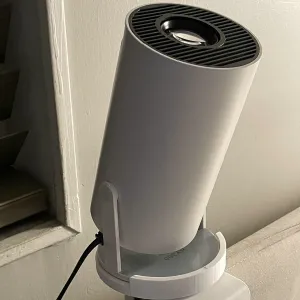

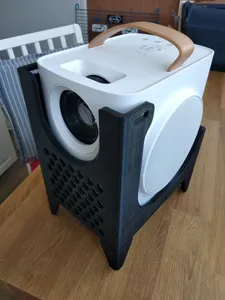
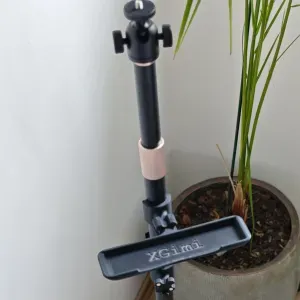


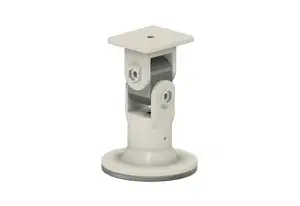
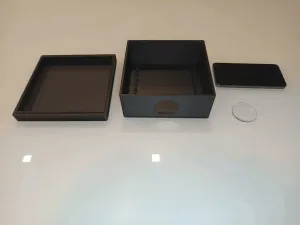


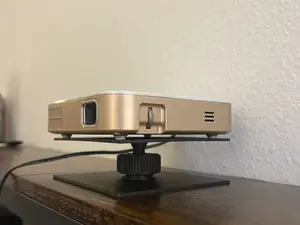
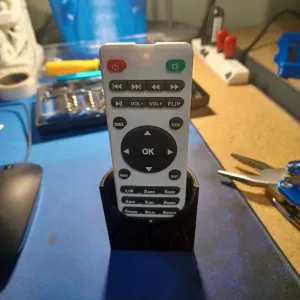


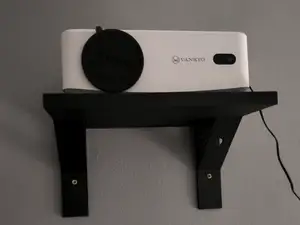
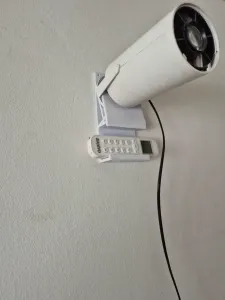

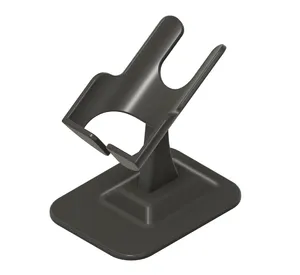
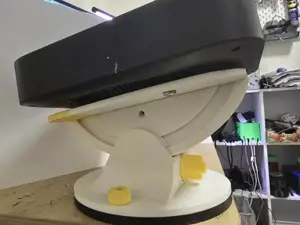
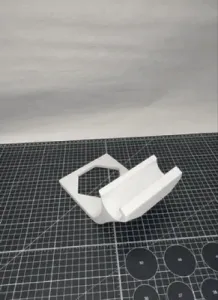
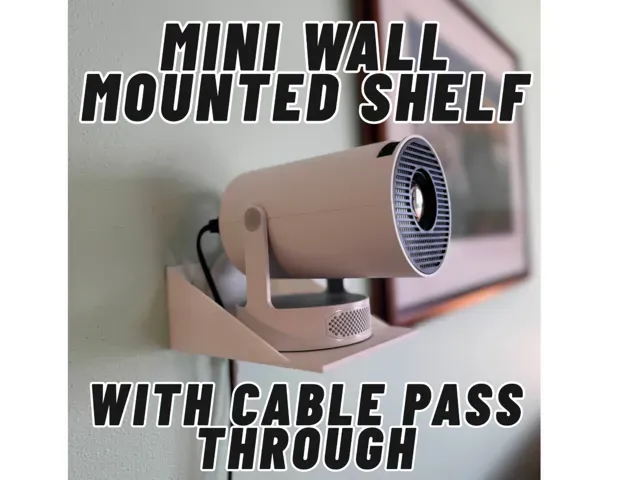
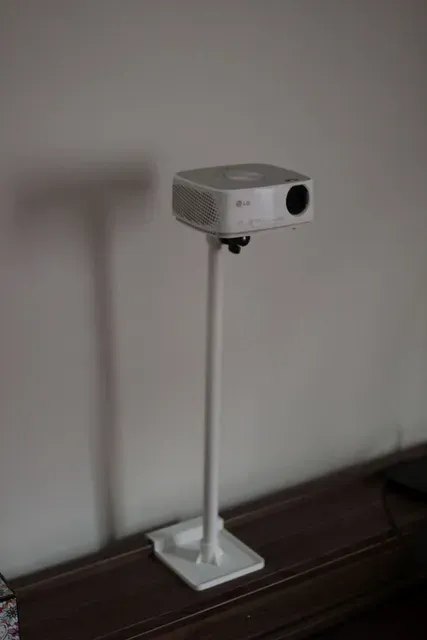
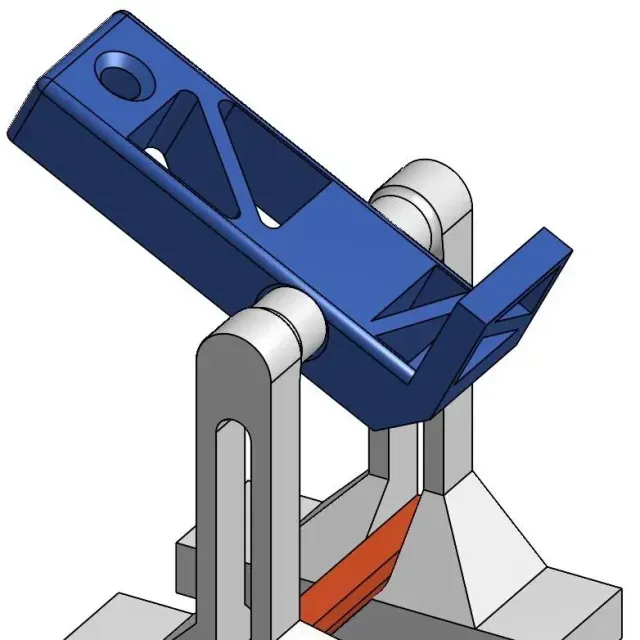
Tabletop stands usually rest on a desk or shelf and hold a compact projector at a set angle, sometimes with a small platform and a lip to stop it sliding. Wall-mounted versions replace the base with a plate or shelf fixed to a wall, and many include a slot or channel for the power and signal cables. Adjustable brackets add a hinge, a ball joint or a rotating plate, while furniture adapters clamp or screw onto a bed frame, a shelf edge or another surface that is already in the room.
Before printing, compare the mounting pattern of your projector with the holes in the model: hole spacing, screw diameter and the thickness of the surface the part is fixed to matter more than the overall shape. Look at how many separate parts the author lists, whether they are joined with screws or glue, and whether overhangs need supports. The author's page often states the material, layer height and infill used, and photos of real prints show how the part sits under load and how much room is left for cables.
If the first search gives few results, try the words people use for the same object: mount, bracket, holder, shelf, ceiling mount, tripod head, quick-release plate. Related topics also help, such as angle adjusters, cable pass openings, mini projector accessories, home cinema setups or stands designed around a particular room layout. Combining a mounting word with a size or placement word narrows the list faster than one broad term.




El catálogo completo de temáticas, del hogar al CNC, con búsqueda en todas las plataformas conectadas.