Gratis 
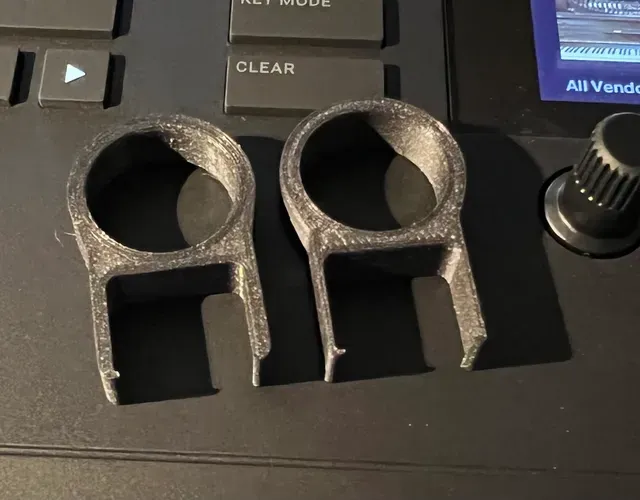
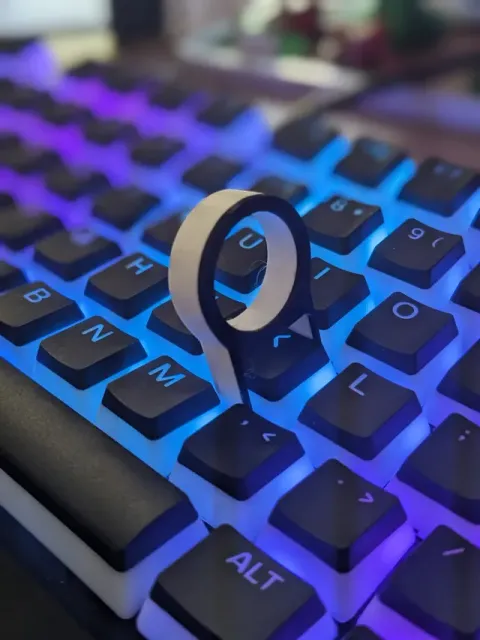
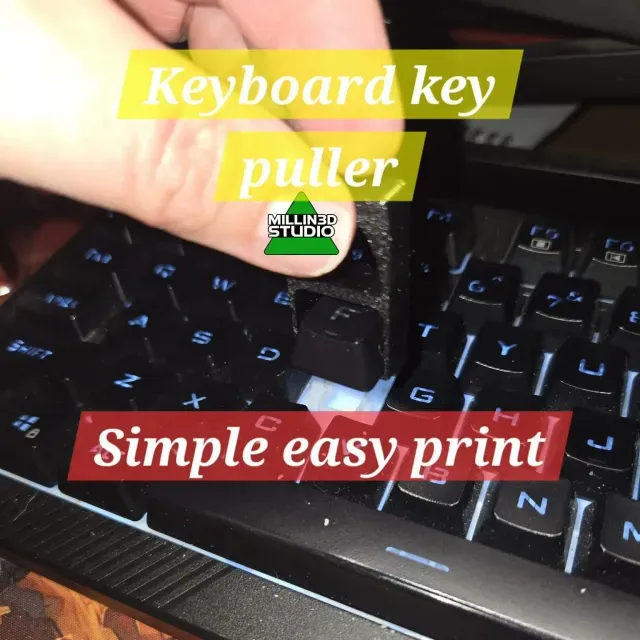
Keyboard Key Puller/Remover
Thingiverse
This collection gathers 3D-printable pullers: keycap and switch removers for mechanical keyboards, cable guides, zipper slider replacements and small extraction tools for workshop or printer maintenance. It helps you compare how each design grips, what it is meant to pull, and how many parts it has before you start 3D printing. Most of these items are small enough to print in one run on a typical 3D printer. Polyzon does not confirm whether models are free, their price, license, official status, affiliation, safety or fitness. Check the current terms at the source.
Esta colección está escrita en inglés, pero la búsqueda funciona en cualquier idioma.
 Una colección de Polyzon · 48 modelos de 4 plataformas
Polyzon reúne esta colección a partir de los resultados de búsqueda de las plataformas conectadas. Se eliminan los duplicados y los modelos sin vista previa, las coincidencias débiles van al final y el resto mantiene el orden de la búsqueda. Los modelos pertenecen a sus autores: consulta las condiciones en la página de cada modelo.
Criterios de selección: el equipo editorial de Polyzon · Texto actualizado el 12/10/2026



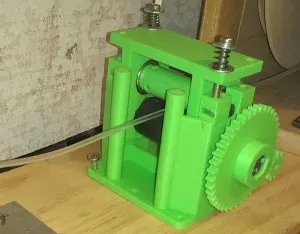

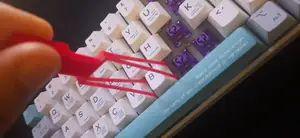
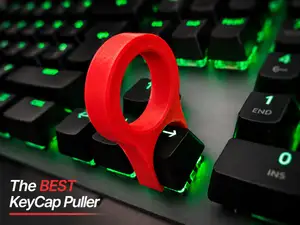
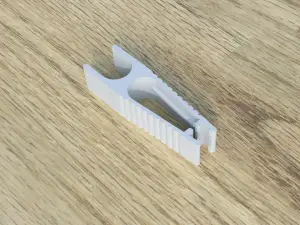


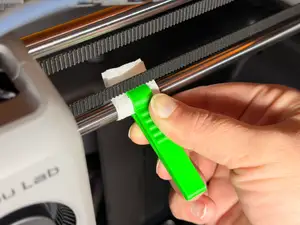
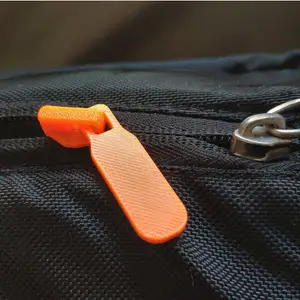


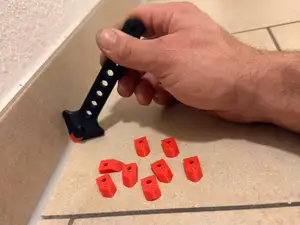
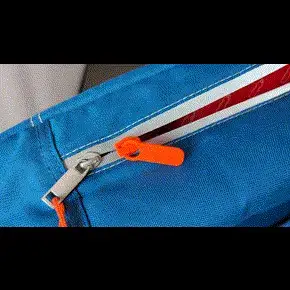


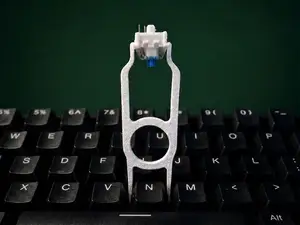
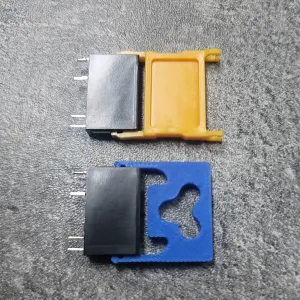


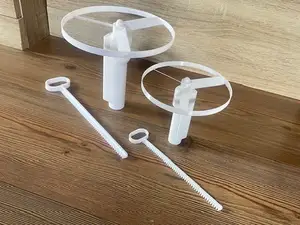
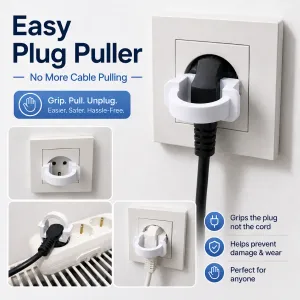

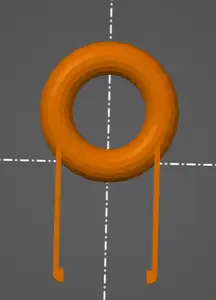
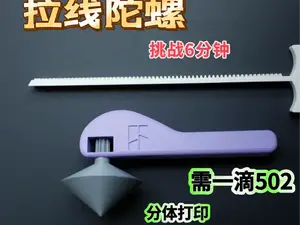
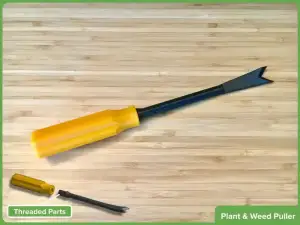


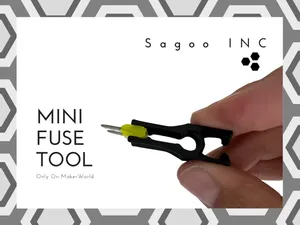
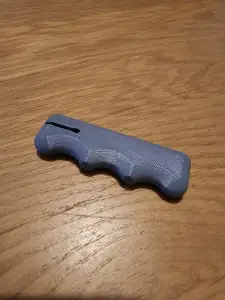


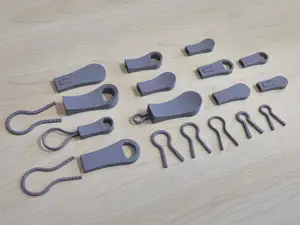
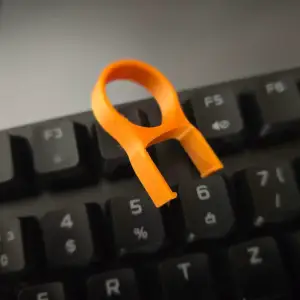


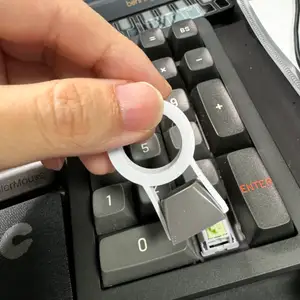
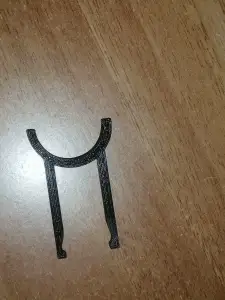



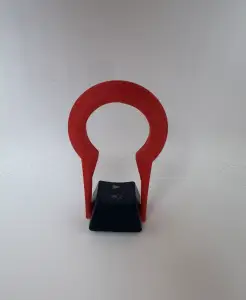
The models fall into a few groups. Keyboard pullers are usually compact handles or wire loops made to lift keycaps or release switches, while cable pullers are longer shapes with a channel or magnet slot for feeding a line through a wall or duct. Zipper slider replacements copy the small body and tab of a broken slider, and workshop pullers cover bearing, fuse and connector extraction in a size that fits the part being removed.
When choosing a design, read the author's page rather than the thumbnail. Check the stated dimensions and scale against the part you want to pull, the number of separate pieces and how they join, and whether the geometry needs supports or prints better in a particular orientation. The material and settings the author lists matter too: a thin hook or a snap-fit tab behaves differently in a stiff filament than in a flexible one, so look at photos of real prints to judge wall thickness and tolerances.
If the first results do not match what you need, widen the wording. Try terms such as remover, extractor, gripper, handle, slider or tab, or search by the object being pulled, like keycap, switch, fuse, bearing, cable or zipper. Related topics include keyboard accessories, printer maintenance tools, cable management and repair parts for bags and clothing.



El catálogo completo de temáticas, del hogar al CNC, con búsqueda en todas las plataformas conectadas.